Step by Step Guide for MFA Setup
Set up multi-factor authentication (MFA) on your hi! by Singtel app to better protect your account.
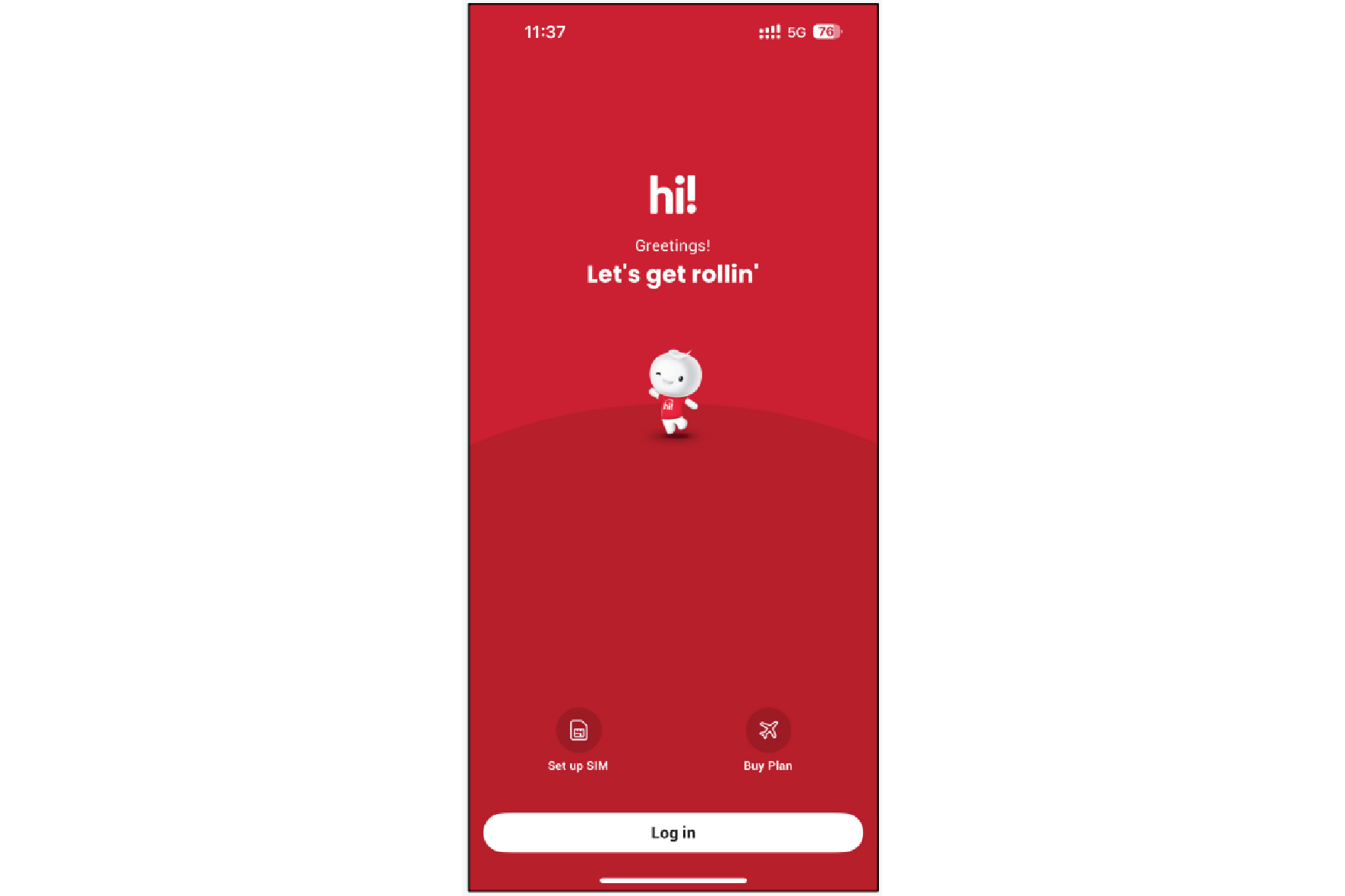
1. Click "Log in".
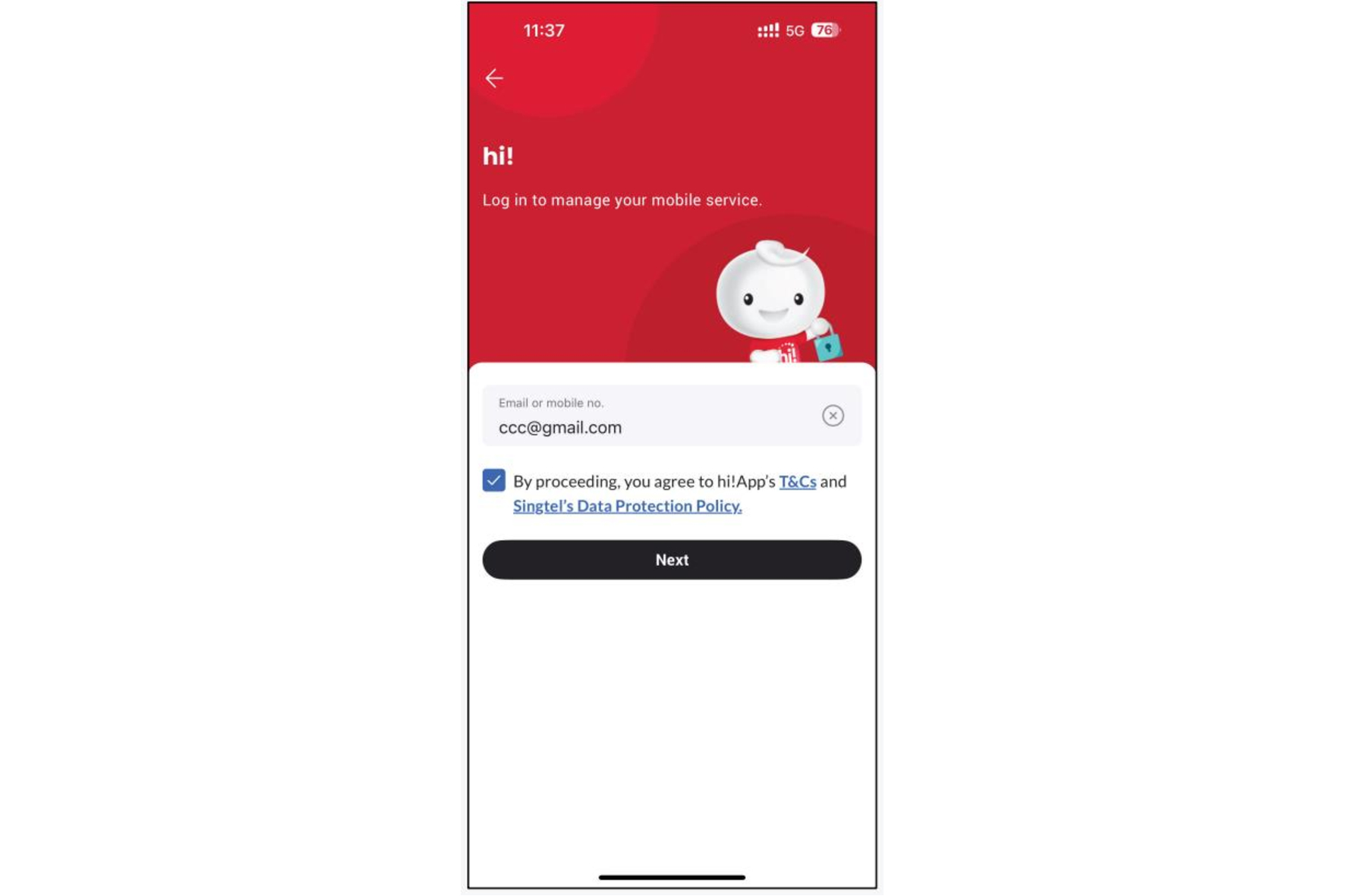
2. Enter your email address or hi! registered mobile number to receive OTP. Tick the box and click "Next".
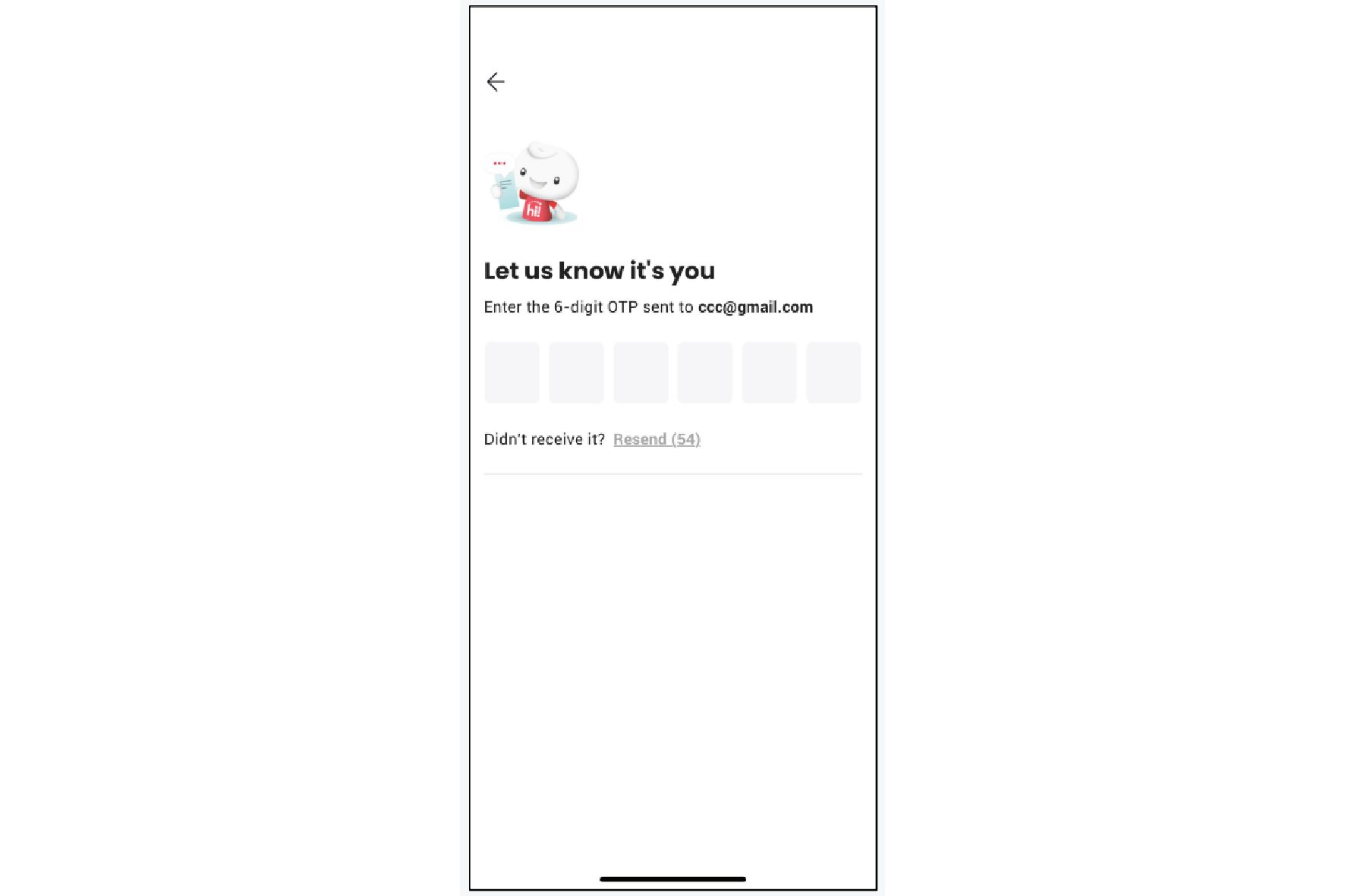
3. Enter the OTP.
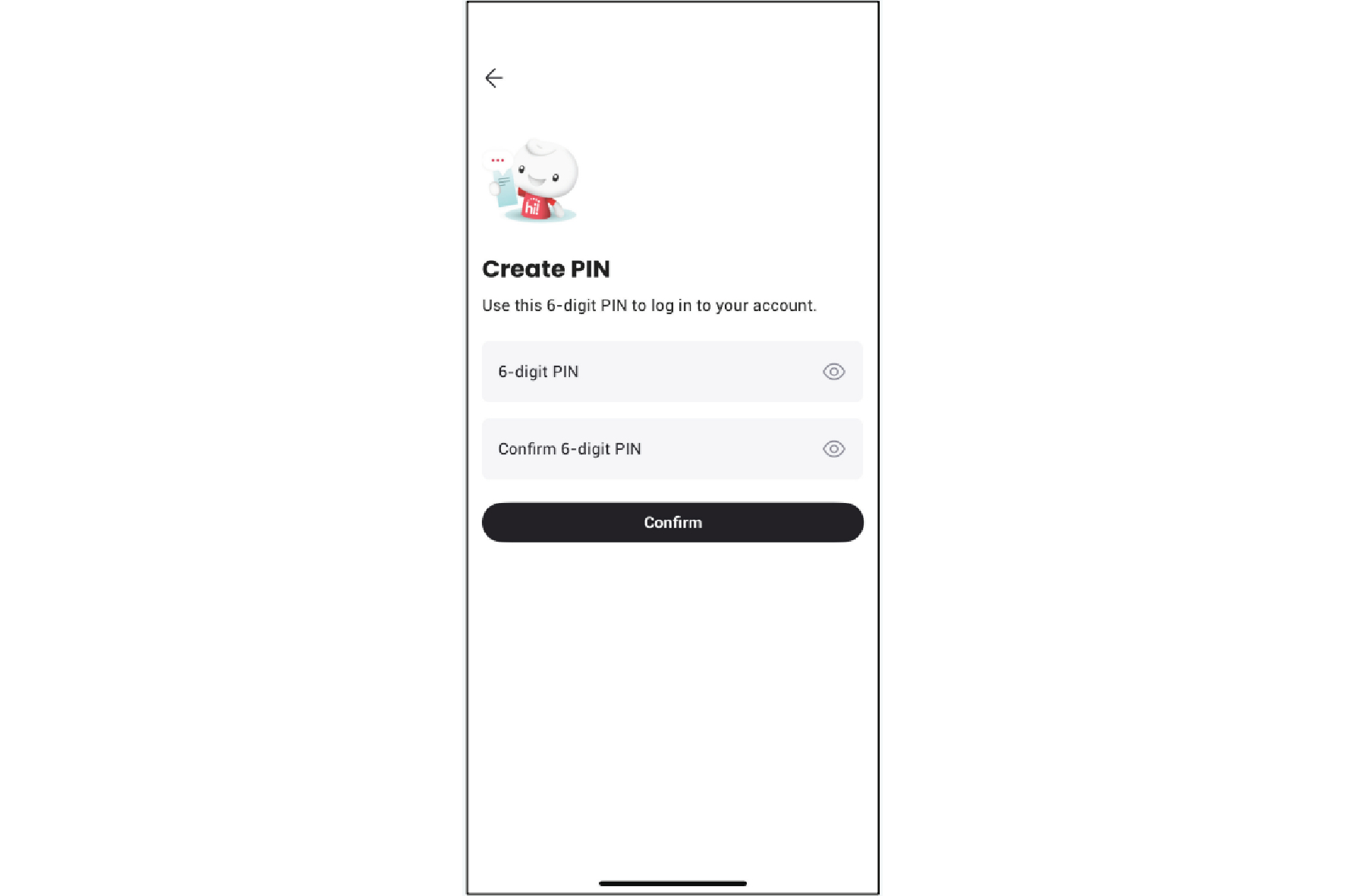
4. Create a 6-digit PIN and press "Confirm".
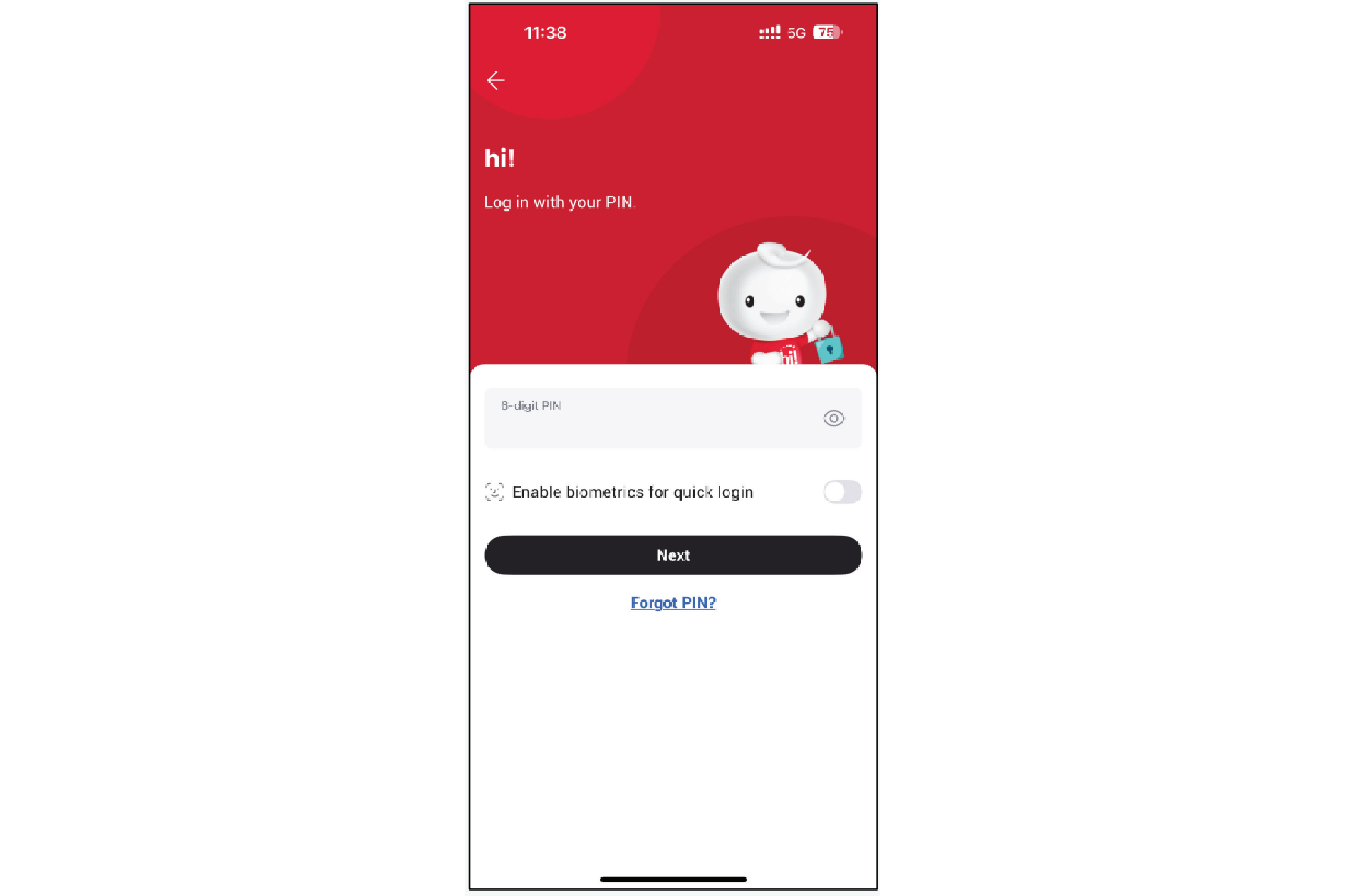
5. Optional: For you to set the Face ID.
Click "Log in with biometrics" to set it.
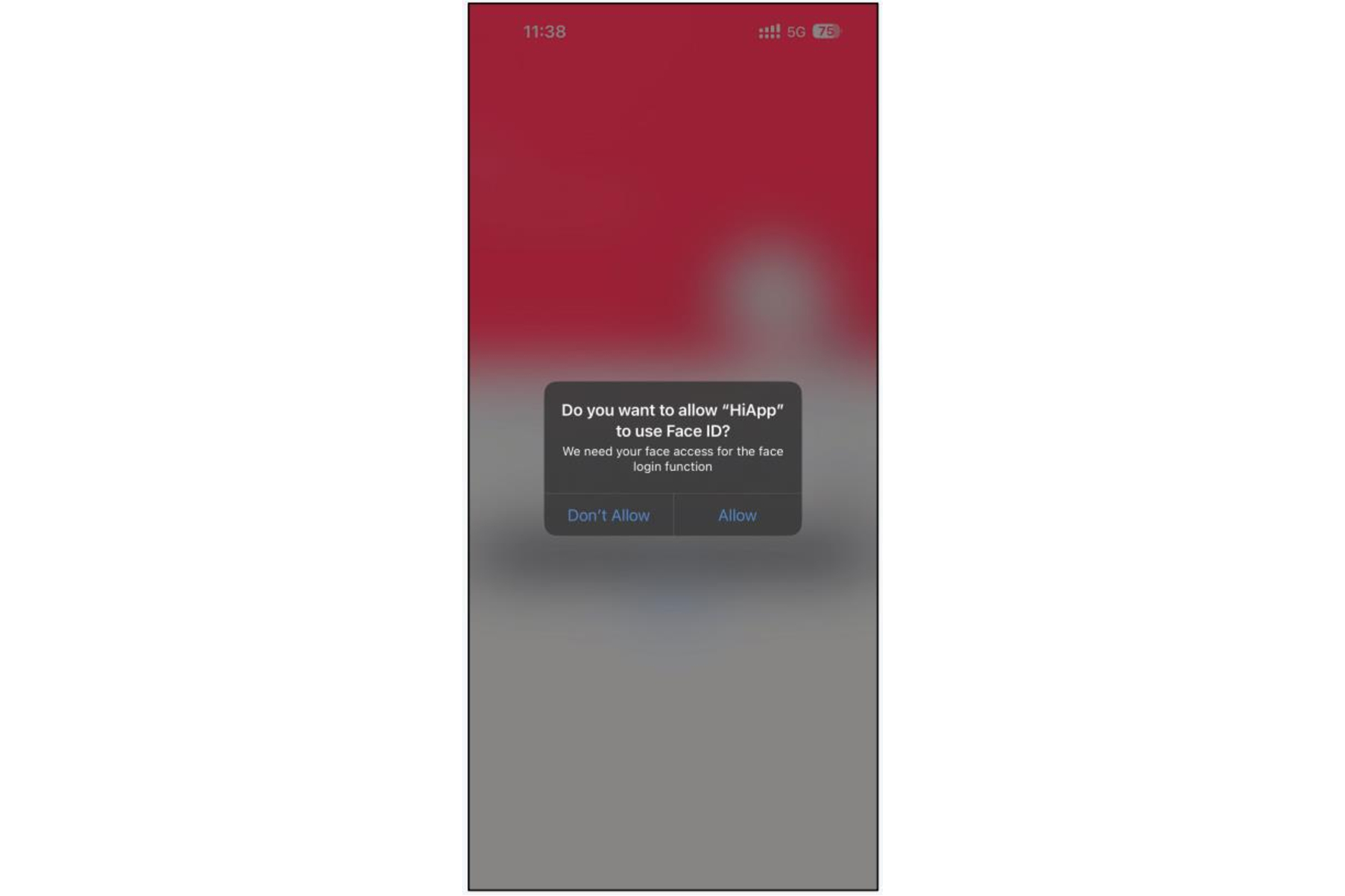
6. Click "Allow." Your Face ID has been set.
7. Enjoy using Singtel hi! App.