No device detected via cable
This only applies if you have a device (e.g. mesh) connected to your ONR via an ethernet cable but it cannot be detected.
Here’s what you can do.
1. Check that one end of the ethernet cable is securely connected to the LAN port on your ONR.
2. Ensure that the other end of the ethernet cable is securely connected to your device (e.g. mesh), and is switched on.
3. If it is still not working as expected, try changing the ethernet cable.
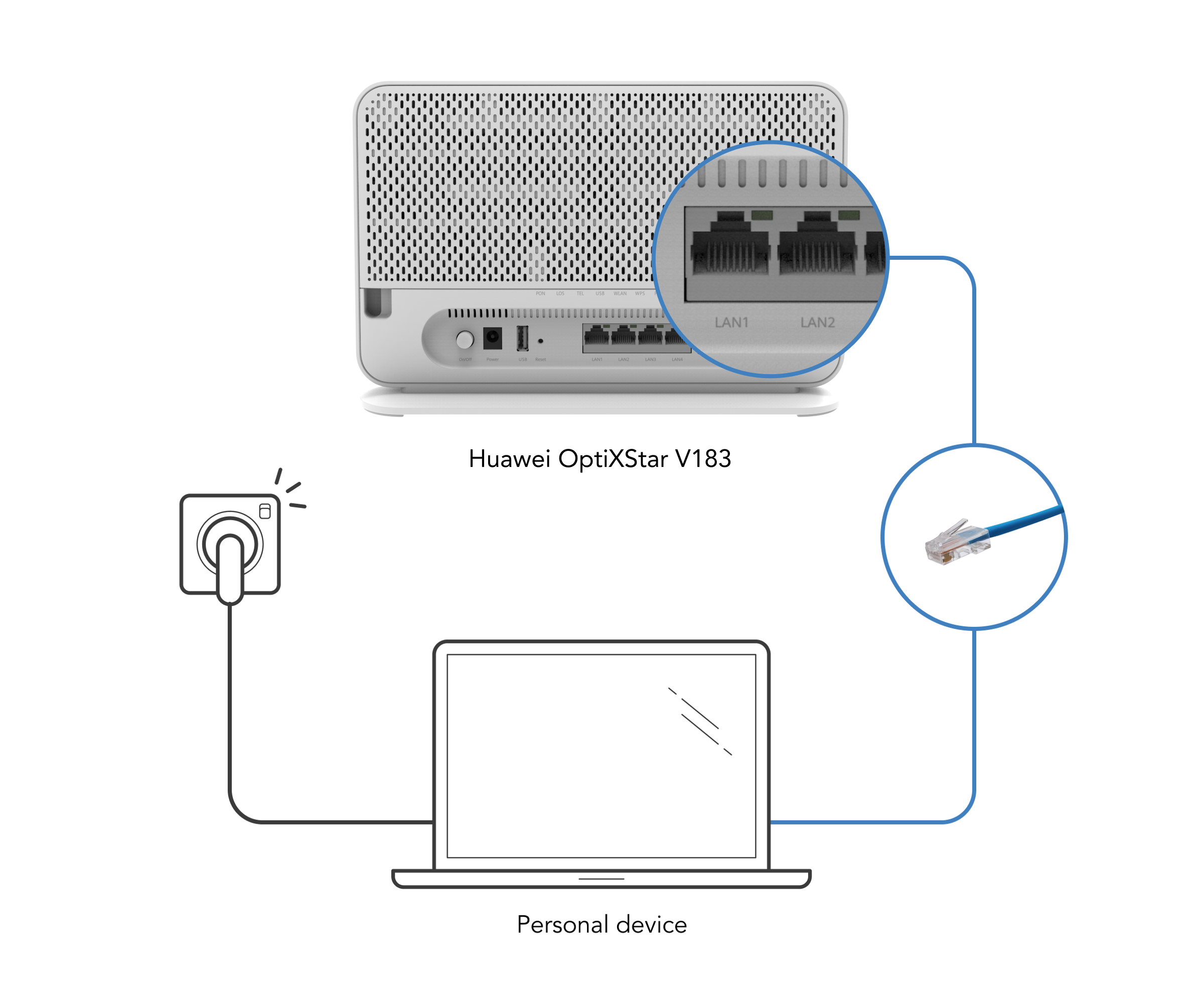
If it works, you should see a steady/blinking LAN light on your Optical Network Router.
Still not working? Visit our self-replacement centres and bring along your device and power adaptor to do an exchange.
Didn’t find what you are looking for?
Let us know what you need and we’ll connect you to the right team.
Call us
Available from 8:30AM–6:00PM
(Technical help: 24 hours daily)