Do you need McAfee Mobile Security for your phone?

With the number of phone scam cases on the rise, it's important to keep your phone secure.
Enter McAfee Mobile Security.
Simply put, McAfee Mobile Security is a tool that can help protect you from many potential risks.
In this article, we'll explore how the app works and how you can utilise it.
PS: Did you know that you get McAfee Mobile Security for free when you sign up for any Singtel Phone Plan?
Read on to learn more!
In this article, we’ll cover:
What is McAfee Mobile Security?
McAfee Mobile Security is a security tool that helps to protect your mobile phone against malware and hackers.
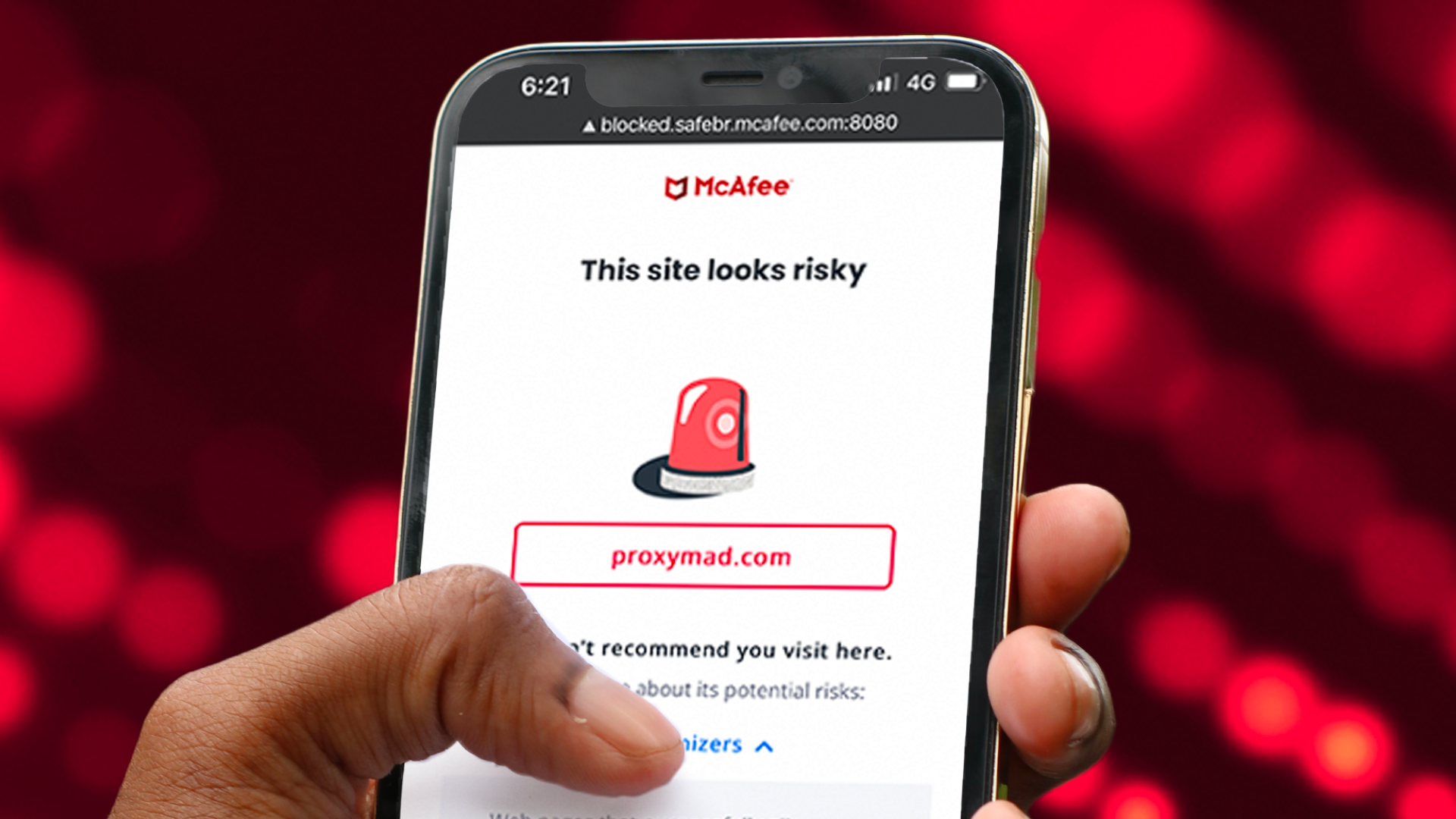
And in today’s world, it’s more important than ever.
If you’ve been following the news, you’ve likely seen numerous articles about phone app scams.
Here’s how it works – first, people get tricked into downloading third-party apps containing malicious Android Package Kits (APK).
Once the apps are installed, the APKs then retrieve personal data from the phones and hand them over to scammers.
Just recently, there have been numerous reports of people losing their life savings to fake supermarket apps!
How do you make sure you’re protected against such scams?
Simple – use an app such as McAfee Mobile Security.
What does McAfee Mobile Security do?
So, we’ve talked a lot about McAfee Mobile Security but what exactly does it do?
Let’s dive in!
Safe browsing
Safe browsing is a feature available with McAfee Mobile Security.
When Safe browsing is activated, your passwords and private information are shielded while you browse.
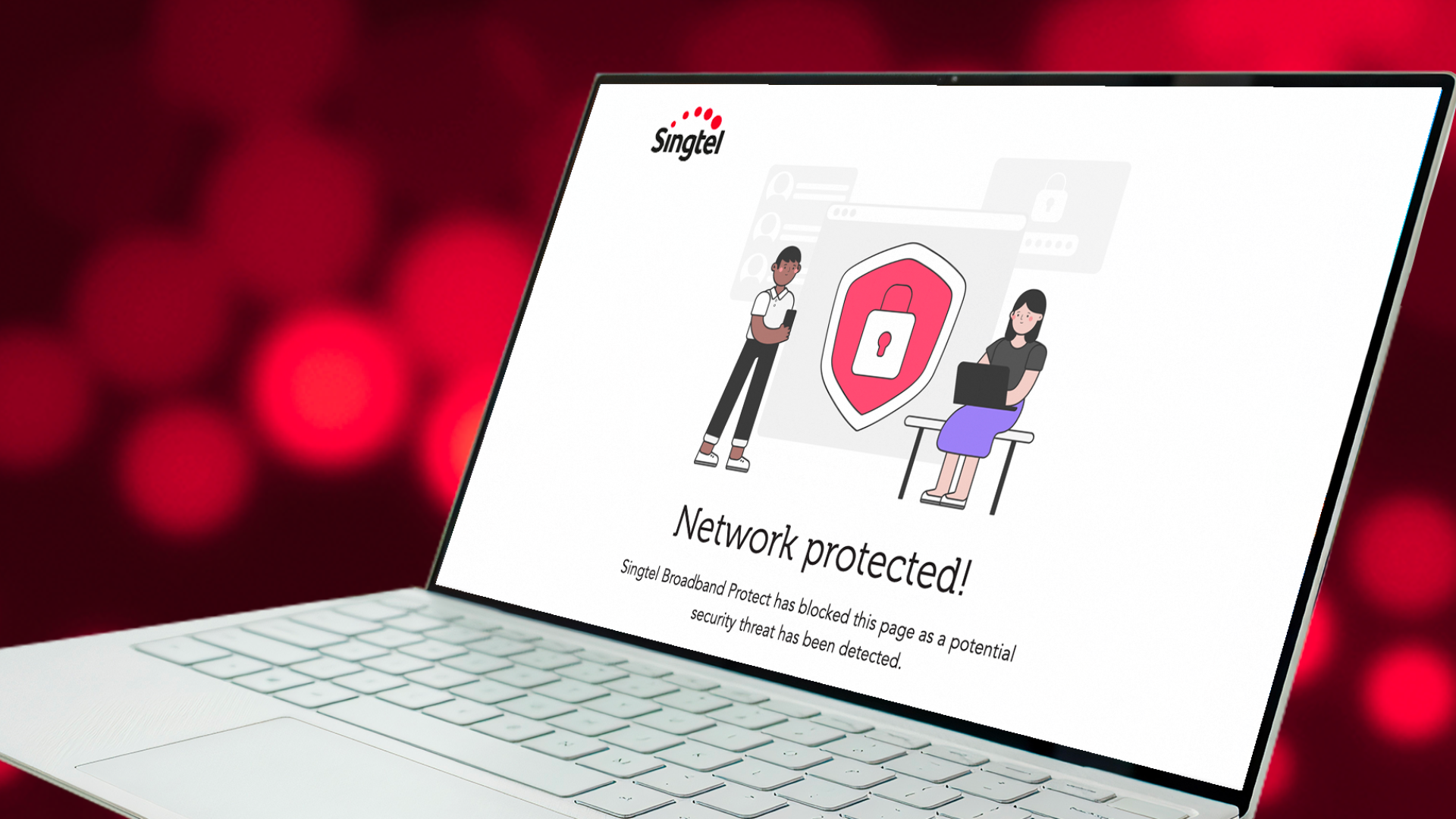
The McAfee Security app provides a Safe Browsing feature, which keeps you safe from malicious attacks while you browse online.
Cybercriminals create fake and malicious websites that try to steal your passwords, credit card details, and other private info.
Safe Browsing working alongside your mobile browser to identify and block these malicious websites before they cause problems.
Potential Unwanted Applications (PUA) and malware scanning
Ever downloaded a movie or app or visited a sketchy website on your phone?
Well, some of these may contain files that could harbour malware or PUA.
These can potentially cause a lot of trouble for you – they might gain authorised access to systems on your phone, slow down your device, and even install more harmful software without your knowledge.
Here’s where McAfee Mobile Security comes in.
It scans your phone for malware and PUA, and provides you with a list of apps and files that should be deleted for a safer mobile experience.
WiFi scanning
Enjoy working from a café, where you’re surrounded by the aroma of coffee and the temptation of a cute pastry? 😉
Now, just because a café offers free WiFi, it doesn’t mean it’s safe to use.
Enter McAfee’s WiFi scan.
This feature alerts you if the network you’re connected to is unsafe, preventing cyberattacks and safeguarding your sensitive information.
Scam protection
So, you’ve just gotten an SMS saying your Shopee package is stuck in transit, and there’s a link for you to track its progress – but is it legit?
Time to bust out McAfee’s Scam Protection feature.
Using smart AI technology, Scam Protection scans your SMSes and alerts you about sketchy links that will direct you to harmful websites.
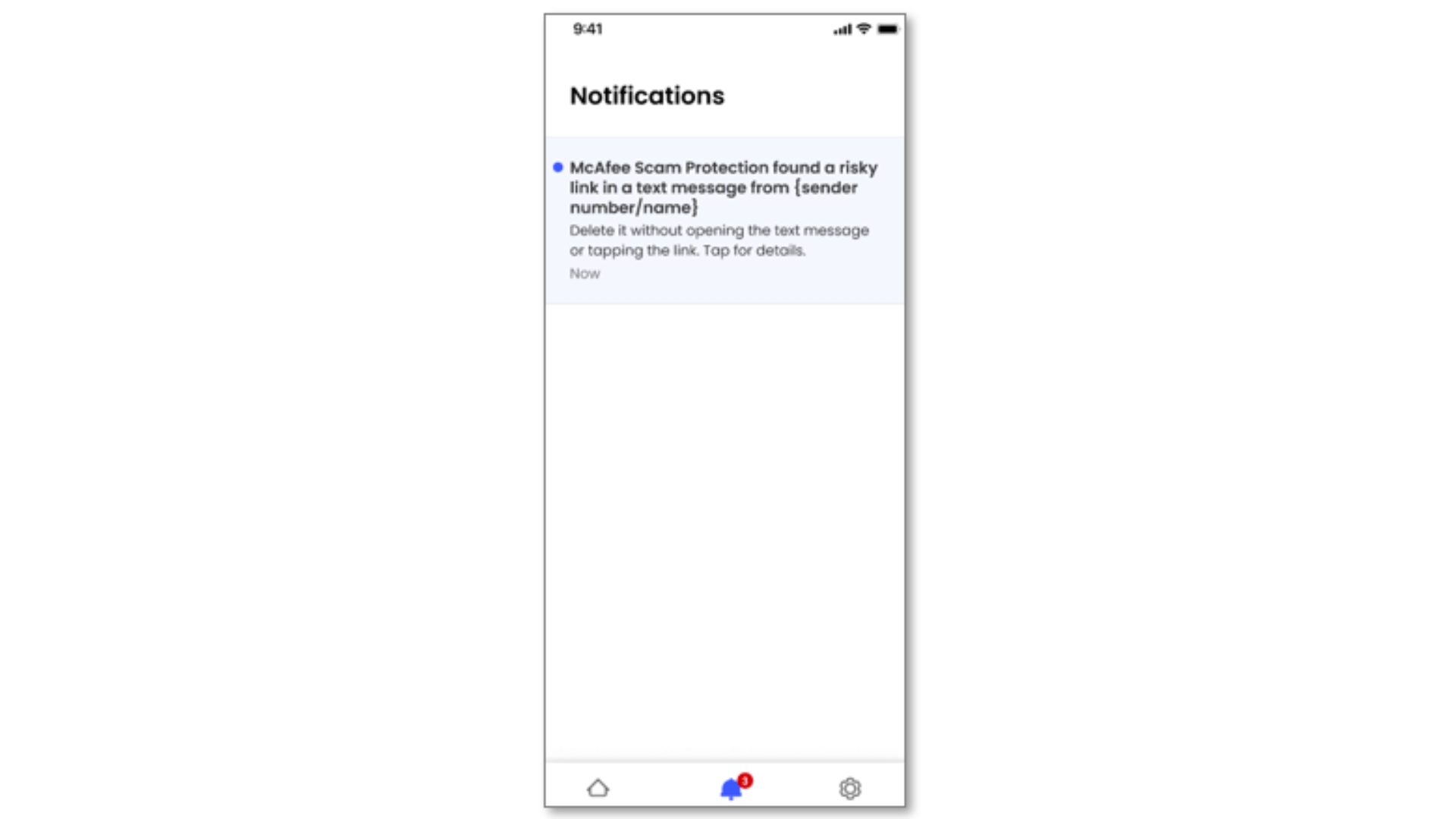
PS: Keep in mind that this feature functions differently on Android and iOS devices.
If you’re using McAfee on an Android device, you’ll receive notifications about scam texts in your inbox.
If you’re using McAfee on an iPhone, spam texts will be sent directly to your Junk folder.
And if you miss the notification and accidentally click on a scam link, McAfee will block the malicious site from loading to protect your device.
Who should use McAfee Mobile Security?
Now that we’ve covered what McAfee Mobile Security does, let’s talk about who should use it.
The answer is... almost everyone!
Here’s the thing – anyone who uses a smartphone to shop or perform transactions (eg: paying bills via an iBanking app) faces the risk of online attacks or scams.
Because of this, pretty much everyone would benefit from downloading a mobile security app like McAfee.
On top of that, there are also specific groups that may be more susceptible to scams or online attacks – and for these folks, it’s all the more important for them to use an app like McAfee.
These groups include:
Get McAfee Mobile Security for free with a Singtel Phone Plan
Want to keep yourself protected with McAfee Mobile Security?
Well, you'll be happy to know that the app comes bundled with Singtel’s Phone Plans.
Once you sign up for a Phone Plan, you’ll get access to McAfee Mobile Security, and you can go ahead and install it on your phone.
PS: The McAfee Mobile Security app is endorsed by the Cyber Security Agency of Singapore (CSA), and it’s definitely one of the best phone protection apps to use.
McAfee Mobile Security: FAQ
Still have burning questions about McAfee Mobile Security?
Keep reading to get the answers you need.
Q: I’ve signed up for McAfee Mobile Security via Singtel’s Phone Plan, how do I activate it?
A: Once you sign up successfully, you’ll get an SMS with the download links for the McAfee Mobile Security app.
Click the link, download the app and follow the on-screen instructions to install.
Q: Can I use McAfee Mobile Security for more than 1 device?
A: Yes. McAfee offers subscriptions that cater to either two or four devices.
Bonus: More services to protect your devices
Let’s look at other Singtel services that can also protect your beloved devices.
Broadband Protect
While McAfee is for phones and mobile devices, Singtel’s Broadband Protect takes a wider approach of protecting every device on your home WiFi network
Meaning: if your laptop, phone, and iPad are all connected to your home WiFi, all these devices will receive protection from Singtel’s Broadband Protect 😎
How exactly does Singtel Broadband Protect work?
It actively blocks harmful webpages to defend you against phishing sites, malware and botnets.
You can learn more about Broadband Protect here.
Scam Call Protect
Scam Call Protect adds an extra layer of defence against scam calls and SMSes by intercepting them before reaching your device.
To recap: McAfee Mobile Security will trigger a notification to you to warn you about spam texts (if you’re an Android user), or send spam texts to your Junk folder (if you’re an iPhone user).
But Scam Call Protect goes one step above that, and intercepts scam calls and SMSes so they don't reach you to begin with.
This free service is available to Singtel Mobile and Fixed-line customers.
A final word about McAfee Mobile Security
Considering how often we use our phones and the amount of data we store on them, it’s important to keep them safe.
Investing in an antivirus for your phone like McAfee Mobile Security is a smart move that’ll protect you from scams and viruses in the long run.
Plus, it comes free with Singtel’s Phone Plans, so it’s a win-win!
Stay protected - get McAfee Mobile Security with a Singtel Phone Plan.