Beyond speed and price: Why broadband security matters most when choosing your home internet
When choosing a broadband plan, most of us naturally look at two things first: speed and price.
That makes sense.
After all, a good home internet connection should be fast enough for streaming, gaming, working from home, video calls and everyday browsing. It should also come at a price point that fits your household needs.
However, there’s another factor that has always been important, but is now even more critical as more devices connect to our home networks: broadband security.
With more devices connected at home than ever before, your WiFi network is no longer just used by laptops and phones. That means your home broadband is not just a connection to the internet. It is also the first layer of protection for your household’s digital life.
In this guide, we’ll cover:
Why broadband security matters for modern homes
What to look out for when choosing a secure broadband plan
The difference between network-level and device-level security
How Singtel helps protect your home internet experience
Why broadband security matters at home
Think about how much your household does online every day.
You may be shopping online, logging in to banking apps, helping your children with schoolwork, streaming content, downloading files or working from home.
At the same time, cyber threats are becoming more common and harder to spot. These may include phishing websites, malicious links, harmful downloads and scams designed to look legitimate.
A fast broadband connection helps you do more online.
A secure broadband connection helps you do it with greater peace of mind.
This is especially important for households with children, elderly family members or multiple users who may not always be able to identify suspicious websites or risky links.
More connected devices mean more areas to protect
In the past, home internet security was mostly about protecting your computer.
Today, the average home has many more connected devices, including:
Each connected device is like a door into your home network. The more devices you have connected, the more doors there are — and the more important it becomes to make sure each one is properly secured.
The good news is that you don’t need to be a cybersecurity expert to understand the most common risks. Being aware of them is often the first step towards creating a safer online environment for your household.
Common broadband security risks at home
Phishing websites
These are fake websites designed to look like real ones. They may try to trick you into entering passwords, banking details or personal information.
Malicious downloads
Some websites or links may contain harmful files that can affect your device or compromise your data.
Weak WiFi passwords
A weak WiFi password may make it easier for unauthorised users to access your network.
Outdated routers or devices
Older routers and devices may not receive the latest security updates, which can make them more vulnerable.
Unsafe browsing habits
Clicking on suspicious links, downloading unknown files or ignoring browser warnings can increase risk.
The good news is that simple habits and the right broadband security features can go a long way in reducing these risks.
Simple ways to improve your home broadband security
Here are a few practical steps you can take:
1. Use a strong WiFi password
Avoid simple passwords such as birthdays, names or repeated numbers.
Use a mix of letters, numbers and symbols. A longer password is generally more secure.
2. Keep your router updated
Security updates help protect your router against known vulnerabilities.
If your router supports automatic updates, keep them enabled.
3. Avoid clicking suspicious links
Be careful with links sent through SMS, email, messaging apps or social media.
If a link looks suspicious, do not click it.
4. Check that websites are legitimate
Before entering personal or payment details, make sure the website address looks correct.
Be cautious of spelling errors, unusual domains or offers that seem too good to be true.
5. Use network-level protection
Network-level security can help block malicious websites and threats before they reach devices connected to your home WiFi.
This is especially useful for households with multiple users and devices.
6. Choose broadband equipment with comprehensive security features
When comparing broadband plans, look beyond speed and price.
Consider whether the broadband equipment includes security features, regular updates and recognised certifications.
What to look out for when choosing a secure broadband plan
When comparing broadband plans, it helps to look beyond speed, price and contract terms.
A secure broadband plan should also give you confidence that your home network and connected devices are better protected. Look out for features such as network-level
protection, routers with built-in security features, automatic firmware updates and recognised cybersecurity certifications.
These can help reduce risks from malicious websites, phishing links and other online threats — especially in households with multiple users, smart home devices, children or elderly family members.
Security should not feel like an add-on afterthought. It should be part of the overall broadband experience, helping your household stay connected with greater peace of mind.
What is network-level security?
Network-level security helps protect devices connected to your home WiFi network.
Instead of relying only on security software installed on individual devices, network-level protection works at the broadband network level to help identify and block potential threats before they reach your devices.
This can be useful for households with many connected devices because protection is not limited to just one phone, laptop or computer.
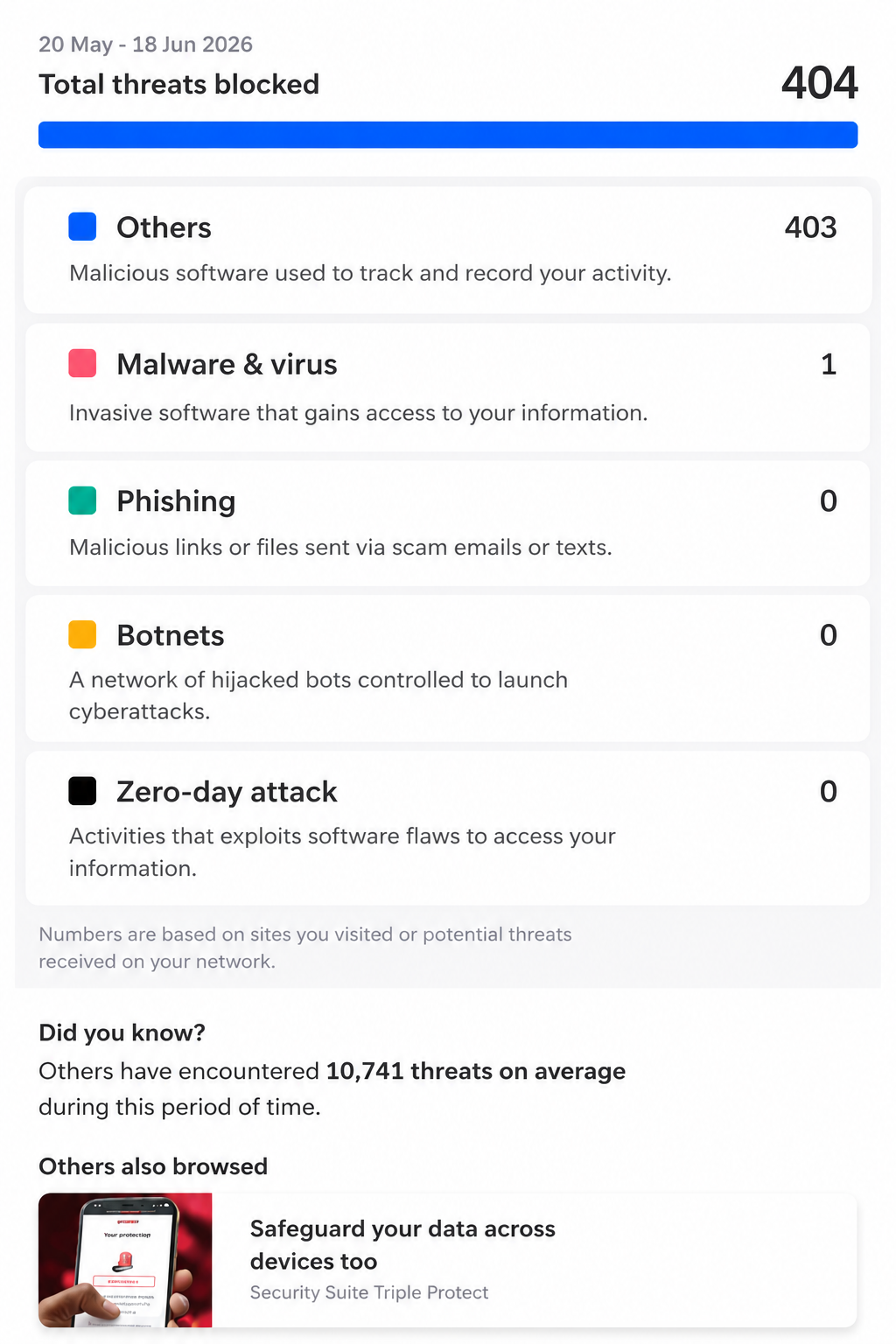
For example, Singtel Broadband Protect is designed to provide network-level security for your home WiFi. It helps identify and block malicious webpages, phishing sites and other potential threats for devices connected to your home WiFi network.
With Broadband Protect Plus, users can also enjoy more advanced protection such as real-time protection against scams, malicious websites, zero-day threats and more.
What is device-level security?
Device-level security refers to protection that is installed or built into individual devices. This may include antivirus software, system security updates, browser protection or device-specific safety settings. Solutions such as Singtel’s Security Suite Triple Protect, powered by McAfee, help safeguard devices against viruses, malware and online threats, while Qustodio Parental Control provides added protection by helping parents manage and monitor their children’s online activities with 5-device or 10-device options.
Your phone, laptop and tablet should be kept updated with the latest software and security patches. It’s also important to use strong passwords, enable two-factor authentication where possible and avoid downloading files from suspicious sources.
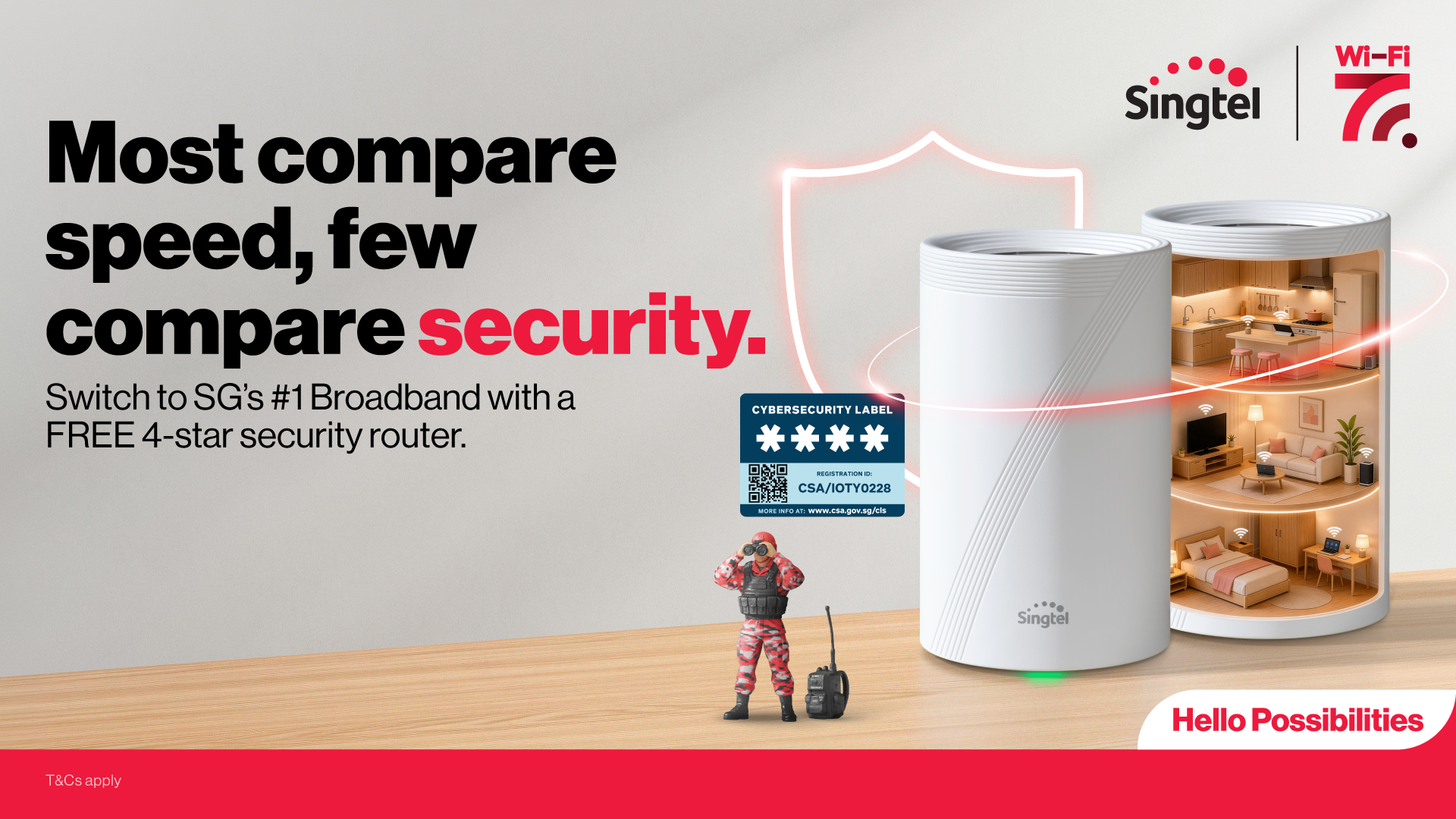
Your router also plays an important role in device-level security. With Singtel broadband, customers can enjoy WiFi 7 routers that have achieved the highest Level 4 Certification under Singapore's Cybersecurity Labelling Scheme (CLS). While current CSA requirements only mandate Level 1 certification for WiFi routers sold in Singapore, with a minimum Level 2 requirement coming into effect in 2027, Singtel already ensures its routers meet the more stringent Level 4 standards, helping to provide greater protection for your home network.
These devices are designed with multiple security safeguards to help strengthen your home network. Features such as password randomisation help enhance WiFi security by reducing the risk of default or predictable passwords being exploited. Regular firmware and security updates are also automatically applied, helping to keep your broadband equipment protected against emerging threats.
This helps ensure your home broadband setup is not only fast and reliable, but also built with security considerations from the start.
Why both network and device protection matter
A good way to think about broadband security is to imagine your home.
Network-level security is like securing the front gate, while device-level security adds protection to individual rooms.
Together, they provide a more complete layer of protection for everyone connected to your home WiFi.
Singtel broadband: Built for speed, coverage and security
Singtel broadband offers a range of fibre broadband plans designed for different home needs, from everyday browsing and streaming to high-speed connectivity for larger households.
Beyond speed and coverage, Singtel also provides security-focused features and add-ons to help households stay better protected online.
With Singtel, customers can enjoy:
If you’re comparing broadband plans for your home, you can explore Singtel fibre broadband plans to find one that suits your household’s needs.
A final word on broadband security
When choosing home broadband, speed and price are still important, but they should not be the only things you look at.
As more of our daily lives move online, broadband security has become an essential part of the home internet experience. A secure broadband setup can help protect your family, your devices and your personal data while you browse, stream, work, learn and play online.
So the next time you compare broadband plans, look beyond speed and price. Choose one that helps keep your home connected and better protected.
Explore Singtel fibre broadband plans and security add-ons to build a safer home internet experience today.