Go Paperless with Singtel eBill: A Simple Guide to Getting Started
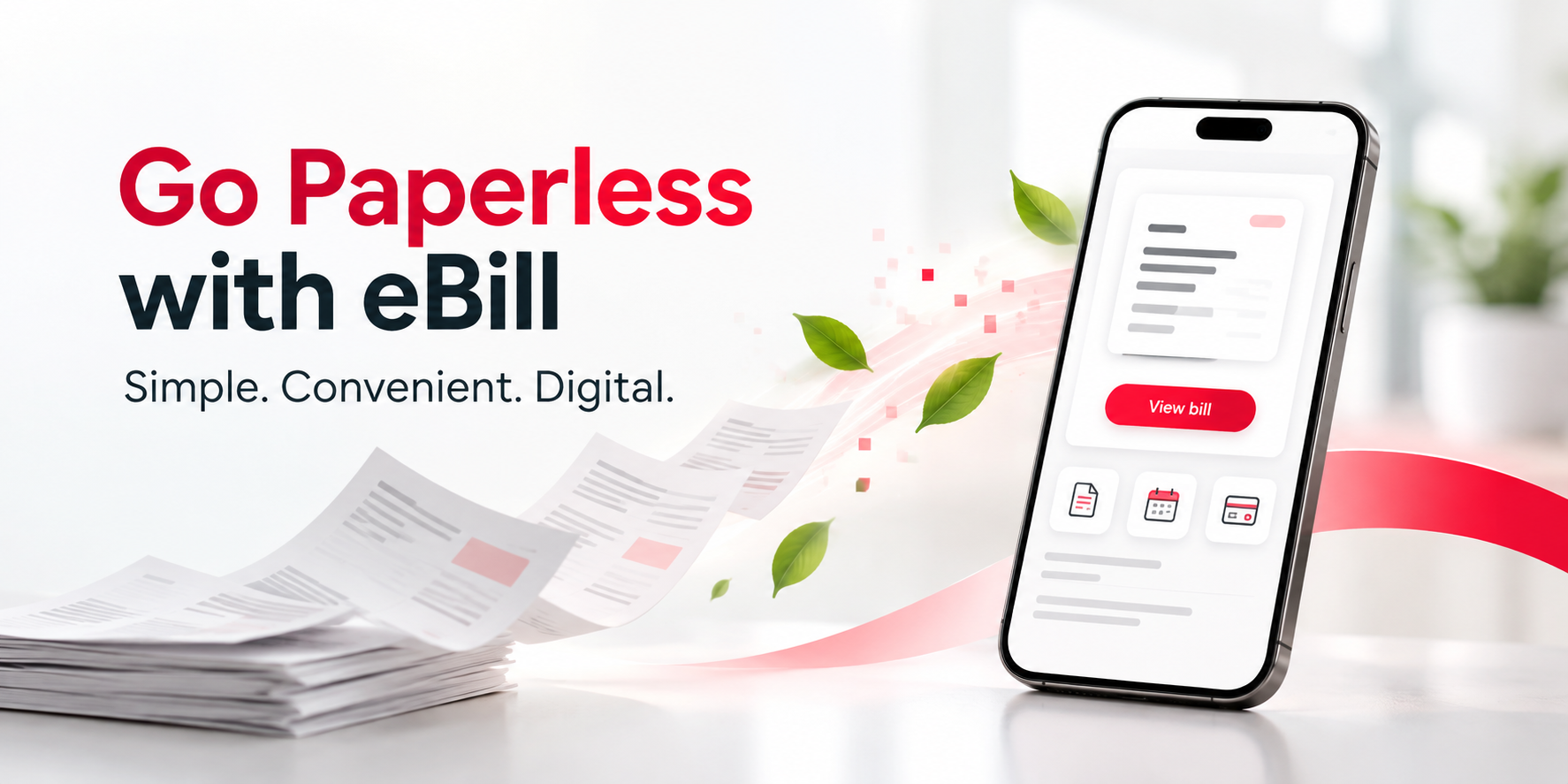
Managing your monthly Singtel bills can be simpler without paper statements. With Singtel eBill, you can access your bills digitally through My Singtel app or My Account, wherever and whenever you need them.
Going paperless also means less paper filing, while giving you a convenient way to keep track of your monthly bills online.
What is Singtel eBill?
Singtel eBill is a digital way to receive and manage your Singtel bills. Once eBill is activated, you can view your latest bill through My Singtel app or My Account. You will also receive email and SMS alerts when your bills are ready, making it easier to stay updated on your monthly billing.
Why switch to eBill?
Switching to eBill gives you a convenient way to manage your Singtel bills digitally.
Access your bills anytime, anywhere
Instead of waiting for a paper statement to arrive, you can access and pay your bills anytime through My Singtel app or My Account.
Get notified when your bill is ready
You will receive email and SMS alerts when your bills are ready to view, helping you stay updated on your monthly billing.
Download and keep your bills digitally
Prefer keeping a copy for your own records? Your eBills are available as PDF files that you can download and save, reducing the need to store physical statements.
View detailed usage information
eBill also allows you to view up to three months of detailed mobile usage, including call and SMS records.
Reduce paper use
Choosing eBill reduces the need for printed statements and supports the shift towards more sustainable ways of managing monthly bills.
How to switch to Singtel eBill
Switching to eBill is simple:
Once your account is on eBill, you can view your latest bill digitally and will be notified when your next bill is ready.
Go paperless with eBill
Manage your billing preferences and access your Singtel bills conveniently online. Manage your Singtel eBill
Prefer to continue receiving paper bills?
You can still choose to receive a physical paper bill if you prefer or need one.
If you have multiple billing accounts, eBill activation applies to all your billing accounts. However, you can manage your billing preferences for individual accounts if you want to continue receiving paper bills for selected accounts.
Switching to eBill is a convenient way to access your bills digitally while avoiding the paper bill charge.
Need a physical copy only occasionally?
If you are on eBill but need a physical copy of a past bill, you can request one separately instead of switching back to regular paper billing.
A one-time physical copy of a past bill is chargeable at $5.45 (inclusive of GST) per copy.
This gives you the flexibility to continue using eBill for your regular monthly bills while requesting a printed copy only when you need one.
For the latest request options and applicable charges, visit Singtel Support.
Ready to go paperless?
Make the switch to eBill for a simpler way to access and manage your Singtel bills digitally. With your bills available through My Singtel app and My Account, you can view your bills whenever you need them, receive bill-ready notifications and reduce the need for paper statements.
Frequently Asked Questions
How will I know when my eBill is ready?
Once eBill is activated, Singtel will send you email and SMS alerts when your bills are ready to view. Email bill-ready notifications cannot be disabled, while SMS notifications can be managed in My Account.
Can I download my Singtel eBill?
Yes. eBills are available as PDF files that you can download and keep for your own records.
Can I request a paper bill if I am already using eBill?
Yes. If you only need a physical copy occasionally, you can request a one-time physical copy of a past bill. A charge of $5.45 (inclusive of GST) per copy applies.
How do I access my Singtel eBill?
You can access your eBill through My Singtel app or My Account using your Singtel OnePass.
Can I view my detailed mobile usage online?
Yes. eBill lets you view up to three months of detailed mobile call and SMS usage.
Singtel Editorial | 5 October 2026