How to spot a fake website in Singapore, even when it looks real
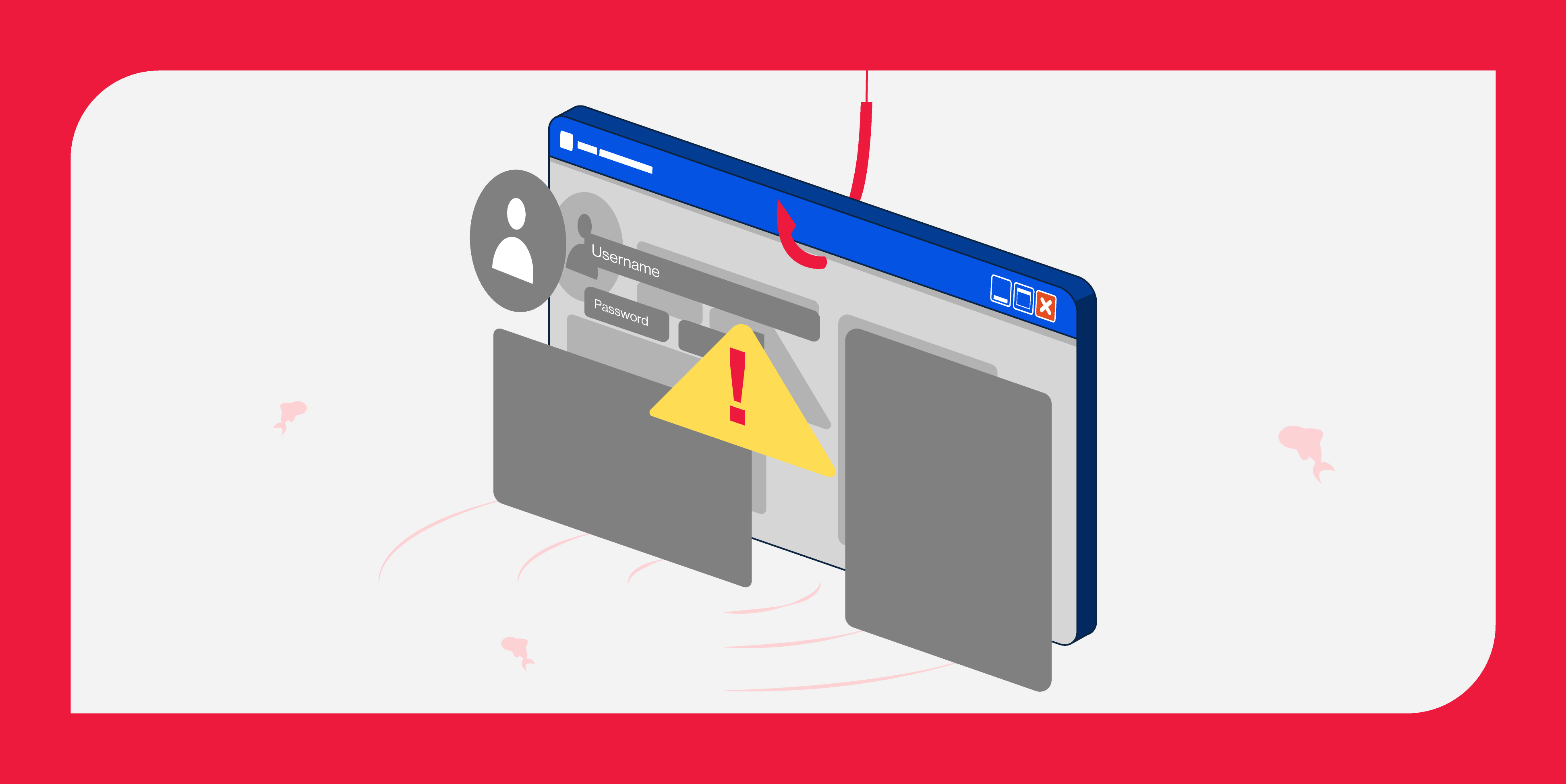
A website can look exactly like the real thing. It can even appear in Google search results and use HTTPS.
And it can still be fake.
So before you enter your password, card details or OTP, how can you tell whether the website you're on is genuine?
Start by checking the full website address, verifying it through the organisation's official channels and looking out for unexpected requests for personal details or payments. Don't rely on a familiar logo, search ranking or HTTPS alone.
Here's how to check—and what to do if you've already clicked on something suspicious.
How can you tell if a website is fake?
Not sure whether a website is legitimate? Start with these five checks.
What to check | What to look out for |
|---|---|
| Website address | Misspellings, extra words or unfamiliar domains that imitate a genuine brand |
| How you got there | Unexpected SMS, WhatsApp, email, QR code or sponsored advertisement |
| What its asking for | Passwords, OTPs, card details or unexpected payments |
| Pressure to act | Urgent warnings, expiring offers or threats of account suspension |
| Independent verification | Whether the address matches the official website listed by the organisation |
Good to know: Not every fake website is easy to recognise, even when you know what to check.
That's where network-level protection can help. With services such as Singtel Mobile Protect and Broadband Protect, certain malicious websites and phishing links can be detected and blocked automatically on eligible connections—adding a first layer of defence before you have to recognise the threat yourself.
1. How do you check if a website address is real?
Start with the actual website address, not the logo or design.
Scammers can copy the colours, images and login pages of familiar brands. But the web address may reveal that you're somewhere else entirely.
Take these fictional examples:
Website address | What it tells you |
|---|---|
| www.examplebank.sg | Illustrative official website |
| www.examplebank.sg.verify-login.example | The actual domain is verify-login.example, not examplebank.sg |
| www.examp1ebank.sg | Uses the number 1 instead of the letter l |
These are illustrative examples, not real banking websites.
Here's what matters: A familiar brand name appearing earlier in a long web address doesn't mean you're on that brand's website.
For example, in www.examplebank.sg.verify-login.example, the actual domain is verify-login.example. The bank name has simply been placed in front to make the address look convincing.
If you're unsure, leave the page and find the organisation's official website independently.
From the Singtel team 💡
On your phone? Check the full address before entering your details.
Mobile browsers sometimes shorten what you see in the address bar.
Tap the address bar to reveal and inspect the full website address, especially before logging in or making a payment.
And if you've received a link through a message, don't assume it's genuine just because the preview shows a familiar brand.
2. Can a fake website appear in Google search results?
Yes. Appearing in search results doesn't mean a website is legitimate.
Singapore Police have warned about fake AXS payment websites appearing in search results. Victims were directed to convincing imitation sites, where they entered payment details. Some only discovered the scam after their bills remained unpaid or unauthorised transactions appeared.
Read more: Singapore Police Force — Advisory on phishing scams involving fake AXS websites
The takeaway:
A top search result isn't proof of trustworthiness. For banking, bill payments or government services, use official apps or independently verified websites.
Singtel Mobile Protect and Broadband Protect can also help identify and block certain malicious destinations at the network level. But no service catches every threat, so it's still worth checking where a link leads.
3. Does HTTPS or the padlock mean a website is safe?
Not necessarily.
HTTPS means the connection between your browser and a website is encrypted. This helps protect information travelling between them.
But encryption doesn't prove that the website itself is legitimate.
A phishing website can also use HTTPS.
So while you should avoid entering sensitive information on an unsecured website, don't treat HTTPS or a padlock as proof that a website isn't a scam.
Remember: a secure connection doesn't automatically mean a trustworthy destination
4. How can you verify a suspicious website in Singapore?
If you're unsure whether a website is genuine, check it through an independent source before proceeding.
Three ways to verify:
Open the official app or website yourself. Use a saved bookmark, official app or website address you've independently verified.
Check with the organisation directly. If a message asks for an unexpected payment or account verification, contact the organisation using its official contact details.
Use a trusted scam-checking resource. Singapore's ScamShield app lets you check suspicious website links, messages and phone numbers.
A link that isn't flagged isn't automatically safe. New scam websites may not have been identified yet, so don't rely on a single check.
5. What are the warning signs of a phishing website?
Sometimes, the biggest warning isn't how a website looks. It's what the website asks you to do.
Be cautious if a page unexpectedly:
Asks for your banking password, OTP or card details.
Threatens to suspend your account unless you act immediately.
Redirects you to an unfamiliar website to complete a payment.
Asks you to install an app from an unverified source.
These are common phishing tactics, even when the website looks convincing.
If something feels unusual, stop and verify the request through the organisation's official channels.
6. What should you do if you've clicked a fake website?
First, don't panic. What you should do next depends on whether you only opened the website, entered information or downloaded something.
If you... | What to do next |
|---|---|
| Only opened the website | Close it without interacting further. Dont download files or grant permissions. |
| Entered a password | Change it immediately through the genuine website or app. Change it anywhere else you ve reused it, and enable multi-factor authentication. |
| Entered card or banking details | Contact your bank immediately through its official hotline or app. |
| Downloaded or installed a suspicious app or file | Disconnect the affected device from the internet and seek trusted guidance on safely removing it. If you ve entered banking details or granted sensitive permissions, contact your bank immediately. |
| Made a payment or noticed unauthorised transactions | Contact your bank immediately, secure your accounts and make a police report. |
For further guidance, visit ScamShield — I've been scammed.
The important thing is to act promptly rather than waiting to see whether something goes wrong.
Why are fake websites getting harder to recognise?
Scammers can copy familiar logos, layouts and login pages, making fraudulent websites look convincing.
In a July 2026 cybersecurity assessment conducted by Palo Alto Networks for Singtel, 23,363 malicious domains were identified in just eight days.
While not all were fake or phishing websites, the findings highlight why knowing what to check matters, and why additional protection can help identify threats we might otherwise miss.
How Singtel helps protect you beyond what you can see
Spotting fake websites is important, but not every threat comes with an obvious warning. That's why at Singtel, we take a layered approach to online security.
1. Network-level protection: Helping stop threats earlier
Our first line of defence starts at the network level. Mobile Protect and Broadband Protect / Protect Plus help detect and block certain malicious websites and phishing links before connections are completed.
Protection works quietly in the background on eligible Singtel connections, without you having to check every website yourself.
2. Device-level protection: Adding another safeguard
McAfee Security Suite Triple Protect provides additional device security, including antivirus protection, safer browsing and VPN features, complementing protection at the network level.
3. Everyday vigilance: Staying one step ahead
Safe digital habits remain essential. Check unfamiliar links, verify unexpected requests and keep your devices updated.
For families, Qustodio can also help parents manage their children's online experiences and encourage safer digital habits.
Together, network protection, device security and everyday vigilance provide multiple layers of defence—helping you browse with greater confidence.
No single layer can prevent every scam. But together, they can help make everyday browsing safer.
The bottom line
A convincing website isn't always a legitimate one. Before entering your details, check the website address, look out for unusual requests and verify through official sources.
And with Singtel's security solutions adding another layer of protection, we're here to help you browse, shop and connect with greater confidence.
Singtel Editorial | 6 November 2026