Mesh Wi-Fi vs Wi-Fi extender for older HDB flats
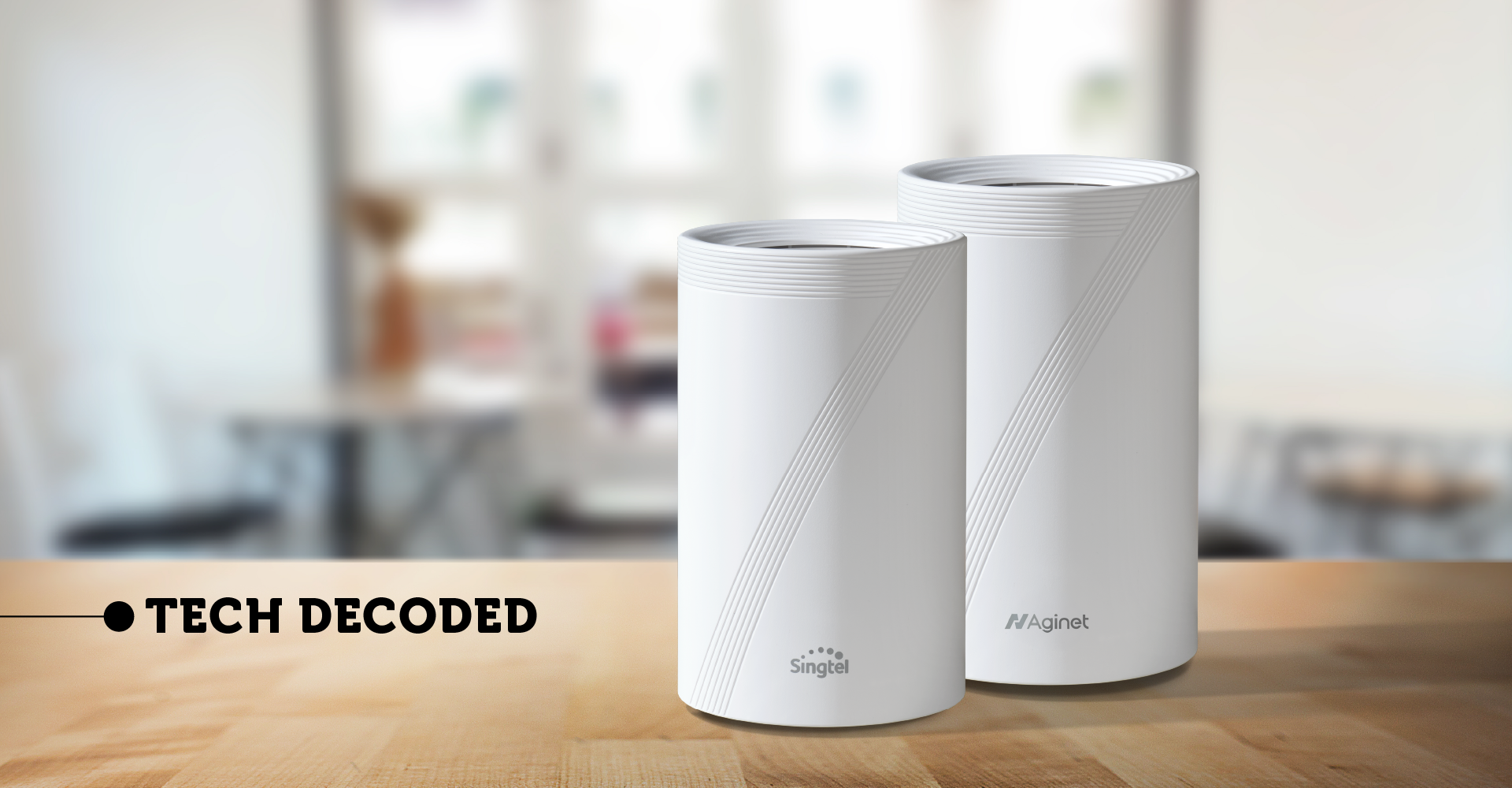
Part of the Tech Decoded guide series by Singtel, helping Singaporeans make smarter home tech decisions.
Tech Decoded is an editorial guide series that transforms Singtel from a connectivity provider into a trusted technology guide—helping Singaporeans understand, troubleshoot and make confident technology decisions at every stage of their connected life.
If you've already moved your router to the best possible location, but some rooms still have weak Wi-Fi, you're not alone.
Many older HDB flats were built with thick reinforced concrete walls that can reduce wireless signal strength, especially as you move further away from the router.
For most homes, a mesh Wi-Fi system is the better long-term solution than a traditional Wi-Fi extender. Ensuring optimal Wi-Fi coverage will allow you to fully enjoy the benefits of your 3Gbps, 5Gbps or 10Gbps broadband plan.
While both can improve coverage, they work very differently. Choosing the right one depends on your home's layout, how you use Wi-Fi and whether you're looking for a quick fix or a whole-home solution.
Quick recommendation
Not sure which one is right for your home? Start here.
If...
| Recommendation
|
|---|---|
| Only one room has weak Wi-Fi | Depending on your preferences, a Wi-Fi Mesh will be the better option for Wi-Fi 7 compatibility |
| Multiple rooms have weak Wi-Fi | A mesh Wi-Fi system is usually the better choice |
| Your home has thick concrete walls | Consider a mesh Wi-Fi system with two Wi-Fi points to start |
| Your home already has Ethernet points | Use Ethernet backhaul where possible for the best performance |
| You are moving into a new home | Start with good router placement, then add mesh if needed (minimally 1) |
Before adding new equipment, make sure your router is already placed in an open and central location. If coverage remains weak, consider extending your network with mesh Wi-Fi.
You can also explore Singtel Wi-Fi 7 and Singtel fibre broadband plans with whole-home Wi-Fi options.
Why Wi-Fi signals become weaker
Wi-Fi signals become weaker as they travel through walls, floors, and furniture.
Many older HDB flats have layouts and reinforced concrete walls that make it harder for Wi-Fi signals to reach every room.
That's why you might experience:
Strong Wi-Fi in the living room
Slow speeds in bedrooms
Video calls dropping in one room but not another
Buffering while streaming
Adding more broadband speed usually won't solve this problem. Improving Wi-Fi coverage will.
Picture this...
You're on a FaceTime or Wi-Fi call in the living room. As you walk into the bedroom, the video starts to freeze or the call begins cutting in and out.
It's easy to assume your broadband is slowing down. But in many homes, the real issue is that your device has moved further away from the strongest Wi-Fi signal, with reinforced concrete walls weakening the connection along the way.
From the Singtel team 💡
Before buying new Wi-Fi equipment, make sure you've already placed your router in the best possible location.
For many homes, relocating the router from the DB box to a more central location improves coverage significantly.
If you've already done that and still have weak Wi-Fi, it's time to consider expanding your Wi-Fi coverage.
Related guide: Should I put my Wi-Fi 7 router in the DB box or living room for a 4-room BTO?
Mesh router vs Wi-Fi extender: What's the difference?
Although both can improve Wi-Fi coverage, they work differently.
Mesh Wi-Fi | Wi-Fi Extender | |
|---|---|---|
| Coverage | Designed for whole-home coverage | Usually extends coverage to one area |
| Network name | One seamless Wi-Fi network | May create a second Wi-Fi network |
| Roaming | Automatic | May require devices to reconnect |
| Performance | More consistent | Can vary depending on placement |
| Best for | Families, larger homes, multiple devices | There can be small coverage gaps |
*Some newer extenders may support a more seamless roaming, but many traditional models still operate as separate access points.
Which is better for older HDB flats?
For most older HDB flats, we'd recommend a mesh Wi-Fi system.
Why? Because it creates multiple Wi-Fi points that work together as one network.
Mesh systems work together to provide a single Wi-Fi network, allowing compatible devices to connect to the strongest available Wi-Fi point as you move around your home.
This creates a more consistent experience for:
Streaming
Video calls
Online gaming
Working from home
Smart home devices
A Wi-Fi extender may still be suitable if only one small area has weak coverage and you need a simpler or more affordable short-term solution.
How many mesh Wi-Fi points do you need?
One of the biggest misconceptions is that more nodes automatically mean better Wi-Fi. Not always.
Start with enough to cover your home, then add more only if you need them, or if the field engineer advises so.
Home Type | Suggested Wi-Fi points |
|---|---|
| 2–3-room HDB | 2 |
| 4-room HDB | 2 (add a third only if needed) |
| 5-room / Executive HDB | 3 |
| Condo | 2–3 |
| Landed | 3–4 |
Good to know
Too many mesh nodes placed too close together can actually reduce performance by causing devices to switch between Wi-Fi points more often than necessary.
Looking for an easier setup?
Singtel broadband plans are available with whole-home Wi-Fi options designed for different home sizes and layouts.
Whether you are setting up a new BTO or improving coverage in an older HDB flat, the right combination of broadband, router placement and mesh Wi-Fi can help provide a more reliable connection throughout your home.
Explore Singtel Wi-Fi 7 or view Singtel fibre broadband plans.
Frequently asked questions
Is mesh Wi-Fi better than a Wi-Fi extender?
For most larger homes or homes with multiple weak Wi-Fi areas, mesh Wi-Fi is generally better because it provides more consistent whole-home coverage using one network.
A Wi-Fi extender may be suitable when only one small area has weak Wi-Fi and you need a simpler short-term solution.
Will a Wi-Fi extender reduce my internet speed?
Traditional Wi-Fi extenders often share the same wireless connection to receive and retransmit data, which can reduce available bandwidth. Actual performance depends on the extender, placement and network setup.
Does mesh Wi-Fi make my broadband faster?
No. A mesh Wi-Fi system doesn't increase the speed of your broadband plan. Instead, it improves Wi-Fi coverage around your home, helping more devices enjoy faster, more consistent connections.
Should I use Ethernet backhaul?
If your home already has Ethernet points, yes. Connecting mesh nodes by Ethernet usually provides faster, more stable performance than using wireless links between nodes.
Will Wi-Fi 7 eliminate dead spots?
Not necessarily. Wi-Fi 7 improves speed and efficiency, but physical barriers such as reinforced concrete walls still affect wireless signals. Good router placement and, where needed, a well-designed mesh system remain important.
How many mesh Wi-Fi points do I need for a 4-room HDB flat?
Two Wi-Fi points are generally a suitable starting point for a 4-room HDB flat. Add a third only if there are still weak coverage areas after the first two points have been positioned correctly.
The bottom line
If you've already optimised your router placement and still experience weak Wi-Fi in parts of your home, improving your Wi-Fi coverage, not upgrading your broadband plan, is usually the next step.
For most older HDB flats with thick concrete walls, a mesh Wi-Fi system provides a more consistent experience than a traditional Wi-Fi extender, particularly for larger households and homes with many connected devices.
And if you're still unsure, you don't have to figure it out alone.
Whether you're planning Wi-Fi for a new home, improving coverage in an older HDB or deciding between a mesh system and a Wi-Fi extender,Singtel's broadband specialists are here to help . We'll help you choose a setup that suits your home, your devices and how your family uses the internet.
Explore Singtel Wi-Fi 7, view Singtel fibre broadband plans or visit our broadband support resources.
---------------------------------------------------
Not sure what's right for your home?
Home networking doesn't have to be complicated.
If you need help choosing the right setup, troubleshooting a connection or getting the most from your broadband, Singtel's team is here to help, with online guides, technical support and friendly advice when you need it.
Explore our broadband support resources
Explore Singtel broadband solutions
Talk to us →
Chat with us: help.singtel.com/chat
Call us at 1688 (8:30am-6:00pm daily)