What is a device backorder? How Singtel Backorder works
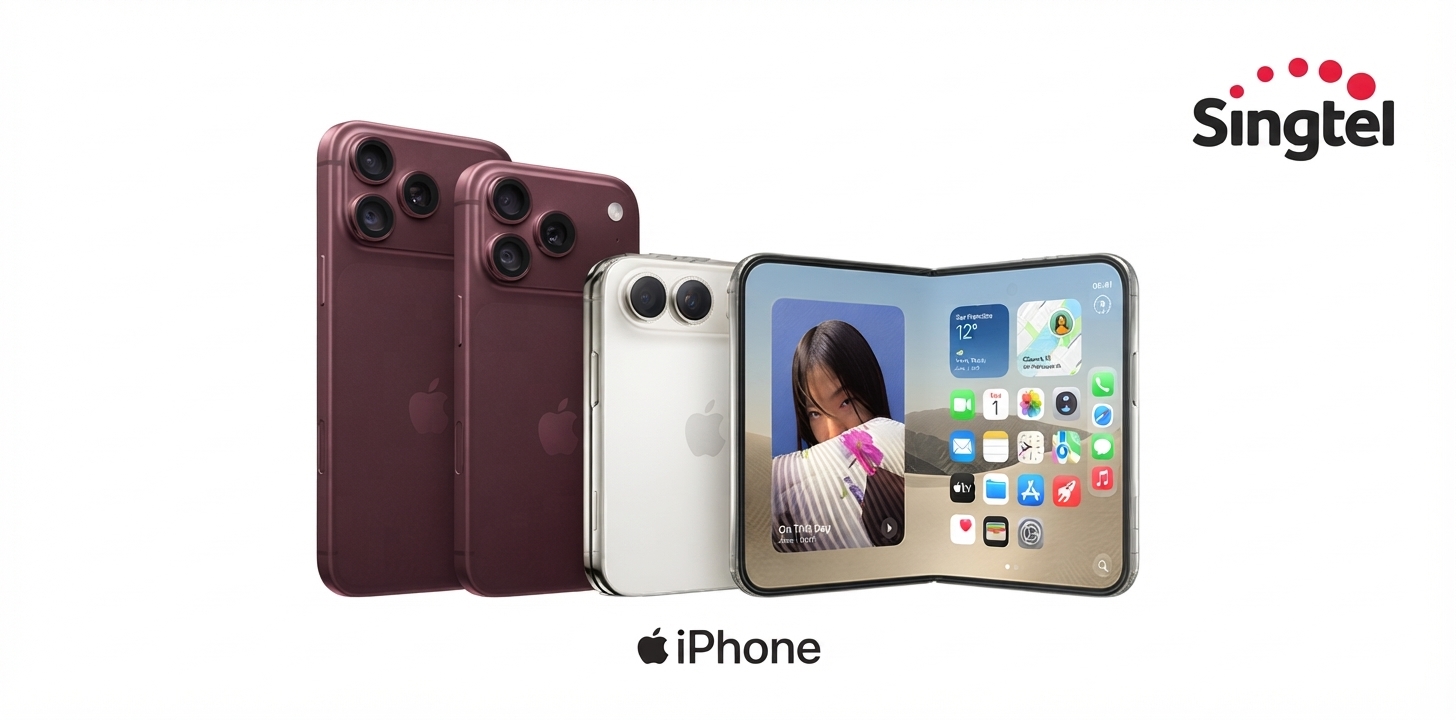
Ever refreshed a product page ten times, only to watch a sold-out device stay sold out? You're not alone — every major device launch sells out its first batch within days, sometimes hours.
That's exactly why we built Singtel Backorder: a way to secure the device you want the moment it's back in stock, without racing everyone else to hit “buy” first.
What is a device backorder?
Sold out doesn't have to mean missed out. With Backorder, you can secure your order for select devices even when they're temporarily out of stock due to high demand — so you don't have to keep refreshing the page hoping for a restock, or lose your spot to someone else.
Simply place your order as usual. We'll hold your spot in the queue, and let you know the moment your device is ready.
How it works
Shop as normal. Browse Singtel phones and devices. If a device is on Backorder, you'll see it clearly marked on the product page — along with a rough estimate of when to expect it. This is a general guide rather than a fixed date, since it depends on stock arriving from the manufacturer.
Place your order. Checkout works just like any other purchase — trade-in, payment, and plan selection all work the same way.
Get order confirmation. You'll receive a confirmation email right away, so you know your order is secured.
We hold your place while you wait. Your plan and billing are handled fairly during this time (see below).
We'll notify you. Once your device arrives, we'll reach out by SMS and email.
Your delivery is scheduled automatically. We'll assign you a delivery date and time — no action needed. Want a different slot? You can reschedule it anytime via Track Order in the My Singtel app.
Things to know at a glance
Home delivery only — no self-collection or retail store options. (See Delivery FAQ)
Timing shown is an estimate, not a fixed date — see the product page for your device's guide.
Your plan and billing stay fair while you wait. (See Payment & Plans FAQ)
Device selection is locked once ordered — can't be changed after checkout. (See Changes & Cancellations FAQ)
Trade-in still works, same as a regular order. Subject to the Singtel Trade-In Programme requirements.
Changed your mind? You can cancel and get a refund via Live Chat on the My Singtel app. (See Changes & Cancellations FAQ)
Frequently asked questions on Singtel Backorder
Ordering & Waiting
What does it mean if my selected device is on Backorder?
Your preferred device model, colour, or storage capacity is currently out of stock due to high demand. Placing a Backorder secures your device from the next incoming batch of stock from the manufacturer.
How long will I have to wait for my device, and when will it ship? How long does a device backorder take?
Wait times vary depending on demand and manufacturer stock availability. You'll see a rough estimate on the product page when you place your order — it's a general guide rather than a fixed date, since it depends on stock arriving from the manufacturer. We'll keep you updated by SMS and email throughout, and let you know as soon as your device is on its way.
How will I know when my backordered device is ready?
We'll notify you by SMS and email as soon as your device arrives, along with your assigned delivery date and time.
Payment & Plans
What happens to my phone plan or SIM Only plan application if my device is on Backorder?
For new lines and re-contracts, your Singtel 5G+ or SIM Only plan subscription only activates once you've received your device. If you're re-contracting, your existing billing cycle continues uninterrupted until your new device arrives.
How does a Backorder affect my upfront payment or Singtel PayLater?
If your device requires upfront payment, your card or Atome Buy Now Pay Later will be charged at checkout to secure it. For interest-free Singtel PayLater, your monthly installments only begin once you've received your device.
Delivery
How are backordered devices delivered?
Home delivery is the only option. Self-collection via POPStation, Singtel Shops, and Singtel Exclusive Retailers isn't available at this time.
Can I change my delivery time or address while waiting?
Once your device is ready, we'll automatically assign a delivery date and time. You can reschedule this via Track Order in the My Singtel app — the delivery address can't be changed.
What if I'm not available when my backordered device is delivered?
We'll send you a reminder one day before your scheduled delivery. If you're unavailable at the time, we'll make up to two more delivery attempts. See Online Purchases Support for the latest re-delivery arrangements and applicable charges.
Changes & Cancellations
Can I switch my device model, colour, or capacity after placing a Backorder, to get it faster?
No — you can't modify an existing Backorder. You'd need to get in touch with the support team to cancel it and place a new order for the alternative device. If that alternative is also on Backorder, you'll forfeit your current queue position and join the new queue.
Can I cancel my Singtel Backorder and get a refund?
Yes. Reach us via Live Chat on the My Singtel app and we'll help cancel your order and arrange your refund.
What happens if my device is discontinued or delayed indefinitely?
We'll reach out to you directly via Live Chat on the My Singtel app to work out the best way forward.
Can I still trade in my old device?
Yes, trade-in is fully supported with Backorder purchases, just like a regular order.
Related reading
Ready to shop for a device?
Track your order or change your delivery appointment via the My Singtel app. For other assistance, contact us through Live Chat in the app.
Singtel Editorial | 15 September 2026