9 easy ways to improve weak WiFi at home

Why is my WiFi so slow at home in Singapore?
Slow WiFi in Singapore homes is usually caused by poor router placement, interference from nearby networks, too many connected devices, or outdated equipment.
In Singapore, these issues are more common due to:
Dense living environments (HDB flats and condos)
Many neighbouring WiFi networks can cause signal congestion and interference.
Concrete walls and building materials
Thick walls weaken WiFi signals as they travel through your home.
Multiple devices connected at once
Phones, laptops, TVs, and smart devices all share the same bandwidth.
High usage from streaming, gaming, and working from home
Heavy demand can slow speeds, especially during peak hours.
Routers placed inside DB boxes or enclosed spaces
This can block and limit your WiFi coverage.
The good news
In most cases, slow WiFi isn’t due to your broadband plan it’s your home setup. With a few simple adjustments, you can significantly improve your connection and coverage.
How can I improve weak WiFi at home?
Here are 9 proven ways to fix slow WiFi and improve your internet experience at home:
#1: Place your WiFi router in a central location
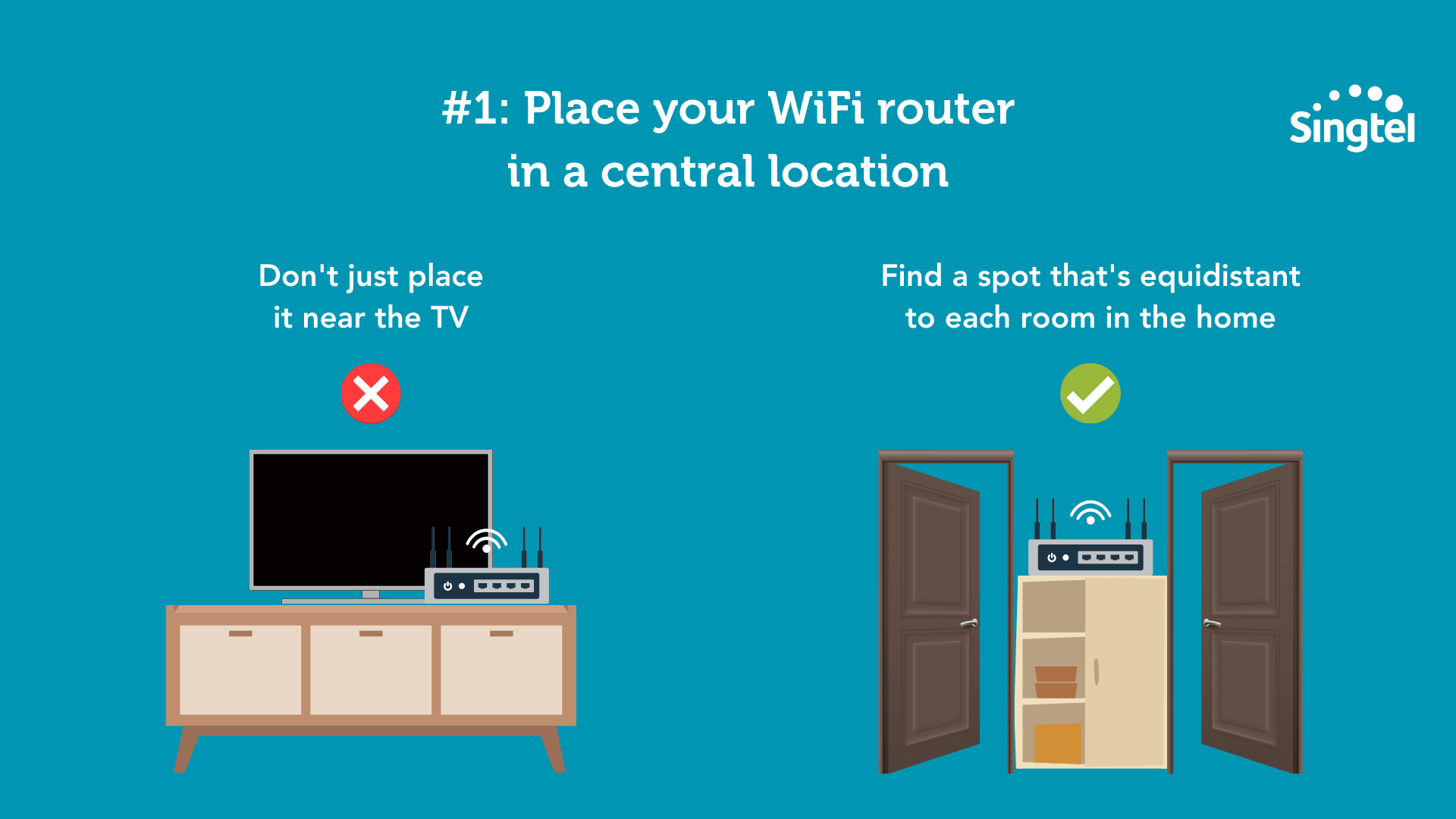
Your router sends signals in all directions.
If it’s placed at one end of your home, rooms farther away will experience weaker signals.
Tip: Place your router in a central area so WiFi coverage is evenly distributed across all rooms.
#2: Keep your router in an open space
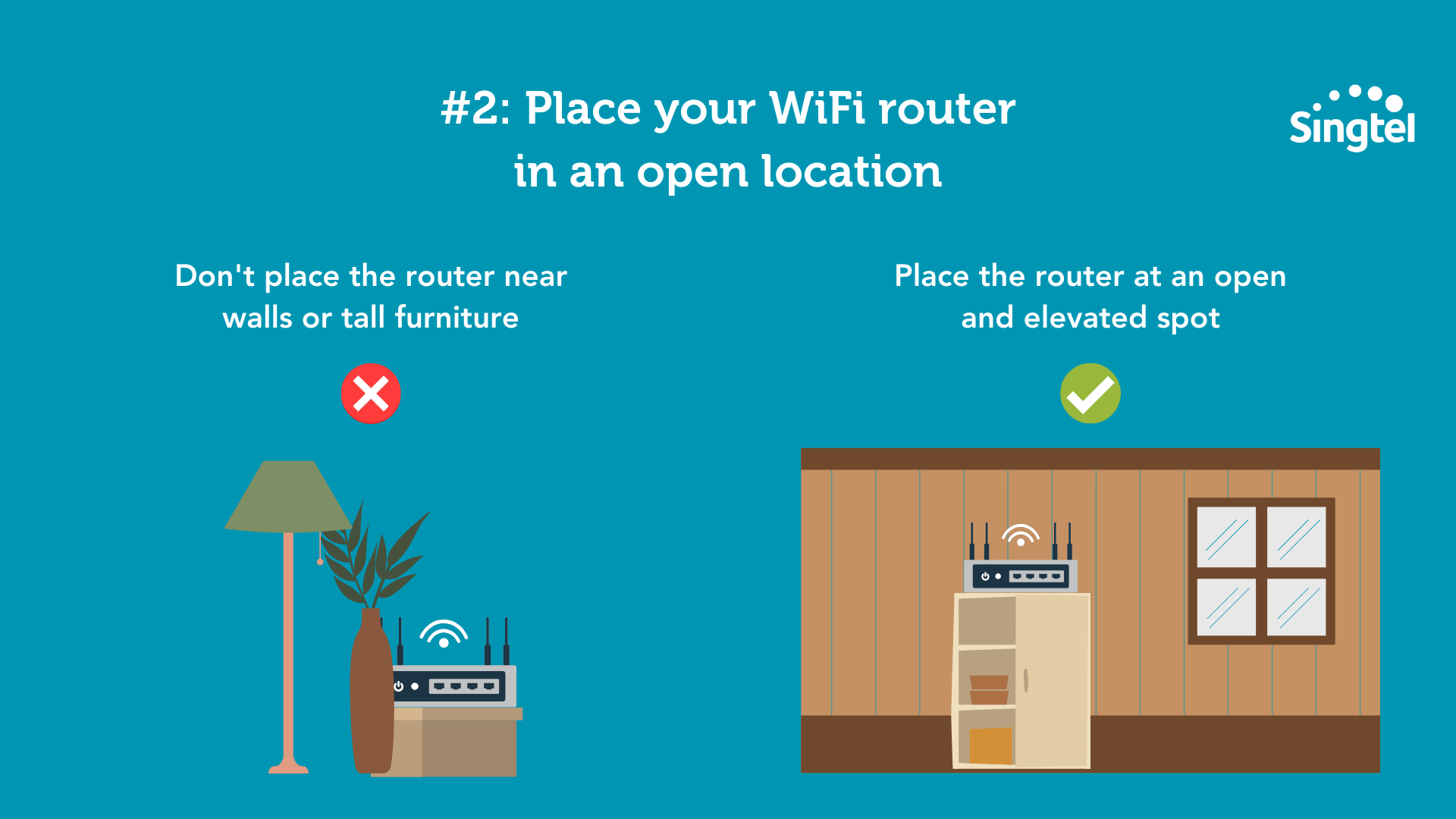
WiFi signals weaken when passing through walls, especially reinforced concrete, as well as metal andlarge objects. These materials are common in Singapore HDB flats and condos and can significantlyreduce signal strength.
Concrete walls absorb and block WiFi signals, reducing coverage between rooms
Metal surfaces and furniture reflect signals and cause interference
Router placement in enclosed spaces such as cabinets or DB boxes can further weaken signal strength
What you can do
Place your router in an open, central location and avoid enclosing it. For better coverage, consider using a mesh WiFi system or exploring Singtel FibreEverywhere that can help improve your home connectivity experience.
#3: Use a WiFi mesh system for better coverage
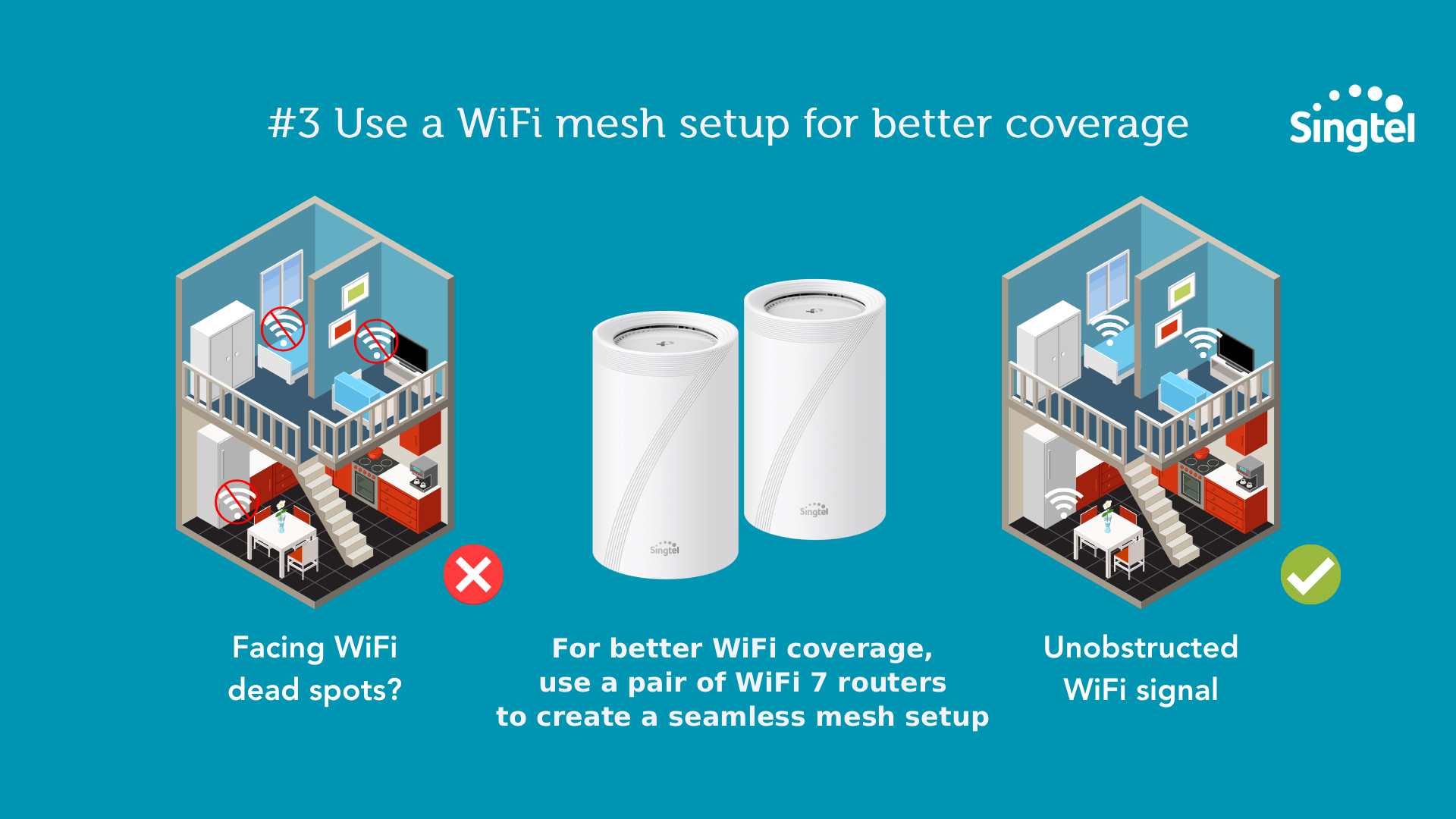
Mesh systems use multiple nodes to create a single, seamless network and provide more consistentcoverage across your home.
They’re ideal for:
Larger homes
Multi-room layouts
Areas with thick walls or interference
Tip: Place mesh nodes between your router and weak signal areas, not directly in dead zones, for best performance.
If you often experience weak WiFi in bedrooms, study rooms, or corners of your home, you can also explore Singtel FibreEverywhere Bundle to extend coverage more effectively.
#4: Upgrade to the latest WiFi technology for better performance
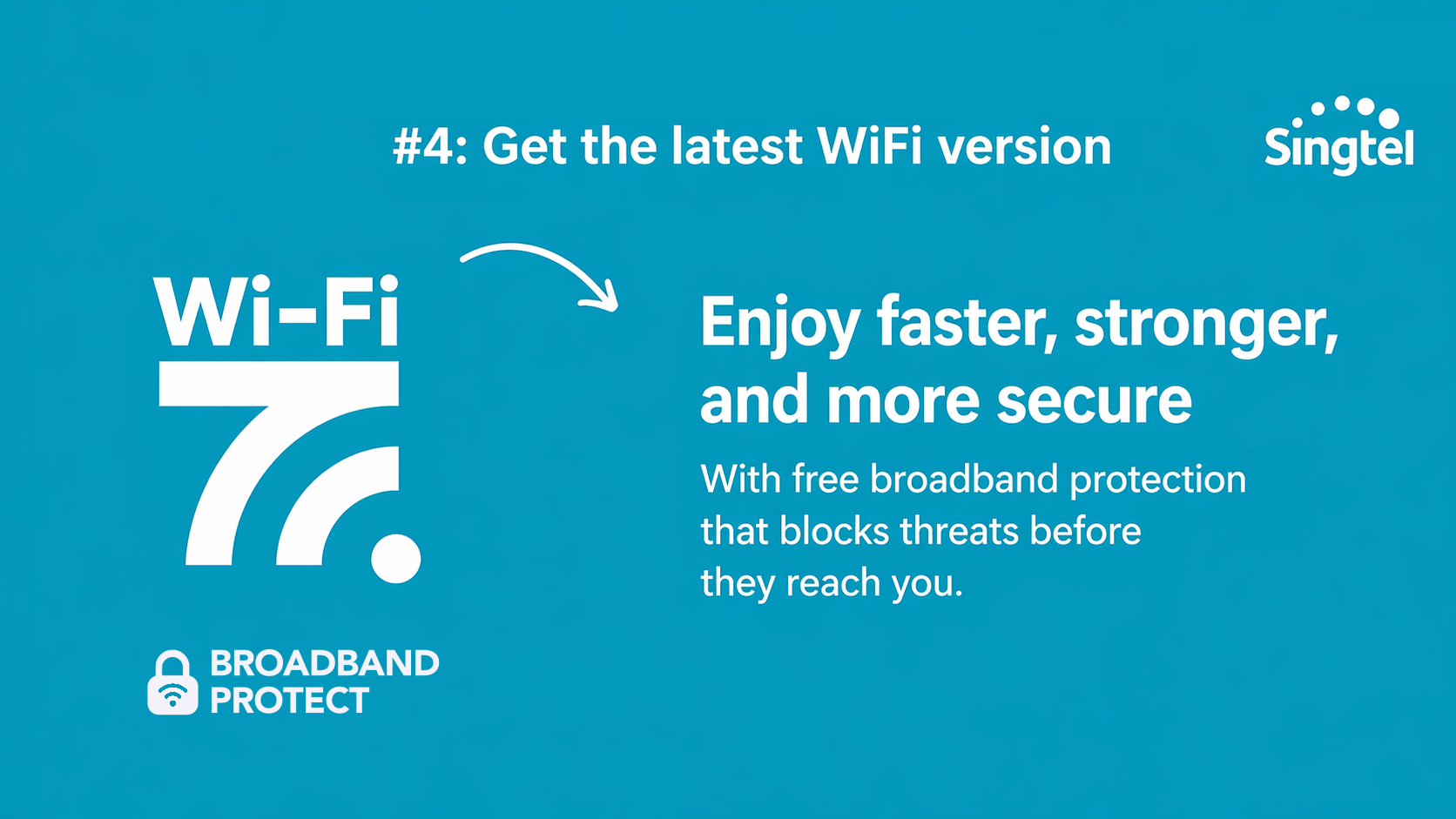
If you’ve optimised your setup but still experience slow or inconsistent WiFi, your equipment may be outdated.
The latest standards, such as WiFi 6 and WiFi 7, are designed to deliver faster speeds, lower latency, and more reliable performance, especially in homes with many connected devices.
Benefits include:
Faster speeds for streaming, downloads, and uploads
Lower latency for smoother gaming and video calls
Better performance when multiple devices are connected
More stable coverage across different rooms
For best results:
To fully experience these improvements, your router and devices should support the latest WiFi standard, and your broadband plan should match your usage needs.
You can learn more about Singtel WiFi 6 broadband or explore Singtel WiFi 7 broadband plans if you need faster speeds, lower lag, and better capacity for multiple devices.
Good to know:
WiFi 7 can deliver significantly higher speeds and capacity compared to older standards, but actual performance will vary depending on your home setup and device compatibility.
#5: Turn off devices you’re not using
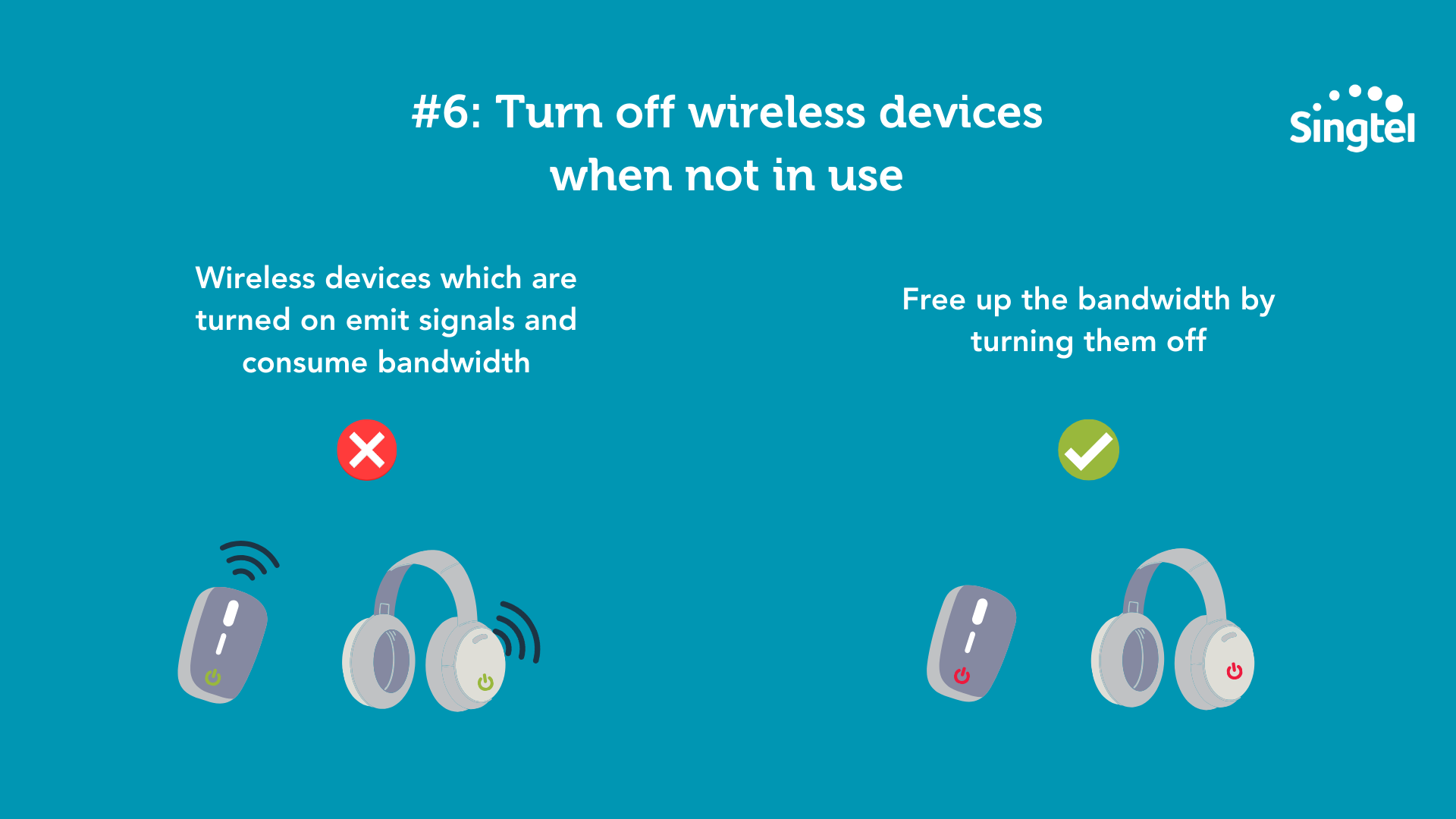
Some connected devices continue to use bandwidth in the background, even when idle.
In homes with many connected devices like smart TVs, tablets, and smart home gadgets this can add up and affect overall performance, especially on older routers.
Simple fix:
Turn off or disconnect unused devices to reduce network load and free up bandwidth.
If your home has multiple smart devices, appliances, and connected entertainment systems, you may also want to explore Singtel Smart Home solutions to create a more connected home setup.
#6: Secure your WiFi with a strong password
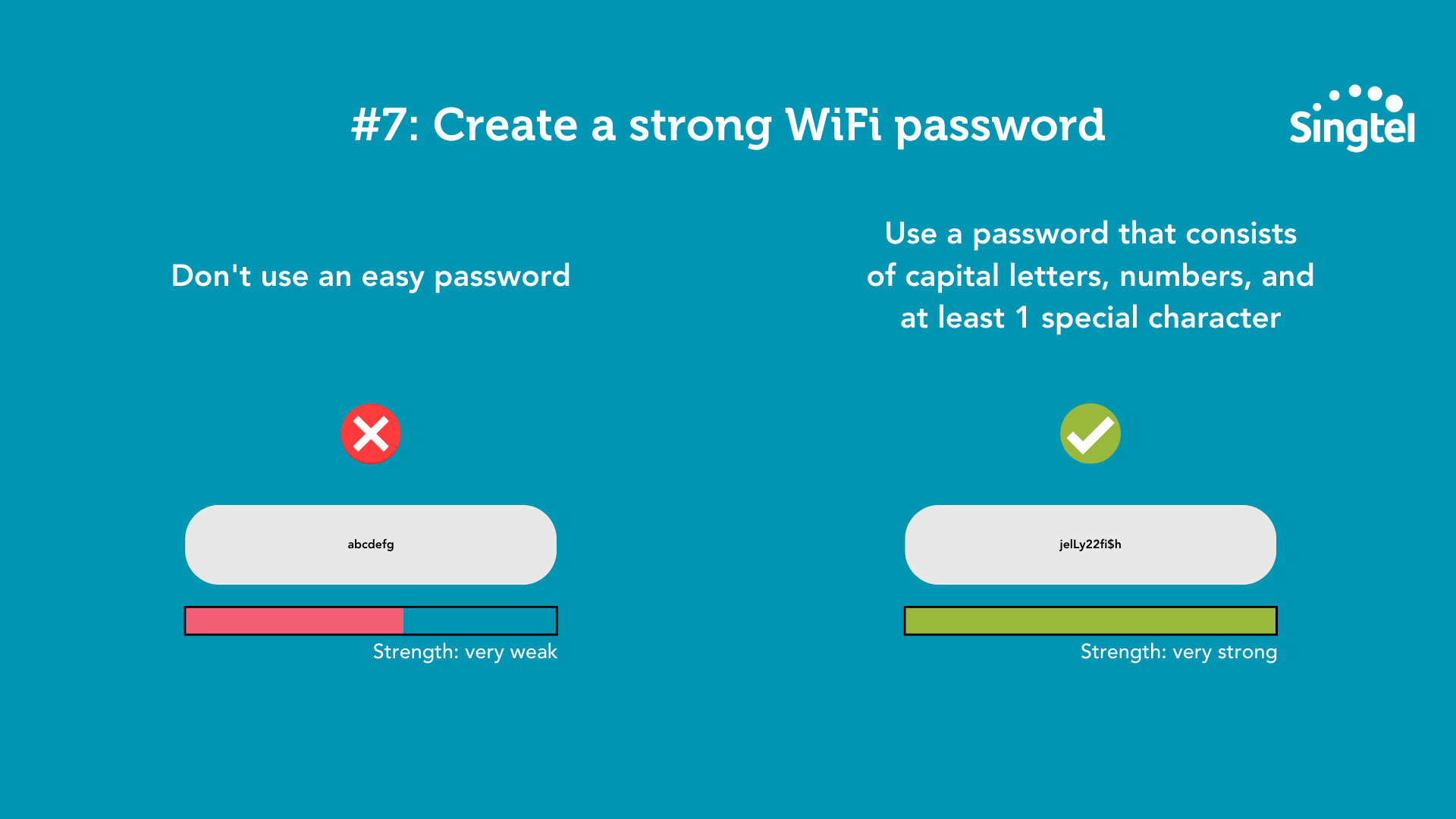
If your WiFi password is weak, others may access your network without your knowledge using bandwidth and slowing your connection.
Use a strong password that includes:
A mix of letters, numbers, and symbols
Sufficient length (longer passwords are more secure)
Tip:
Make sure your network is secured with WPA2 or WPA3 encryption for better protection.
For extra peace of mind, you can also check out Singtel broadband add-ons, including security and parental control options for your home network.
#7: Reboot your router
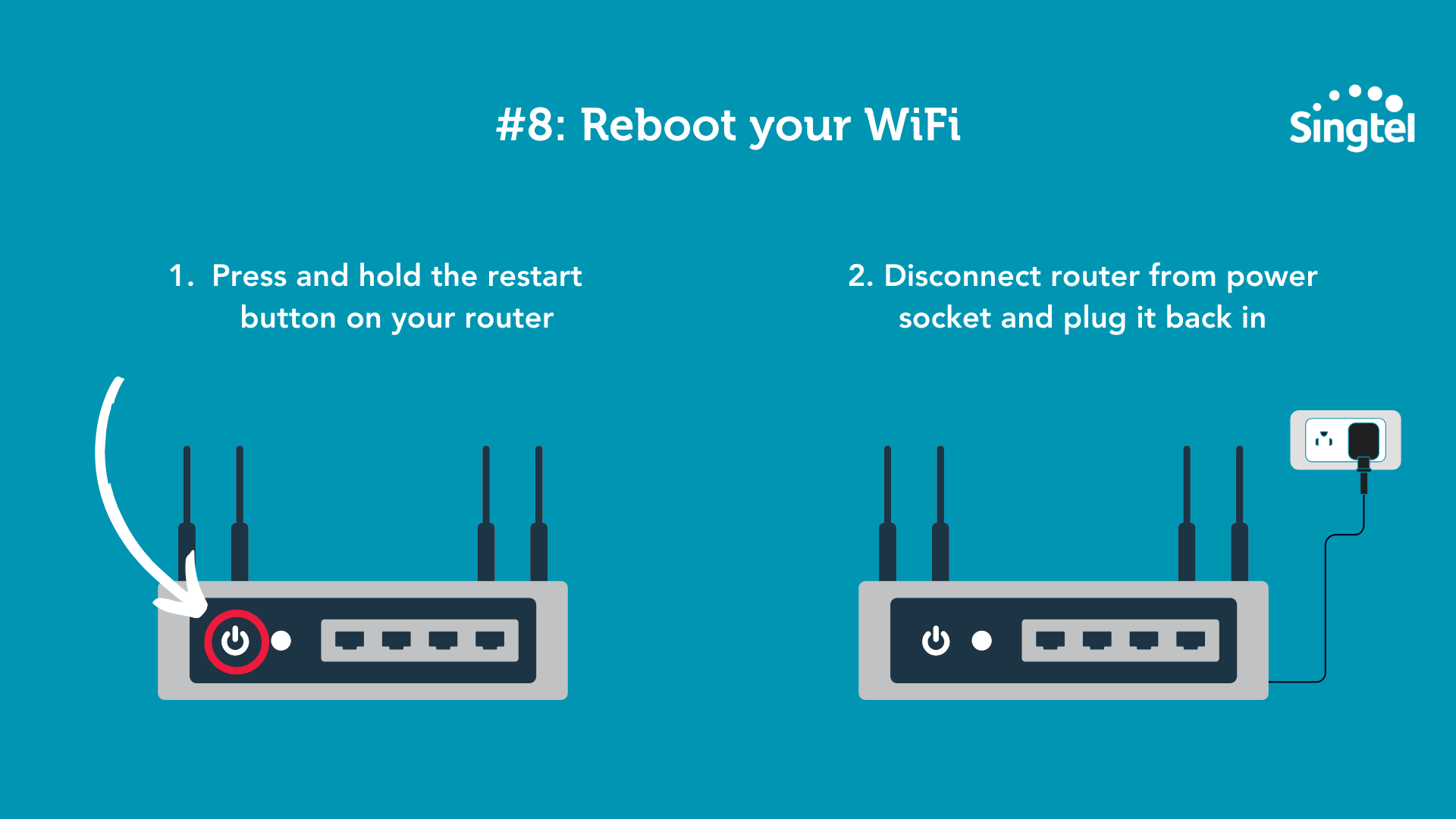
Routers can occasionally slow down due to temporary glitches or memory buildup.
Restarting your router can help refresh the connection and resolve these issues.
How to do it:
Turn it off and unplug it
Wait 10 to 30 seconds
Plug it back in and power it on
Tip:
Reboot your router if you notice performance issues. It’s a quick and easy fix.
#8: Check your device performance
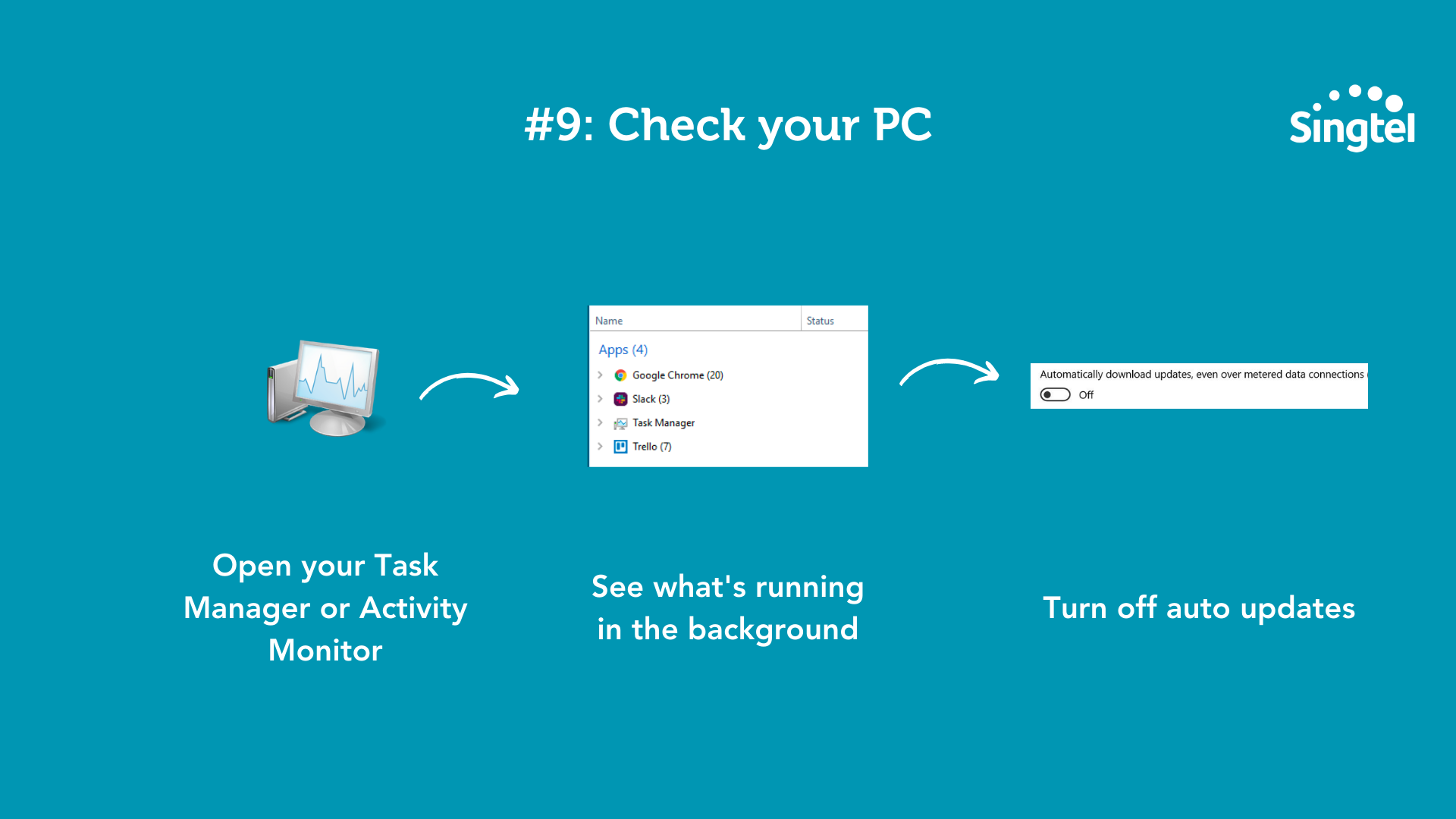
Sometimes the issue isn’t your WiFi, but the device you’re using.
If only one device is slow, check for background downloads, updates, or apps that may be using bandwidth or system resources.
Simple fixes:
Close unused apps
Pause downloads or updates
Restart your device if needed
#9: Use the My Singtel app to optimise your WiFi setup
The My Singtel App can help you identify areas in your home with stronger or weaker WiFi signals.
By testing signal strength in different spots, you can better understand your coverage and make informed adjustments to your setup.
You can use it to:
Find better placement for your router
Identify weak signal areas in your home
Troubleshoot and optimise your network setup
Good to know:
Some WiFi scanning features may only be available on Android devices due to platform limitations.
If you are planning to upgrade your home internet setup after testing your WiFi coverage, you can compare Singtel fibre broadband plans to find one that suits your household needs.
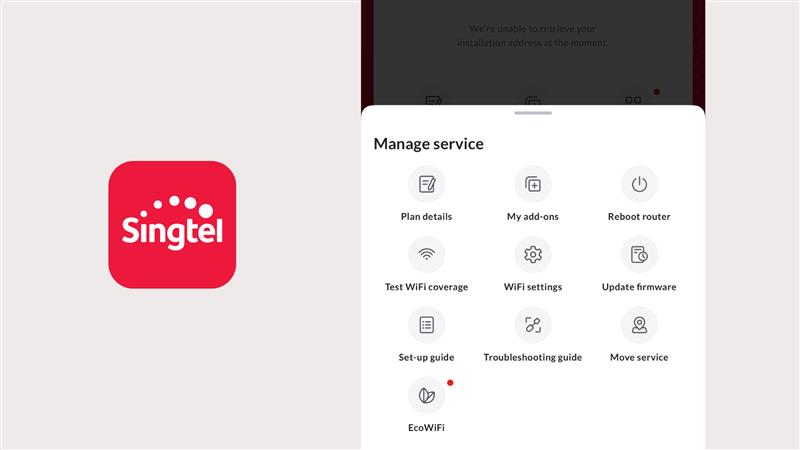
This feature is only available on Android phones, and you can use the feature regardless of whether you are a Singtel customer.
Frequently asked questions about slow WiFi
How can I improve WiFi speed at home in Singapore?
You can improve WiFi performance by:
Placing your router in a central, open location
Reducing interference from nearby devices and networks
Managing connected devices and usage
Using a mesh system for better coverage
Upgrading to newer WiFi technology if your equipment is outdated
If you have already tried these steps but still face slow speeds, you may want to review your Singtel fibre broadband plan or consider a newer WiFi setup.
Does WiFi 7 really make a difference?
WiFi 7 can deliver faster speeds, lower latency, and better performance, especially in homes with many connected devices.
However, to fully benefit, yourrouter, devices, and broadband plan should support WiFi 7.
To learn more, explore Singtel WiFi 7 broadband plans.
Is WiFi 7 suitable for HDB and condo homes?
Yes, WiFi 7 is well-suited for homes with many devices and high usage.
For best results in Singapore homes, it should be combined with proper router placement or a mesh system to overcome obstacles like concrete walls.
For larger homes or homes with more challenging layouts, you can also consider Singtel FibreEverywhere / FTTR for more consistent fibre-backed coverage across the home.
What should I do if my home has many WiFi dead zones?
If your WiFi is strong near the router but weak in bedrooms, study rooms, or far corners of the home, the issue is likely coverage rather than speed alone.
You can try repositioning your router, adding mesh nodes, or considering Singtel Home Priority for better whole-home coverage, especially for larger or multi-storey homes.
A final word on improving your WiFi
Slow WiFi can often be improved with simple adjustments like better router placement, reducing interference, or improving coverage.
If you’ve optimised your setup and still need higher performance, upgrading to newer technology can help, especially in households with heavy usage.
👉 Explore Singtel WiFi 7 broadband plans to enjoy faster speeds and improved performance across your home.