Why does my WiFi keep disconnecting? 5 causes and fixes

Part of the Tech Decoded guide series by Singtel, helping Singaporeans make smarter home tech decisions.
If your WiFi keeps disconnecting , common causes include weak WiFi coverage, poor router placement, wireless interference, a problem with a particular user device, or an interruption to your broadband connection.
Start by checking which user devices are affected and where the disconnections happen. If only one user device disconnects, troubleshoot that device first. If WiFi drops mainly in certain rooms, check your WiFi coverage and router placement. If multiple user devices lose internet access at the same time, check your router and broadband connection.
Here’s how to identify what’s causing your WiFi to disconnect, what you can do about it, and when you may need to improve your home WiFi setup.
Quick diagnosis: Why does my WiFi keep disconnecting?
Before changing your broadband plan or buying new equipment, use these symptoms to narrow down the likely cause.
If this happens… | What to check first |
|---|---|
| Only one phone, laptop or device disconnects | Try another device in the same location |
| Several devices disconnect at the same time | Check your router and broadband connection |
| WiFi drops mainly in bedrooms or certain rooms | Move closer to your router and check whether the connection improves |
| WiFi disconnects when moving between rooms | Check whether the signal becomes weak between different areas of your home |
| You’re connected to WiFi but have no internet | Check whether other devices connected to the same WiFi network can access the internet. |
This can help you distinguish between a problem with a particular user device, your WiFi coverage and the broadband connection itself.
5 common reasons your WiFi keeps disconnecting
Now that you’ve narrowed down when and where the problem happens, here are five common causes to check — and what you can do about them.
1. Is your WiFi signal too weak?
The further you move from your router, the weaker your WiFi signal can become. Concrete walls, doors and other physical obstacles can also reduce the strength of the signal reaching your device.
This can be especially noticeable if your router is at one end of your home while you’re trying to connect from a bedroom at the other end. In Singapore homes, concrete walls and other physical obstructions can also affect WiFi coverage.
How to tell:
Check whether your connection improves when you move closer to your router. If it does, weak WiFi coverage — rather than faulty WiFi router or broadband modem — may be the issue.
What you can do:
Start by identifying the areas in your home where your connection is weakest. If weak WiFi is limited to certain rooms, improving coverage may be more useful than simply upgrading to a faster broadband plan.
For more tips, read our guide on [9 easy ways to improve weak WiFi at home].
2. Is your router in the wrong place?
Where your router sits can make a significant difference to WiFi coverage.
A router hidden inside a cabinet, placed behind large objects or positioned in an enclosed area (such as a distribution board (DB) box in a new BTO flat) may have more difficulty providing a strong signal throughout your home.
In new HDB BTO homes, avoid placing the WiFi router within the DB box near the entrance. While this can be convenient for your home’s network connections, an enclosed location may not always be ideal for broadcasting WiFi throughout the flat.
Moving into a new BTO or home? Plan your WiFi setup early. Consider where you’ll use WiFi most — such as the living room, bedrooms or study — before deciding where to place your router and networking equipment.
How to tell:
Your WiFi works well near the router but becomes weaker or less stable as you move into other rooms.
What you can do:
Where practical, position your router in a more open and central location, away from major obstructions such as walls, large furniture, metal cabinets, mirrors, enclosed spaces and on a higher level.
For more tips on getting your router placement right, read Singtel’s guide on where to place your WiFi router in a BTO.
3. Is wireless interference affecting your WiFi?
Your router isn’t the only device using wireless signals around your home.
Nearby WiFi networks and other wireless devices, such as Bluetooth equipment or some baby monitors, can contribute to interference, particularly on the 2.4GHz band. In densely populated residential environments like HDB flats and condominiums, wireless activity around you can affect the stability of your WiFi connection.
How to tell:
Your WiFi becomes less stable at particular times or in particular locations, even when you’re reasonably close to the router.
What you can do:
Move your router away from other wireless devices and electronics that may cause interference, and keep it in an open area where possible.
If your router supports dual-band WiFi, the 5GHz band may experience less congestion than 2.4GHz, but it works best when you're closer to the router.
If the issue continues, check whether other devices experience the same problem. If only one device is affected, the issue may be with that device rather than your WiFi network.
4. Does only one device keep disconnecting from WiFi?
If your laptop keeps disconnecting but everyone else’s phones and devices remain connected, your home WiFi may not be the main problem.
The affected device could have outdated software, network settings that need to be refreshed or WiFi hardware limitations.
How to tell:
Try connecting another device from the same location. If that device stays connected normally, the issue is more likely to be with the original device.
What you can do:
Restart the affected device, check for software updates and reconnect it to your WiFi network before making changes to your broadband or home WiFi setup.
If the issue continues, try forgetting the WiFi network on the affected device, then reconnect using your WiFi password. Make sure you have the password before doing this.
5. Is the problem your WiFi or Broadband connection?
WiFi and broadband are related, but they’re not the same thing.
WiFi is the wireless connection between your device and your router. Broadband is the internet connection delivered to your home.
This means your phone or laptop can sometimes show that it’s connected to WiFi even when there is no working internet connection.
How to tell:
If multiple devices lose internet access at the same time — including devices close to your router — the problem may be with your router or broadband connection rather than WiFi coverage. If devices cannot connect to your WiFi network or the router appears unresponsive, the router may be the issue. If devices remain connected to WiFi but cannot access the internet, the broadband connection may be the issue.
What you can do:
Check another device. If several devices have no internet, it’s less likely to be a device-specific issue.
Check your router. Look for unusual or warning indicator lights that may signal a connection issue.
Restart your router . Turn it off, wait about 30 seconds, then switch it back on and allow a few minutes for it to reconnect.
Test a direct connection. If you have a laptop with an Ethernet port, try connecting it directly to your Optical Network Terminal (ONT) using an Ethernet cable. This can help determine whether the issue is related to your router or broadband connection.
Still having issues? Follow Singtel’s “Unable to connect to internet” troubleshooting guide or contact technical support.
Is it a WiFi problem or a broadband problem?
A quick way to narrow down the cause is to check where the problem happens and which devices are affected.
If this happens
|
Likely area to investigate
|
|---|---|
Only certain rooms are affected
|
WiFi coverage or router placement
|
Only one device is affected
|
The affected device
|
Multiple devices lose internet together
|
Router or broadband connection
|
Connected to WiFi but no internet
|
Check whether other devices can get online
|
From the Singtel team 💡
Test one thing at a time.
If your WiFi keeps dropping, start by checking another device, then try moving closer to your router. If several devices lose internet at the same time, check your router and broadband connection.
This step-by-step approach makes it easier to narrow down the likely cause before making changes to your home WiFi setup.
What if my home needs better WiFi coverage?
If you’ve narrowed the problem down to weak WiFi coverage, start with your router placement. If your router is enclosed or far from the rooms where you use WiFi most, changing its location may help.
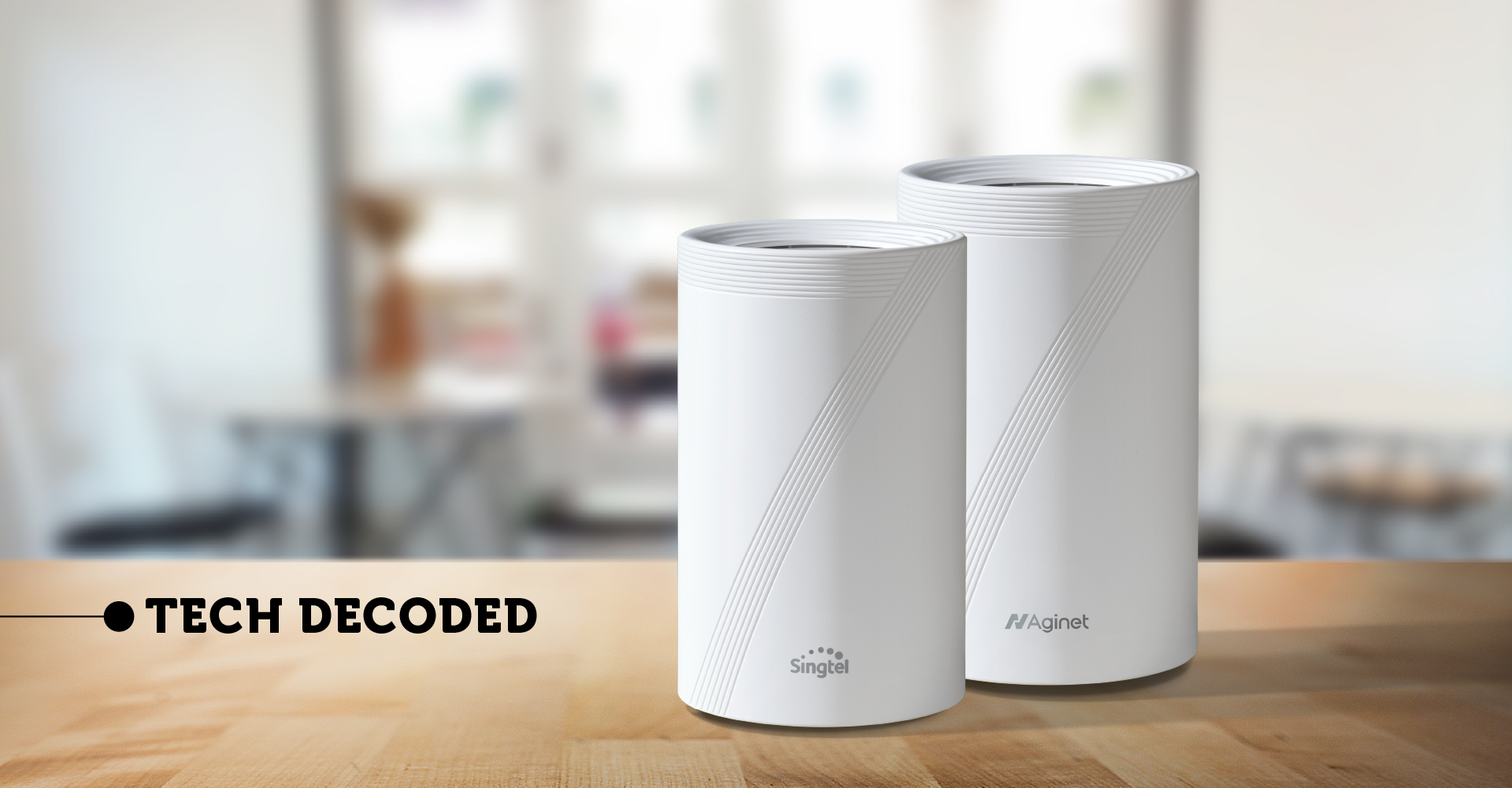
If weak WiFi persists across several rooms, consider adding a compatible WiFi 7 mesh unit. It works with your main router as one WiFi network to provide wider coverage across your home. Singtel Fibre Broadband plans come with WiFi 7 routers, with Mesh options available for homes that need wider coverage. For larger, multi-storey or more complex layouts, Fibre to the Room (FTTR) extends fibre connectivity directly to selected rooms for a more customised setup.
Got the keys to your new BTO or home? Consider your WiFi coverage needs early, especially while planning your renovation.
Not sure which setup suits your home? Explore Singtel Fibre Broadband plans and WiFi solutions based on your speed and coverage needs.
Frequently asked questions
Why does my WiFi keep disconnecting even when the signal is strong?
Your WiFi can still disconnect even when the signal is strong if the issue is with your device, router or broadband connection. Check whether one or multiple devices are affected to help narrow down the cause.
Can an old device cause WiFi to keep disconnecting?
Yes, an older device may experience WiFi connection issues because of its hardware capabilities, software or compatibility with your WiFi setup. Check for software updates and whether the device supports the WiFi bands and standards used by your router.
Why does my WiFi keep disconnecting after I restart my router?
If your WiFi keeps disconnecting after restarting your router, there may be another underlying cause. Check whether the issue affects one device, certain rooms or multiple devices. If it happens only in certain rooms, check your WiFi coverage and router placement. If multiple devices are affected throughout your home, check your router and broadband connection.
Should I add a WiFi 7 mesh unit or get faster broadband if my WiFi keeps disconnecting?
A compatible WiFi 7 mesh unit may help if weak coverage is causing disconnections in certain areas of your home. Faster broadband provides more internet capacity when multiple people regularly carry out bandwidth-intensive activities at the same time. Identify whether the issue is coverage or capacity before deciding which solution you need.
The bottom line
If your WiFi keeps disconnecting, first identify which devices are affected and where the problem happens. This will help you determine whether to troubleshoot a device, reposition your router, improve WiFi coverage or check your broadband connection.
Explore Singtel Fibre Broadband plans with WiFi 7 and find a setup for your home's speed and coverage needs.
Not sure what's right for your home?
Home networking doesn't have to be complicated.
If you need help choosing the right setup, troubleshooting a connection or getting the most from your broadband, Singtel's team is here to help, with online guides, technical support and friendly advice when you need it.
Explore our broadband support resources
Explore Singtel broadband solutions
Talk to us →
Chat with us: help.singtel.com/chat
Call us at 1688 (8:30am-6:00pm daily)
Singtel Editorial | 21 October 2026