Change Singtel installation appointment
Important to note: Any appointment change has to be made 2 working days in advance.
Follow these steps:
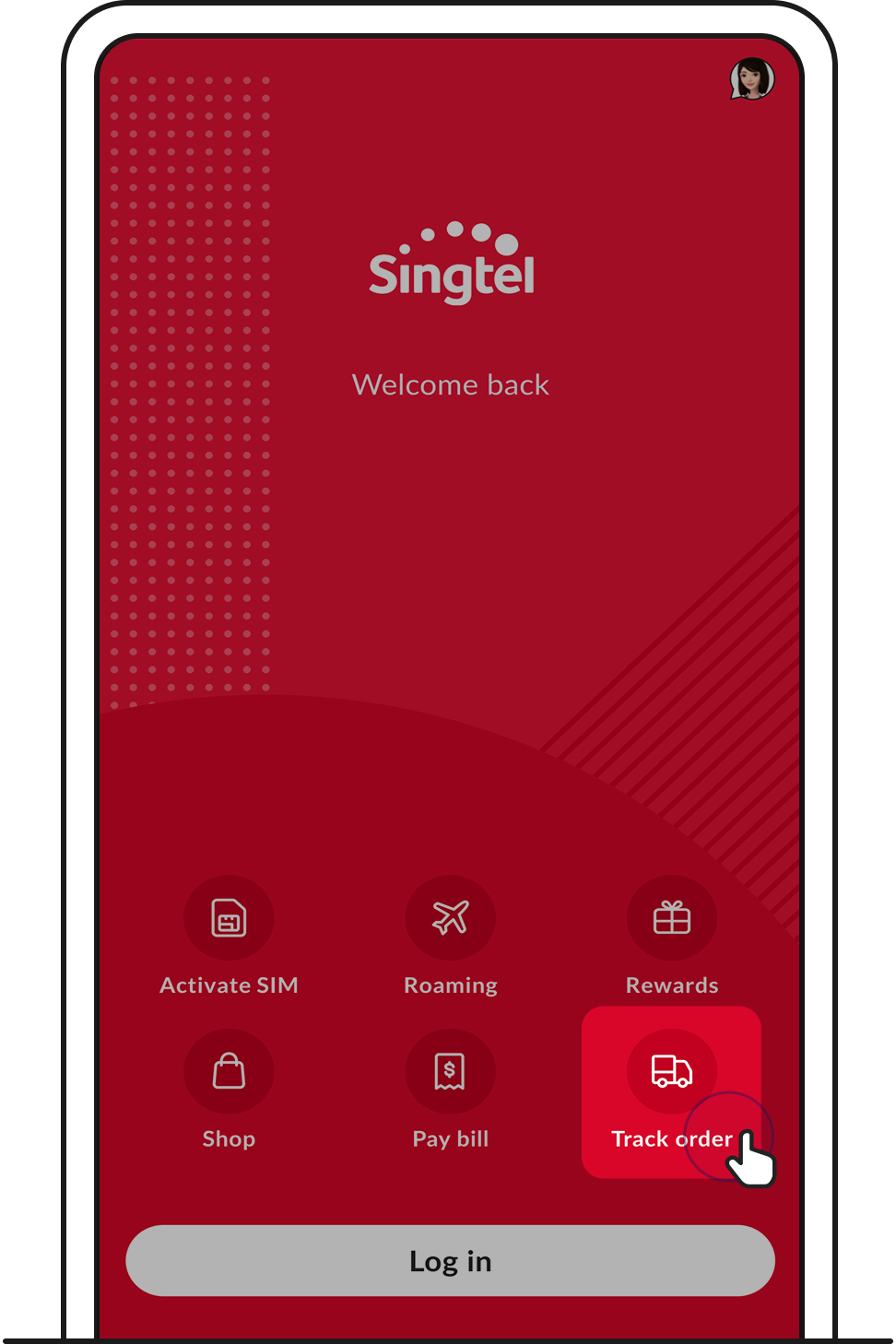
1. Open My Singtel app and tap on Track order.
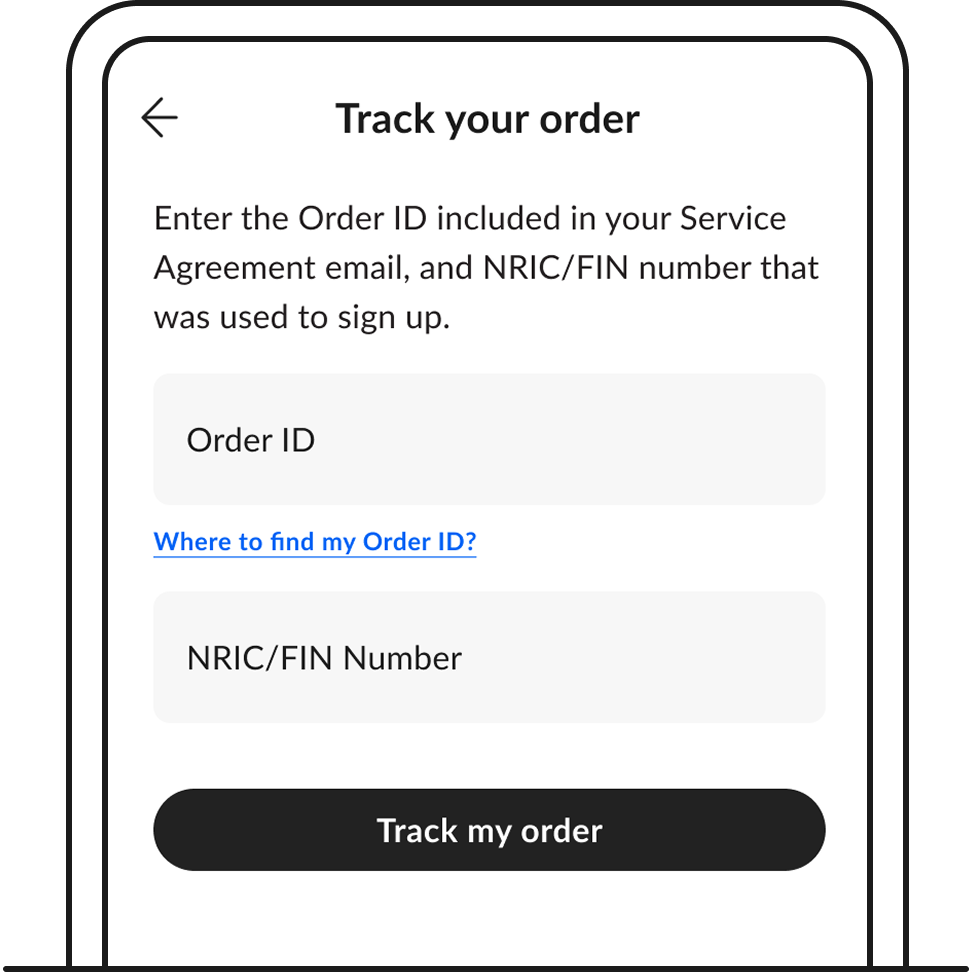
2. Enter your Order ID, followed by your NRIC/FIN number that was used to sign up for the service.
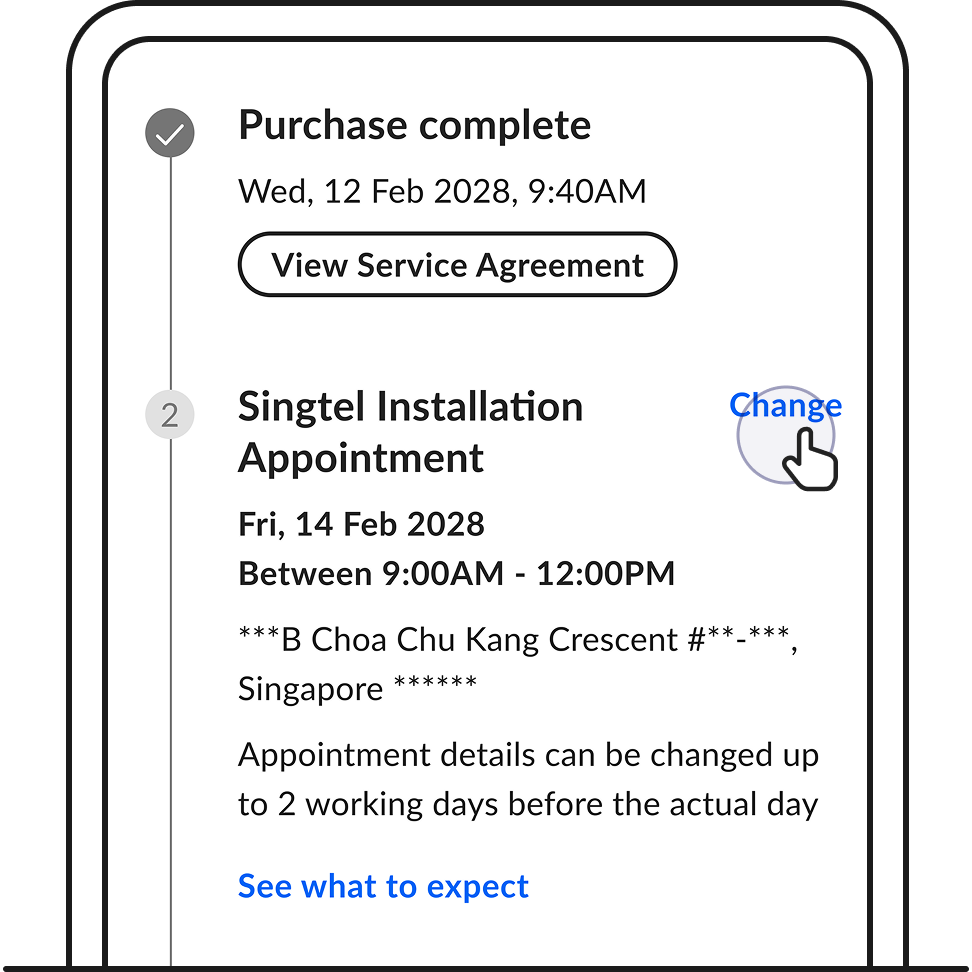
3. Scroll down to view your Singtel Installation Appointment. Tap on Change.
Any appointment change has to be made 2 working days in advance.
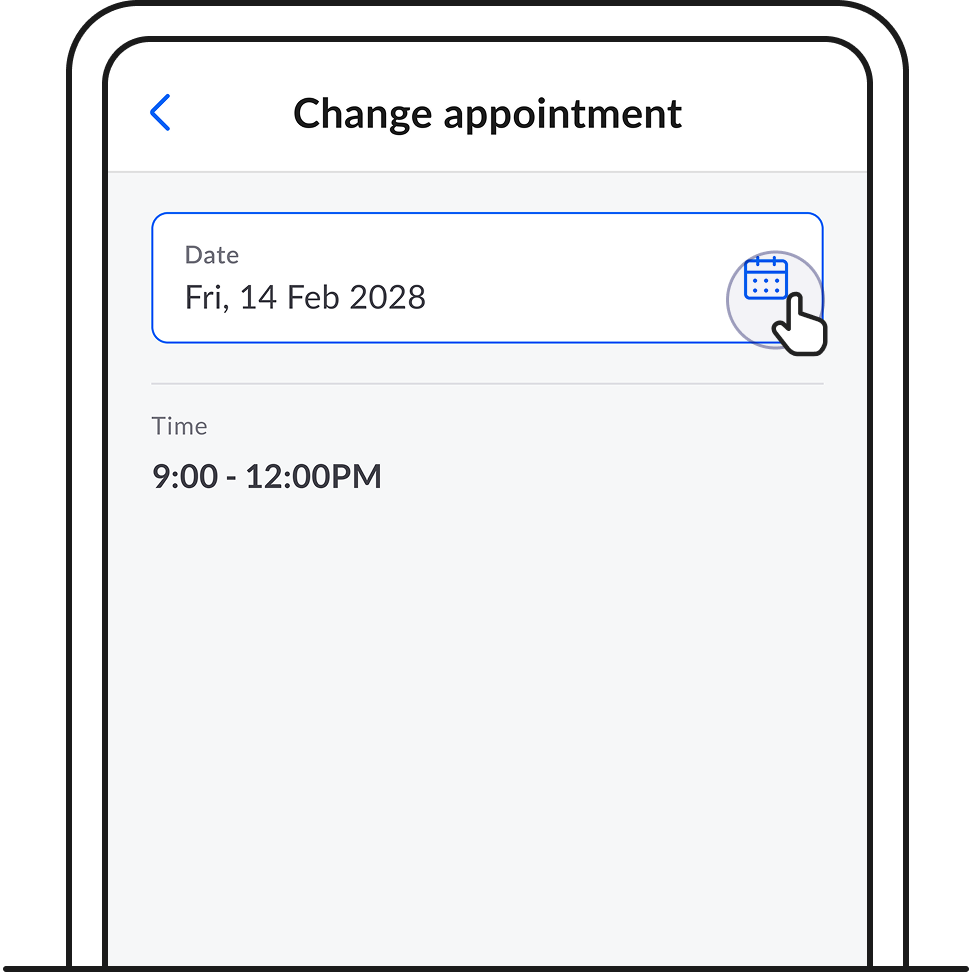
4. Select the new date and time you want to set your appointment to.
5. Tap Done and remember to Save changes.
Related articles
Didn’t find what you are looking for?
Let us know what you need and we’ll connect you to the right team.
Call us
Available from 8:30AM–6:00PM
(Technical help: 24 hours daily)