Change WiFi network name and password via Optical Network Router (ONR)
Follow these steps:
1. Visit 192.168.1.254
2. On this page, scroll down for the list of routers until you see the one you’re using. Log into your specific router’s admin page with the corresponding details.
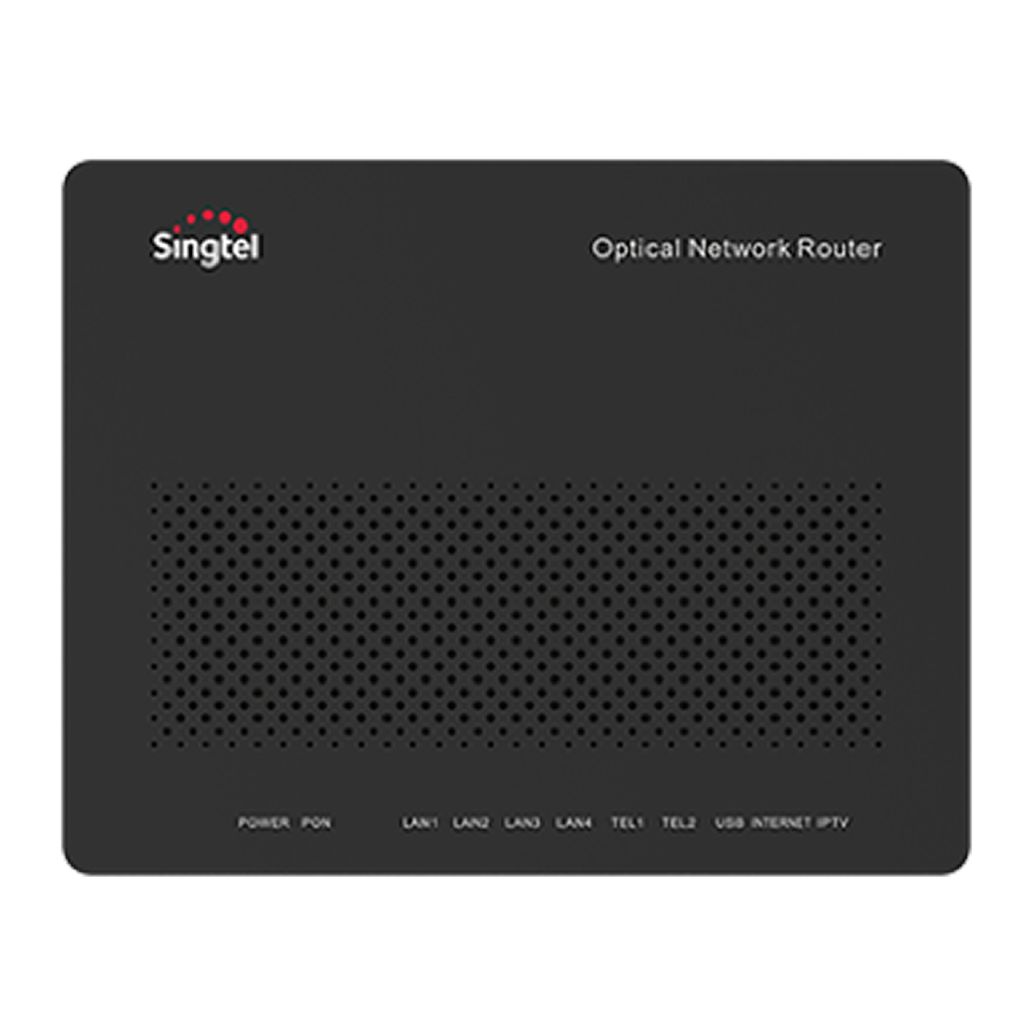
Huawei HG8244H ONR
Username: root
Password: admin
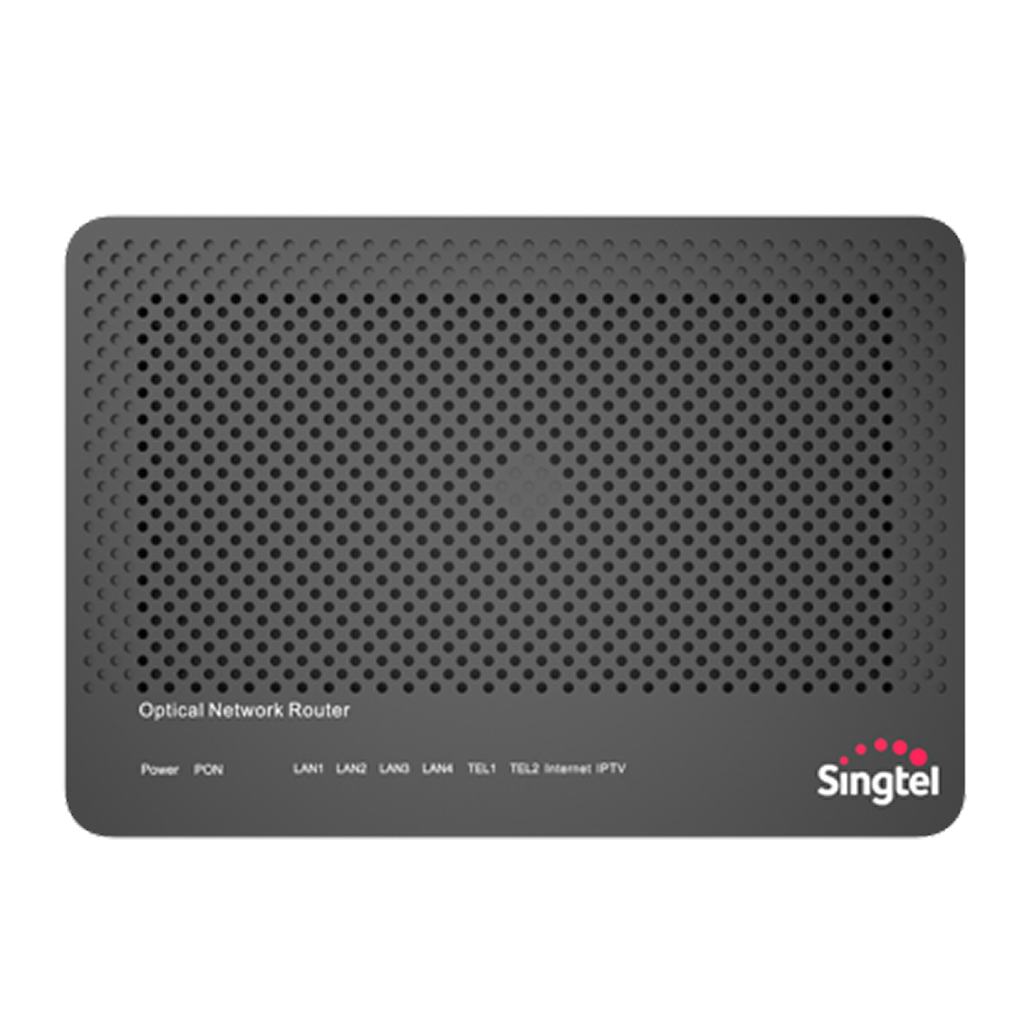
Huawei HG8240T5 ONR
Username: root
Password: < Refer to the bottom of your device >
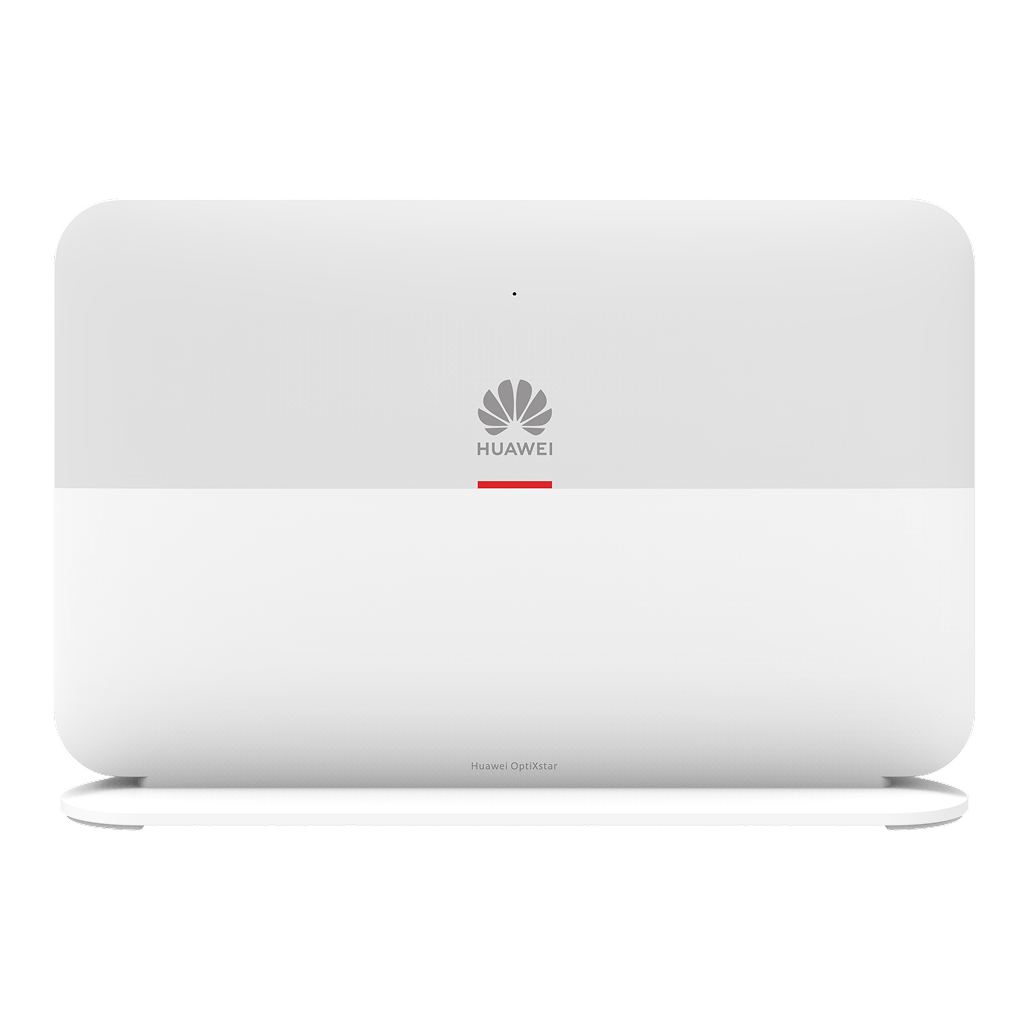
Huawei OptiXstar V183 ONR
Username: root
Password: < Refer to the bottom of your device >
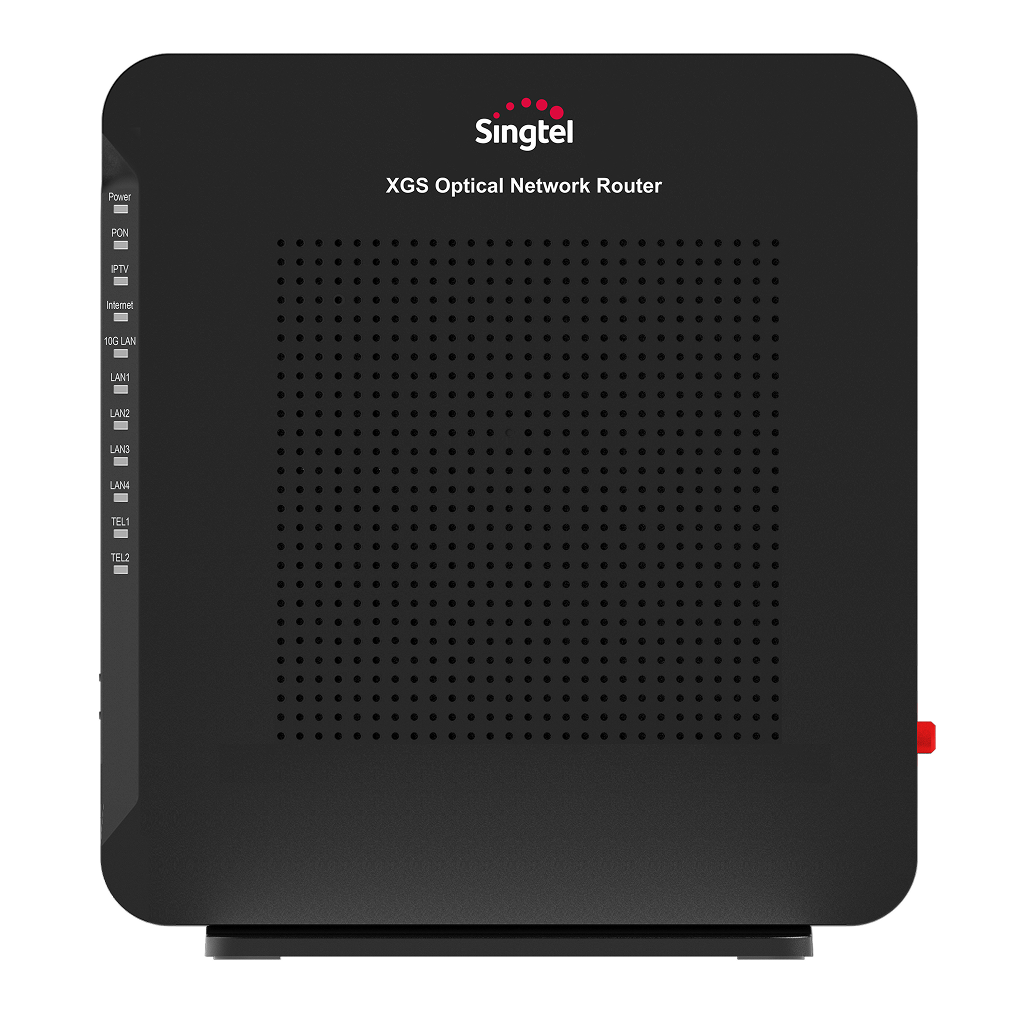
ZTE8648P ONR
Username: root
Password: < This is labelled on the device >
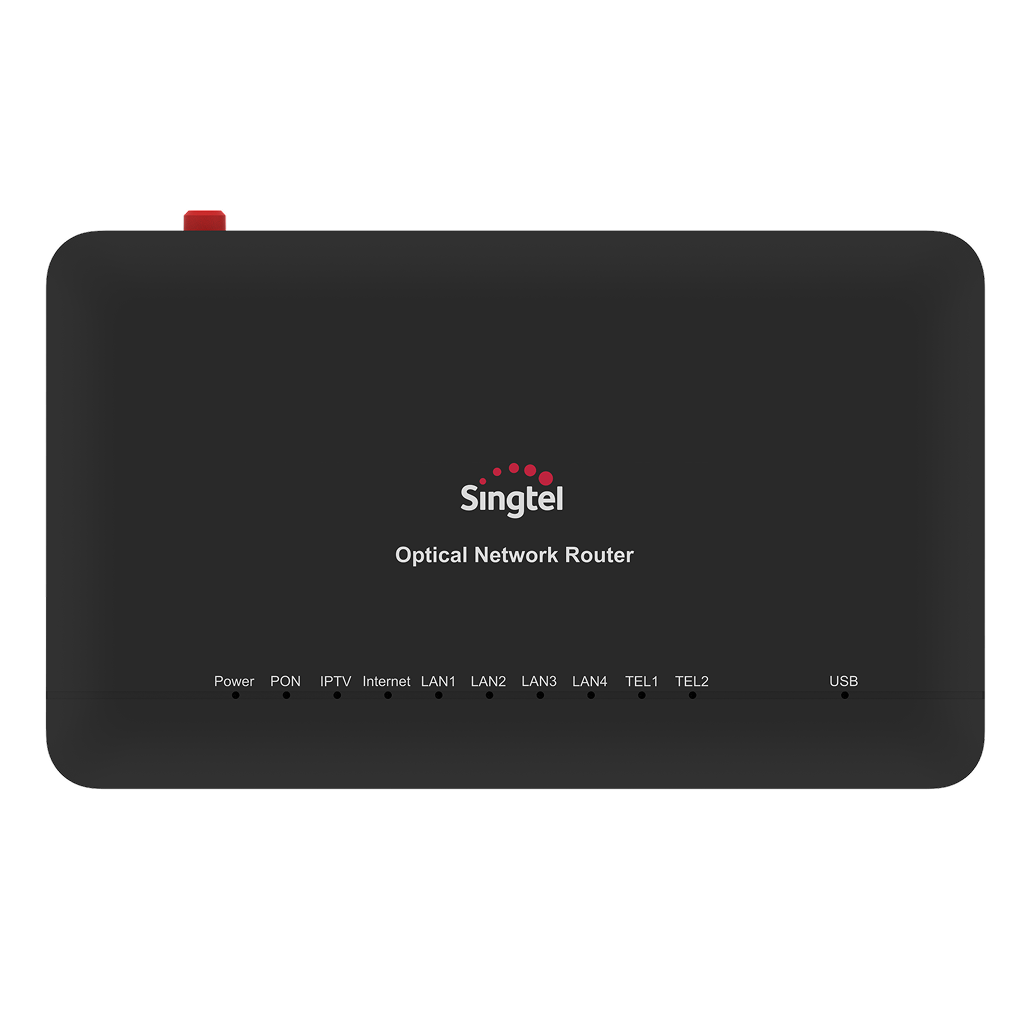
ZTE ZXHN F620 ONR
Username: root
Password: < Refer to the bottom of your device >
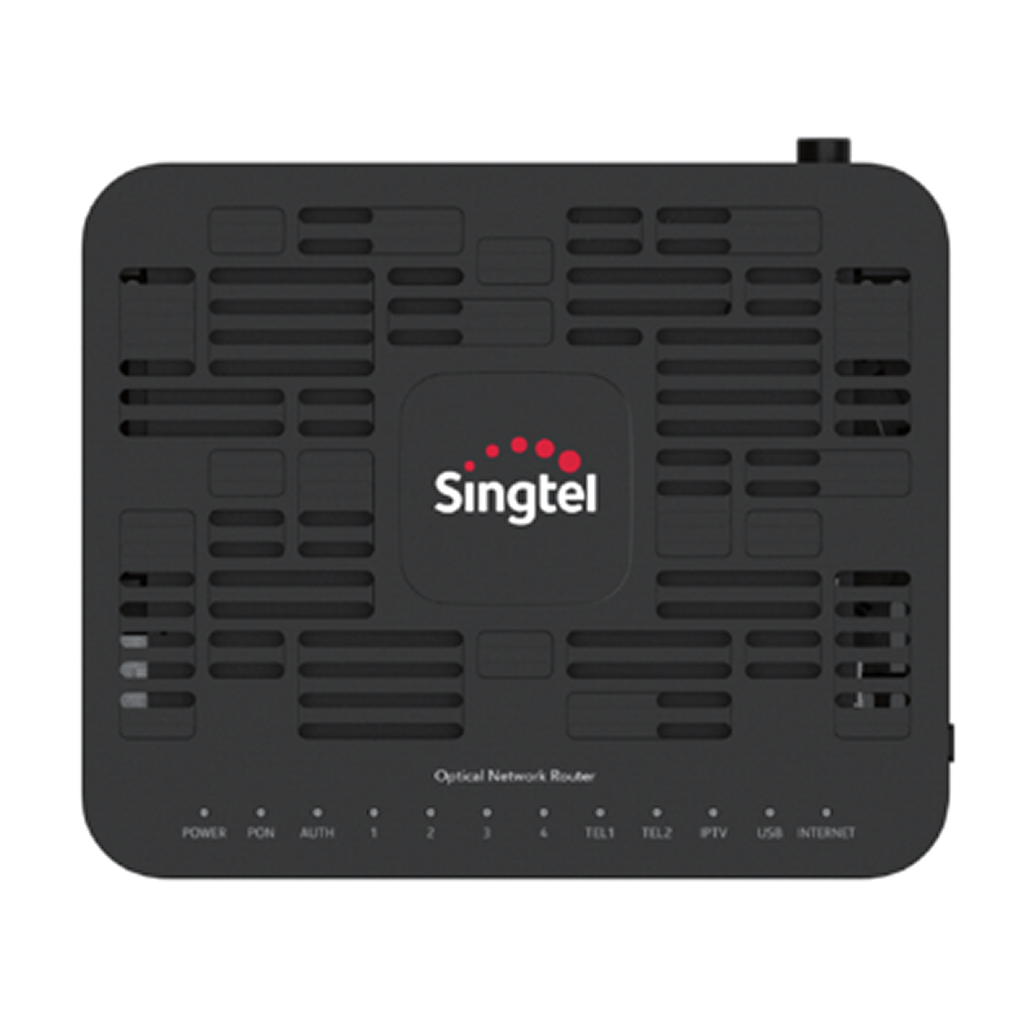
Nokia G240 ONR
Username: admin
Password: < Refer to the bottom of your device >
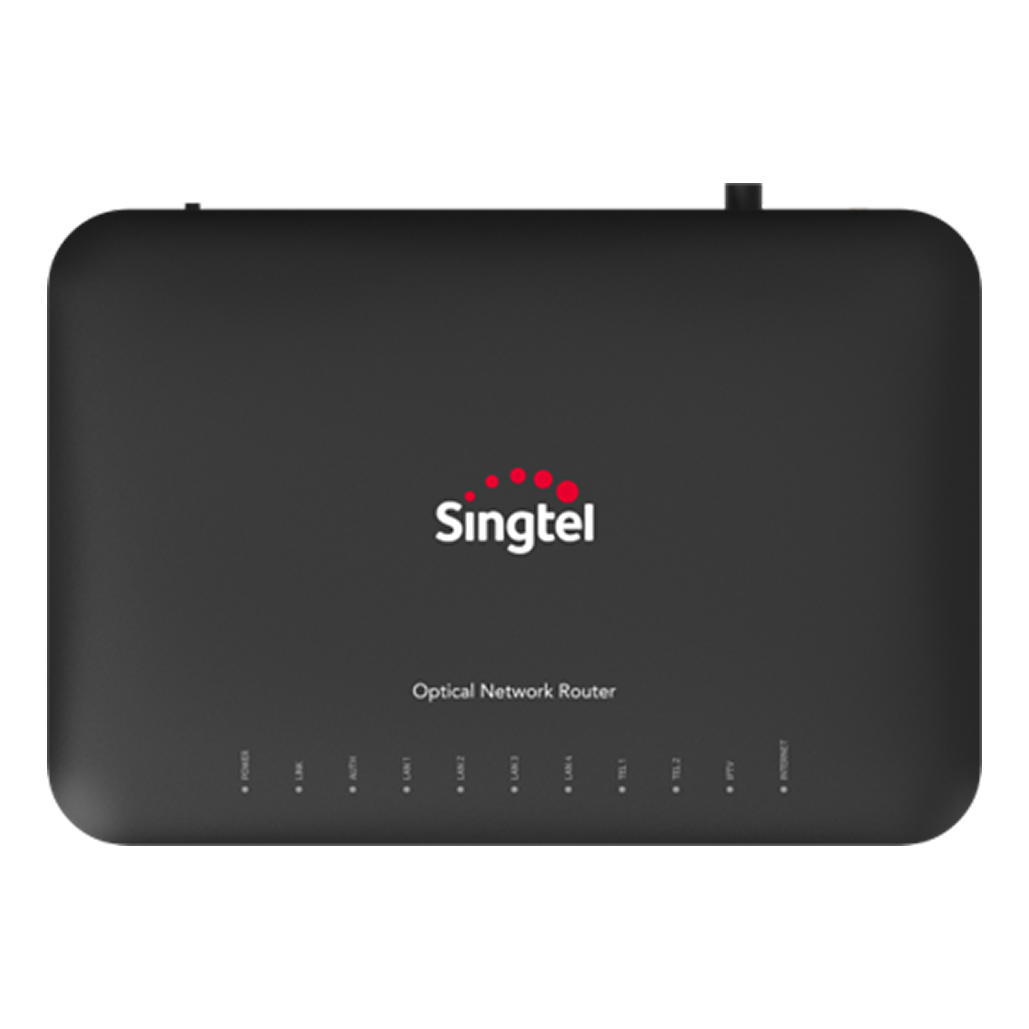
Nokia XS-240X-A XGS ONR
Username: admin
Password: < Refer to the bottom of your device >
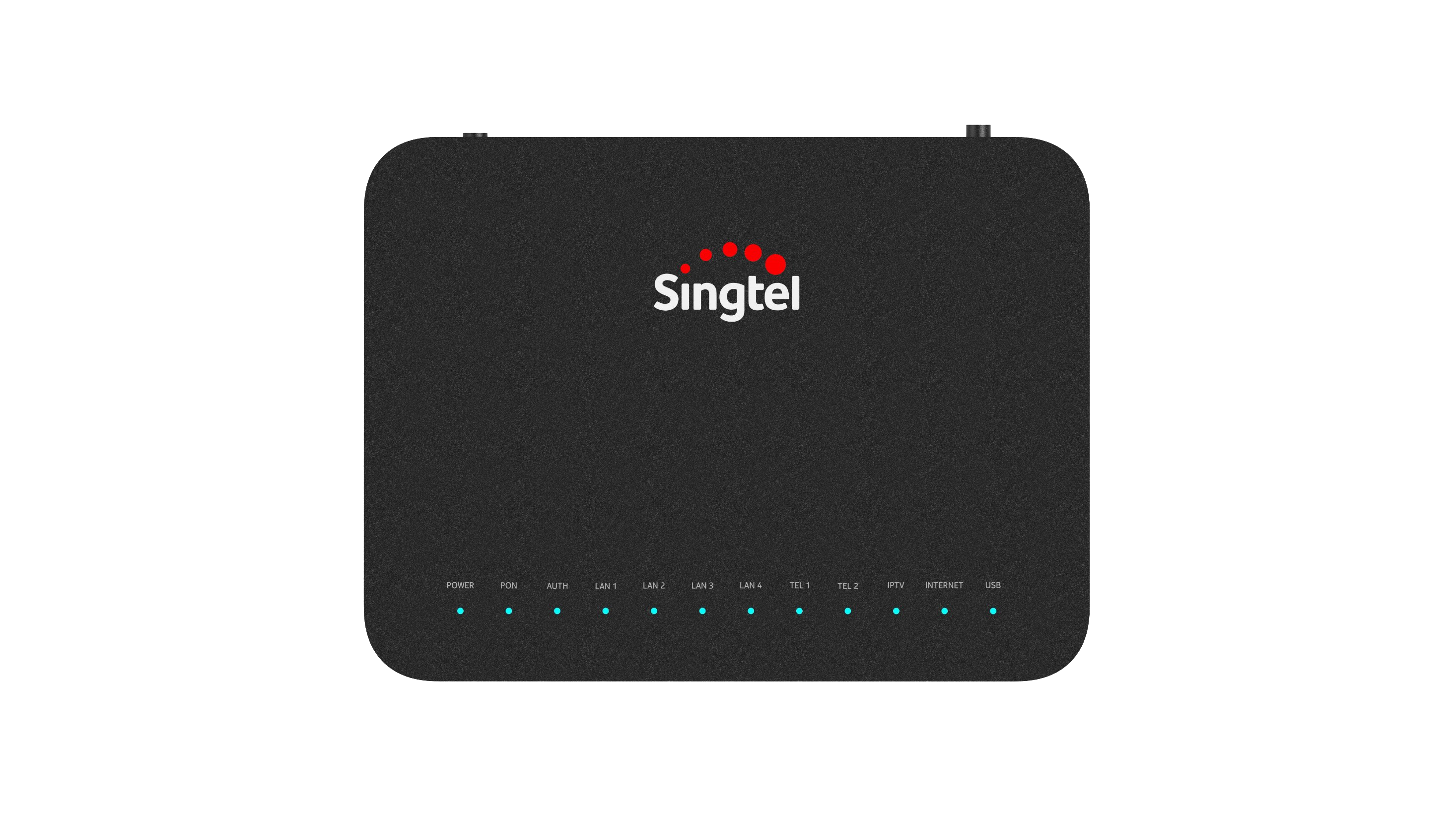
Nokia XS-240X-B XGS ONR
Username: root
Password: < Refer to the bottom of your device >
3. Look out for this icon on the Home tab:

For ZTE8648P ONR and ZTE ZXHN F620 ONR, click on the icon shown above.

For Huawei ONR, click on the icon shown above.
4. On the admin page, look out for your device and its IP Address (usually 192.168.1.XX).
Askey AP5100W
"askeyap"
AirTies 4930
"air4930"
AirTies 4920
"air4920"
Singtel Mesh Router
"Mesh Controller"
Singtel AC Plus
"Singtel-ACPlus"
Singtel AC Elite
"Singtel-ACElite"
Singtel Wi-Fi 6 Mesh AP5690W
"WiFi6_Mesh_Ext_xxxx < last 4 digits of serial number >"
Wi-Fi 6 Mesh Extender (WE620242-ST)
"WiFi6_Mesh_Ext_xxxx < last 4 digits of serial number >"
Wi-Fi 6 Router RT5703W
“WiFi6_Router_XXX“
Singtel Wi-Fi 6 Router
“Wi-Fi_6_Router_XXXX”
However, if you’re using the following devices, follow the guides below instead to update your WiFi network name and passwords.
Visit http://www.asusrouter.com (only accessible when connected to an Asus router) or type 192.168.50.1 in web address bar and follow the steps in the guide.
Visit https://tplinkwifi.net or https://192.168.88.1 in web address bar and log in using the password printed on the product label. Go to Wireless > Wireless Settings. Change your SSID and password accordingly and click Save.
5. Enter your device's IP address in your web browser.
6. If prompted, log into your device’s admin page with the corresponding details.
Askey AP5100W
Username: admin
Password: admin
AirTies
No login required
Singtel Mesh Router
Username: admin
Password: < Refer to the bottom of your device >
Wi-Fi 6 Router RT5703W
Username: admin
Password: < refer to Login Info Password at the bottom of your device >
Singtel AC Plus/Singtel AC Elite (AC1900)
Password: < Refer to Serial no. on the bottom of your device >
Singtel Wi-Fi 6 Mesh AP5690W/Arcadyan Wi-Fi 6 Mesh Extender (WE620242-ST)
Username: < refer to Username on device label >
Password: < refer to Admin password on device label >
Singtel Wi-Fi 6 Router
Username: < refer to Username at the bottom of your device >
Password: < refer to Admin Password at the bottom of your device >
7. Proceed to change your WiFi network name and password with the corresponding details.
Askey AP5100W
To change WiFi Network Name (SSID), go to:
2.4 GHz Wireless > Basic
To change Password (Pre-shared Key), go to:
2.4 GHz Wireless > Security
Changes made to your 2.4GHz WiFi band will also be applied to the 5GHz WiFi band.
AirTies 4930
Click Quick Setup, then proceed to change your WiFi network name and password.
AirTies 4920
Go to Wireless > Network Name and Password, click Re-configure Access Point, then proceed to change your WiFi network name and password.
Singtel Mesh Router/Singtel AC Plus/Singtel AC Elite (AC1900)
Click General > Wireless, then proceed to change your WiFi network name and password.
You can choose different passwords or use the same one for both 2.4GHz and 5GHz WiFi bands.
Singtel Wi-Fi 6 Mesh AP5690W/Arcadyan Wi-Fi 6 Mesh Extender (WE620242-ST)
Go to Wireless Setting > WiFi , then proceed to change your WiFi network name and password.
Wi-Fi 6 Router RT5703W
Go to WiFi > General Setting > Change WiFi name or password > Apply.
Singtel Wi-Fi 6 Router
Go to General > Wireless > Change SSID/Network Key > > Apply.
Related articles
Didn’t find what you are looking for?
Let us know what you need and we’ll connect you to the right team.