Change WiFi network name and password via router
Singtel TP Link WiFi 7 Router (HB611-SGST)
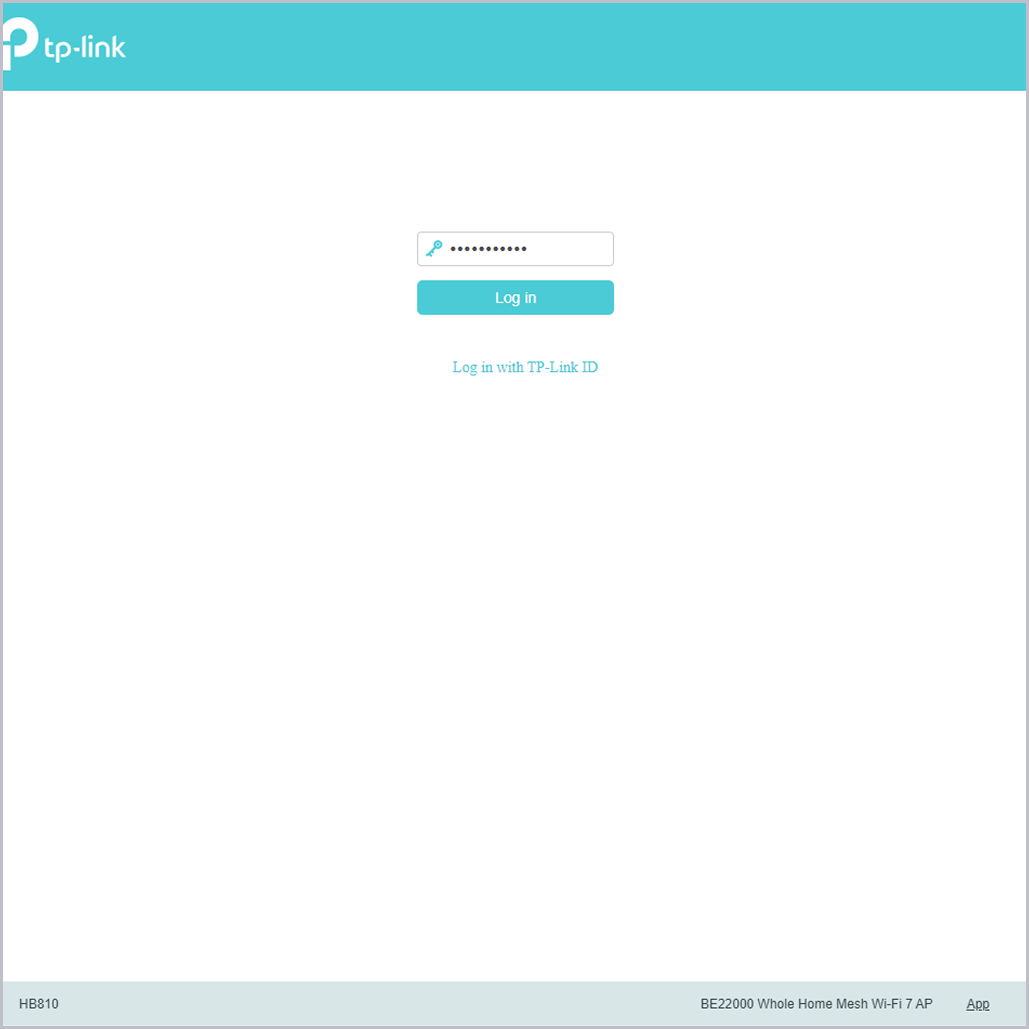
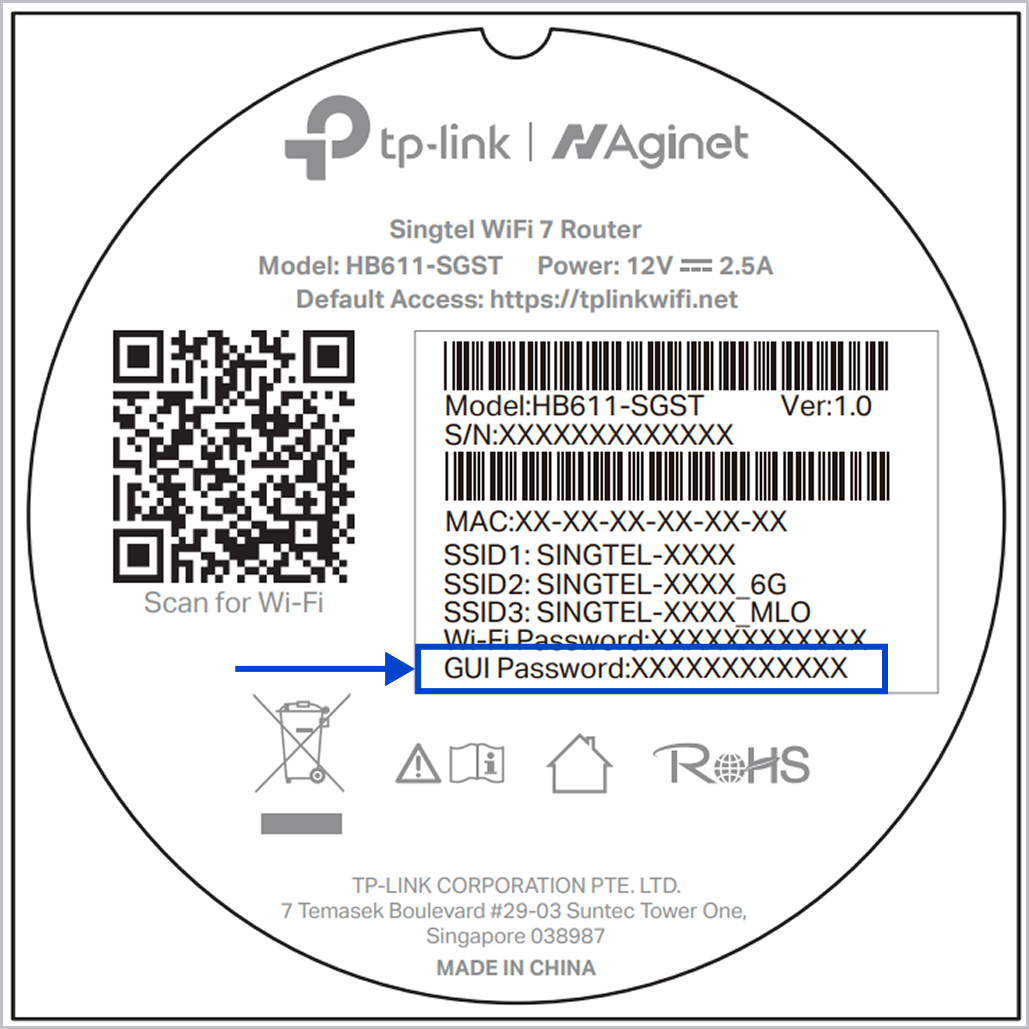
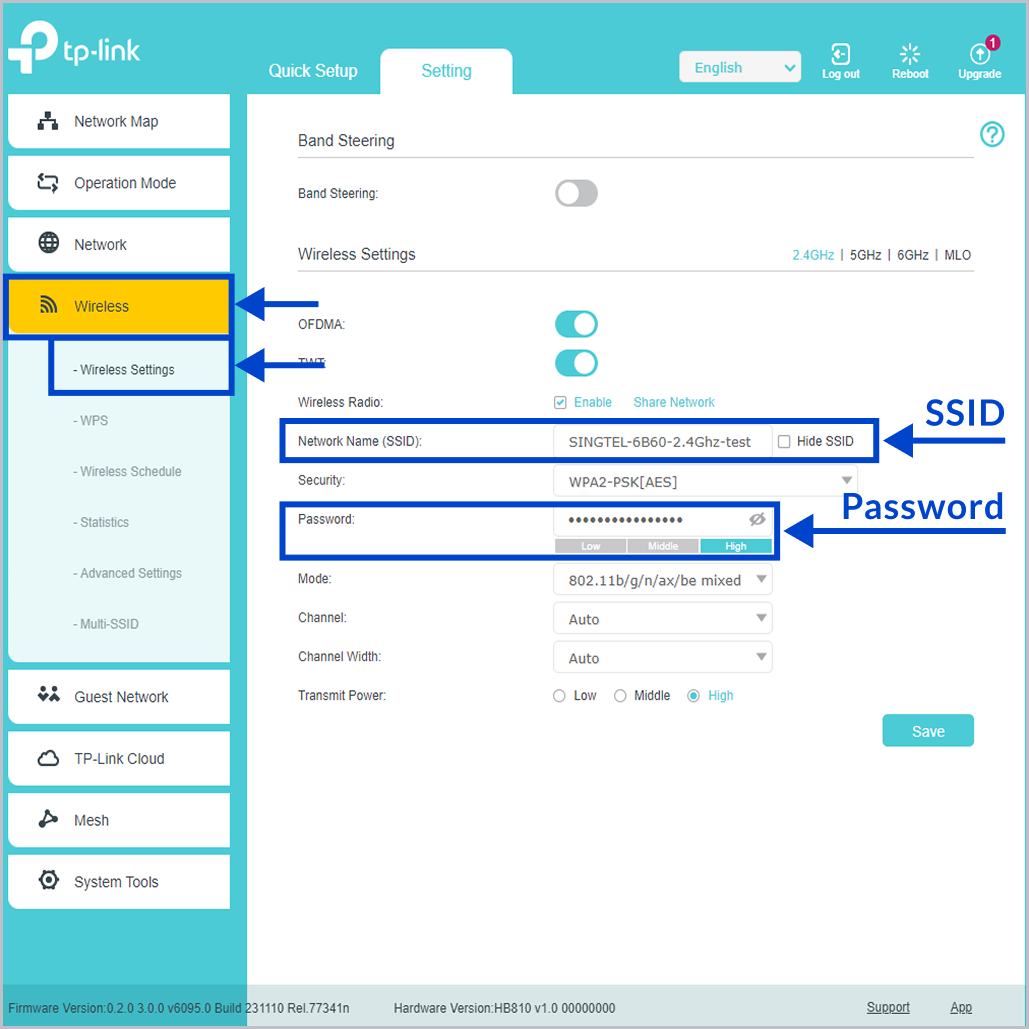
Go to Wireless > Wireless Setting, and change your SSID and password. After that, click Save.
Related articles
Didn’t find what you are looking for?
Let us know what you need and we’ll connect you to the right team.
Call us
Available from 8:30AM–6:00PM
(Technical help: 24 hours daily)