Looking for the latest Singtel CAST updates? Visit our new page with updated information here: https://www.singtel.com/personal/singtel-blog/singtel-cast-streaming-singapore
Singtel CAST.SG: Your one-stop entertainment hub

Imagine the convenience of having all your favourite app subscriptions in a single bill and enjoying movies, shows and live sports all in one app.
In this article, we’ll show you how that's possible with Singtel CAST and CAST.SG and how to sign up for it.
In this article, we’ll cover:
What’s the difference between Singtel CAST and CAST.SG?
First, let’s discuss the difference between CAST.SG and the Singtel CAST app.
CAST.SG is an all-in-one marketplace for lifestyle apps and entertainment content.
Then there’s the Singtel CAST app, which is a hub for accessing TV channels, streaming services and live sports matches.
How do they work together?
Simple – you can subscribe to a CAST pack with curated TV channels or streaming apps like HBO GO on CAST.SG, and watch it on the Singtel CAST app.
What is CAST.SG?
Think of CAST.SG as your one-stop app marketplace.
You can access a wide range of content and apps, from live sports matches to everyday apps like Deliveroo Gold, on CAST.SG.
You can pay for your CAST.SG subscriptions via either your credit card or Singtel bill.
The subscription fees are conveniently consolidated on CAST.SG for easy payment.
If you're a Singtel customer, you can opt to pay your CAST.SG bill through your monthly Singtel bill.
Now, let's dive into what CAST.SG has to offer.
Live sports matches on CAST.SG

We know the exhilarating feeling of celebrating with your friends while you watch your favourite player score the winning goal.
With CAST.SG, you can buy bundled packages called CAST packs to watch major sports events.
CAST packs, including the Singtel CAST app and TV channel bundles, allow you to watch these live matches on any device, anytime – even during your commute.
CAST packs include:
But let’s be real – it's just not that shiok (read: satisfying) when you watch a match on a small mobile phone screen.
We’ll get more into how the Singtel CAST app helps with that later.
Singtel TV channel packs on CAST.SG
CAST.SG offers a variety of mini Singtel TV channel bundles that you can stream on your phone, TV, and laptop.
This gives you access to a handful of channels from Astro World to BBC Lifestyle at your fingertips.

And the best part?
You can even download selected shows to watch offline (perfect for when you need to keep yourself occupied on your commute!)
Here are the categories of Singtel TV channels available:
Lifestyle apps on CAST.SG
CAST.SG doesn’t just have apps that allow you to consume content 24/7.
There’s also a wide variety of lifestyle apps and subscriptions, from meditation to gaming.
Here's a quick glance at the apps available on CAST.SG:
Music:
Lifestyle:
Games:
News:
Productivity:
Education:
Why purchase these apps via Singtel?
For select apps, you get to enjoy discounted prices or other perks.
Take The Entertainer, for example, which is an app that gives you discounts and 1-for-1 on F&B, beauty services, and more.
If you sign up via Singtel, you can pay per month instead of getting a yearly subscription.
Plus, you get to enjoy your first month on The Entertainer on us!
This offer is exclusively available through Singtel and can’t be found anywhere else in Singapore 😉
Entertainer aside, you can get a great deal on Apple Music too.
If you’re a new user who’s signed up for Apple Music through CAST.sg, your first month is on the house, no matter if you’re using an Apple or Android device.
Plus, there’s no contract or lock-in period – you are free to cancel at any time.
What is the Singtel CAST app?
Now that you’re familiar with CAST.SG, let’s talk about the Singtel CAST app.
Singtel CAST is an app that lets you access and watch your favourite content.
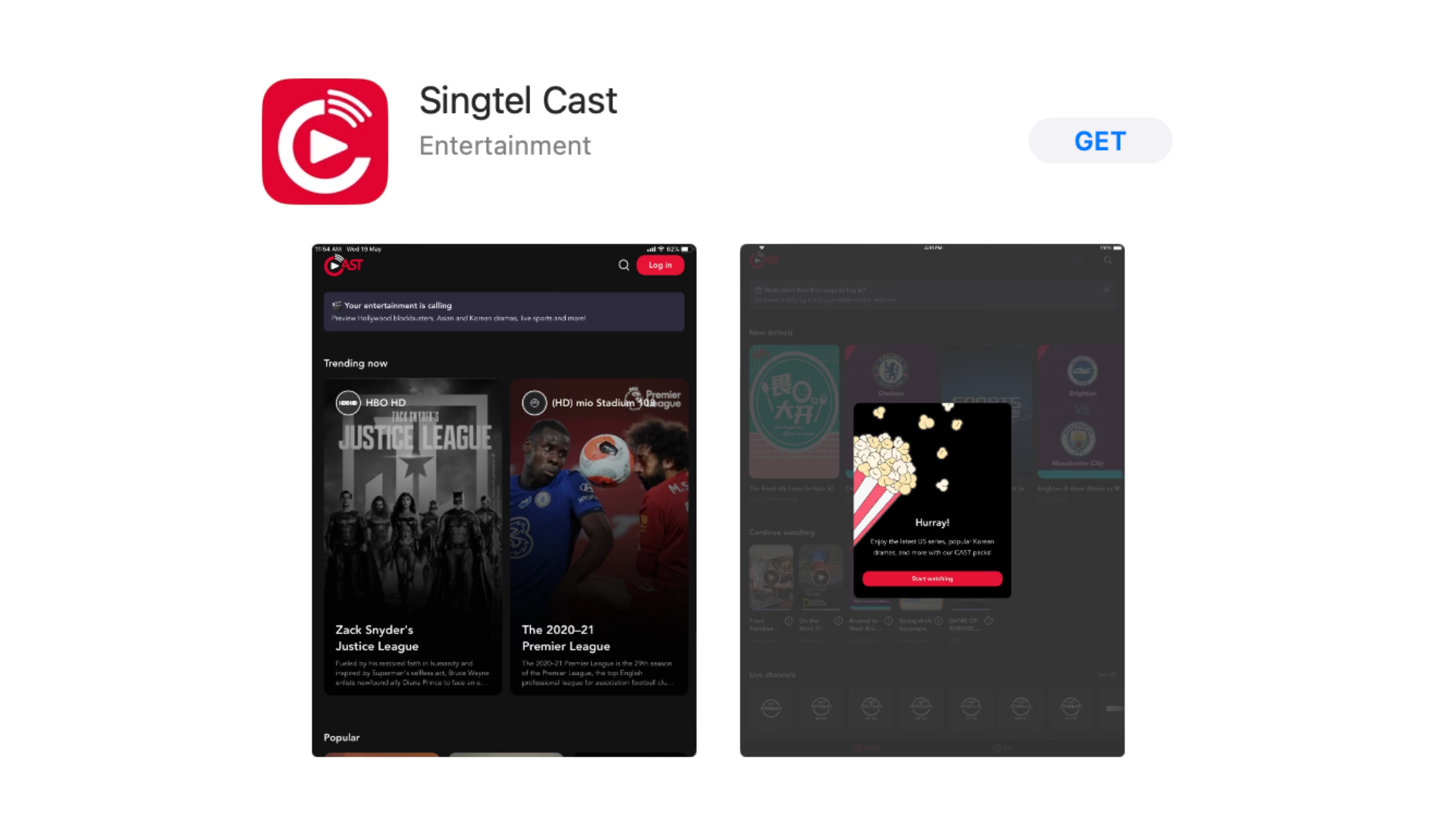
Here’s what you can do on Singtel CAST:
Any TV channel pack or streaming app you’ve bought on CAST.SG is accessible to watch through the Singtel CAST app.
Now, here’s where the CAST in Singtel CAST comes in.
You can cast live matches, movies, and TV shows from your mobile device to your TV!
This way, you can enjoy the game with your friends or a rom com with your partner (we’ll explain how to do that in a bit).
But wait, there’s more…
If you want to switch from football to FRIENDS, you can seamlessly switch to Netflix or any other streaming app via the CAST app.
Here are the streaming apps available for sign up on CAST.SG and are accessible via Singtel CAST:
You might be thinking... why not just buy the streaming app subscription directly?
Well, you can actually save some money when you get certain apps through CAST.SG.
Here are the apps that offer lower prices when you sign up via CAST.SG.
Streaming service
| Regular subscription price (per month)
| Singtel CAST subscription price (per month)
| Difference
|
|---|---|---|---|
| Viu Premium | $8.98 | $6.90 | $2.08 |
| TVBAnywhere+ | ~$6.09 (4.49 USD) | $5.02 | $1.07 |
| iQIYI | $10.98 | $6.98 | $4 |
With CAST.SG, you can save up to $7.15 per month! 🤑
That’s not all... when you sign up for CAST.SG, you also get 6 months of FREE Amazon Prime.
This gives you access to Prime Video, Amazon's video streaming service.
You'll also get free delivery on Amazon Fresh, along with domestic and international Amazon Prime deliveries.
How do I use Singtel CAST?
Don’t let the wide variety of entertainment options overwhelm you when it comes to Singtel CAST.
Using Singtel CAST is pretty straightforward.
First, download the Singtel CAST app on your phone.
Once it’s installed, open the app and you’ll be able to watch your favourite shows from either Singtel TV channels or various streaming apps.
You can also use the Singtel CAST app to cast shows and live matches onto your TV for a more immersive experience.
For Apple users, you can use AirPlay.
Ensure both your Apple mobile device and Apple TV are connected to the same WiFi network.
Then, open the CAST app on your mobile device, tap on AirPlay and select your Apple TV.
If you’re using an Android device or Chromecast, make sure both your Android device and TV or Chromecast are on the same WiFi network.
Open the CAST app, tap on Chromecast, and choose your TV or Chromecast device.
How do I sign up for Singtel CAST?
Intrigued and thinking about signing up for Singtel CAST?
Here’s how you can do it.
First, create a Singtel CAST account.
You’ll then be able to select and buy your preferred TV channel packs and apps.
The activation process will differ based on what Singtel service you use.
If you’re a Postpaid Mobile subscriber, it’ll take up to 10 minutes to activate.
For Fibre Broadband and TV subscribers, it’ll take up to 2 working days.
Singtel CAST: FAQ
Still have questions about Singtel CAST?
No worries, we’ve got you covered.
Q: How do I log in to Singtel CAST?
A: There are multiple ways to log in to Singtel CAST.
Logging in via phone:
Enter your Singtel mobile number and the One Time Password (OTP) sent to you, and you’re set!
Logging in via Samsung Tizen TV:
For Samsung Tizen TV, access “Settings” on the Singtel CAST app and then “Sign in”.
Enter your mobile number and OTP and you’re logged in!
Logging in via laptop and desktop:
Visit CAST.SG and enter either your mobile number and One Time Password (OTP) or your CAST ID and password and click “Done”.
Q: How many devices can I access Singtel CAST with?
A: You can access Singtel CAST on as many devices as you want.
However, you can only stream on Singtel CAST on 2 devices at a time.
A final word on Singtel CAST
There you have it folks, everything you can do with Singtel CAST.
From accessing meditation apps to watching football matches, you can do it all!
Create a Singtel CAST account for easy app subscription payments and to watch your favourite shows on any device.
P.S: Check out these laptops that you can use Singtel CAST on.