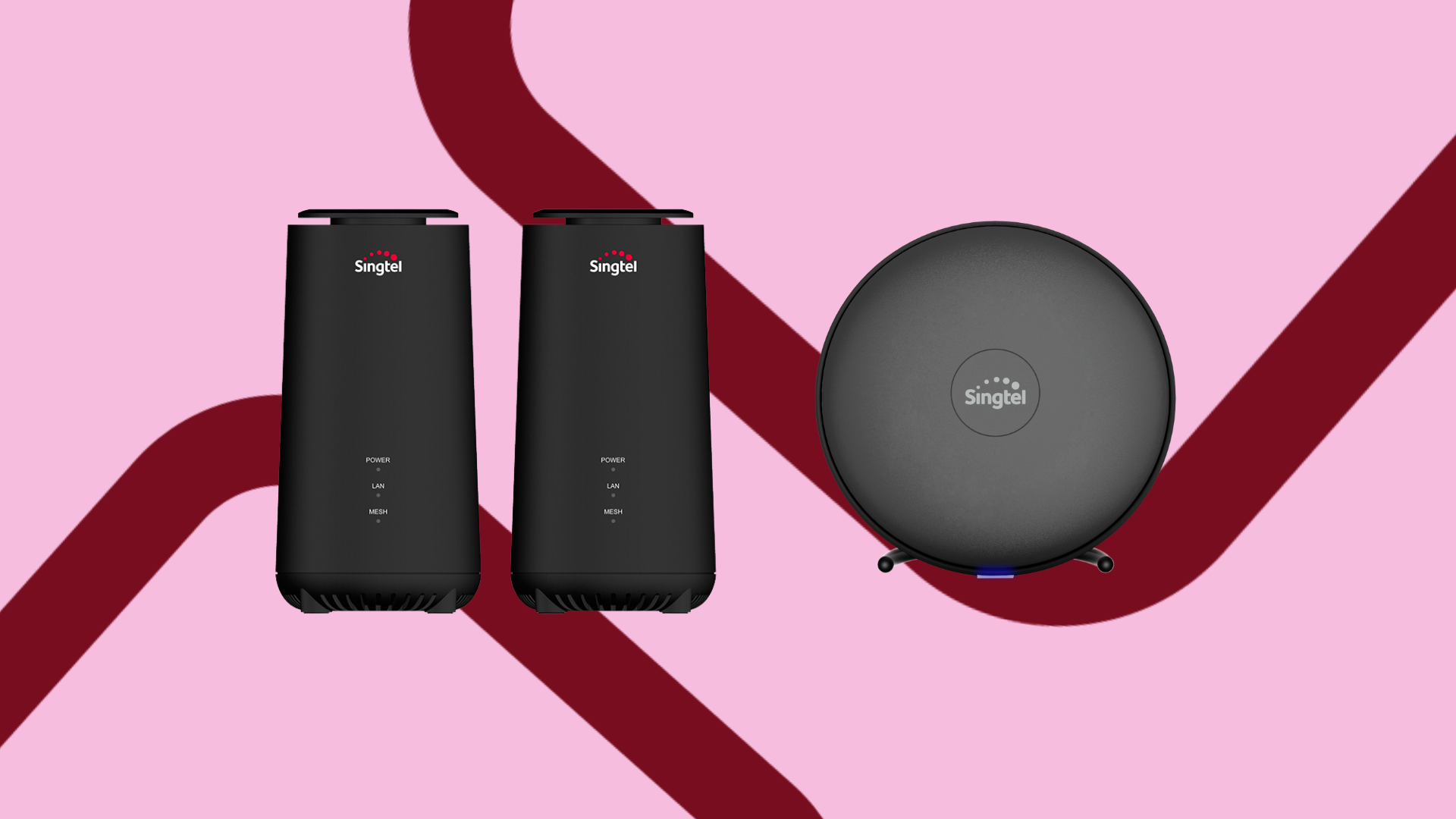
WiFi Mesh Singapore: Best WiFi mesh for your home
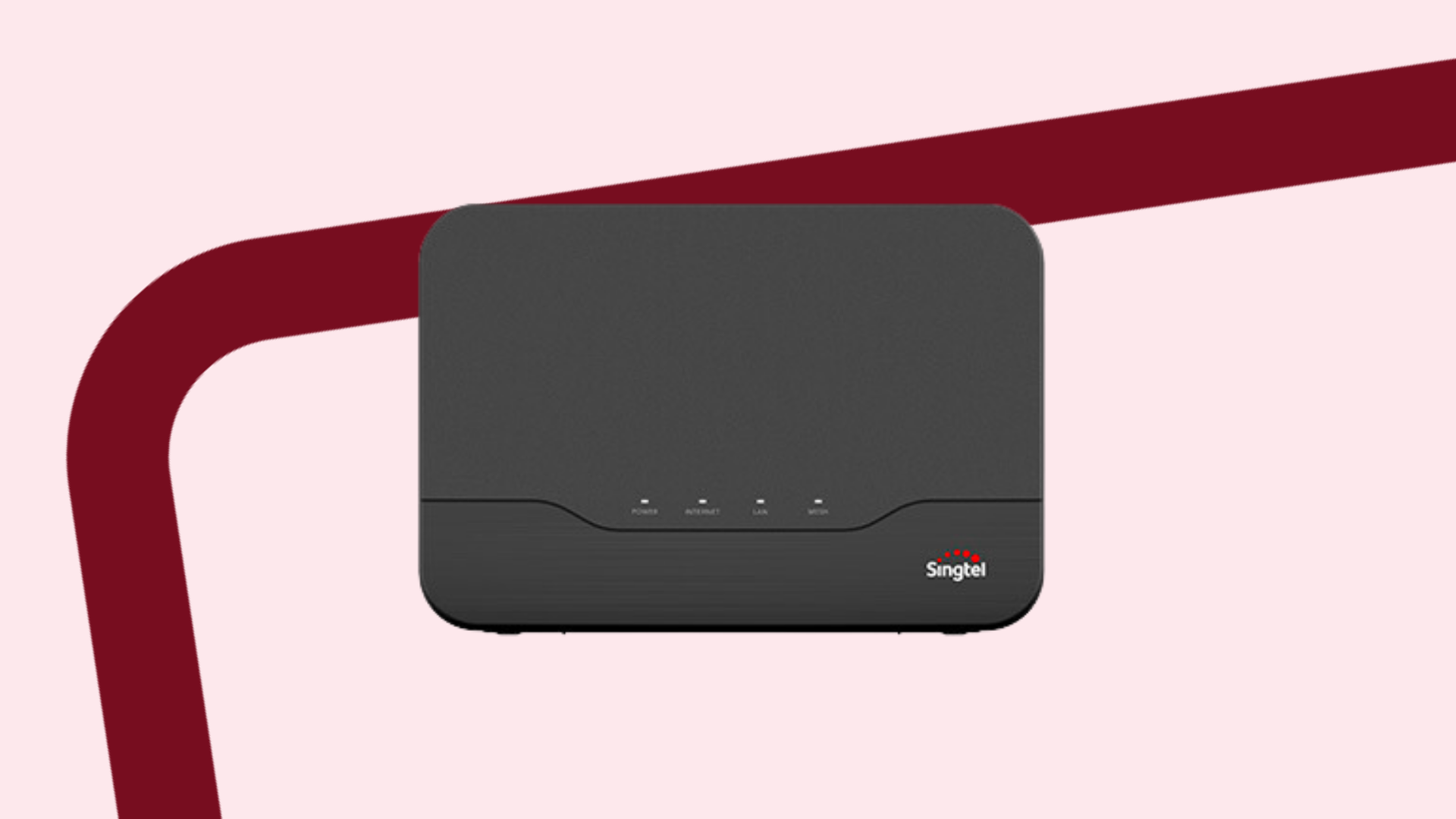
Looking for the best WiFi mesh in Singapore?
You’re in the right place!
Join us as we explore the top WiFi mesh routers in Singapore, so you can make an informed decision about which to get.
In this article, we’ll cover:
What is WiFi mesh? What is a WiFi mesh network?
There are two different concepts here – WiFi mesh routers and WiFi mesh networks.
First, let’s discuss WiFi mesh routers.
A WiFi mesh router is essentially an enhanced version of a standard router.
While a standard WiFi router offers reasonably good connectivity for a single device, a WiFi mesh router gives you better WiFi coverage and performance.
With a WiFi mesh router, you’ll also be able to connect more devices to your WiFi.
If that’s not enough, and you want EVEN better performance, that’s where WiFi mesh networks come in.
Here, you can use 2 or more WiFi mesh nodes to create a WiFi mesh network.
To do this, simply connect your mesh router to your modem and place the nodes elsewhere in your home.
This establishes a system that will eliminate dead zones and create a strong wireless network.
Together, the 2 (or more) WiFi nodes will boost your internet signal, providing strong and stable WiFi connection throughout your home.
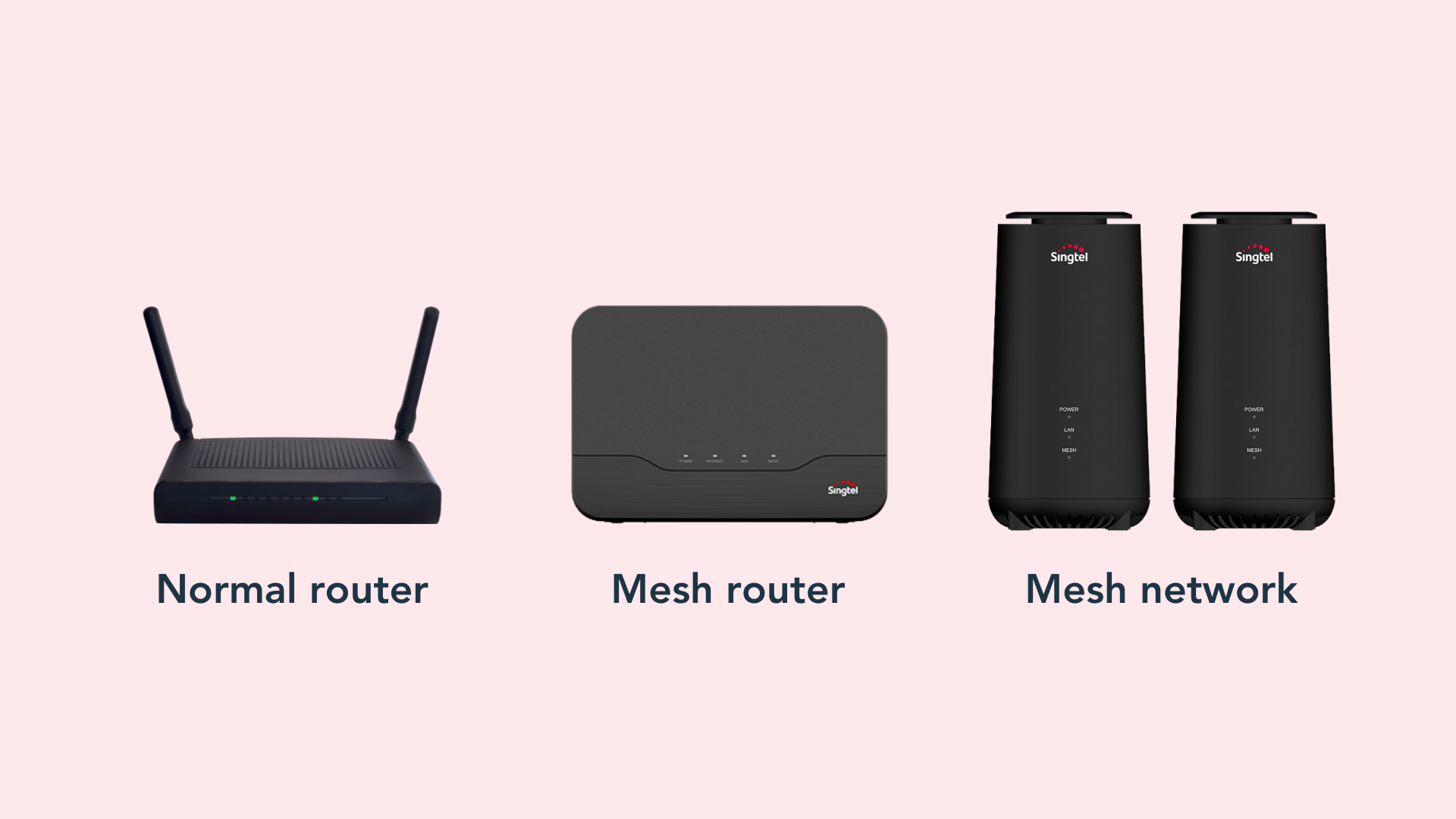
So, the question is: how do you know whether a WiFi mesh router is sufficient, or whether you need a WiFi mesh network?
When it comes to WiFi mesh in Singapore, a mesh router can typically cover an area of the average 3-room HDB flat (66 square metres).
Keep in mind that HDB flats feature walls and built-in bomb shelters constructed from thick, hard-to-penetrate materials such as metal and reinforced concrete.
These materials will typically weaken your signal.
If your house is larger than a 3-room HDB flat, it’s best to get a WiFi mesh network to maintain a stable connection throughout your home.
You can learn more about how WiFi mesh works here.
Benefits of a WiFi mesh network
We’ve briefly mentioned the benefits of WiFi mesh in Singapore, but let’s discuss these in detail.
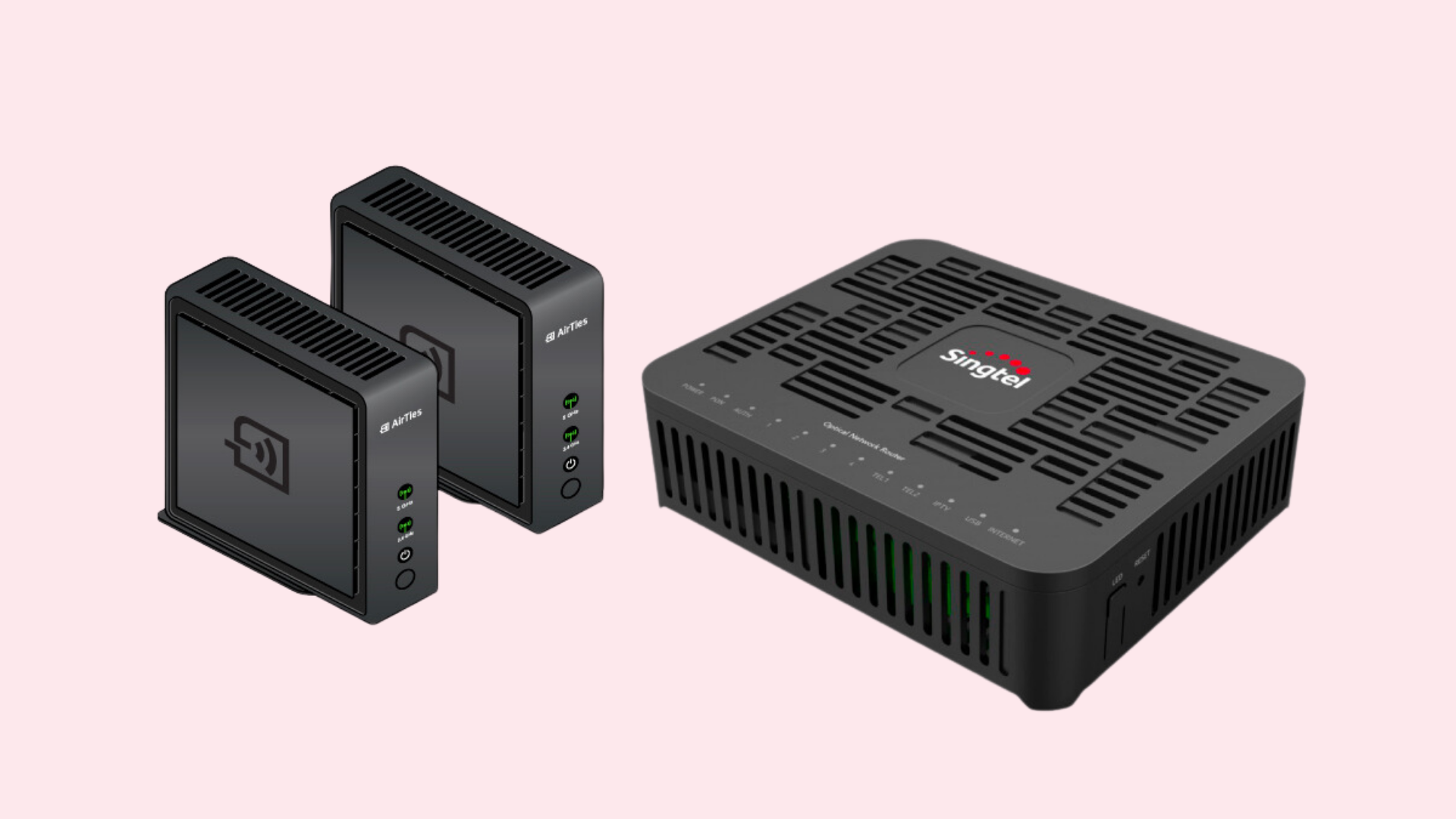
Pros of a WiFi mesh network:
On the other hand, there are also a few considerations you should keep in mind about implementing a WiFi mesh network at home.
These include:
PS: Don’t want to cough up $600 to pay for a mesh network? Sign up for Singtel's 2Gbps Mesh plan, which comes with a pair of WiFi 6 mesh that you can use!
On top of that, you’ll also receive a home line and a FREE lifestyle device (choose from an Xbox, an iPad, a Dyson vacuum cleaner...)
Best WiFi mesh in Singapore
Now that you’re familiar with WiFi mesh in Singapore, let’s talk about which are the best WiFi mesh routers Singapore has to offer.
#1: Netgear Orbi RBK752 Wifi 6 Mesh
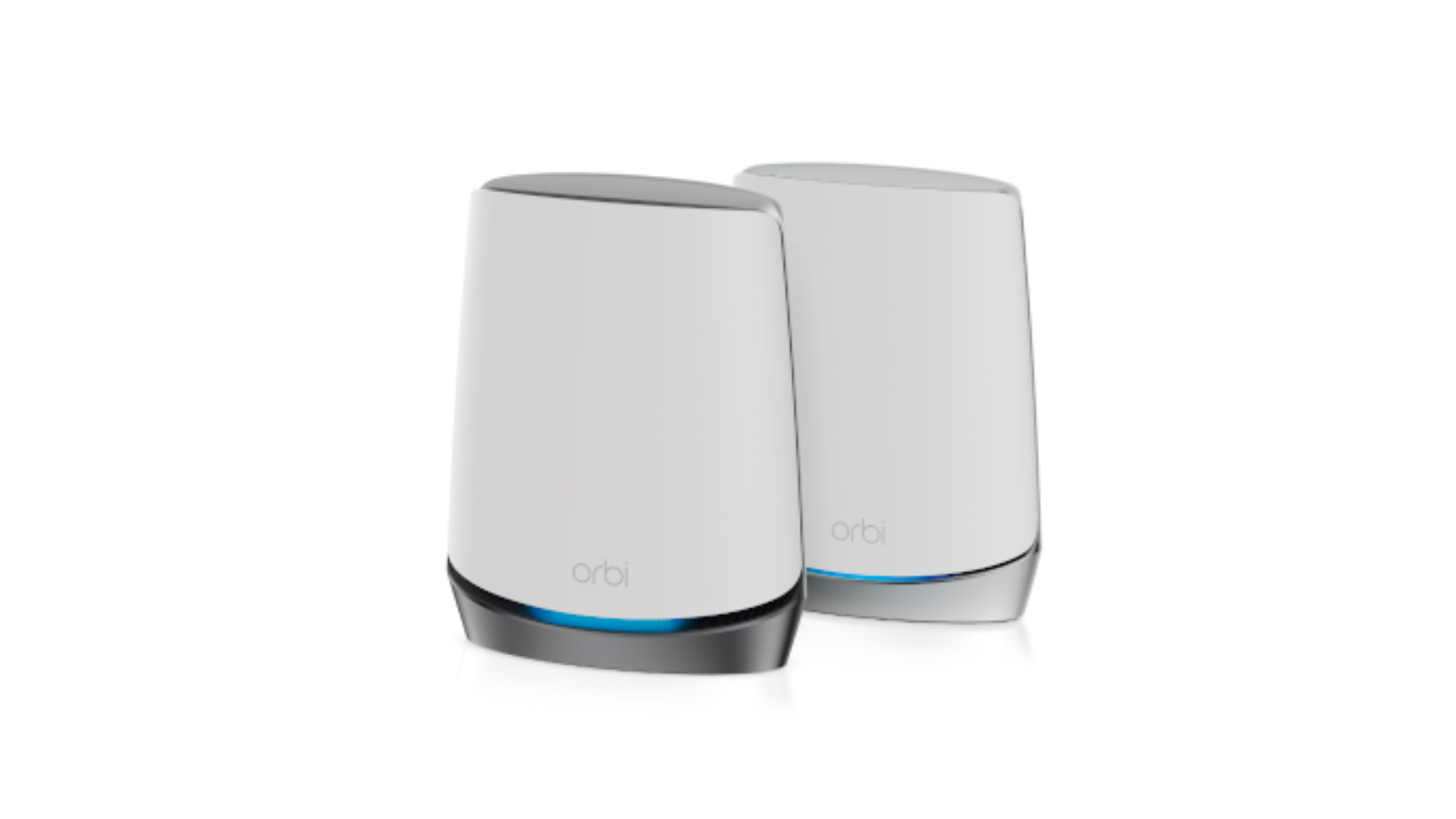
The Netgear Orbi RBK752 works well with WiFi 6 and has an impressive range of approximately 464 square metres – which is more than enough to support a 5-room flat.
Moreover, it can handle up to 40 devices simultaneously.
You might be thinking, '40? Who has that many devices?'
But think about how a person has at least 1 phone, 1 laptop and maybe a tablet or smartwatch (or both!)
Now multiply that by the number of people in your house.
The Orbi RBK752 will be able to keep up with all of them.
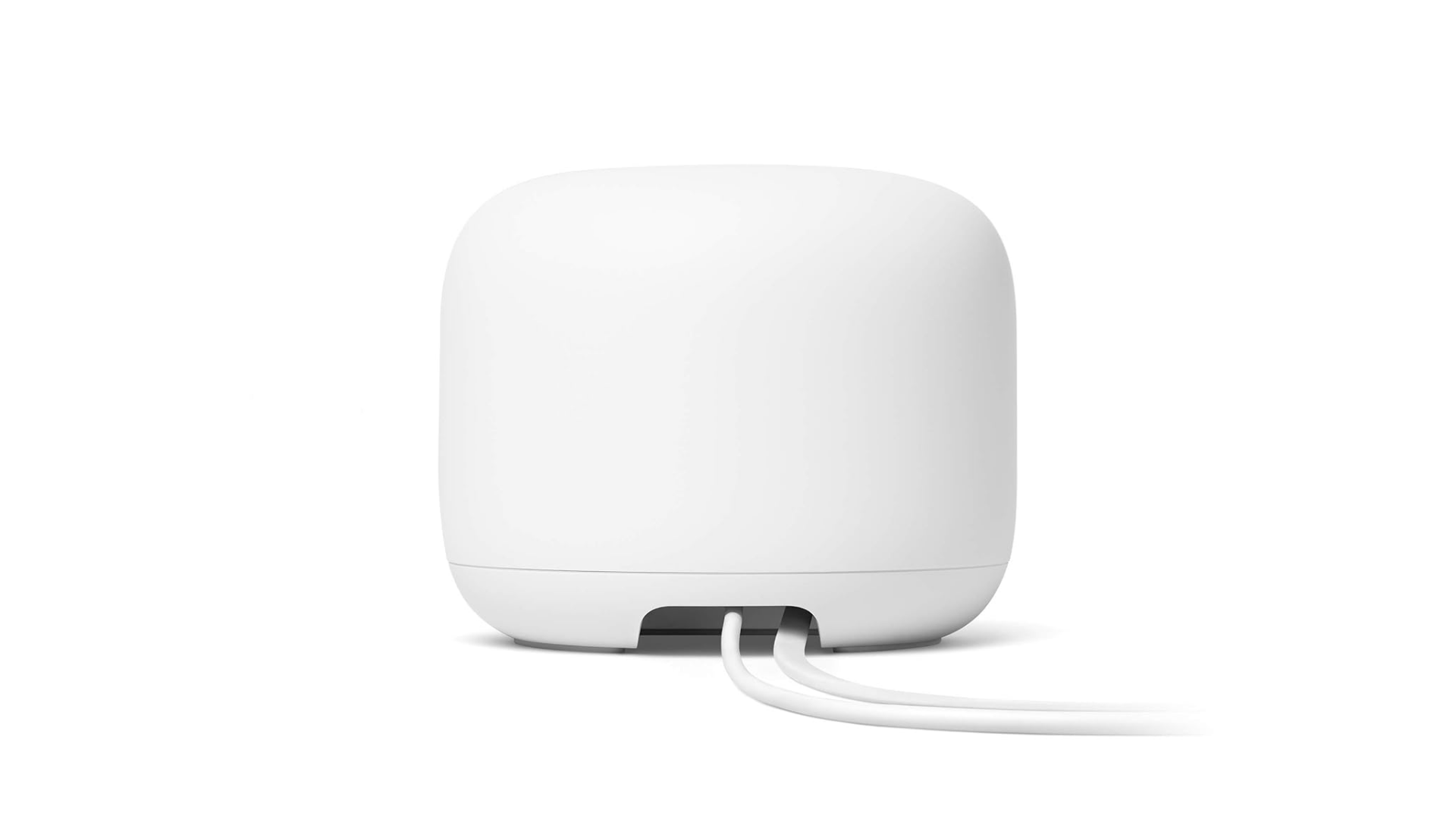
#2: Google Nest WiFi Pro
Source: Amazon
Another great router to check out is the Google Nest WiFi Pro.
With WiFi 6 capabilities, this Nest router supports up to 200 devices and spans up to 210 square metres.
So, if you’re ever throwing a party at your place, you can rest assured that your guests won’t have any complaints about your WiFi connectivity.
It’s best for those in multi-storey homes or homes with tons of furniture, mirrors or a complex layout.
It also has an app where you can set parental controls and even control which device gets the strongest WiFi connection.
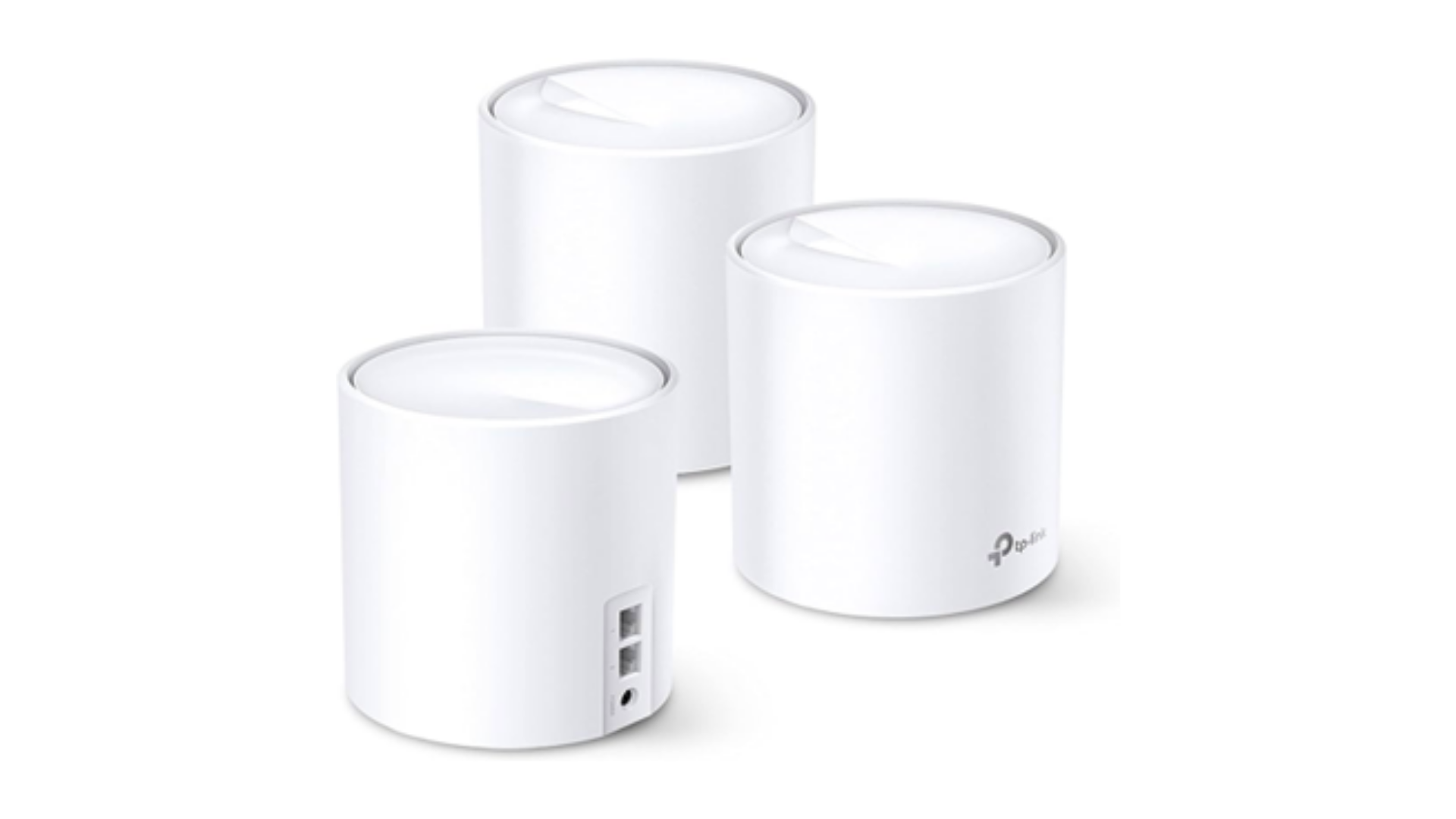
#3: TP-Link Deco X20
Source: Amazon
If you're looking for a top-notch WiFi mesh system, the TP-Link Deco X20 is definitely worth checking out.
It has WiFi 6 capabilities and controlling it via the app is a breeze.
With the ability to support over 150 devices, you won't have to worry about any lag or downtime.
And the best part?
This TP-Link WiFi mesh router covers a huge area of around 371 square metres.
This ensures that you’ll enjoy reliable WiFi coverage throughout your entire house with no annoying dead spots.
#4: Singtel WiFi 6 Mesh Extender
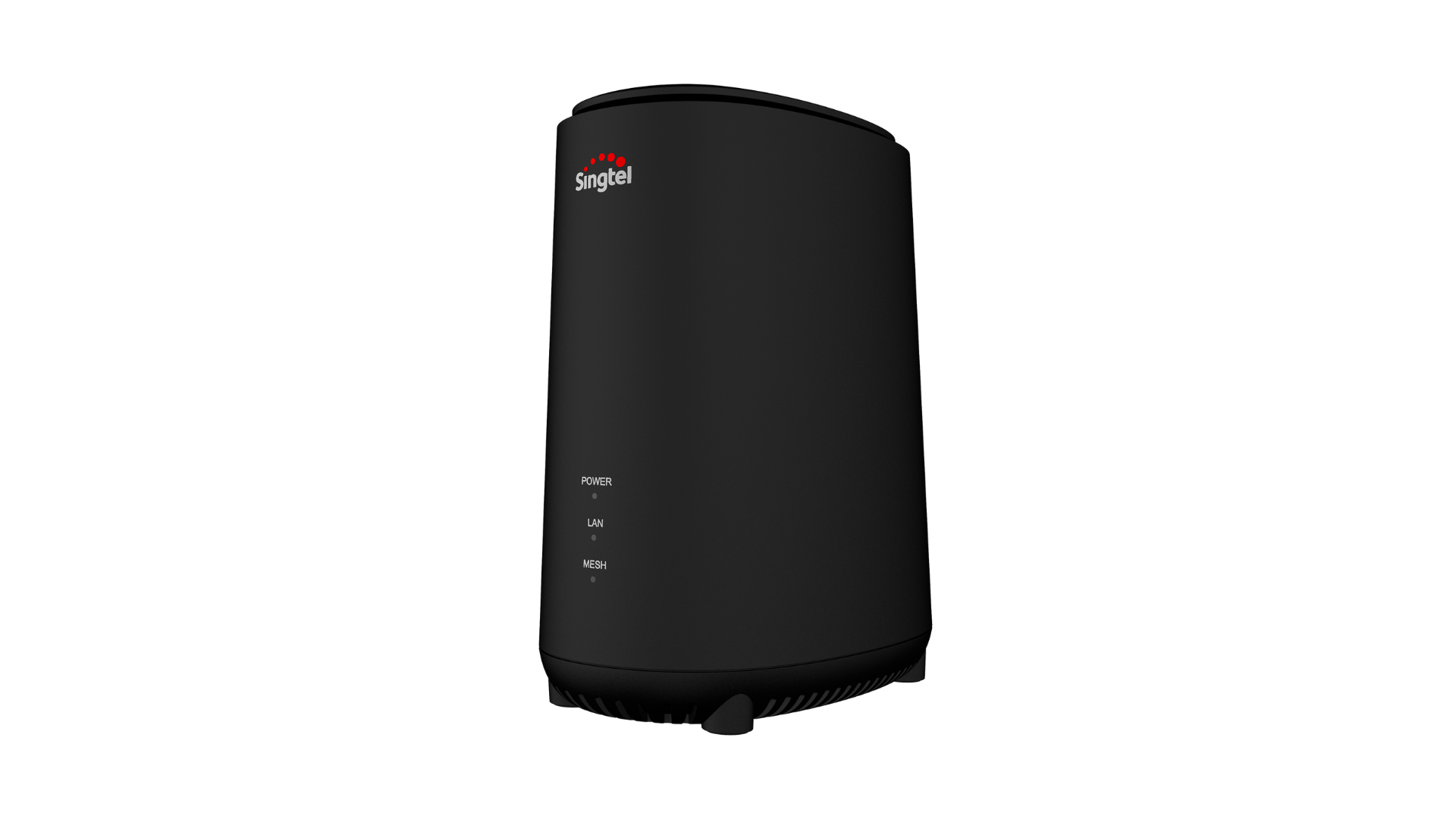
Of course, we couldn’t overlook our own WiFi mesh router on this list.
Singtel's AX5400 WiFi 6 Mesh extender is well-suited for households with up to three users and offers coverage for approximately 800 square metres.
If you’re looking to go green, you’re in luck because it boasts a 26% smaller carbon footprint compared to WiFi 5 routers.
Furthermore, you can have peace of mind regarding cybersecurity, as this router boasts a 4-star CSA CLS cybersecurity certification, the highest rating available!
This means it has undergone and passed rigorous testing to ensure your safety while you browse the web.
Best WiFi Mesh Devices in Singapore: FAQ
Have more questions about WiFi mesh in Singapore? Read on – we've got you covered!
Q: Where do I buy WiFi mesh routers?
A: Mesh routers are available for purchase at Singtel, eCommerce platforms like Shopee and Lazada, and consumer electronic stores like Harvey Norman.
Alternatively, you can also opt for the Singtel 2Gbps Mesh plan, which is bundled with a pair of WiFi 6 mesh.
Q: Where do I place my WiFi mesh router?
A: Place your WiFi mesh router in rooms or corners of your home where the WiFi connection is weak.
Ensure your WiFi mesh router is in an open and elevated area.
It should also be placed away from walls or mirrors, which interfere with the signal.
Q: Which WiFi mesh router is the best for thick walls?
A: As we’ve mentioned earlier, one’s WiFi needs varies based on the layout of their home.
Incorporating a WiFi mesh system will aid in your connectivity issues, regardless of your wall thickness.
However, if you’re still worried about the thickness of your walls affecting your WiFi connectivity, check out our Home Priority Plus plan which covers over 900 square metres.
A final word on the best mesh devices in Singapore
That’s everything you need to know about WiFi mesh in Singapore.
With these top-notch mesh devices, you can say goodbye to WiFi dead zones and hello to seamless connectivity in every nook and cranny of your home.
Remember to factor in the size of your home, its layout and your furniture when looking for a mesh device.
If you’re looking for mesh devices to boost your home WiFi connection, check out the mesh devices offered by Singtel.
You can also opt for our 2Gbps Mesh plan that comes with a pair of WiFi 6 mesh.
Enjoy a seamless WiFi experience with a mesh device today!