A guide to WiFi mesh: What is WiFi mesh and how does it work?
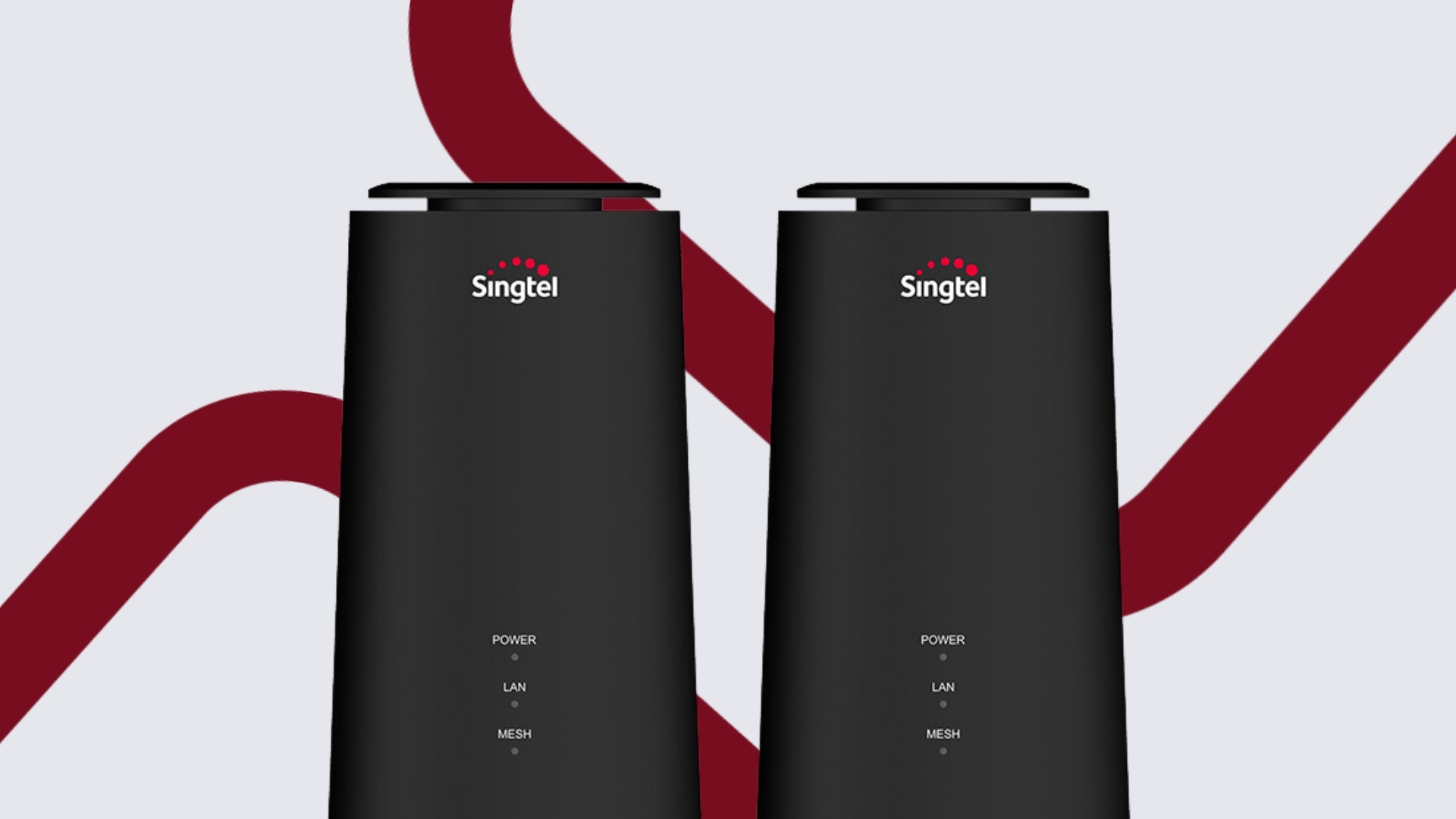
Depending on how much of a techie you are, you might have heard of WiFi mesh and WiFi mesh routers.
But how does WiFi mesh work? And is it really necessary?
Don't worry, we're here to explain it all.
In this article, we'll dive into the world of WiFi mesh and whether it's the right fit for your home.
We’ll cover:
What is WiFi mesh?
Don’t you hate it when your TikTok lags no matter how many times you refresh it?
We've been there, and it's no fun!
Well, there’s where a WiFi mesh network comes in.
A WiFi mesh network is a system that eliminates dead zones and establishes a strong wireless network.
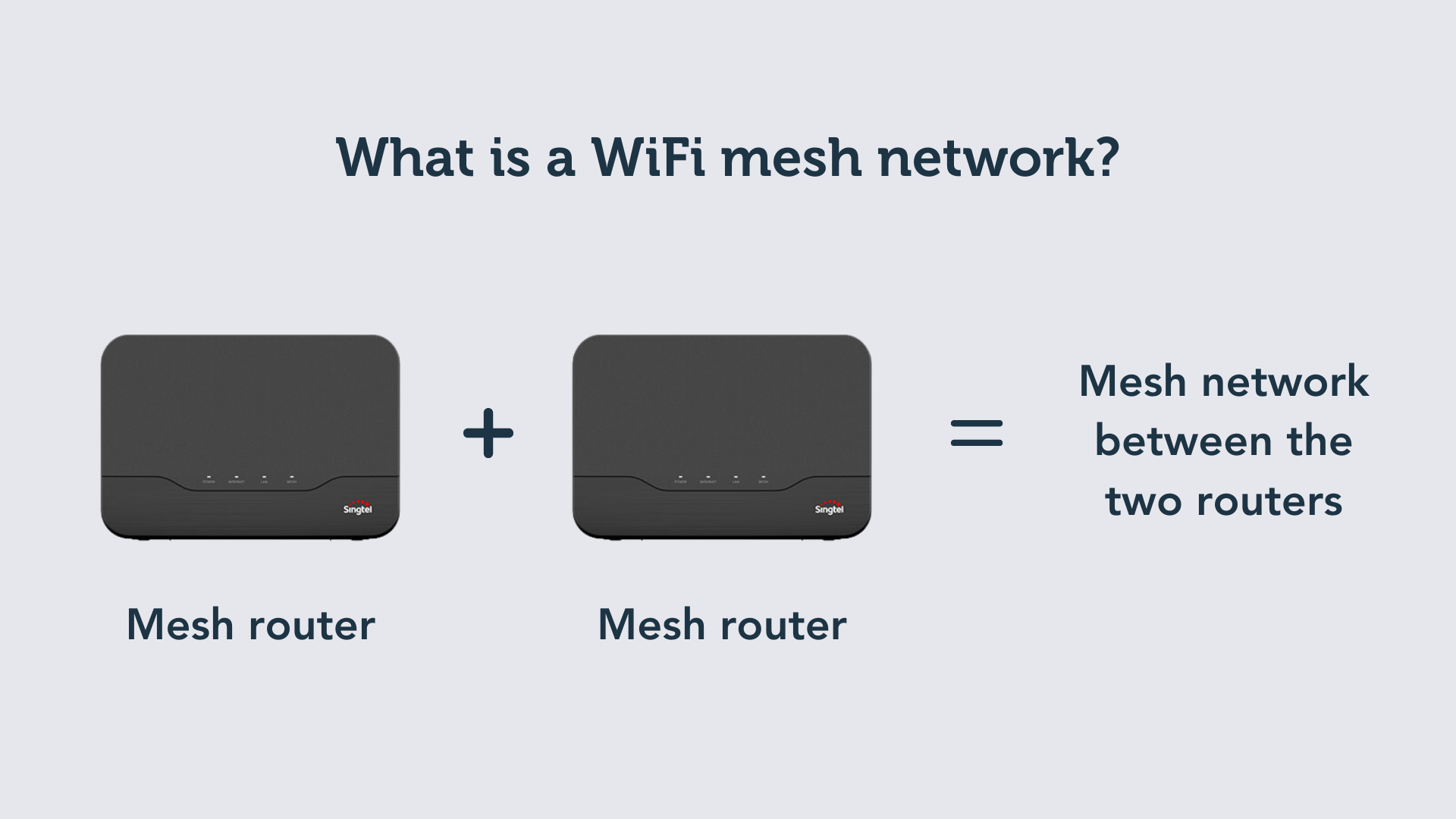
This system is made of 2 (or more) mesh routers.
Here’s how it works:
Just hook up one mesh router to your modem, and boom, it becomes the main hub.
When you hook up your second mesh router, this establishes a mesh network between the two routers.
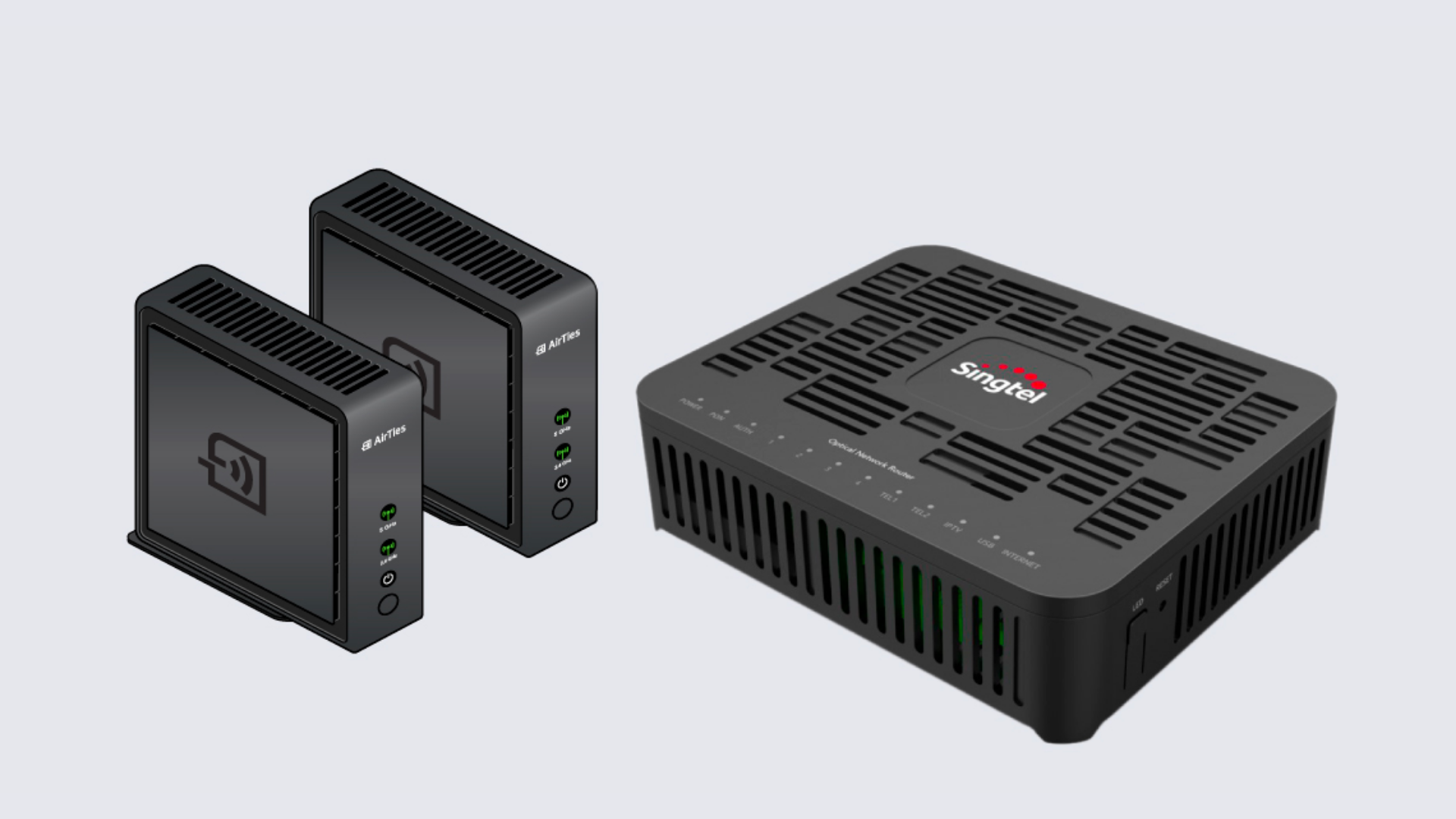
Together, the routers will boost your internet signal, ensuring strong and stable WiFi throughout your home.
Now, you might be wondering...
Is a mesh network really necessary? What if you just use one mesh router?
It depends on the size of your home.
If your home is 1,000 sq ft and below (which is the case for a 4-room BTO flat or smaller), you only need one router.
If your home is bigger than that, get 2 routers to form a mesh network!
Benefits of WiFi mesh
Okay, so you know how WiFi mesh works, but is it worth getting?
Well, let’s look into the pros and cons of having a WiFi mesh network.
Pros of WiFi mesh:
However, on the flip side, here’s what to keep in mind about WiFi mesh.
PS: Here’s a lifehack – you can sign up for Singtel’s 2Gbps Mesh broadband plan to get a free mesh router.
You'll also get a free home line and a FREE lifestyle gadget – you can choose anything from a Dyson vacuum cleaner to an Xbox.
It's a great deal if you ask us! 😉
Do you need a WiFi mesh network?
There are a couple of factors that influence this decision...
Do you live in a large or multi-storey home?
If you live in a large or multi-storey home, it can be a bit difficult for your devices to connect to the signal because it’s far away from the router.
Complex layouts
If your home has intricate or complex layouts, that’ll affect your connection too.
On the flip side: if you’re staying in a 'dumbbell layout' unit where you have your bedrooms on either side of the living room, that’s considered a 'non-complex' layout.
With this type of layout, there’s a lower chance that you’ll experience issues with your WiFi!
Lots of tall furniture
Tall furniture, walls, or other obstructions can disrupt your WiFi signal.
To sum it up, these are the factors that can cause issues with your WiFi:
If these apply to your home, and you’re experiencing persistent WiFi problems, you may want to get a WiFi mesh network.
How to install a mesh network in your home
There are 2 ways to set up a mesh network in your home.
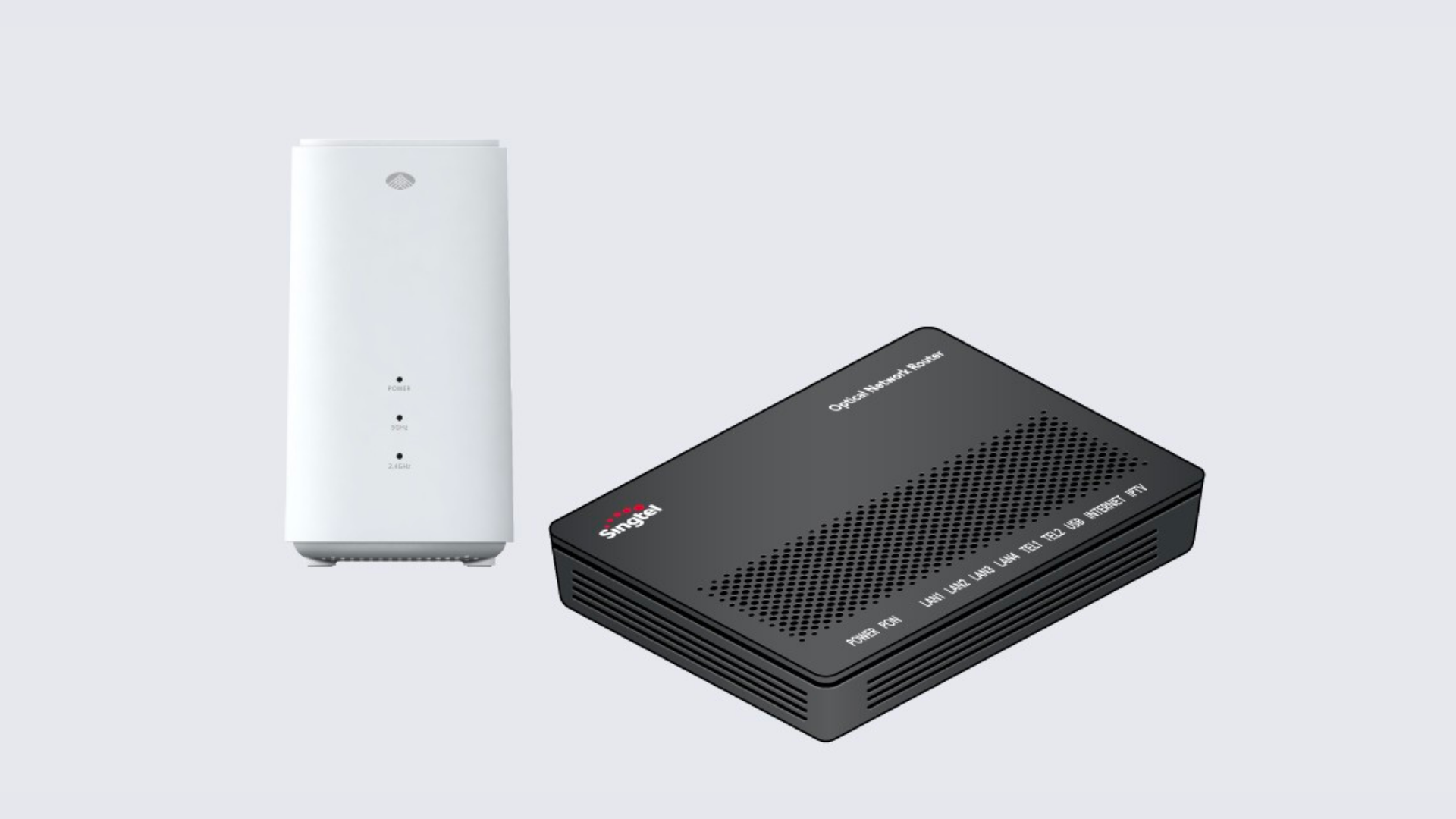
Option one: Channel your inner Pua Chu Kang and tackle it yourself.
Option two: Reach out to your Internet Service Provider (ISP) and have them set it up for you.
Let’s take a look at how to set it up yourself:
Step 1: Get your mesh routers.
You can buy mesh routers from Singtel, Shopee, Lazada, Amazon, or Harvey Norman. (Alternatively, sign up for the Singtel 2Gbps Mesh plan, which comes with a free mesh router!)
Step 2: Connect the routers.
Connect the main mesh node to the router, TV box, and a power outlet.
Step 3: Connect the routers to WiFi.
Most mesh devices come with a user-friendly app, or an installation website, to guide you through the setup process. Follow the app or website’s instructions to connect to your WiFi network.
Step 4: Place your additional mesh nodes.
Put the other mesh nodes in areas where you need better WiFi coverage. Make sure they’re near a power source.
If you’re not the sort to DIY, you can also reach out to your Internet Service Provider (ISP) and have them set it up for you.
It’s easier to reach out to your ISP as compared to doing it yourself because the mesh devices are usually already paired with a router for convenience.
Step 1: Get your mesh routers.
Again, purchase your mesh routers from Singtel or another platform, or sign up for the Singtel 2Gbps Mesh plan to get a free mesh router.
Step 2: Set up an appointment with your ISP
Set up an appointment for a technician to do the installation at your home.
On the appointed day, the technician will install and configure the mesh nodes in locations where WiFi coverage is weak or needed the most.
How does WiFi mesh work: FAQ
Have more questions when it comes to how mesh networks work?
Check out our FAQ section below!
Q: Which is better: WiFi mesh or ethernet cable?
A: It all depends on your home's wiring layout and your internet needs.
An ethernet cable would be the best option if:
However, a mesh network works best if:
How does WiFi mesh work: A final word
WiFi mesh devices aren’t as complicated as they seem.
We hope you now understand these better, after reading this article!
If you’re looking for a broadband plan, check out our 2Gbps Mesh plan that comes with a free mesh router and a free lifestyle gadget.
Happy surfing!