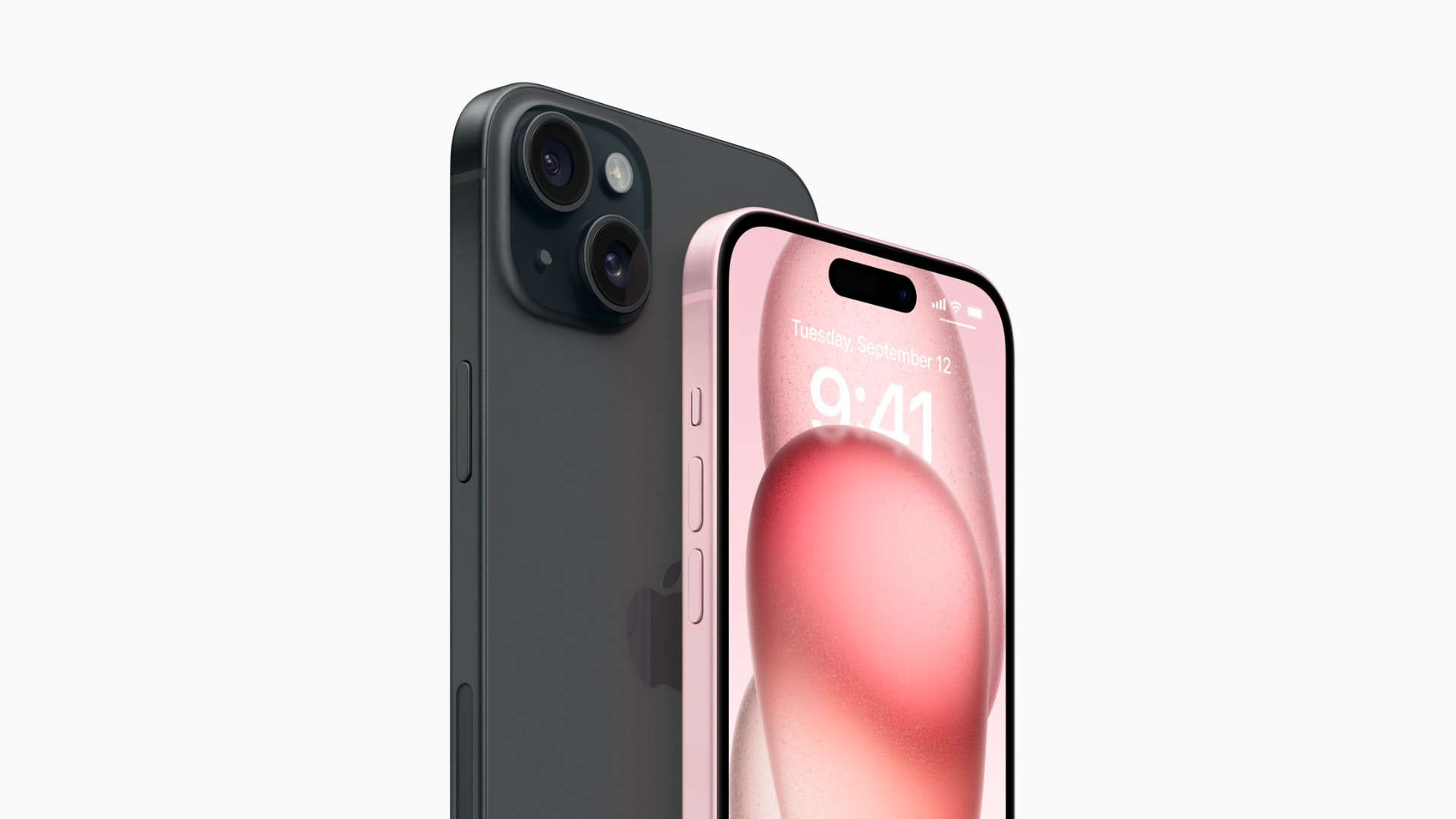
iOS 17: All you need to know about Apple’s new OS
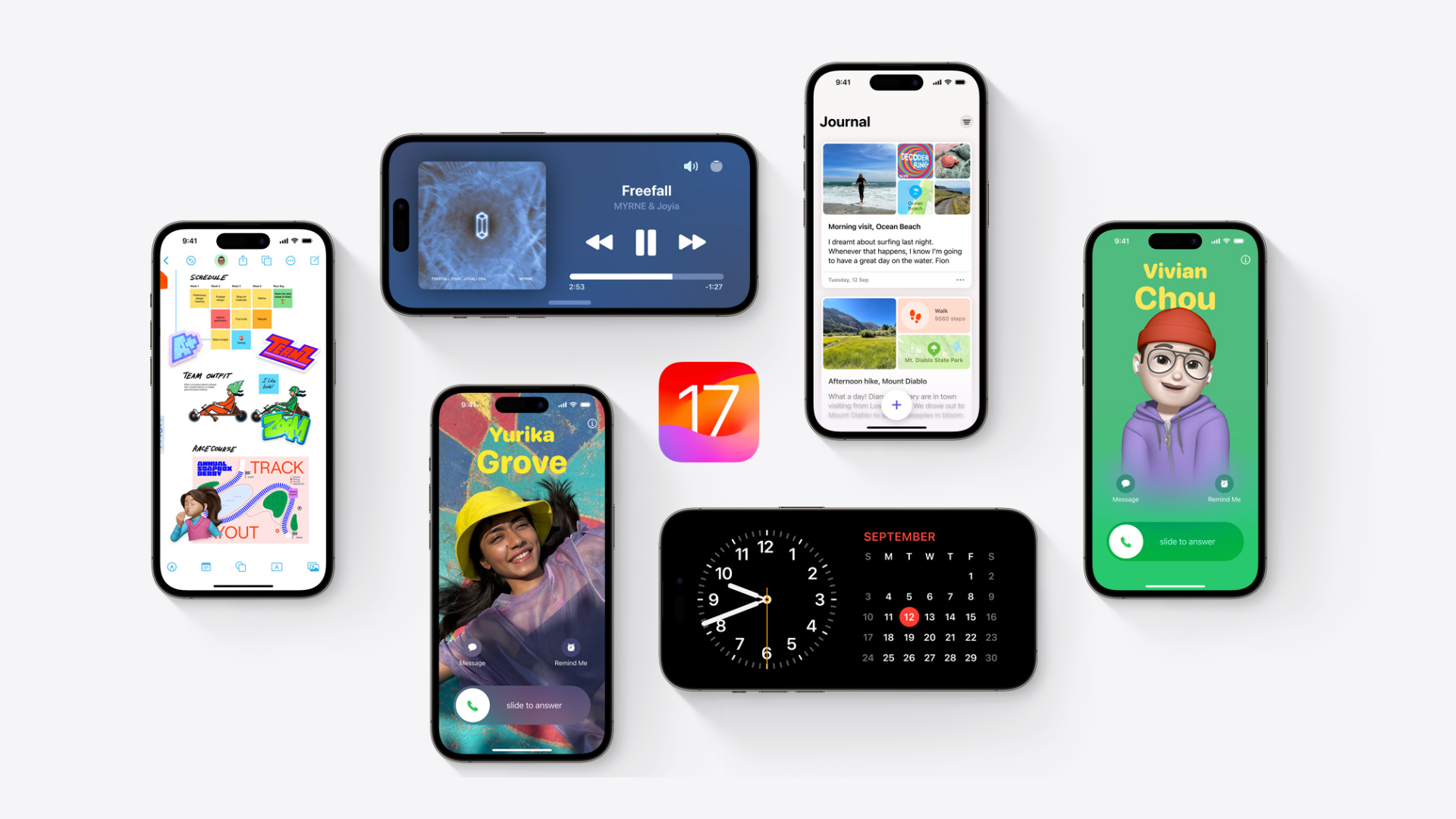
If you have an iPhone, there’s no doubt you would’ve heard about Apple’s new operating system: iOS 17.
In this article, we'll discuss the new features of Apple's new OS update and how to level up your iPhone game.
We’ll cover:
What is iOS 17?
iOS is the operating system powering Apple’s iconic iPhone series.
iOS 17, which was released on 18 September 2023, is the latest version of the operating system for iPhones.
Each new version of iOS introduces innovative enhancements, security updates and exciting new features.
What new features come with the iOS 17 update?
Let’s categorise these features based on how you might use them.
iOS 17 features to uplift the holiday spirit
The holidays are for connecting with loved ones and spreading joy, and iOS 17 has a couple of features that can help spread these festive vibes.
Facetime

Here’s a fun way to jazz up your FaceTime calls with your loved ones: animations.
With iOS 17, you get animations like hearts, balloons, fireworks and laser beams that you can activate with simple gestures.
For example, you can make a heart shape with your hands to see heart emojis on your screen.
These reactions aren’t limited to FaceTime – you can use them on other video conferencing apps like Telegram and Zoom as well.

Plus, with Centre Stage, you’ll always stay in frame during video calls, even if you move around the room.
FaceTiming your family while you’re prepping for Christmas dinner? You’ll stay in frame even as you walk around your kitchen 😉
iMessage sticker
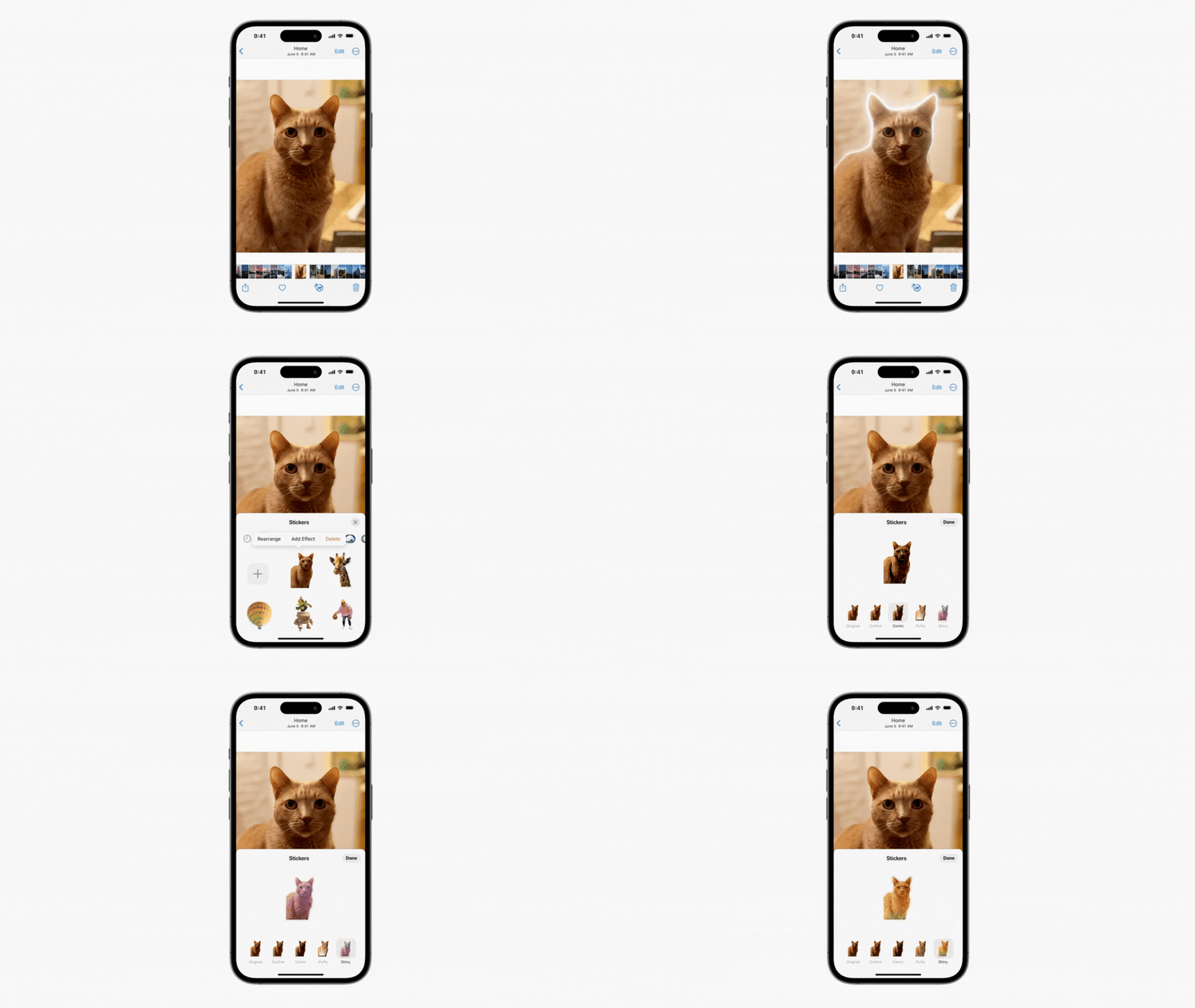
Want to send a cute sticker of your cat in a Santa hat to your friends?
With iOS 17’s new iMessage sticker feature, you can do just that.
Simply press and hold on an image, and it’ll convert into a sticker for you to use.
Grocery list
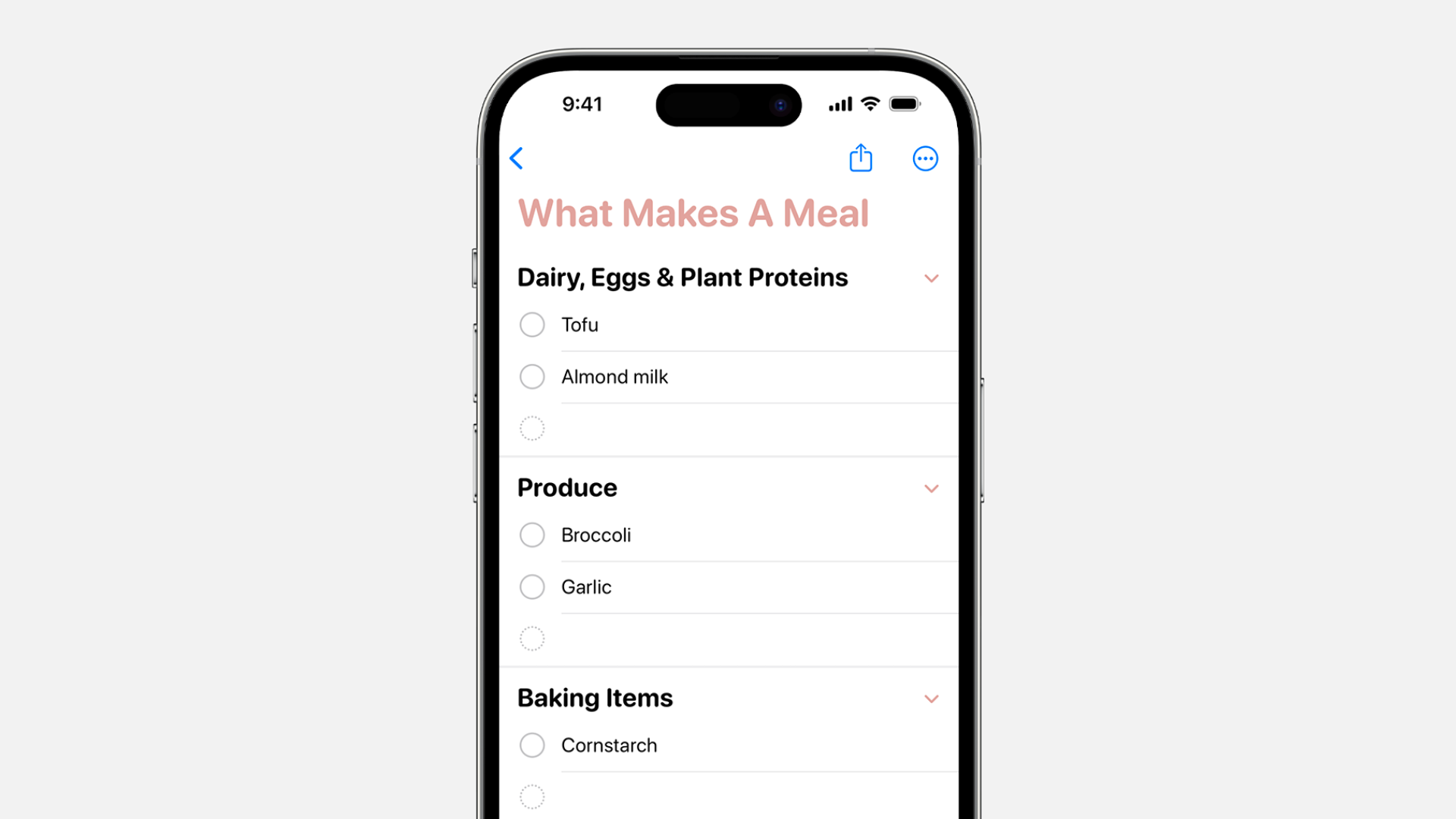
If you’re cooking for your family’s holiday get-together, use iOS 17 to your advantage and create a grocery list in the Reminders app.
From dairy to produce, it’ll automatically sort everything into different categories for you.
Contact Poster
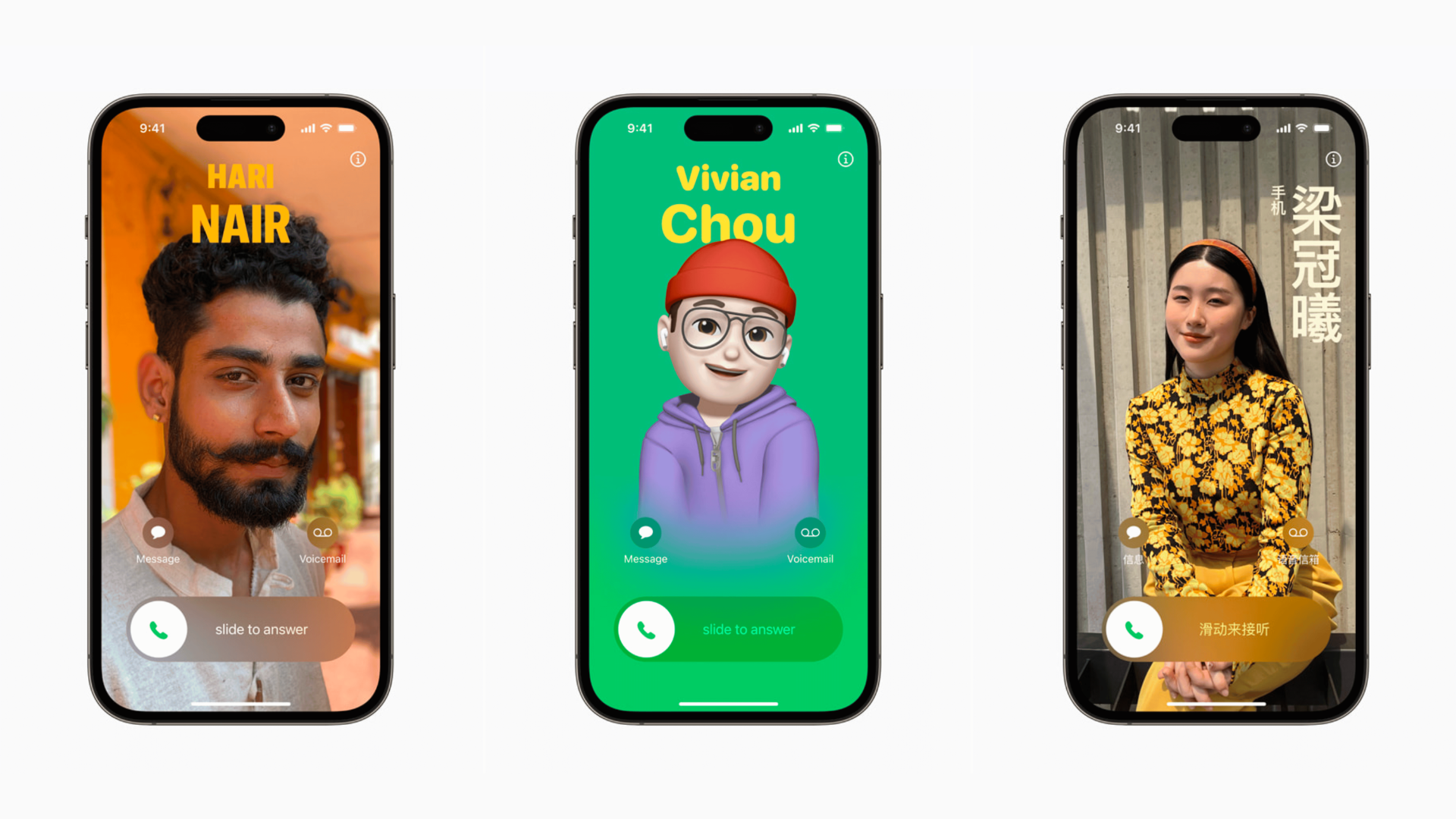
Made a new friend at the Christmas party and want to stay connected?
Share your personalised Contact Posters that will pop up on their phone whenever you call.
You can customise your contact posters with photos, Memojis, and more.
This feature also works with third-party calling applications like WhatsApp and Skype.
NameDrop
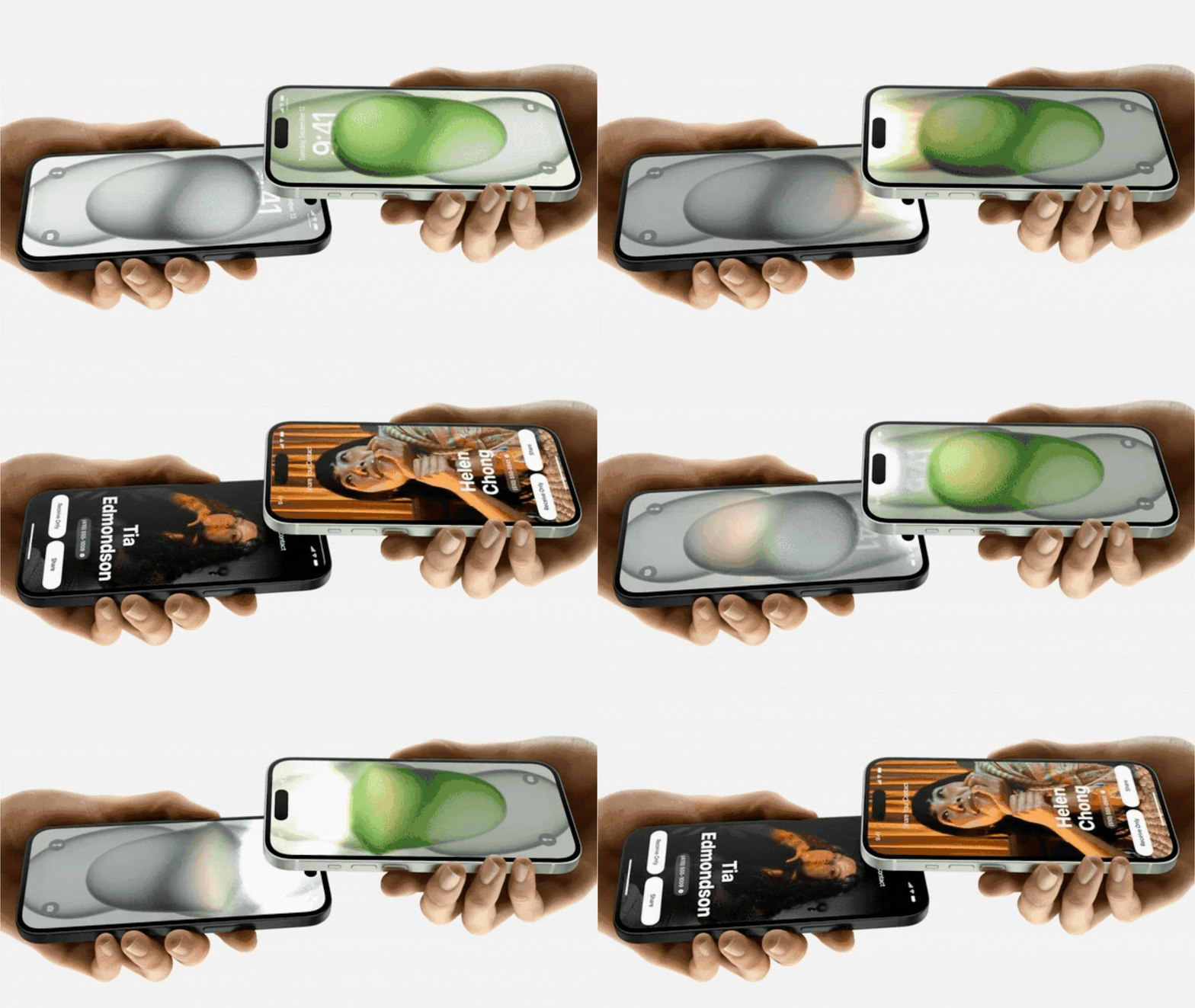
Keep in touch with your new friends with NameDrop.
With NameDrop, you just need to place 2 phones near each other, and your personalised contact poster will be shared instantly.
Check-In
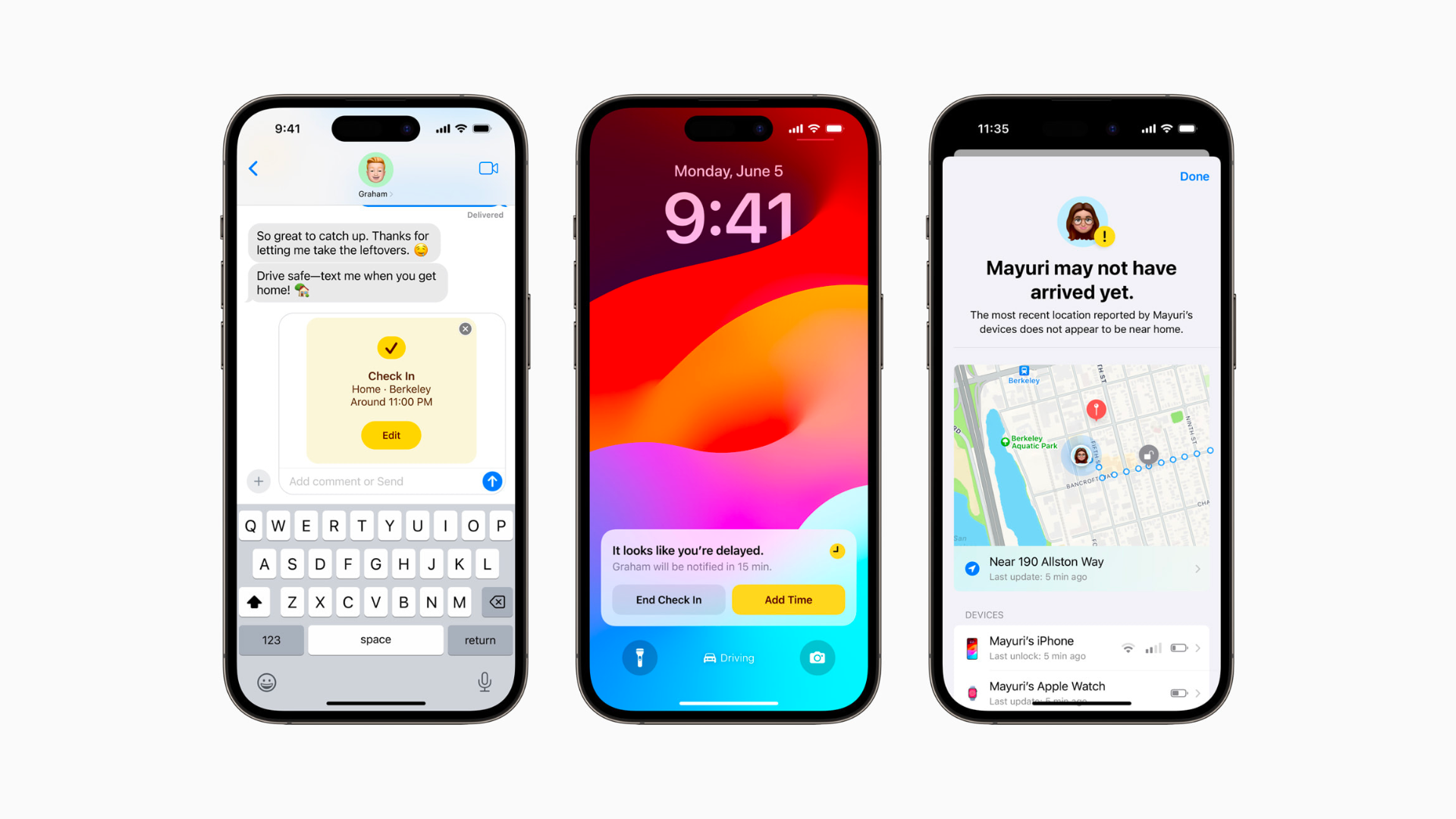
Don’t stress about texting your friends once you’re home after a night out.
With Check-In, you can notify a friend when you’ve reached your destination.
If your journey is delayed, important information like your location and battery level will be securely shared with your chosen contact.
iOS 17 features to safeguard your security and privacy
As you go about your daily life, it can be easy to neglect your security and privacy.
Let’s explore how iOS 17 keeps you protected from digital threats.
Private browsing
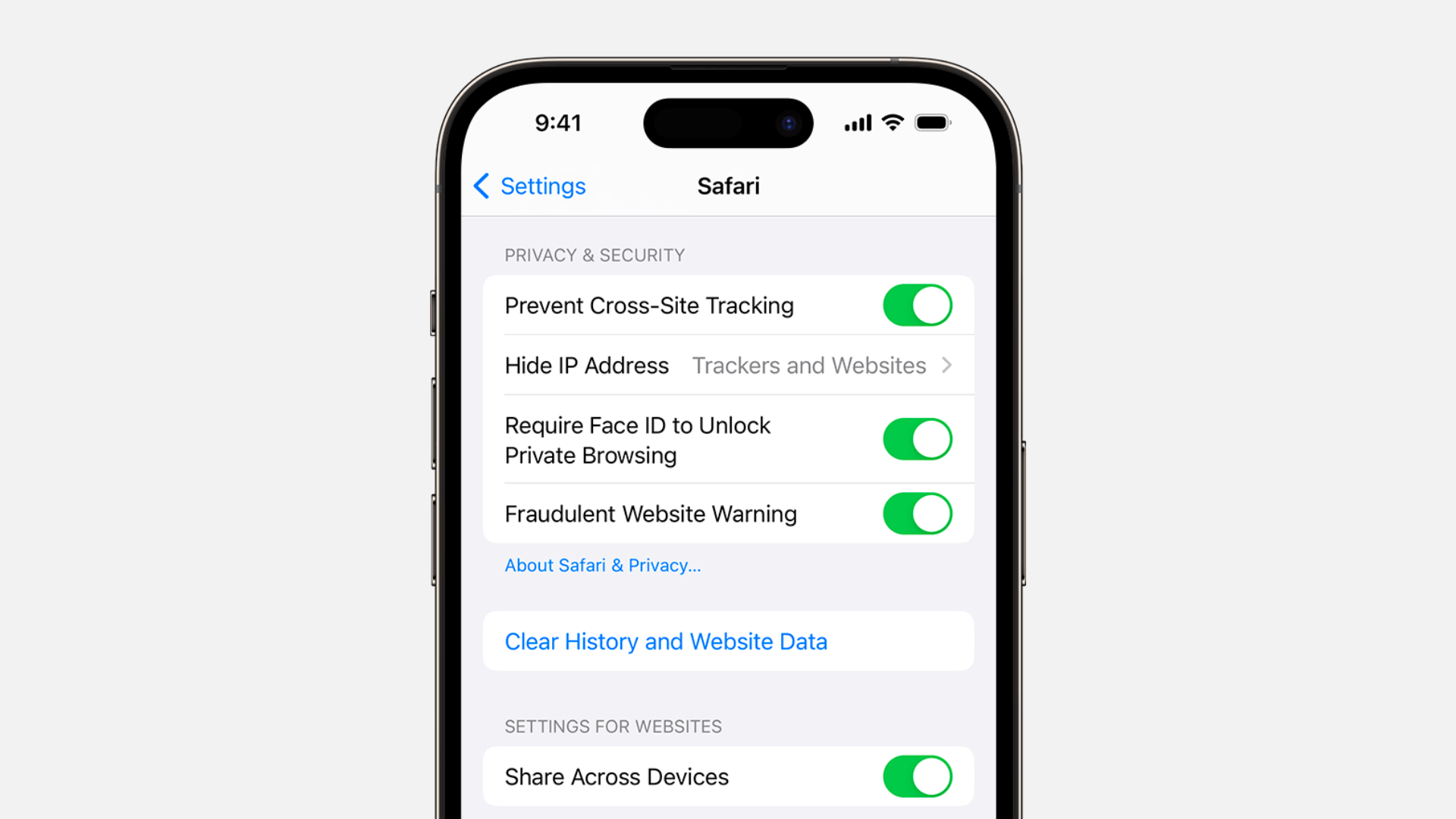
Let’s say you need to search for something quite personal, and you’re dead set on keeping it hush-hush.
That’s where private browsing comes in.
With this feature, you can lock and unlock your private tabs in Safari with Touch ID or Face ID.
This helps protect your device from those around you with wandering eyes and itchy fingers. 👀
Safari profiles
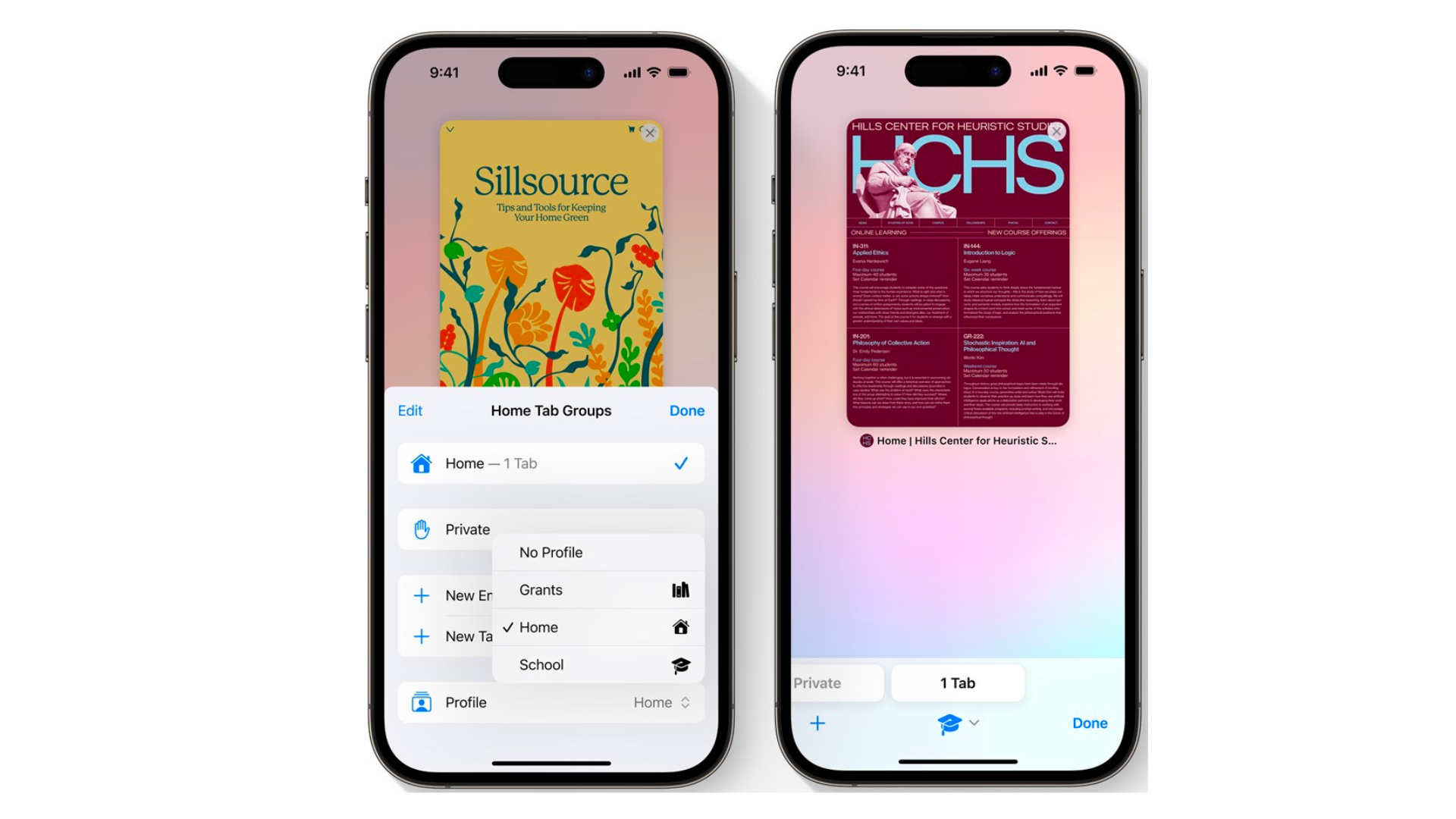
With iOS 17, you can now create profiles where you can segment your searches into different categories like work, personal and friends.
It’ll help keep your online activities separate and prevent any potential mix-ups or embarrassing situations.
Lockdown mode
Apple has introduced Lockdown to ensure your data stays secure when your phone is locked.
To bolster security, certain apps, websites, and features will be restricted.
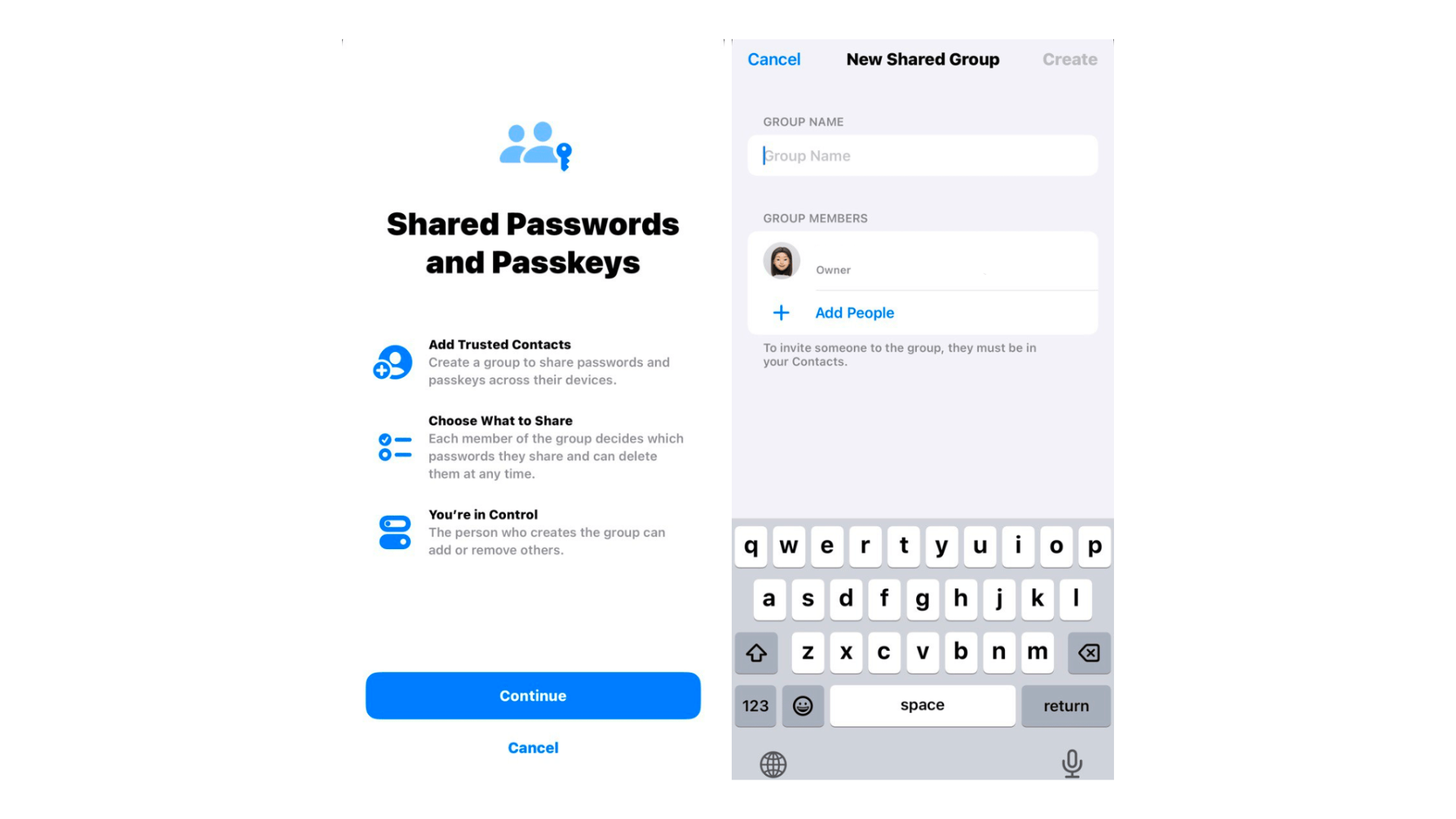
Additionally, you can securely share passwords with trusted individuals via iCloud Keychain.
This feature will come in handy for folks with ageing parents who rely on them for all things tech.
iOS 17 features to use on vacation
We all need a bit of R&R at the end of the year.
Here’s how the iOS 17 can give you the best vacation experience, ever.
Maps
No more getting stranded when your data’s running low!
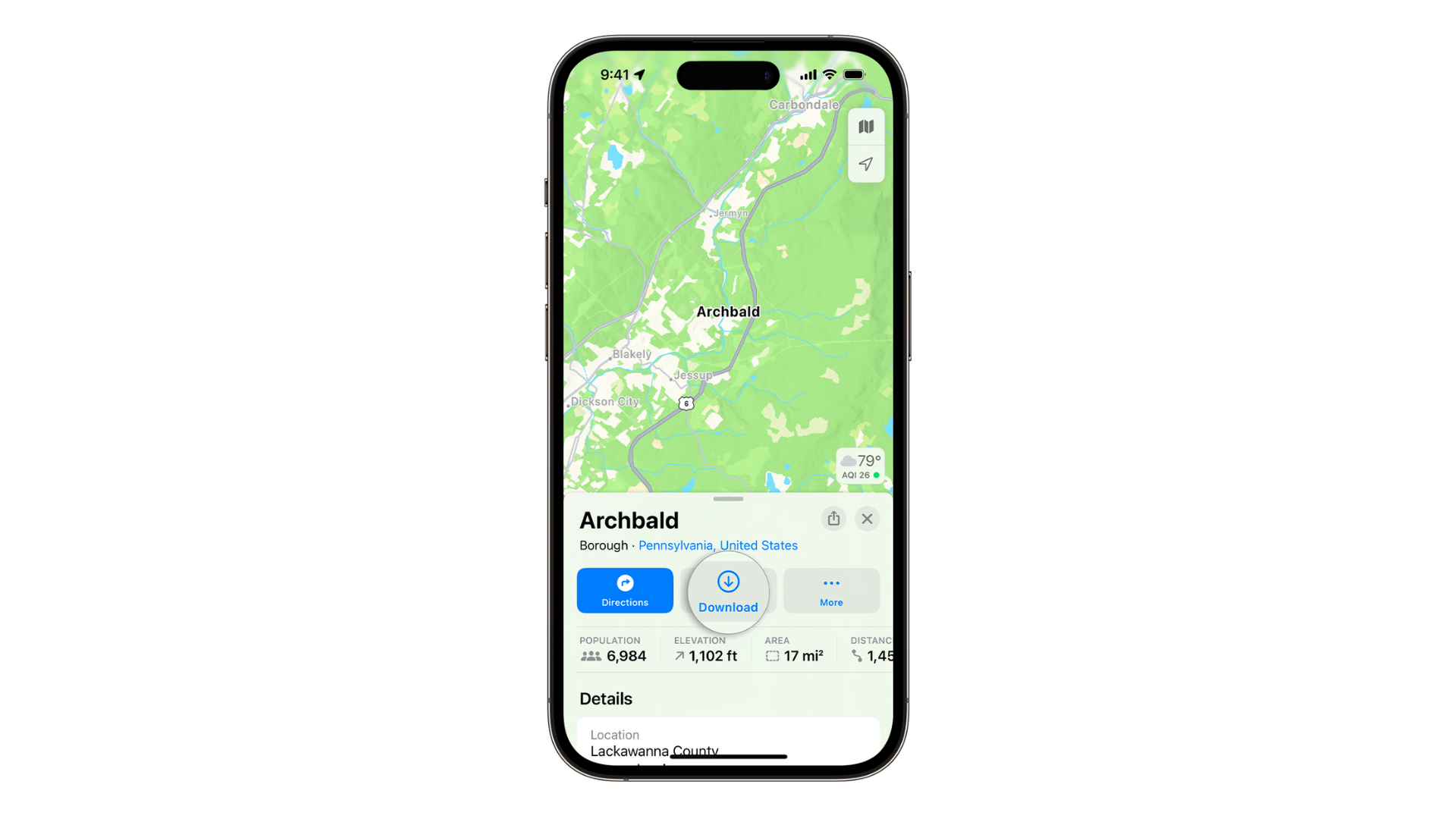
With Maps, you can download an area for offline use, get directions, check arrival times, and explore without needing an internet connection.
AirTags
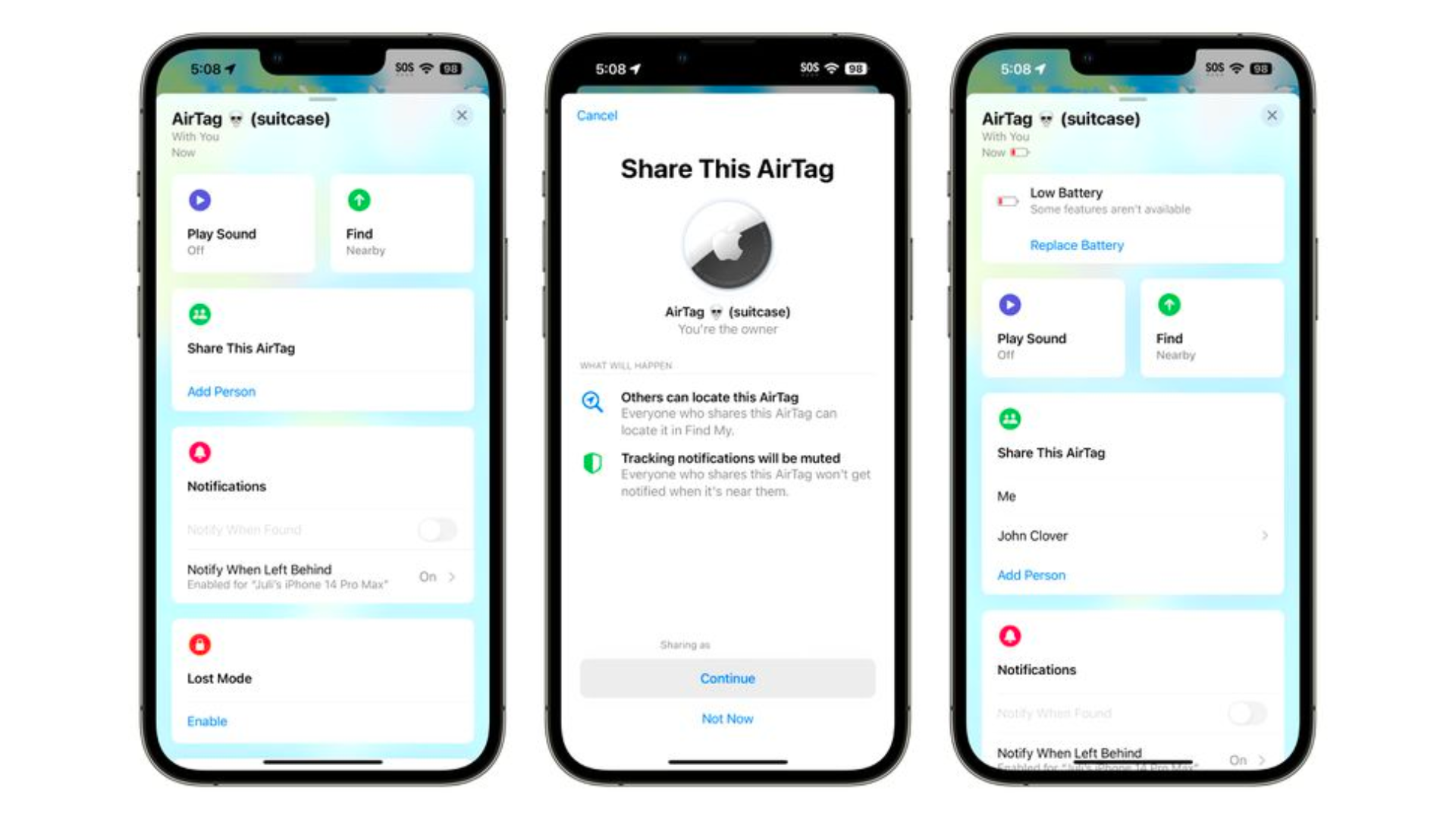
With the new iOS update, you can now share your AirTags with up to 5 people on the “Find My” app.
This means everyone can see where an item is, make it sound off, and use Precision Finding to find a shared AirTag.
Apple Music

If you’re hitting the road, you’ll love what the latest iOS update brings to your music experience.
With CarPlay, everyone in the car can play DJ and control the tunes, even without an Apple Music subscription.
Apple Music also allows users to collaborate on playlists, making it easier to share music with friends 🎶
That’s not all; AirPlay will soon use iPhone’s on-device intelligence to learn user preferences and support hotel televisions, allowing users to access their favourite content while travelling.
iOS 17 features to improve your wellbeing
In our busy 9 – 6 work life, it’s crucial for us to focus on our health.
Here’s how the iOS 17 can help with that.
Screen distance
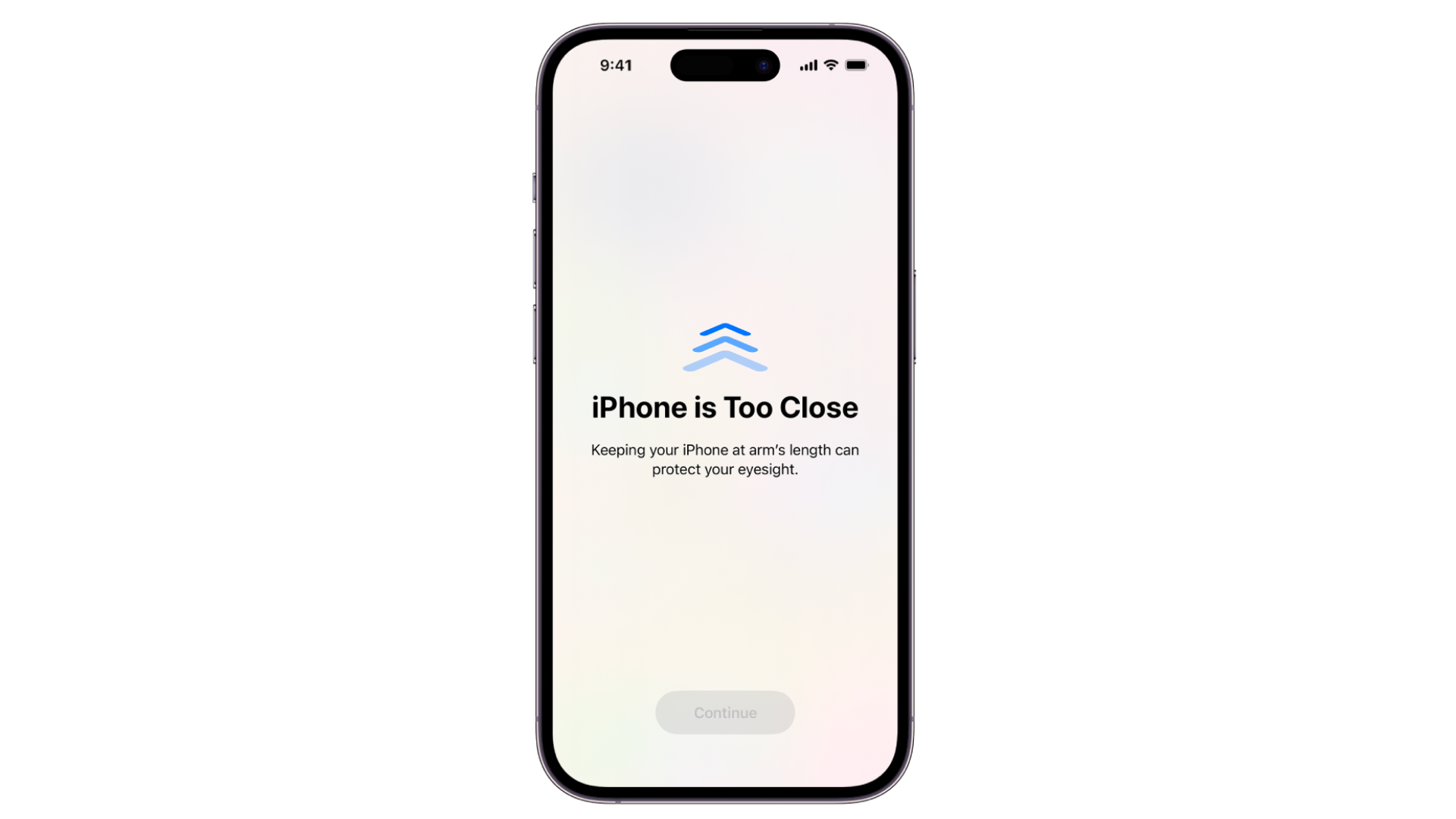
The latest iOS 17 update comes with a Screen Distance feature – this will prompt you to move your phone further away when held <12 inches from your face.
State of Mind
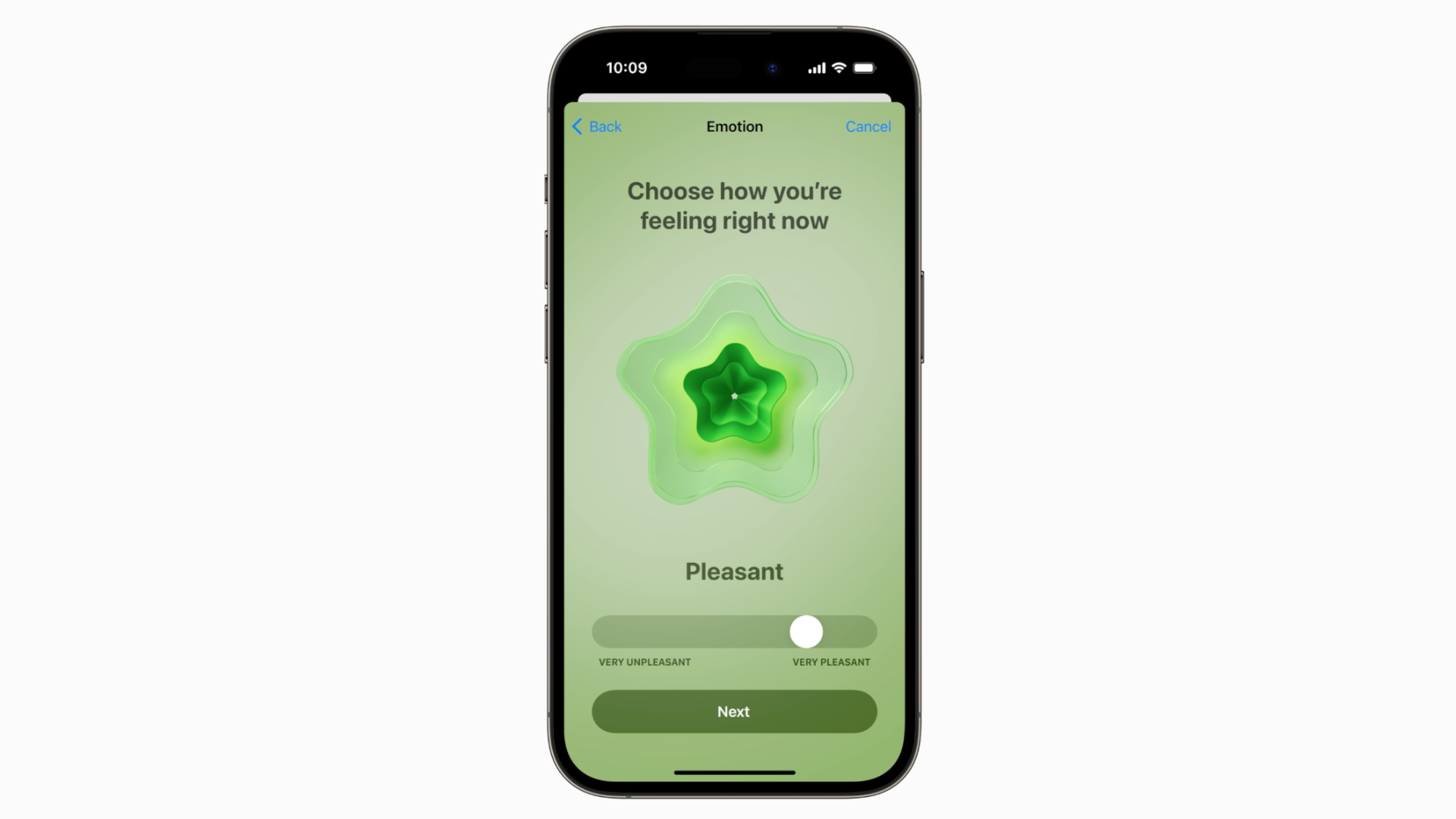
With the new iOS 17 update, the Health app is now equipped with a new feature called State of Mind.
You can now log how you feel every day to track your moods.
It also offers resources to help with mental health issues, like depression and anxiety assessments that are used in clinical settings.
iOS 17 FAQs
Still have some burning questions about iOS 17? Keep reading to get them answered.
Q: What devices are iOS 17 supported on?
A: iOS 17 is compatible with the iPhone SE, iPhone X, and newer models.
Q: How do I update my device to iOS 17?
A: To install software updates, go to Settings, scroll down to General and select Software Update.
A final word on iOS 17
In a nutshell, iOS 17 is a noteworthy OS update for iPhone users.
Its innovative features and enhancements take the iPhone experience to the next level.
Love the useful features of iOS 17? Shop the latest iPhones to get the iOS 17 experience: