A guide to Singtel Dash: What is Singtel Dash for?

Meet Singtel Dash!
Sick of having your phone storage eaten up by so many apps?
What if you had an all-in-one app to manage your finances?
With the Singtel Dash app, you can do everything from secure transactions to sending money overseas – no, we’re not kidding!
And you don’t need to be on a Singtel plan to use Singtel Dash – you can use it no matter which mobile service provider you're with.
Keep reading to find out what you can do on Singtel Dash.
What is Singtel Dash?
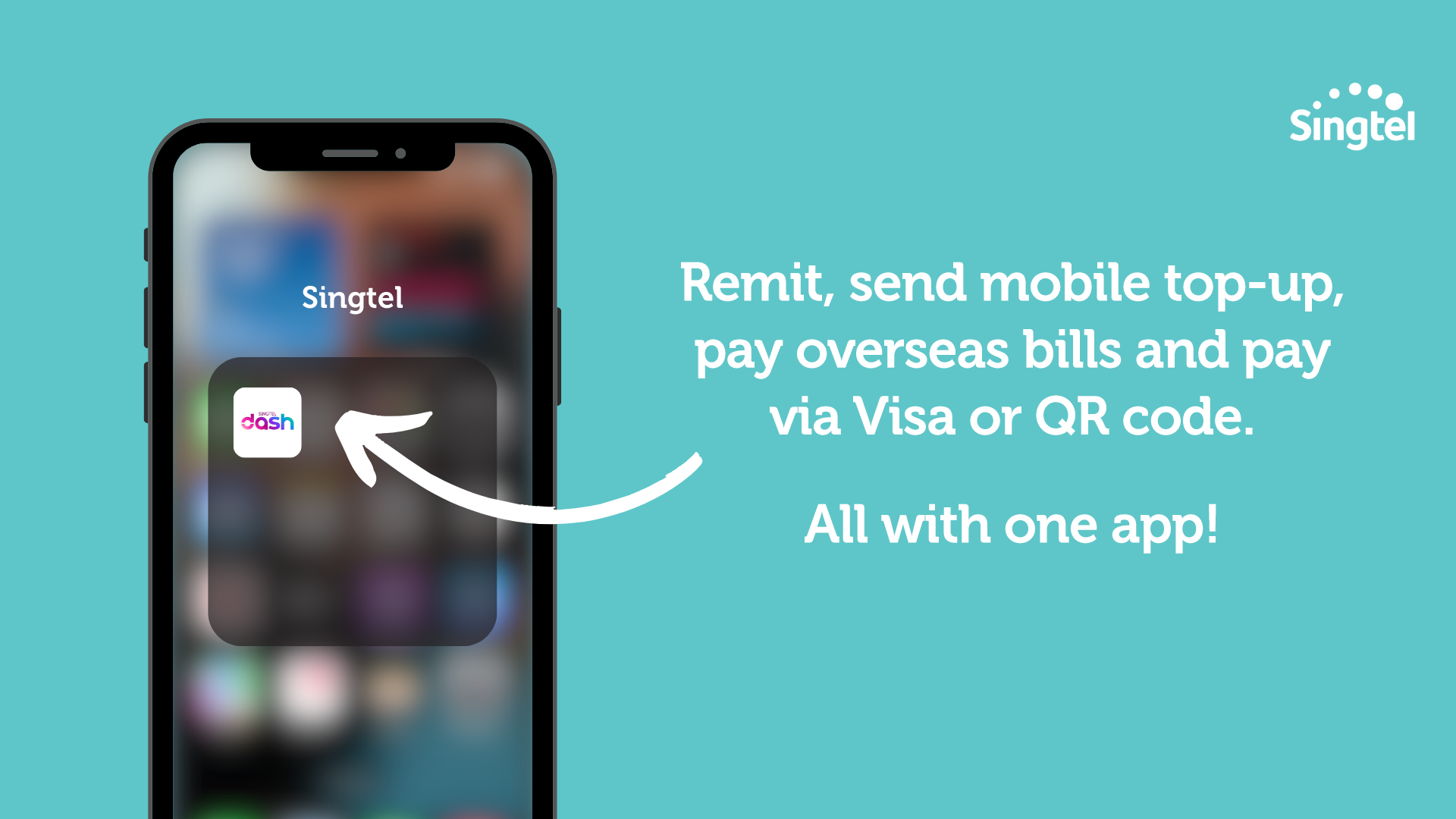
Singtel Dash is the ultimate mobile e-wallet.
It lets you remit, send mobile top-up, pay overseas bills and pay via Visa or QR code, all within one app.
In this article, we will cover what you can do on Singtel Dash like:
Features of Singtel Dash
Using Singtel Dash to send money overseas
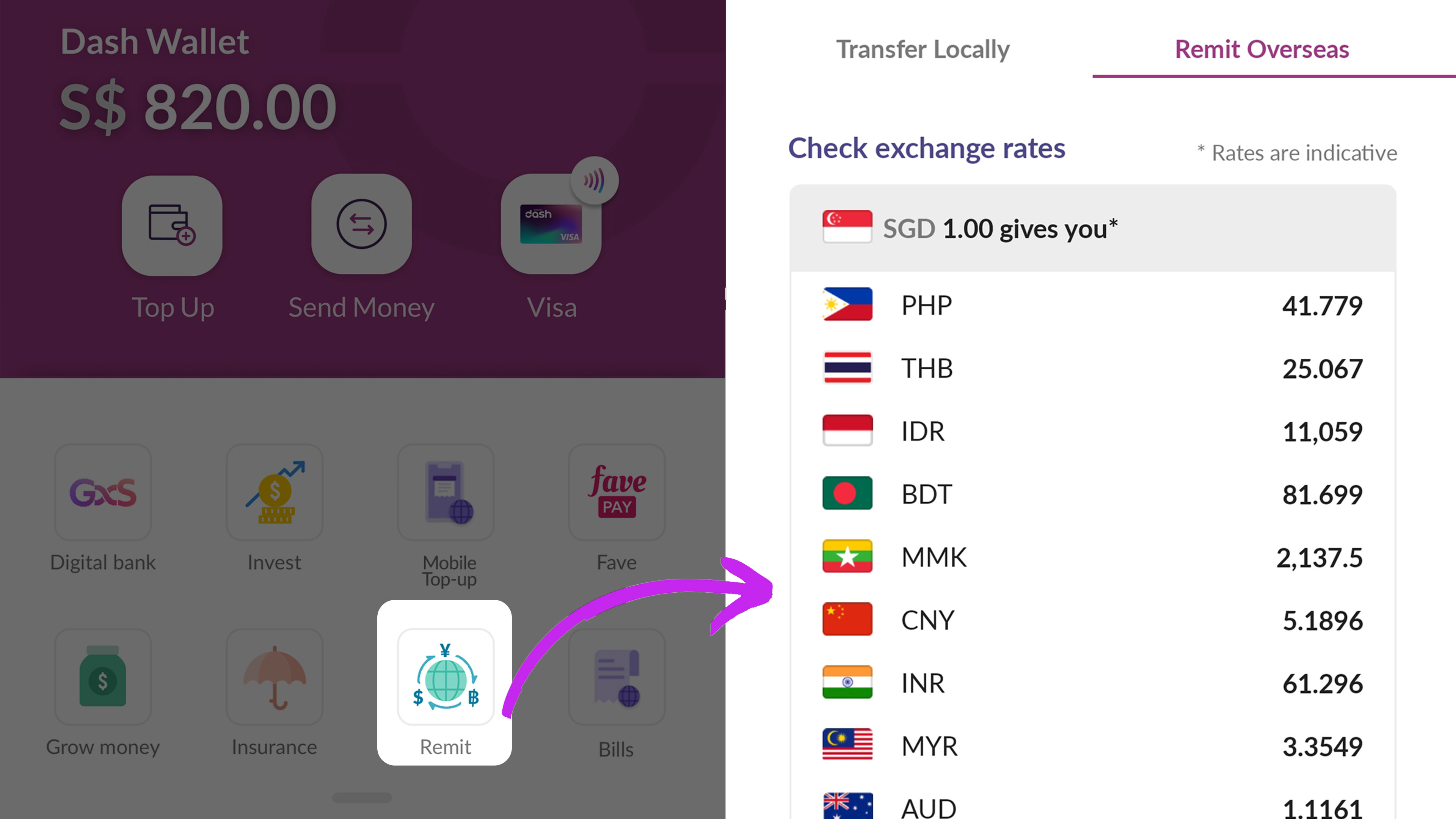
If you need to send money over to your loved ones overseas, you can take care of that with Dash.
With Dash Remit, you can send money to over 35 countries in 13 currencies:
Australia
Austria
Bangladesh
Belgium
Bulgaria
China
Czech Republic
Denmark
Estonia
Finland
France
Germany
Greece
Hungary
India
Indonesia
Ireland
Italy
Latvia
Lithuania
Luxembourg
Malaysia
Norway
Philippines
Poland
Portugal
Romania
Slovakia
Slovenia
South Korea
Spain
Sweden
Switzerland
Thailand
United Kingdom
Vietnam
When it comes to remitting money with Dash, you've got options.
You can transfer the money directly to their bank accounts, mobile wallets or choose a cash pickup (varies for each country).
Your loved ones can receive the money hassle-free, even without downloading the app. This is great for when you’re transferring money to older folks who aren’t tech savvy.
Just note that you’ll only be able to transfer money to one’s bank account in certain countries.
Using Singtel Dash as a mobile wallet
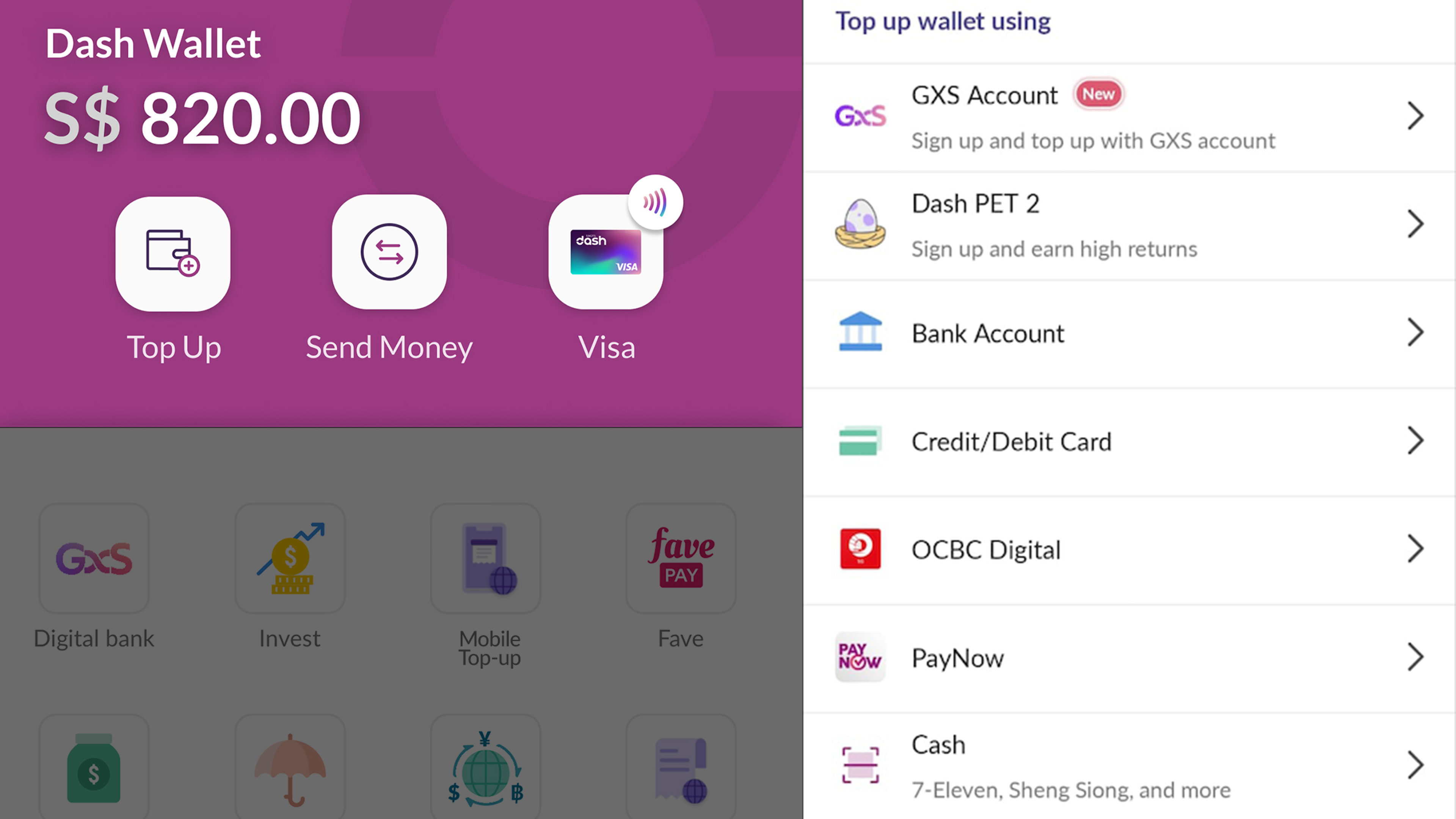
Did you know that you can use Dash as a mobile wallet, and use it to make QR code and contactless payments?
You can easily top up your Dash wallet using various methods:
Dash PET
GXS account
PayNow
Credit or Debit card
OCBC Pay Anyone
Cash
You can also top up your Dash wallet in person at:
Sheng Siong $TMs (Simple Teller Machines)
7-Eleven outlets
AXS machines
How do you use Dash to make payments?
It’s easy – just tap your phone on the reader, like how you would with Apple or Samsung Pay or launch the QR code scanner and make fast payments at your favourite hawker stalls or retailers.
Apart from contactless payments, you can also use your Dash mobile wallet for other kinds of transactions like:
Top up Singtel and overseas prepaid accounts
Pay your family's utilities bills in India, Indonesia, and the Philippines
Transfer money to people locally and overseas via Dash Remit
Singtel Dash FAQ: Signing up, topping up, and more
Still have some questions about Dash? Read on for more.
Q: How do I sign up for Singtel Dash?
A: Download the Singtel Dash app from your device’s app store and use your NRIC/FIN/Employment Pass/Work Permit number to sign up.
Q: Are there any charges when I top up Dash with my credit card?
A: There's a 2% fee for credit/debit card top-ups. You can use bank account OCBC Pay Anyone or PayNow for free top-ups.
Q: How do you top up Singtel Dash?
A: You can top up Singtel Dash using Dash PET, OCBC Pay Anyone, PayNow, or Cash (at 7-Eleven, Sheng Siong $TMs and more).
For more details, open your Singtel Dash app, then click on “Top up”.
Q: What is Singtel Dash’s minimum top up?
A: It depends on what top up method you’re using.
Credit card: $1
OCBC Pay Anyone: $10
PayNow: NA
Cash: $10
Q: Does Singtel Dash have a helpline?
A: You can reach a customer service officer at (65) 6438-3274 or via WhatsApp at (65) 8764 0451.
Q: Is there anything else I should keep in mind when using Dash?
A: When using Dash as a mobile wallet, note that Dash has a default transaction limit of $1,000. You can update it on the app under 'Account'.
A final word on Singtel Dash
Singtel Dash is the perfect app for anyone who wants to manage their finances on the go with ease.
From shopping to dining, commuting to money transfers, you can do it all on Dash.
So, what are you waiting for?
Go ahead and download Singtel Dash today!