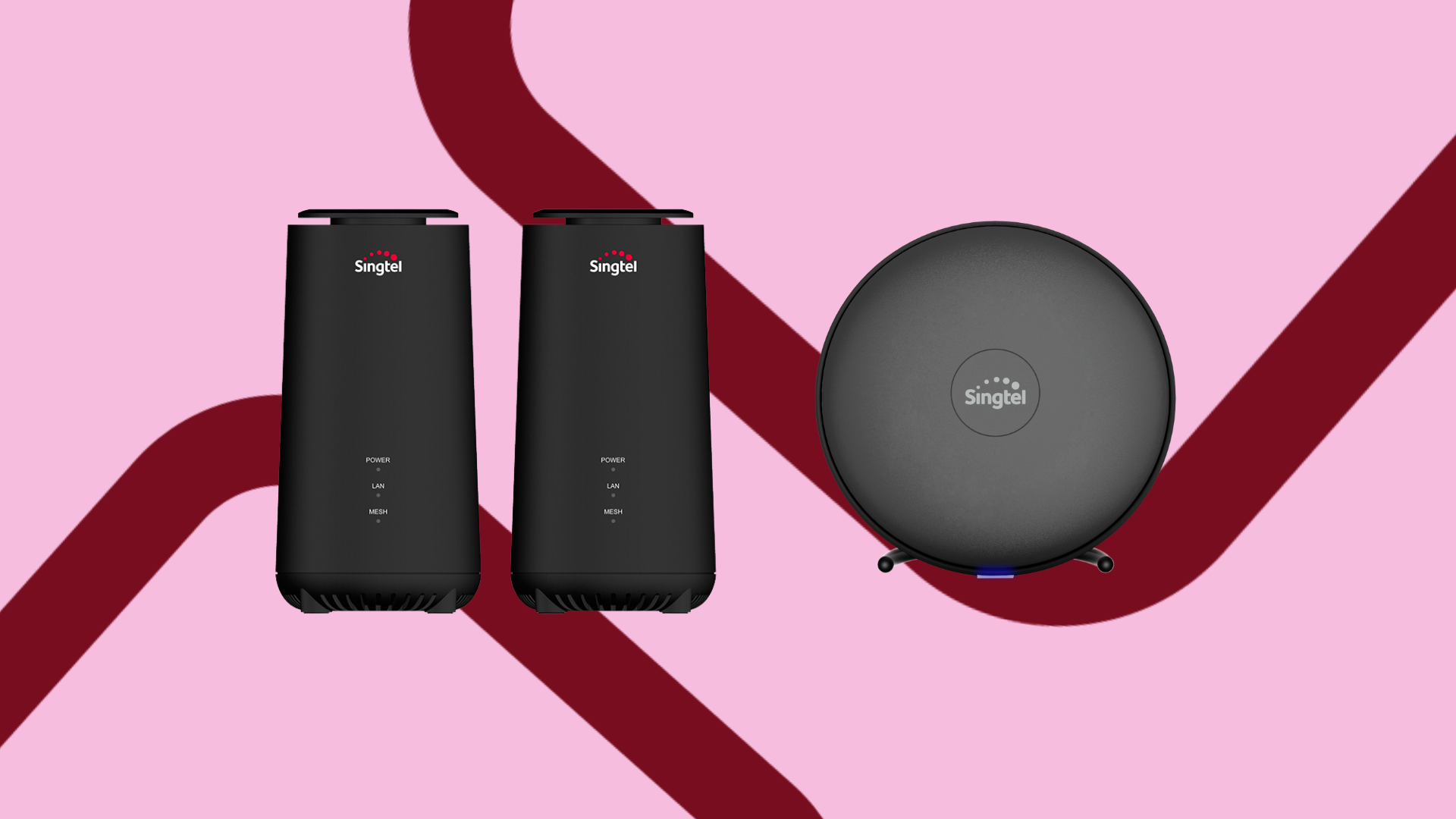
Singtel WiFi guide: How to set up Fibre broadband

If you’re interested in getting Singtel WiFi, you might be wondering...
How do you go about purchasing it, and how do you set it up?
In this article, we’ll share a comprehensive guide on how to get your Singtel WiFi set up.
We’ll cover:
How to purchase Singtel WiFi
There are several ways that you can purchase Singtel WiFi.
Firstly, you can purchase it online via Singtel.com.
This is the easiest and most convenient way – you can do it from the comfort of your own home!
Plus, purchasing Singtel WiFi plans online gets you some serious offers and exclusive discounts.
For instance, if you purchase the 2Gbps Mesh plan online, you’ll get a free lifestyle gadget thrown in with your purchase.
You get to choose from different options for your lifestyle gadget – including items such as an iPad, a Dyson vacuum cleaner or a PRISM+ TV!
That aside, by signing up online, you can also get new sign-up exclusives such as free installation (with no installation fees).
Prefer to go to a retail store?
You can also purchase a Singtel WiFi plan at any Singtel Shop, Singtel Exclusive Retailer or roadshow.
What will you receive with your Singtel WiFi plan?
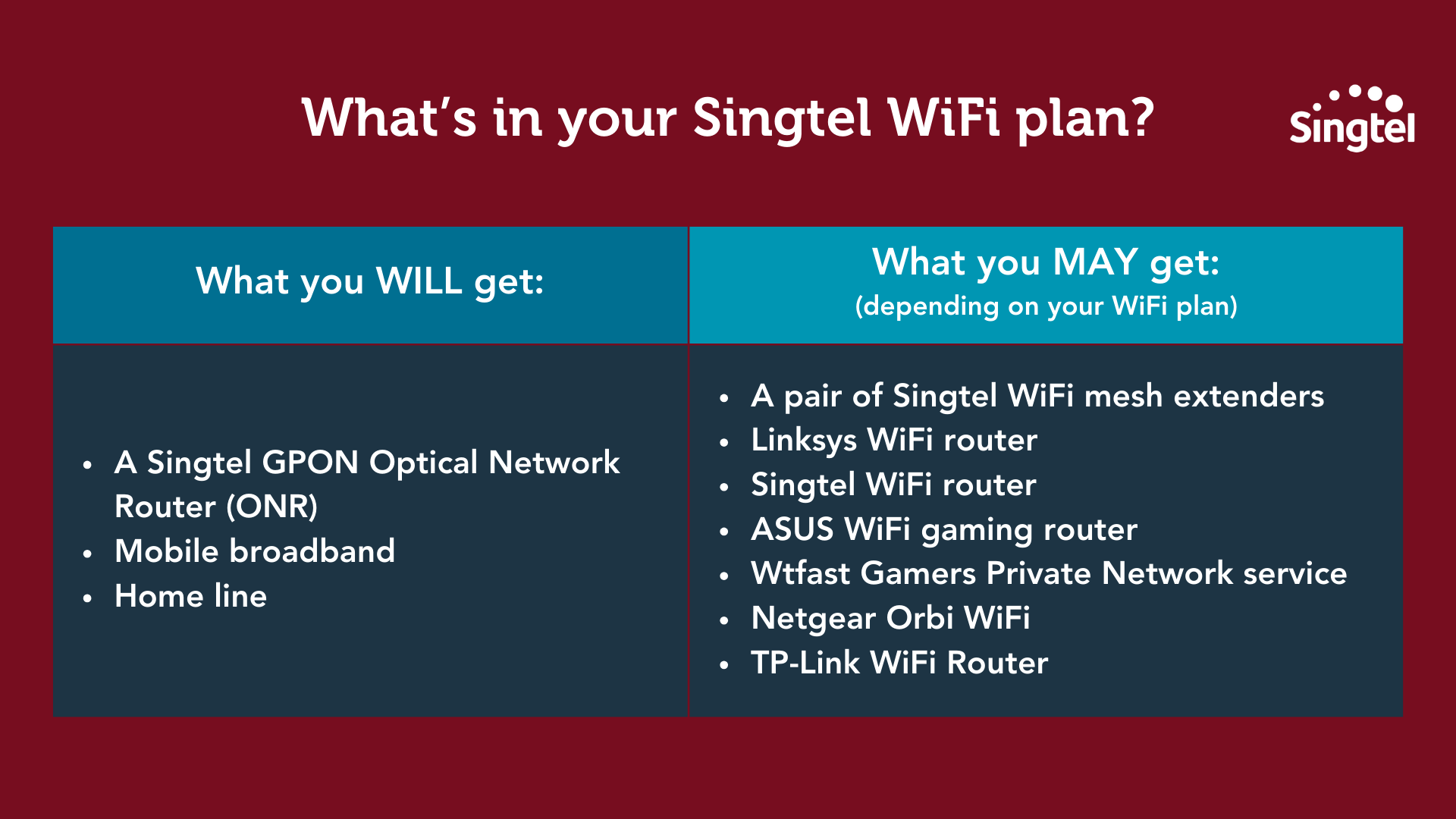
When you purchase your Singtel WiFi, you get these items bundled with your plan:
A Singtel GPON Optical Network Router (ONR)
Mobile broadband
Home line
Depending on the plan you’ve opted for, you may also get more freebies, such as:
A pair of Singtel WiFi mesh extenders
A Linksys WiFi router
A Singtel WiFi router
An ASUS WiFi gaming router
Wtfast Gamers Private Network service
Netgear Orbi WiFi
TP-Link WiFi Router
How to set up Singtel WiFi
Here’s a quick overview of how to set up your Singtel WiFi, before we go into the details:
Step 1: Wait for your Net Link Trust (NLT) Fibre Termination Point to be activated
Upon successful sign up of your Singtel WiFi, Singtel automatically schedules two appointments for you, and you will receive:
An SMS detailing the date of your NLT and Singtel WiFi router installation appointment
An email containing your Fibre Broadband plan sales agreement
Closer to your NLT appointment date, you will receive an SMS reminder and it will inform you if you need to be physically present for the NLT appointment.
In most cases, NLT will carry out the installation outside your home and you do not need to be present!*
*On certain occasions, the NLT engineers may need to enter your home to complete the installation, but this doesn’t happen often.
And once the activation is done, you’ll get another text updating you.
Step 2: Singtel WiFi installation appointment
Once your NLT activation is complete, the next step is your Singtel installation appointment, which you will need to be present for.
Closer to your Singtel appointment date, you will receive an SMS reminder.
If you need to reschedule either of the appointments, you can do so via My Singtel App or via the link in the SMS that you received.
On the day of the appointment, a friendly Singtel Engineer will arrive to install your Fibre equipment and get your internet and Singtel WiFi up and running!
Step 3: Get your home WiFi ready
To ensure a smooth WiFi router installation, you’ll need to prepare two power points for your Optical Network Router (ONR) and your Singtel WiFi Router.
You should also choose a central and unobstructed location for the router to enjoy greater Singtel WiFi coverage.
PS: Check out our article on improving weak WiFi to learn how to optimise your WiFi at home!
[BONUS] How to set up your Singtel WiFi yourself
The easiest and most straightforward way to get your WiFi up and running is to let Singtel handle the set up for you (which we’ve discussed above).
For ease of set up and to minimise complexity, we suggest taking that route 😉
But if you really want to, you can also set up your WiFi yourself.
Here’s a quick overview of the steps, before we go into the details:
Step 1: Check the equipment you’re receiving and set it up accordingly
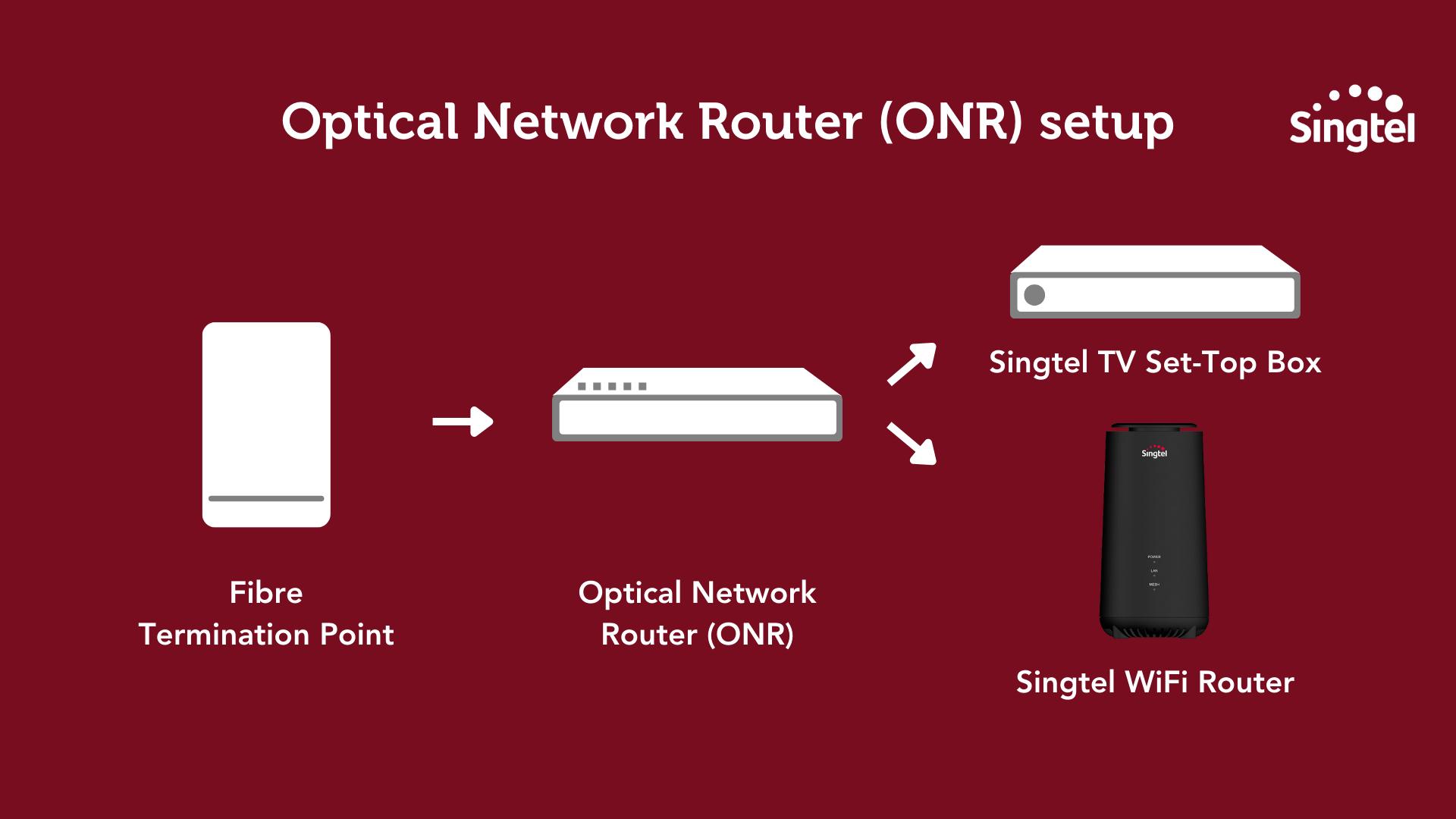
First, check that you have received an ONR.
This is the flow you should be following to set up your WiFi router.
Step 2: Get your home WiFi ready
Just like we mentioned earlier, you will need to prepare two power points for your ONR and your Singtel WiFi Router.
The same rule also applies here – you should place your router at a central and unobstructed location in your home.
If you’re afraid of WiFi dead spots (i.e. places where WiFi is weak, intermittent or absent), you can also consider adding Singtel WiFi mesh extenders!
Or if you’re someone who’s staying in a...
Large or multi-storey home
Home with a complex layout
Home with lots of tall furniture
You can also consider getting a mesh network to boost your WiFi and eliminate those dead spots.
To see which is best for you, check out our article on mesh networks vs WiFi mesh extenders.
Step 3: Install your Singtel WiFi router
First, insert the power adapter into the WiFi router’s power port and plug it into a power outlet.
Then, connect one end of the Ethernet cable to the LAN 1 port on your ONR and the other end to the WAN port of the router.
Power up the router and wait for the internet LED to light up.
After that, connect your devices to the router via WiFi using the same username and password found on the router label.
Alternatively, you can also use the ethernet cable to connect your computer to the router’s LAN port.
You can also reboot your router if you encounter any connectivity issues.
A final word about Singtel WiFi
And that’s everything you need to know about buying and setting up your Fibre broadband.
Now, get ready for seamless and reliable connectivity throughout your home.
Check out the latest Singtel WiFi broadband promotions here, including FREE installation scheduled at your convenience.