The ultimate travel tech essentials you need for your next trip

It’s finally happening – you’re jetting off on that well-needed vacation that you’ve been thinking about in the last few months.
But wait. You’re greeted by the sound of a screaming baby, and there’s someone snoring next to you on the plane.
You plug in the earpieces given by the airline, but you can still hear them in the background.
Bet you were wishing you had some better earphones to drown out all that noise, huh?
To make things worse, your phone’s battery drops to 20% while you’re halfway through the flight, and you realized you don’t have your charger with you.
Now you’re sat there wondering, what other tech gadgets did you forget to pack?
We’ve got you. In this article, we’ve compiled a list of travel tech essentials that every traveler needs, so you’ll never have to find yourself in that situation again.
In this article:
Travel tech essentials: Battery and charging accessories
We’ve all been there, where you’re desperately searching for a power outlet because your battery is running low.
Imagine having your battery drain to 0, and not being able to use Google Maps to navigate back to your hotel.
You definitely don’t want to be caught in that situation – that's where international travel necessities like battery packs and charging accessories come in handy.
Battery packs
Battery packs are an important thing to include on your packing list.
With battery packs or power banks, you can charge your phone while you’re on the go.
If you’re an Apple user using an iPhone 12 and anything onwards, we recommend getting the Apple MagSafe Battery Pack.
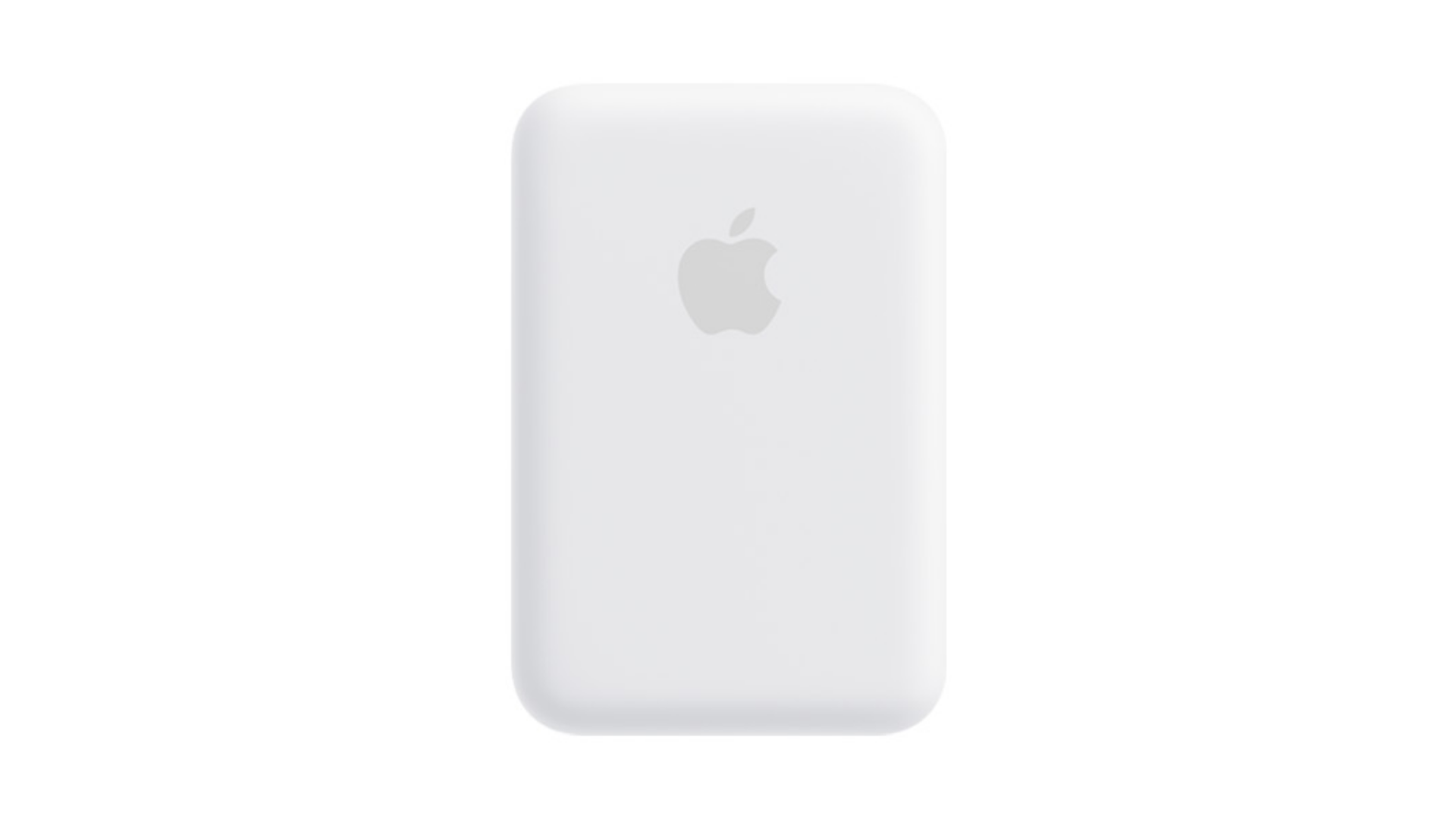
This comes with a magnet so you can easily attach it to the back of your phone.
If you’re a Samsung user instead of an Apple user, go for the Samsung Battery Pack instead.
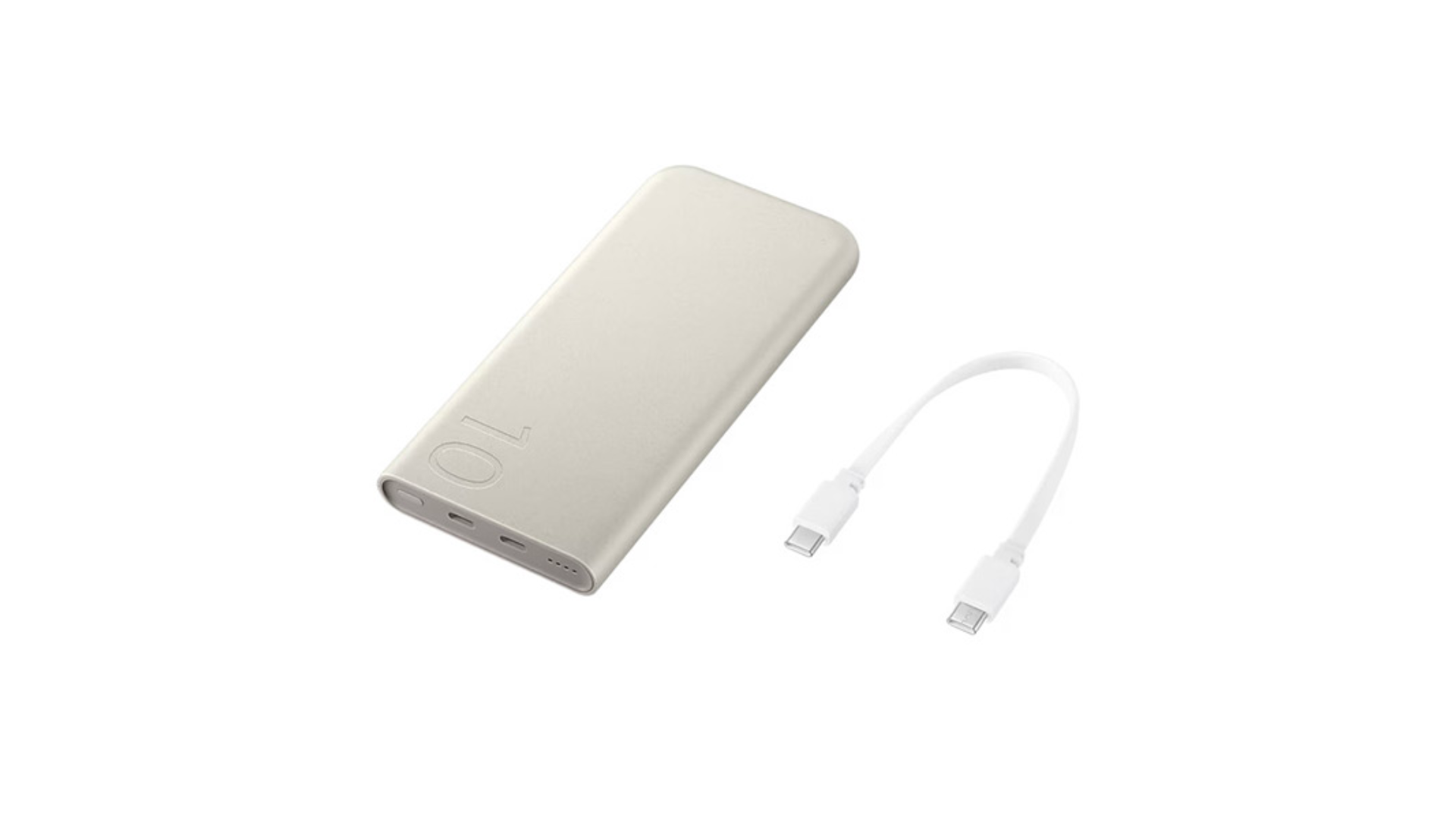
Because of its dual ports, you can charge two devices at once. Perhaps your phone and a portable fan?
Travel adapters
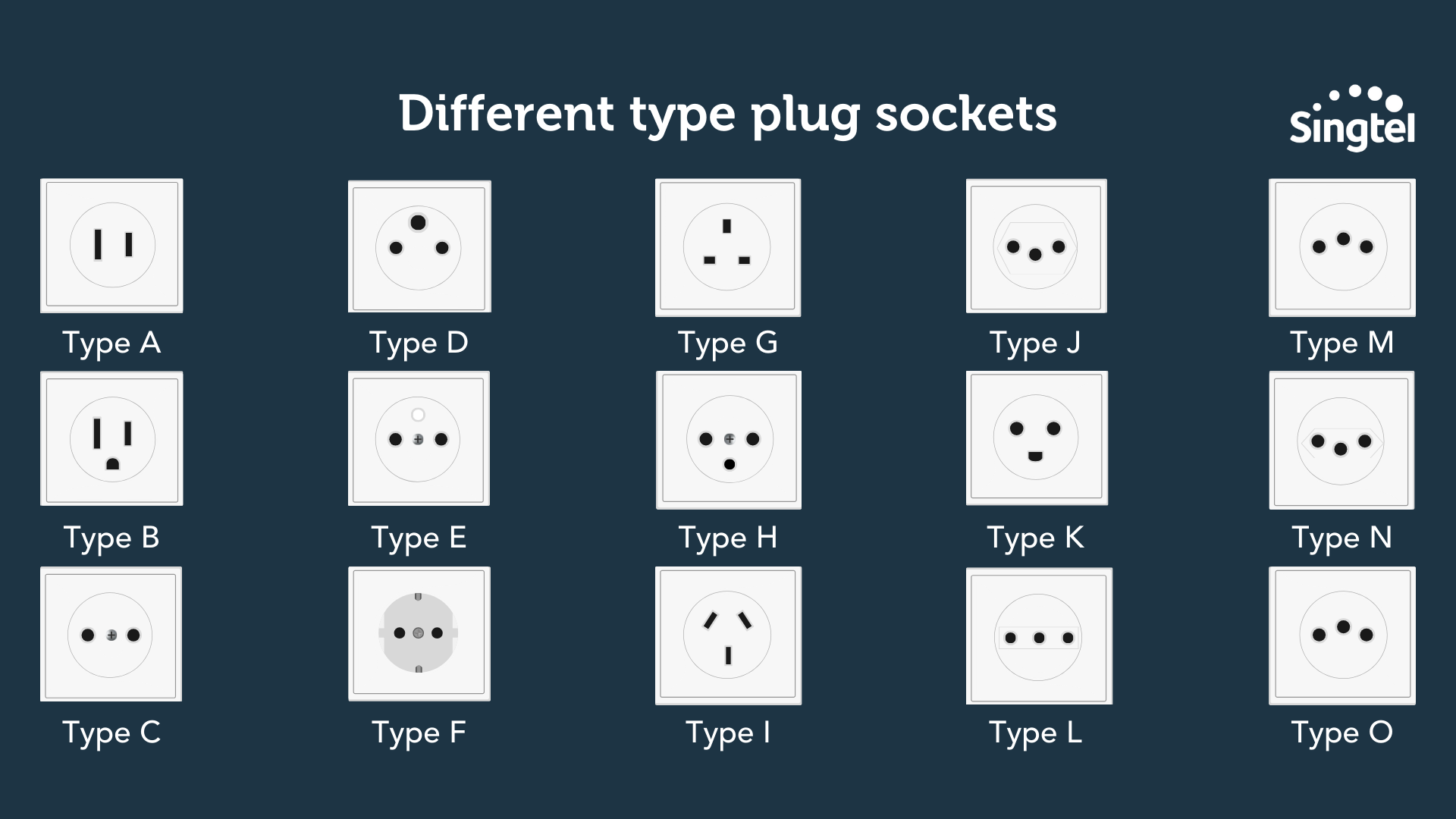
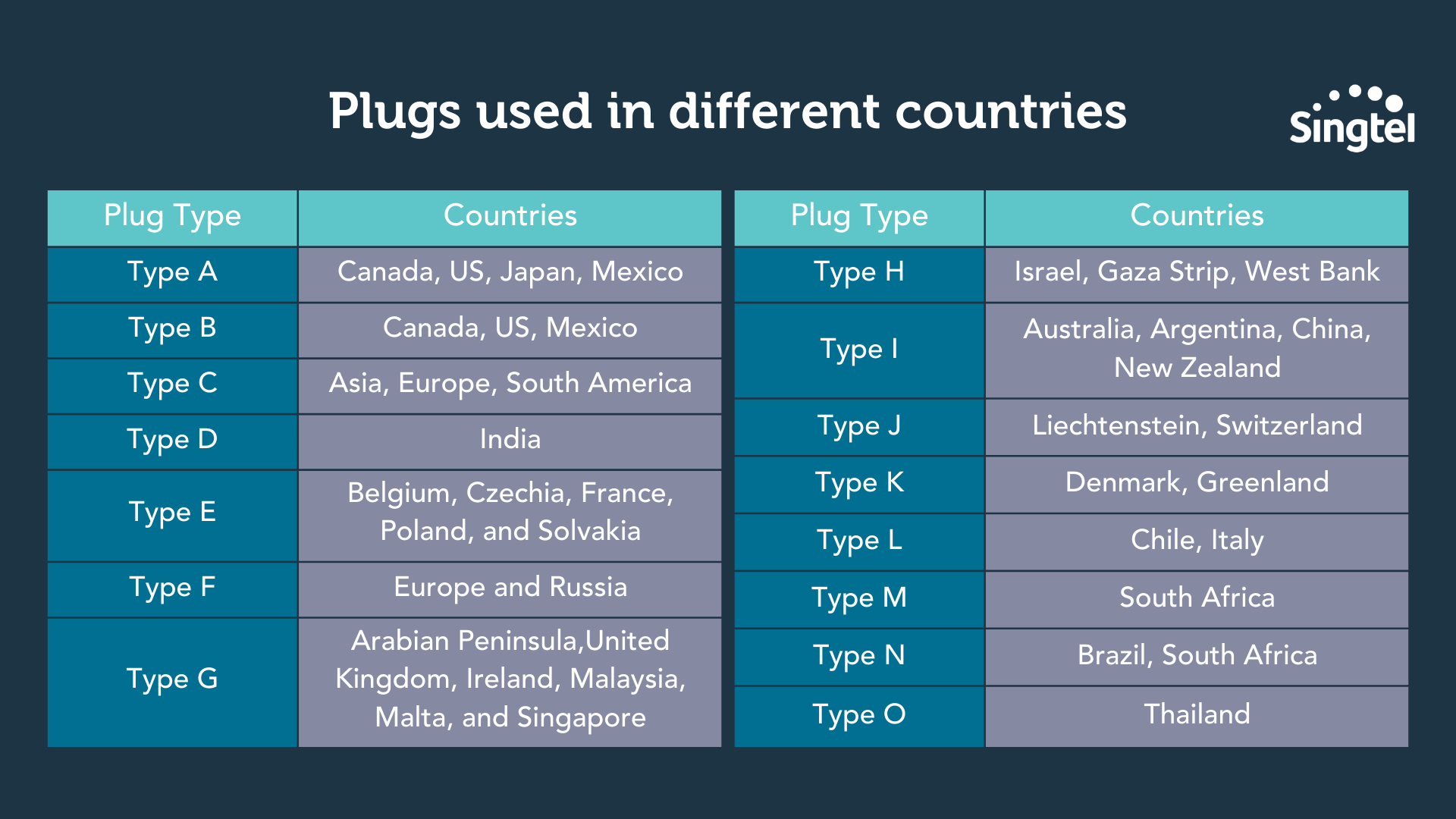
A travel adapter allows you to charge your electronic devices in countries with different types of electrical outlets.
Here are the commonly used type of electrical outlets used around the world:
If you’re looking to get a universal travel adapter that works in most countries, you can always go to any hardware store around your neighborhood to get one.
Most universal travel adapters are priced around $20 - $50, depending on the brand you get.
Travel tech essentials: Headphones and earbuds
If you ask us, headphones and earbuds are one of the most important things to bring along when travelling.
How else will you block out the sounds of a crying baby, or the guy who’s snoring loudly next to you?
Headphones
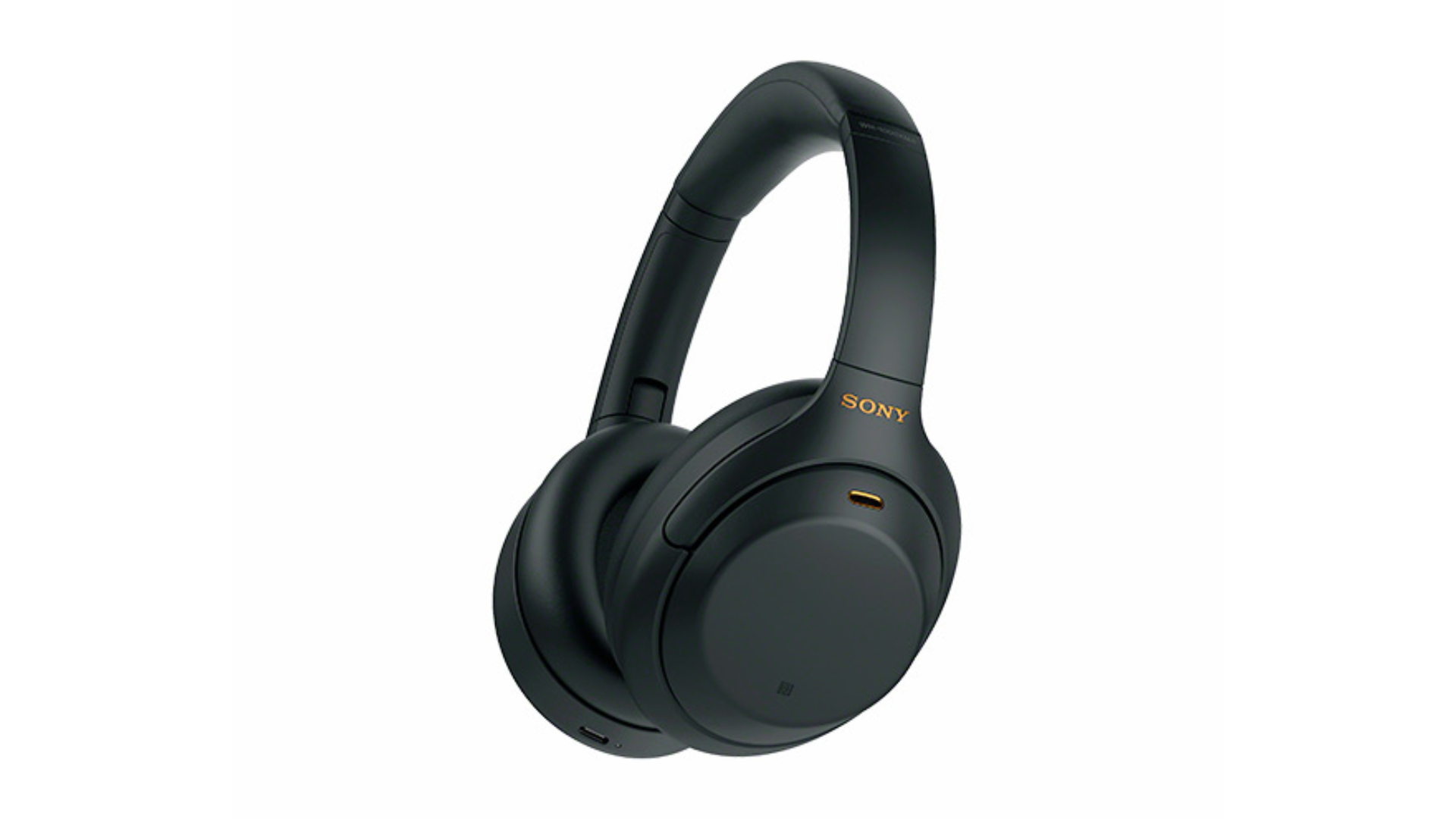
With industry-leading noise cancellation technology, it is one of the best headphones on the market for frequent travelers and audiophiles.
It also comes with an Adaptive Sound Control feature that senses where you are and what you’re doing, and adjusts ambient sound settings accordingly.
For example, if you’re travelling, the headphones will be able to detect that and block out all background noise so you can listen to your favourite musics or podcasts, uninterrupted.
And if you’re waiting to catch a train or plane, the headphones will automatically adjust to let you hear important announcements, while still blocking out other background noise.
P.S: On the topic of headphones, check out our other article recommending other best headphones in Singapore.
Earbuds
If you want something more portable and easy to carry around, you might prefer earbuds over headphones.
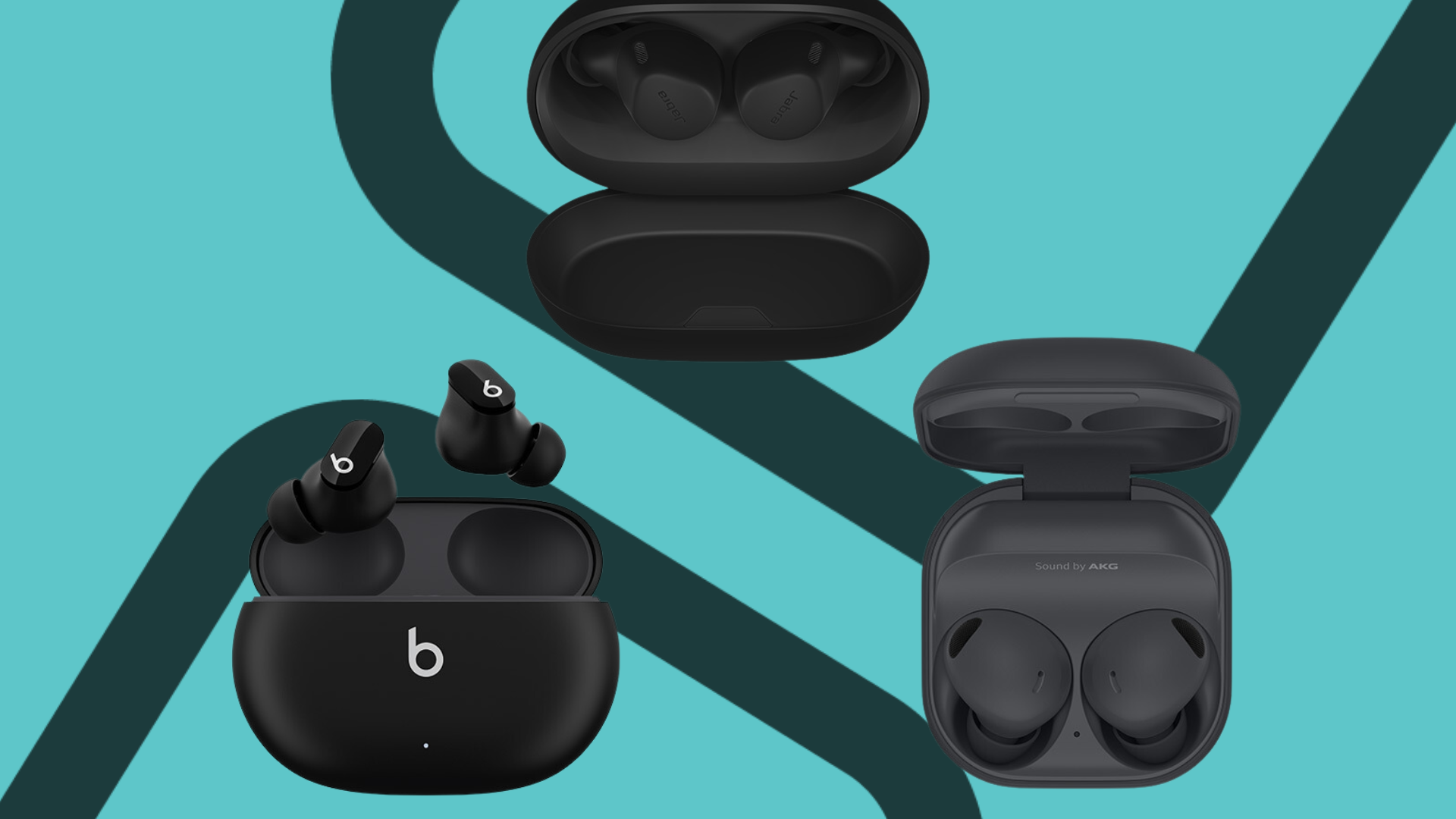
In this case, we recommend the JLab JBuds Mini True Wireless Earbuds.
These earbuds are tiny and lightweight – they weigh just 3.14 grams!
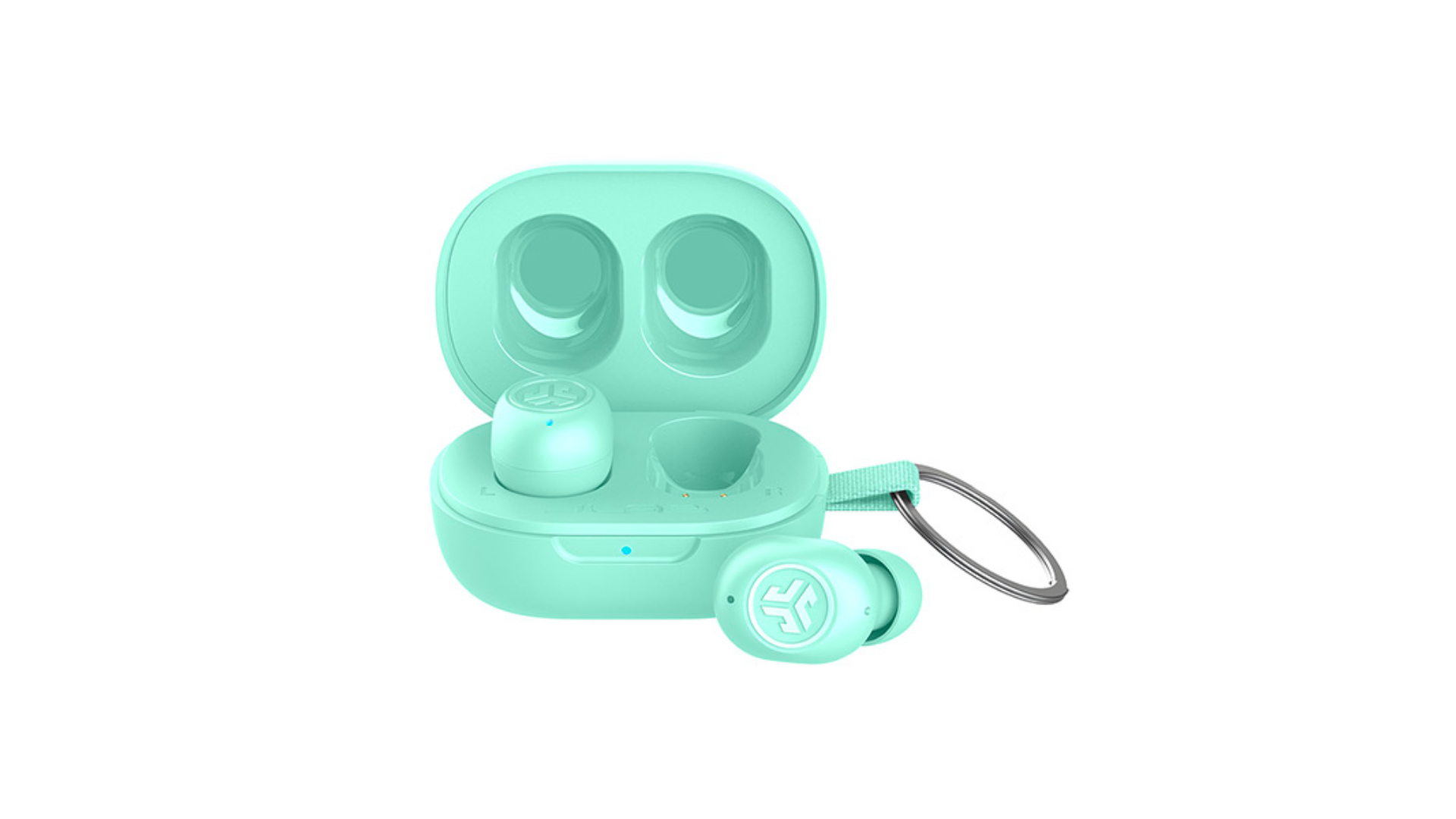
Though they are tiny, they sure are mighty – they pack a lot more features than their size might suggest.
For example, they offer up to 14.5 hours of battery life, which is significantly higher than most earbuds on the market.
What’s more, charging the JBuds for just 15 minutes gets you an additional hour of battery life!
It also offers a quality noise-cancelling microphone for clear calls and the ability to connect to multiple devices at once via Bluetooth.
Plus, you can personalise your audio experience with the JLab app with options like:
Be Aware (transparency mode)
Equalizer (choose from 3 existing presets or Custom Mode)
Music/Movie modes (varied audio settings for different purposes)
Touch Controls (choose how you want to control your music – either with a tap, long press or more)
Safe Hearing (allows you to set volume limits)
Travel tech essentials: Entertainment
Depending on what airlines you’re flying with, in-flight entertainment can be very limited.
So, how do you entertain yourself while you’re in the air?
Here’s how: tablets!
Tablets
Tablets are a godsend when you’re in need of some entertainment.
You can watch your favourite movies, TV shows, read e-books, play games or listen to music to pass time.
You can even catch up on some urgent work or stream shows from Netflix, if your airline provides you with WiFi.
For tablets, iPads are the gold standard. More specifically, we recommend the Apple iPad Pro.

This comes with a 12.9” advanced display and ultra-fast graphic performance, latest M2 chip, 8-core CPU... you get the idea.
These specs actually beat out plenty of laptops out there, which is pretty remarkable.
If you prefer Samsung to Apple, check out the ultimate Android tablet, the Samsung Galaxy Tab S9 Ultra.
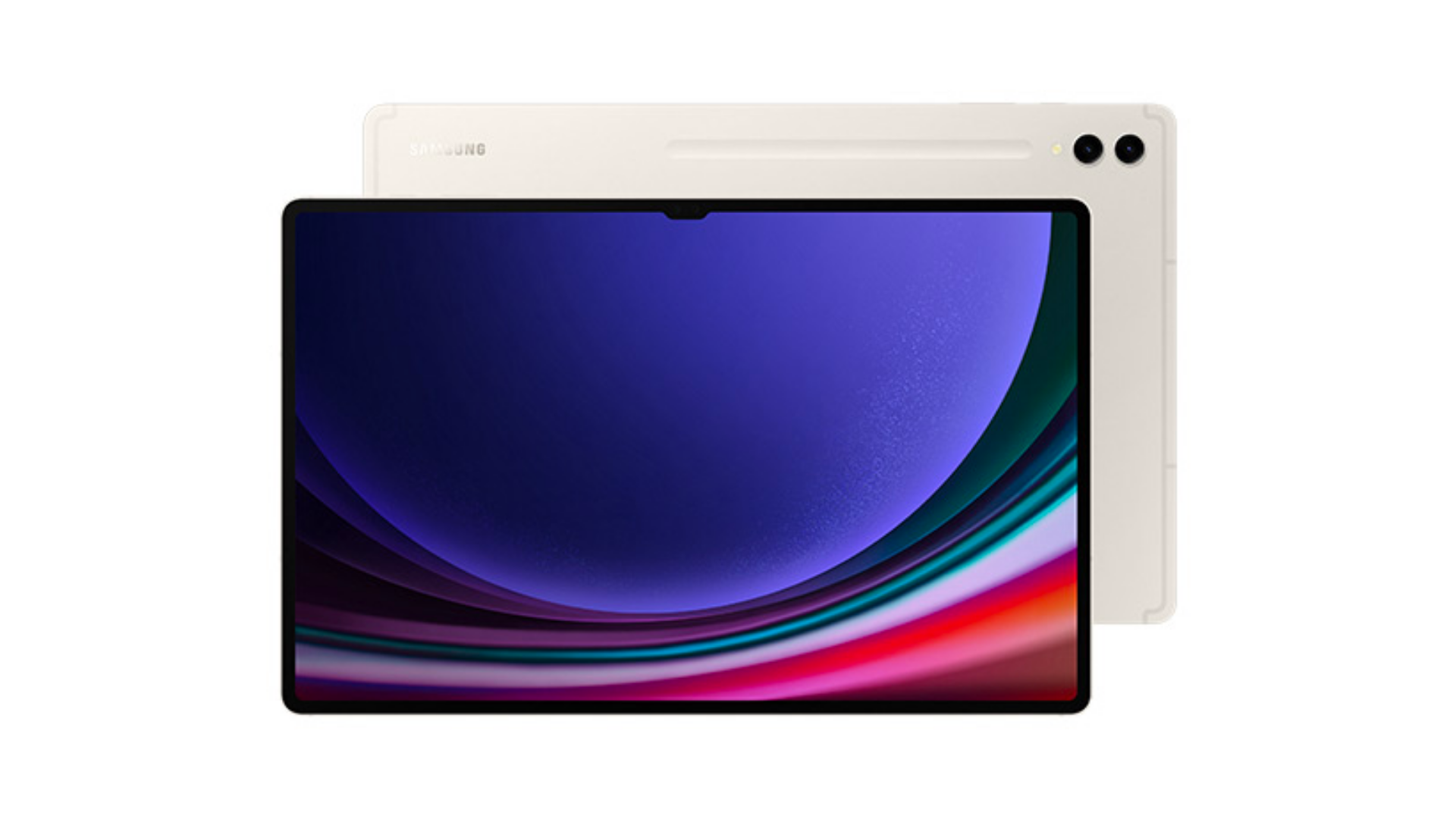
If you like dynamic and vibrant viewing experiences, this Samsung tablet’s 14.5” SUPERAMOLED display is great for that.
This is the largest tablet display available on the market right now – it doesn’t get any bigger than this!
Flight pro-tip: Remember to pre-download your TV episodes and shows before you get on the flight, so you can avoid any interruptions while you’re watching.
Gaming devices
Want to game in style while you’re overseas?
Bring along a handheld gaming console, such as a Nintendo Switch.
They have two versions for the Nintendo Switch, the Lite version and the original.
The only difference between the Lite and the Switch is that the former has non-detachable joy-cons and no dock, and vice-versa for the latter.
If you’re a solo traveler, the Lite version may be a better choice for you to play single-player games like Pokémon Starlight or Animal Crossing New Horizons.
Since it’s a single handheld device, it's also much easier to handle and carry around without the fear of losing any parts.
If you’re travelling together with your family or friends, you should opt for the original version with detachable joy-cons, so all of you can enjoy multiplayer games like Mario Kart Deluxe or Overcooked.
For your benefit, we’ve also compiled a list of popular Nintendo Switch games according to online reviews:

E-reading devices
If you’re the type to journal and read books instead of game, then be sure to include a Kindle in your packing list.
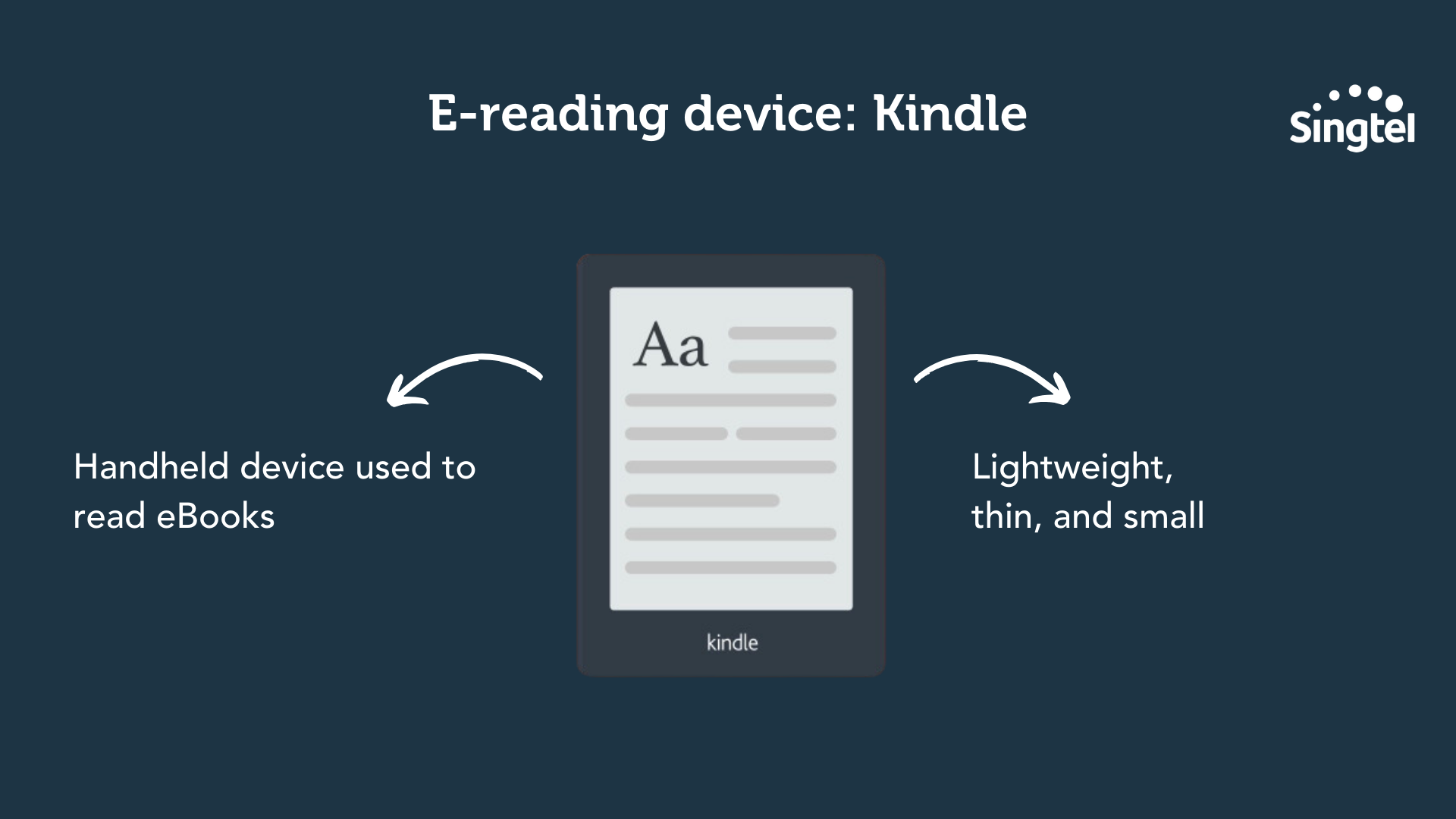
A Kindle is a handheld device that can be used to read eBooks.
Think of it like having your own personal library at your fingertips.
The best part? It’s lightweight, thin, and small which makes it easy to carry around.
Of course, this works like the “Books” app on your iPad or Apple iPhone, where you can also read eBooks that you’ve downloaded online.
But as far as we know, most people prefer the reading experience that you get from a Kindle, as compared to the experience you get from the “Books” app.
With a Kindle, you have fewer distractions, and it mimics the likeness of a book better as well.
If you wish to get your hands on a Kindle, we recommend purchasing it from Amazon or getting it secondhand from Carousell.
Travel tech essentials: Wearables
What’s the first thing you think of when it comes to wearables?
Bet you were thinking of smartwatches.
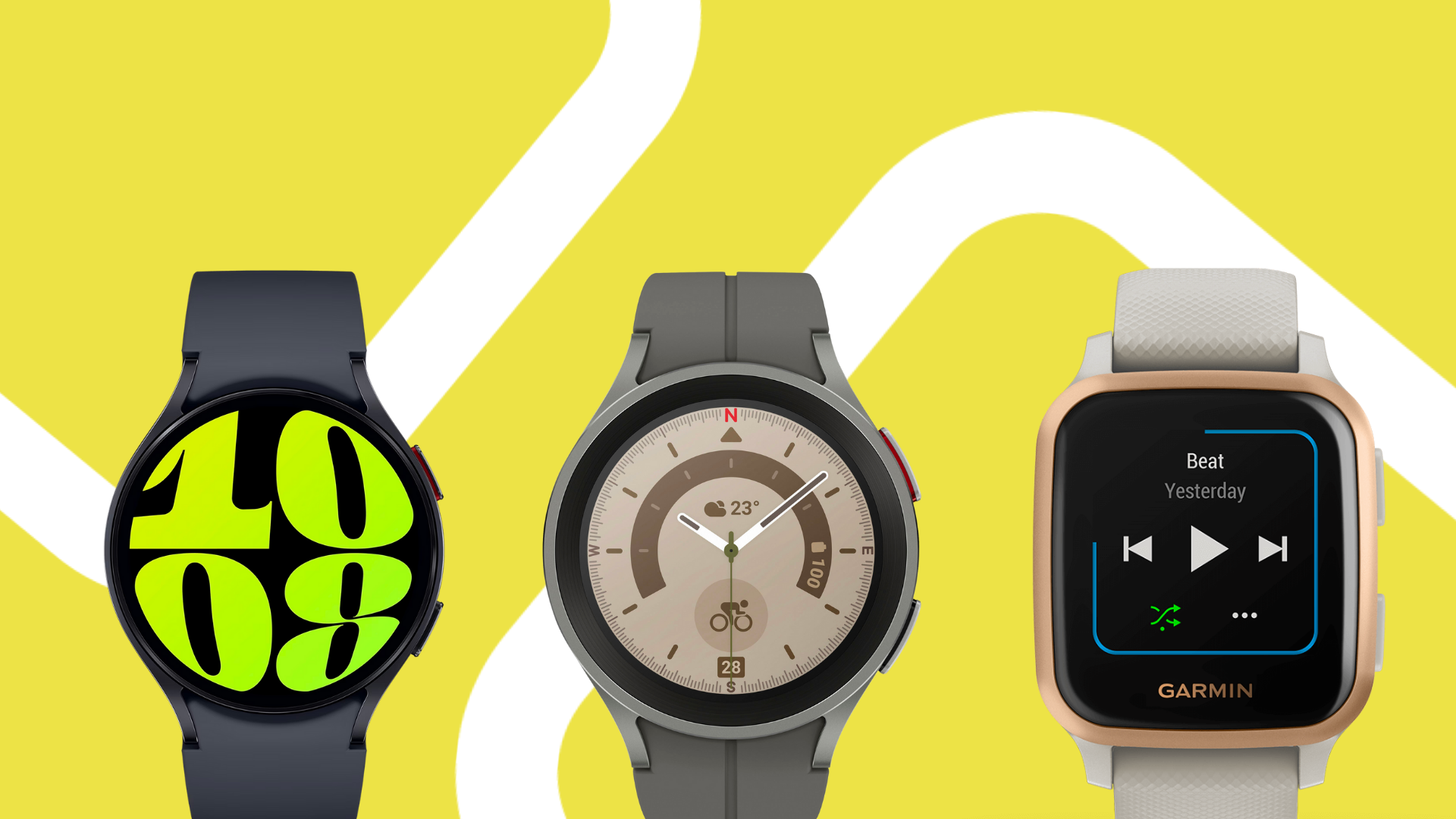
Smartwatches are super useful for travelling – you can use them to make contactless payments, and they can send out alerts in the case of emergencies (touch wood!)
If you’re looking to get a smartatch, we recommend the Samsung Galaxy Watch6.

[BONUS] Must-have travel tech essential for anyone who’s scared of losing their stuff: Tracking devices
What’s one of the worst things that can happen to you when you travel?
That’s right – losing your stuff.
Imagine if you lose your passport or your wallet when you’re overseas.
It’s suuuuper troublesome – you'll need to lodge a police report, cancel and block your cards, and remember to claim your travel insurance when you’re back from your trip.
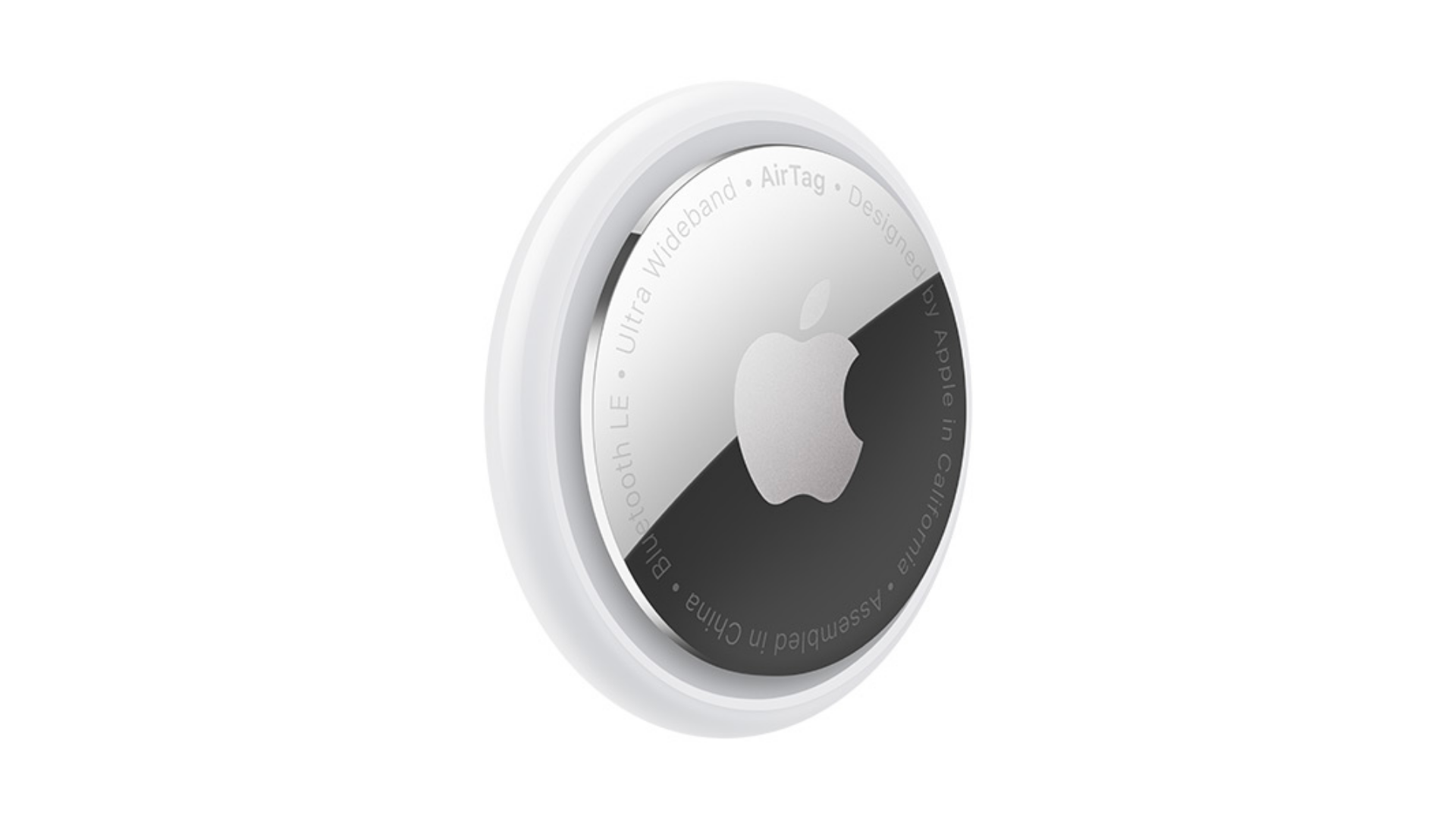
Now, there’s a way that you can potentially recover your lost items – and that’s by using tracking devices like the Apple AirTag.

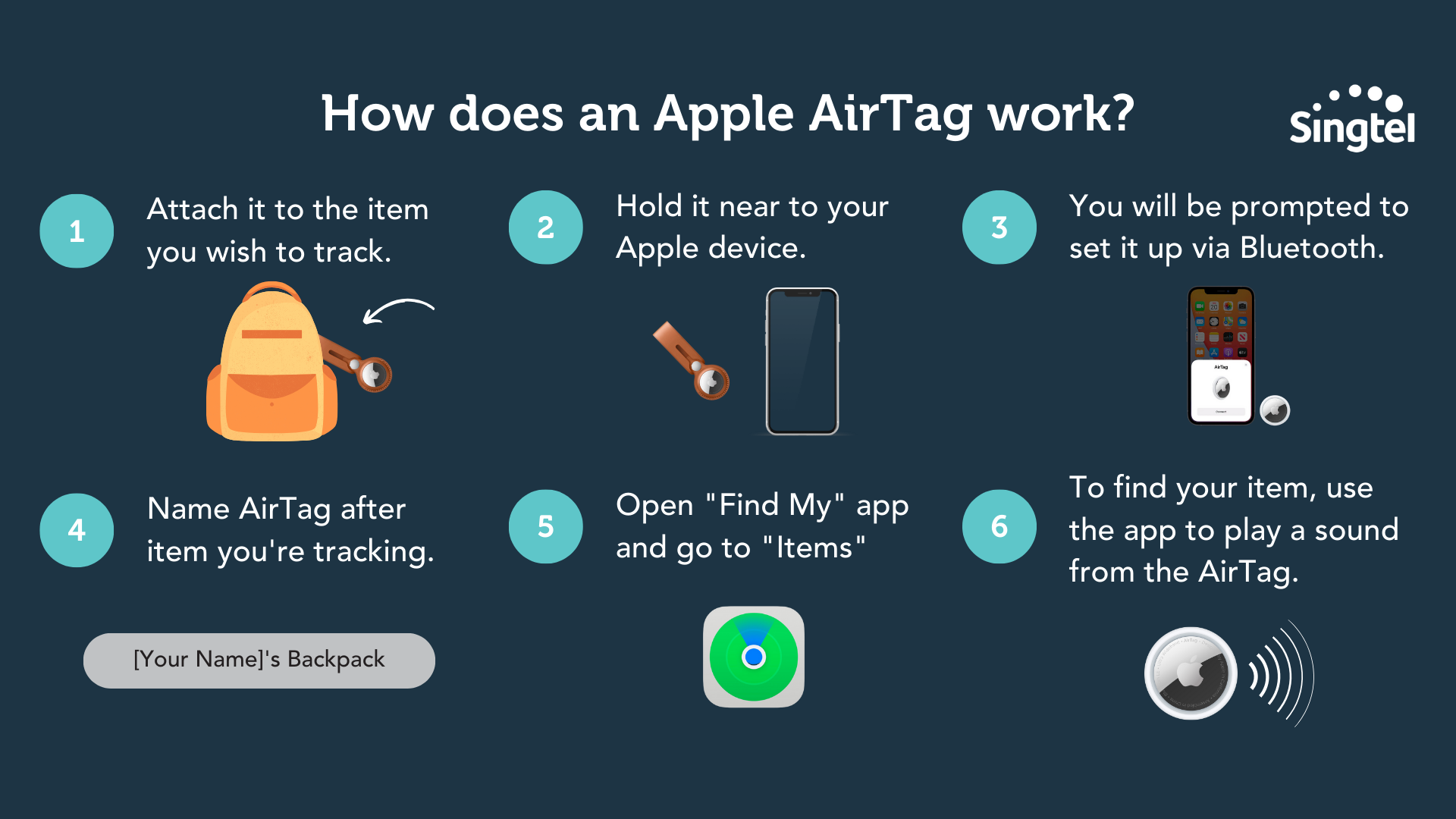
So, how does an Apple AirTag work?
1. Attach it to the item you wish to track.
2. Hold it near to your iPhone or compatible Apple device.
3. You will be prompted to set it up via Bluetooth connection.
4. Name your AirTag after the item you are tracking. (For example, if you’re tracking your bag, you can name it “xx’s Bag”)
5. Then, open the “Find My” app on your Apple device, and go to “Items” to see the AirTag’s location on the map.
6. If you wish to find your item, you can use the app to play a sound from the AirTag if you’re nearby. (Up to 9 metres to be exact!)
Now, you may be wondering – what if I’m more than 9 metres away from my Apple AirTag?
How will I be able to find my items?
Well, this is where Apple’s ecosystem comes in handy.
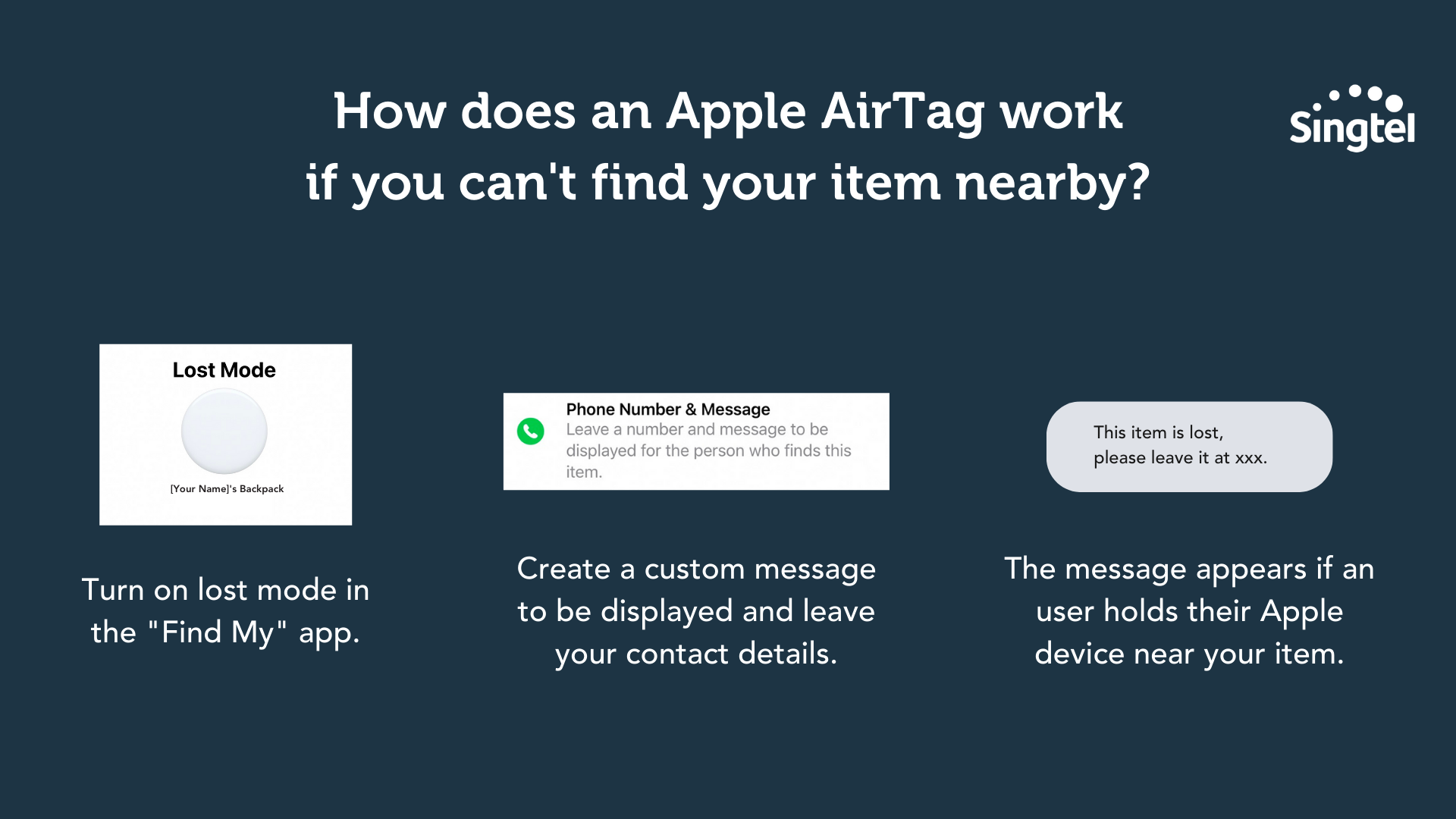
In the “Find My” app, there is an option to turn on “Lost Mode” and create a custom message to be displayed when your AirTag is found by another Apple user.
When the user holds your item near their phone, your custom message appears.
You can include your contact details in the message, or even indicate where to leave your item so that you can come and collect it.
A final word on travel tech essentials
Whether you’re a last-minute packer, or someone that has pre-packed a week ago, it never hurts to have a checklist of travel tech essentials in case you miss out on anything.
Yes, you might not end up needing some of these items...
...but in the event that you DO need them, you’ll be thanking your lucky stars that you’ve got them packed in your bag.
Shop for travel tech essentials on Singtel now:
Don’t forget to use Singtel PayLater to purchase the item you want – you can split your bill over 12, 24 or 36 months instead of paying upfront!