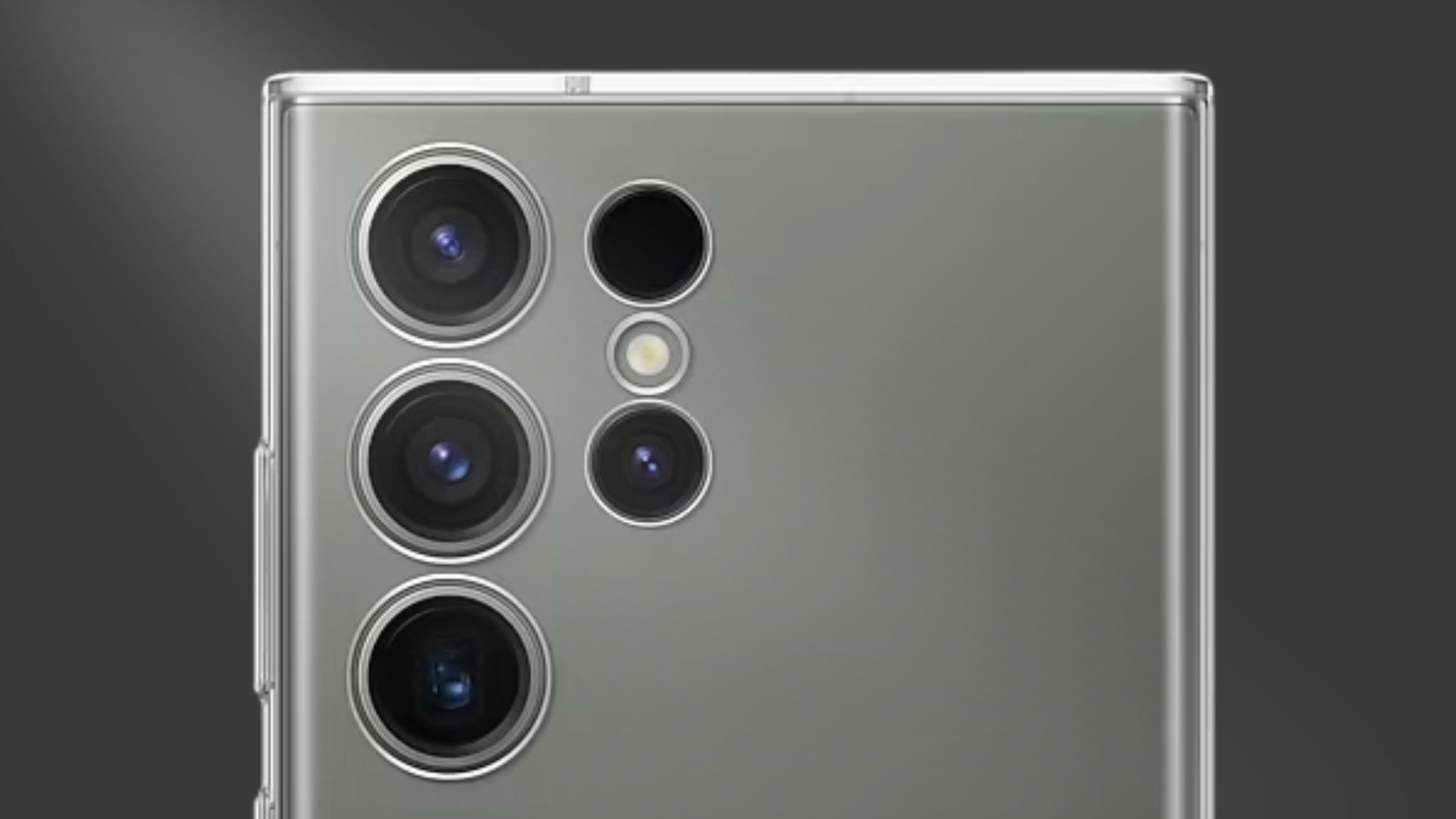
Why does your phone's battery life deplete over time?
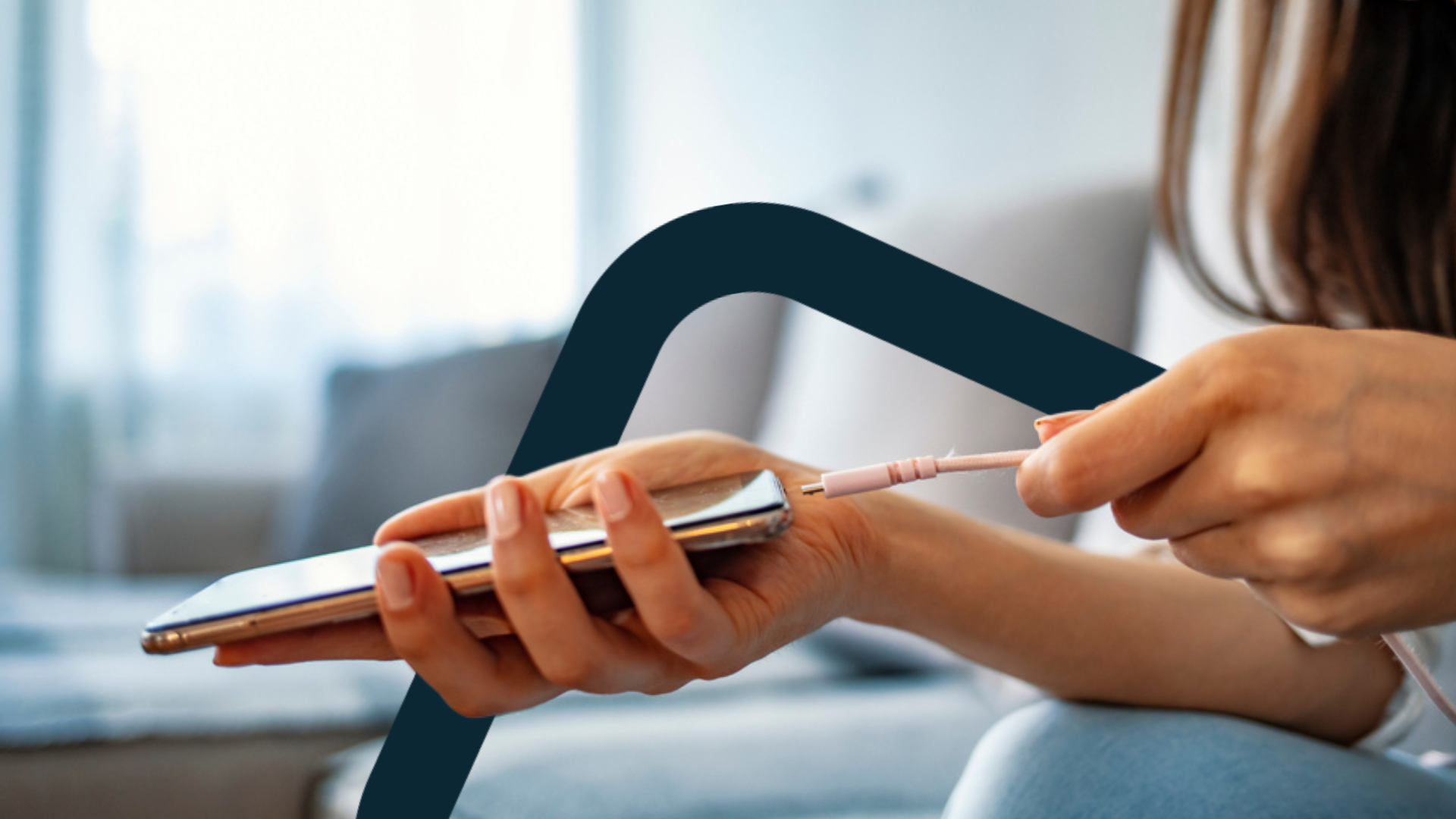
Imagine this: You've had your phone for a while now, and you're noticing that the battery life isn't as impressive as when it was brand new.
Don't be alarmed – this is a common occurrence that’s known as battery degradation.
In this article, we'll tell you all about this phenomenon, including:
Why does your battery life gets worse over time?
Battery degradation is the gradual and natural loss of a rechargeable battery's capacity and performance over time.
This happens when a battery is used and and recharged repeatedly.
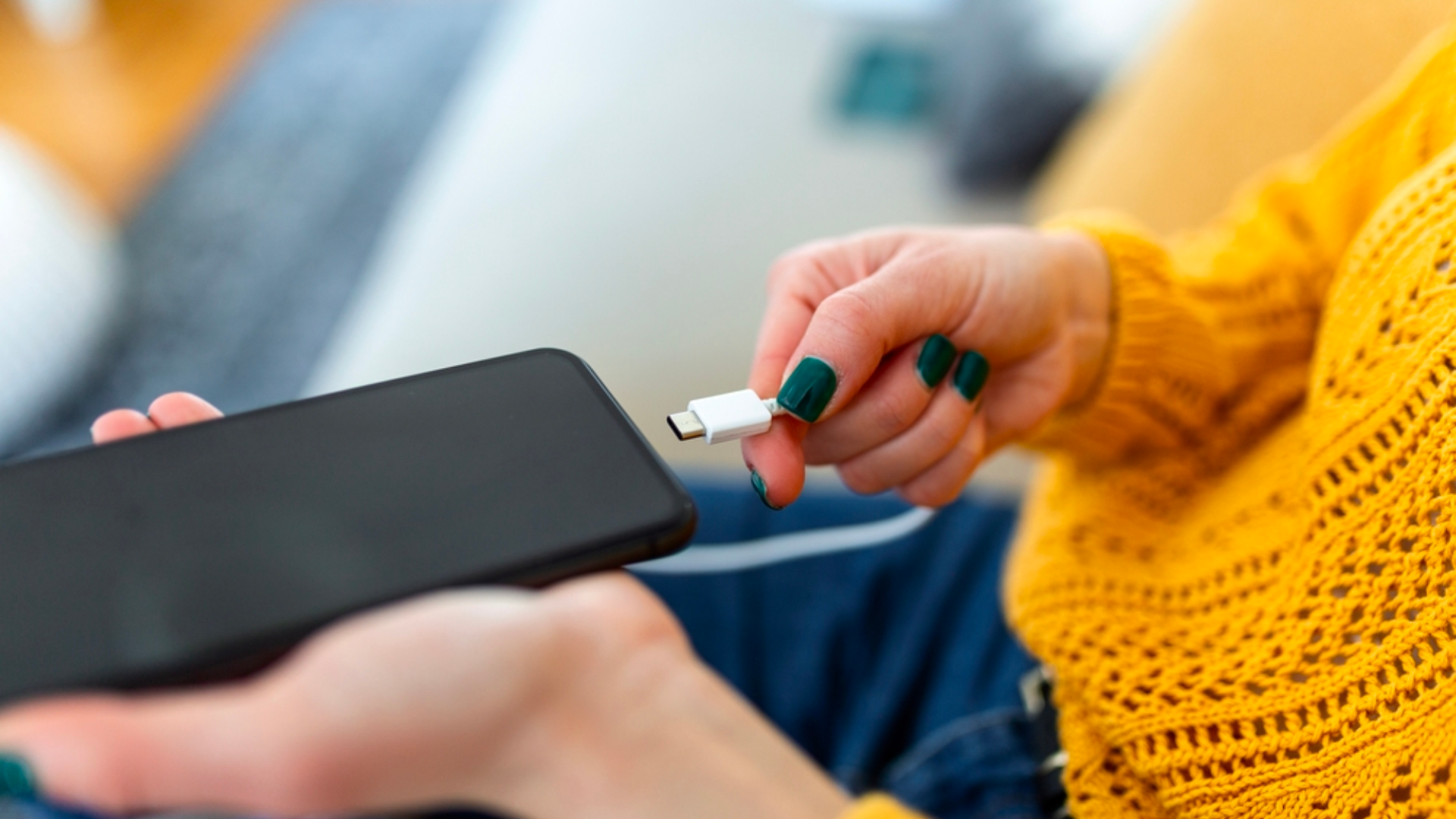
And it’s not an issue with the phone’s quality – regardless of what phone you’re using, it’s natural and inevitable that your battery life will degrade!
Generally speaking, smartphone batteries start degrading after 2-3 years.
After this period of time, you’ll notice that your battery doesn’t last as long as it once did.
How do I check my phone’s battery health?
To check your phone’s battery health, go to your Settings, and scroll down to Battery.
Here, you’ll find an option to see how your phone is doing in terms of battery health.
You’ll also be able to check which apps are consuming the most battery on your phone.
What factors worsen your battery life?
We’ve talked about how your battery life naturally degrades with time.
But that aside, there are a couple of other factors that may worsen your battery life as well.
The two major factors here are overcharging and exposing your phone to extreme temperatures.
Overcharging
Overcharging occurs when your phone remains plugged in, even after reaching a full 100% charge.*
This increases the chances of your phone overheating, and may reduce the lifespan of your battery.
*These days, most phones come with Adaptive Charging (or Optimised Charging), which is a feature that adjusts the charging speed of a phone to optimise its battery health.
With this feature, your phone will charge more slowly, so it’s not left at 100% for long periods of time.
So unless you’re using an old phone model without Adaptive Charging, overcharging shouldn’t be a major cause of concern!
Exposing your phone to extreme temperatures
Have you ever been to a super cold country, where your phone suddenly shuts down on you?

The harsher the temperature, the harder your phone battery has to work.
This makes battery cells less effective over time, and impacts your phone’s battery life.
Are there ways to preserve your phone’s battery life?
While battery degradation is inevitable, there are things you can do to preserve your phone’s battery life.
#1: Use official chargers
If possible, always use the official chargers that come with your smartphone purchase.
For example, use a Google charger for your Google Pixel smartphone.
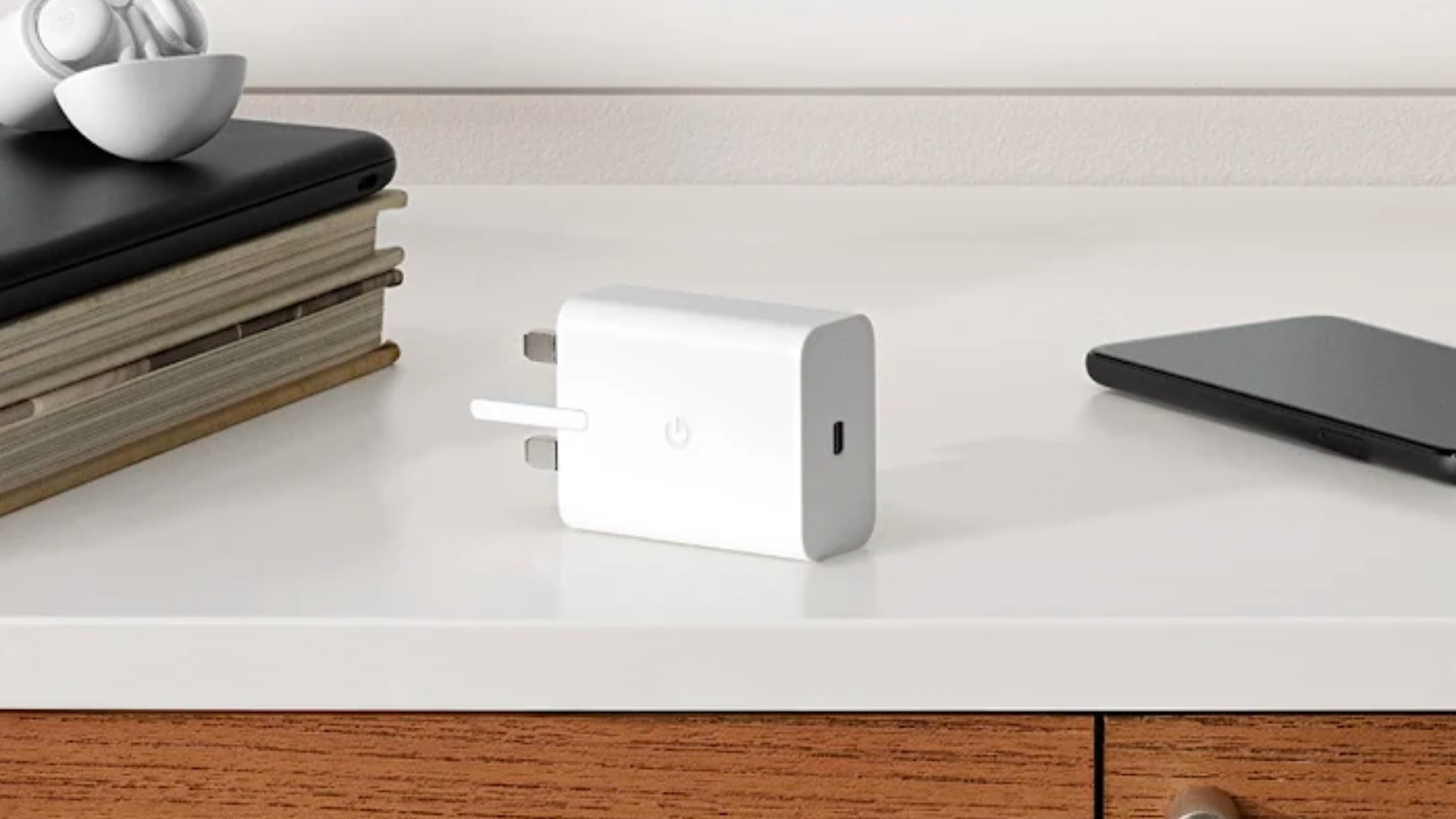
Source: Google Store
Official chargers tend to be safer and more reliable, and they may come with features such as:
Preventing your phone from charging further after it reaches a certain battery percentage (Charge limiting)
Adjusting the charging speed of your phone to optimize for battery health and longevity (Adaptive charging)
In comparison, third-party chargers that you purchase online may not come with similar features.
#2: Don’t let your phone discharge completely
Just as you wouldn’t want to overcharge your phone, you shouldn’t be draining your battery entirely too!
Instead of letting your phone battery drop to 0%, try to charge it before that.
According to popular tech blog Wired, letting your phone drain to 20% is the optimal range for prolonging the batteries’ lifespan.
#3: Don’t expose your phone to extreme environments
Like we mentioned earlier, harsh environments can cause the internal battery to expand or contract very quickly.
The goal here is to keep your phone at ambient temperatures, so that your battery doesn’t degrade faster than normal.
If you’re travelling to somewhere where you’re exposed to a lot of heat or cold, here are some tips:
Get a thermal phone case – this keeps your phone at an ambient temperature that’s safe for the battery
Keep your phone brightness down – this reduces heat generated from trying to maintain a bright display
Turn on Airplane Mode – this will stop any potential background updates from generating extra heat
#4: Don’t let your phone charge overnight (debatable!)
You may have heard this advice in the past – and that’s because older phone models and chargers may overheat if you leave them charging overnight.
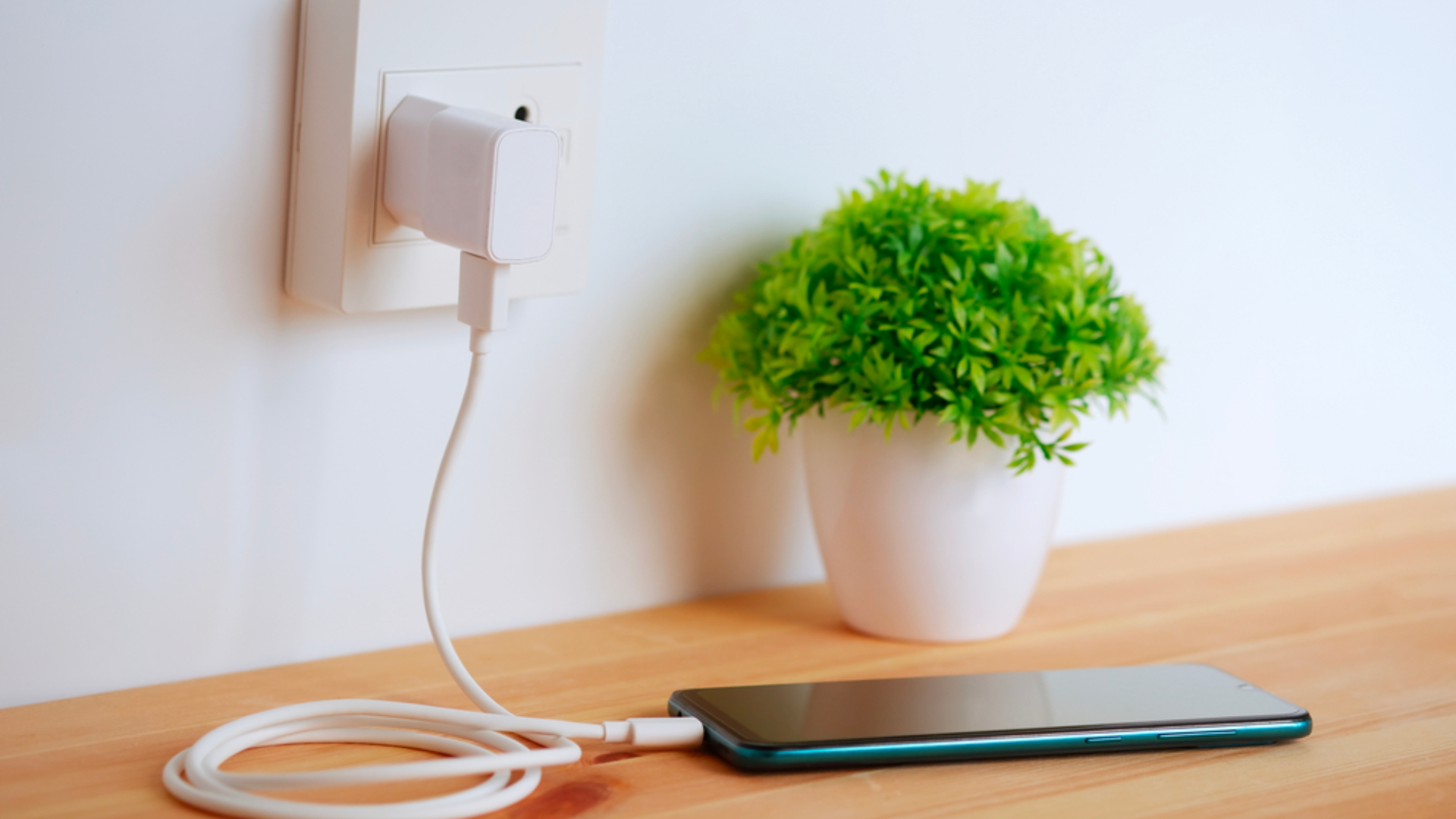
But today, this may no longer be applicable.
Remember the Adaptive Charging we mentioned earlier?
This feature adjusts the charging speed of a phone to optimise its battery health – so it basically charges your phone more slowly, so it’s not left at 100% for long periods of time.
(Quick aside: the name of the feature differs based on what brand of phone you’re using – it might be called Adaptive Charging, Optimized Charging, Adaptive Battery, etc).
The bottom line: unless you’re using an older phone model without adaptive charging, it should be safe to let your phone charge overnight.
#5: Remove your phone case when you’re charging your phone
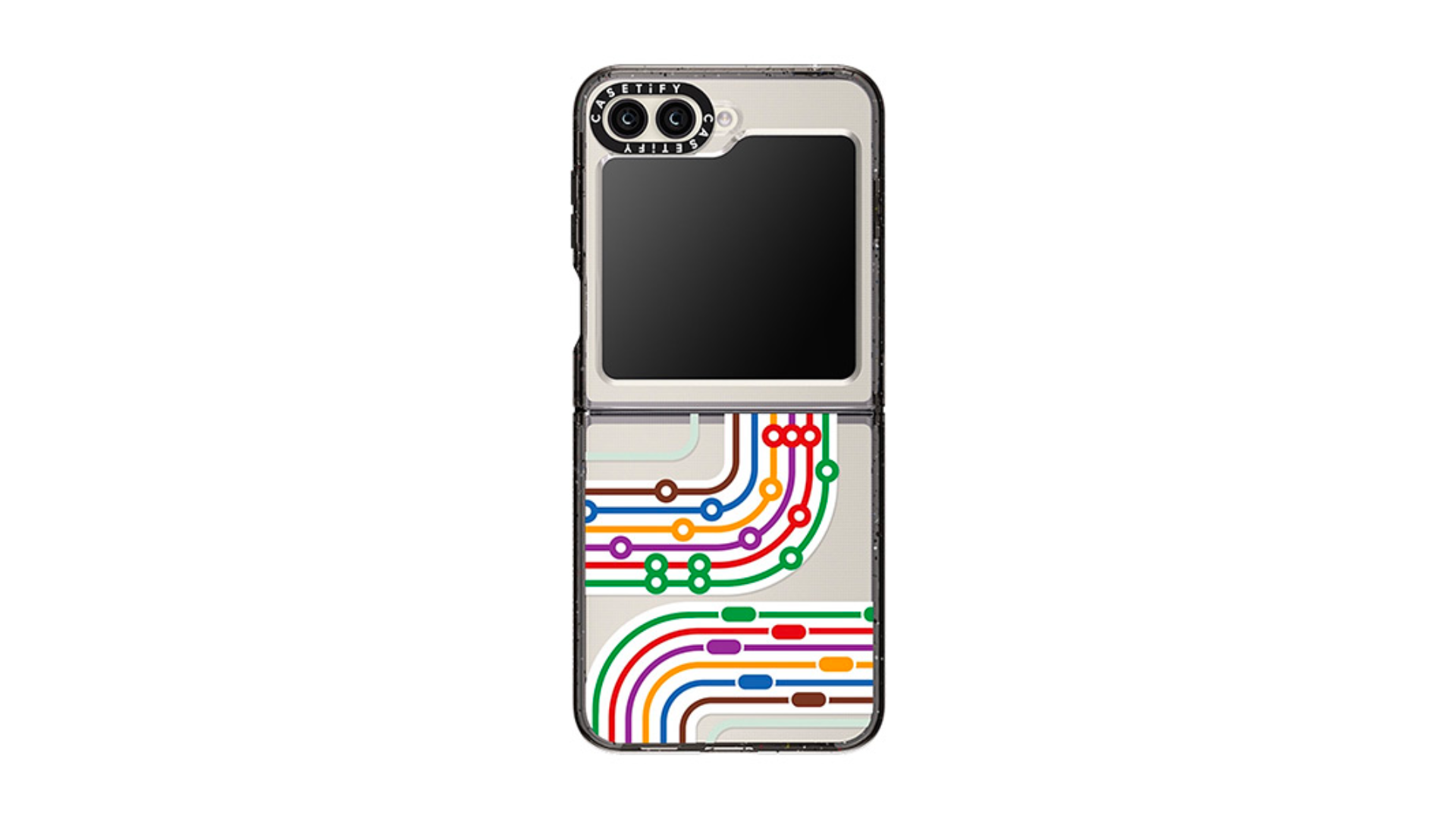
Having a cool phone case is a great way to showcase your personality but it can actually harm your phone.
Keeping your case on while charging traps the heat emitted from your phone, making both your phone and battery overheat.
Consider removing your phone case before charging to let the heat disperse properly.
A final word on battery life and battery degradation
As we’ve mentioned, it’s perfectly normal for your smartphone’s battery life to degrade as the phone ages.
Of course, there are methods to preserve it – but they are not foolproof.
Your phone’s battery will reach the end of its lifespan eventually, and when this happens, it may start shutting down frequently.
If you’re someone who values strong battery performance, opt for Singtel’s Phone Plans so that you can replace your phone every 2 years upon recontracting.
Shop the latest phones with a Phone Plan.