OPPO ColorOS: What is it & how does it work?
If you're not an OPPO user, chances are that ColorOS is new to you.
What exactly is it, and how can you make the most of it with an OPPO phone?
Don't worry, we're here to help.
In this article, we'll delve into what ColorOS is and how it works.
We’ll cover:
PS: Already know about the wonders of OPPO’s ColorOS? Shop OPPO phones with a Phone Plan or without a Phone Plan.
What is OPPO's ColorOS?
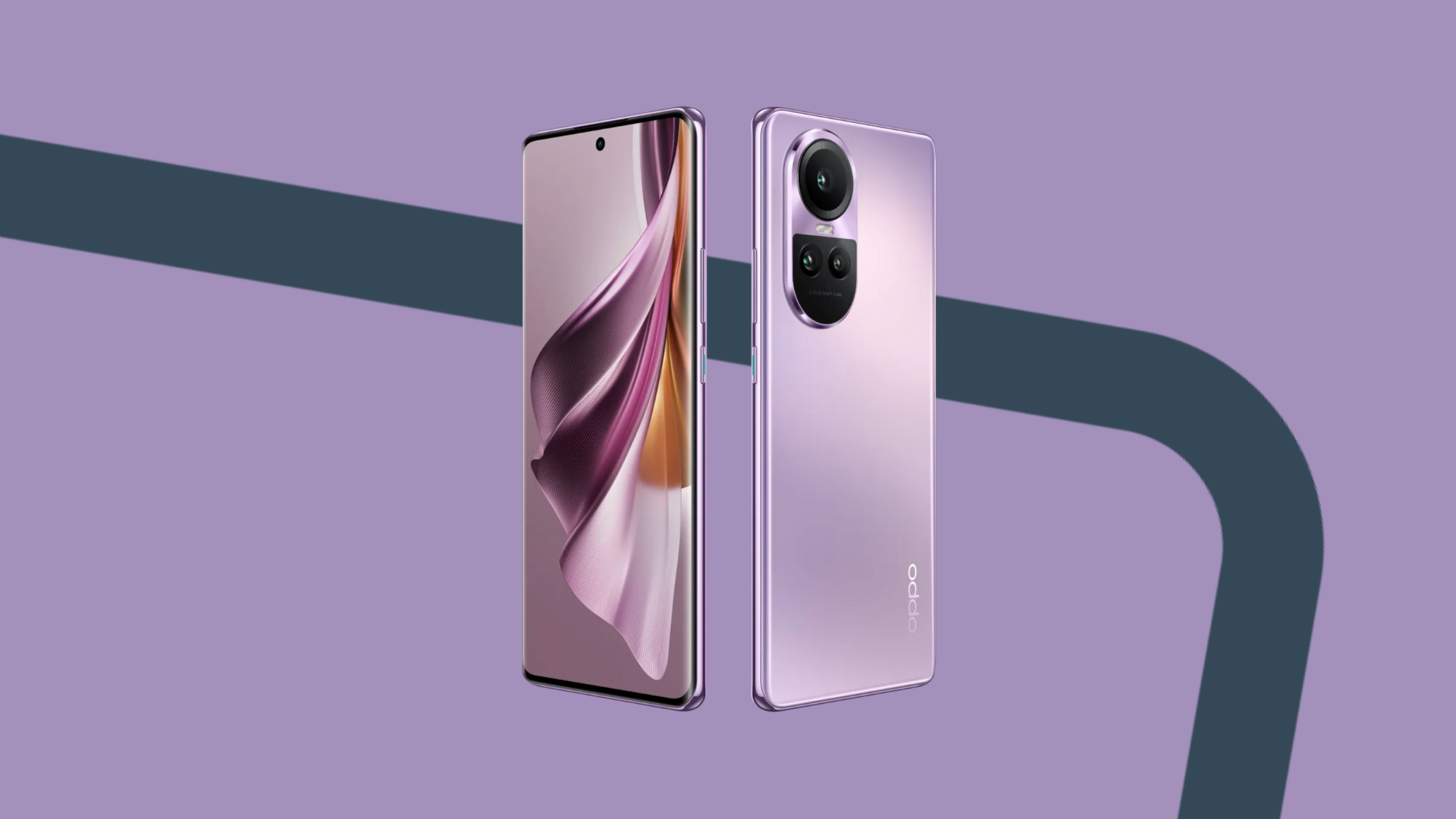
In a nutshell, ColorOS is a customised interface made specifically for OPPO phones.
If you purchase an OPPO phone, it’ll come with ColorOS by default.
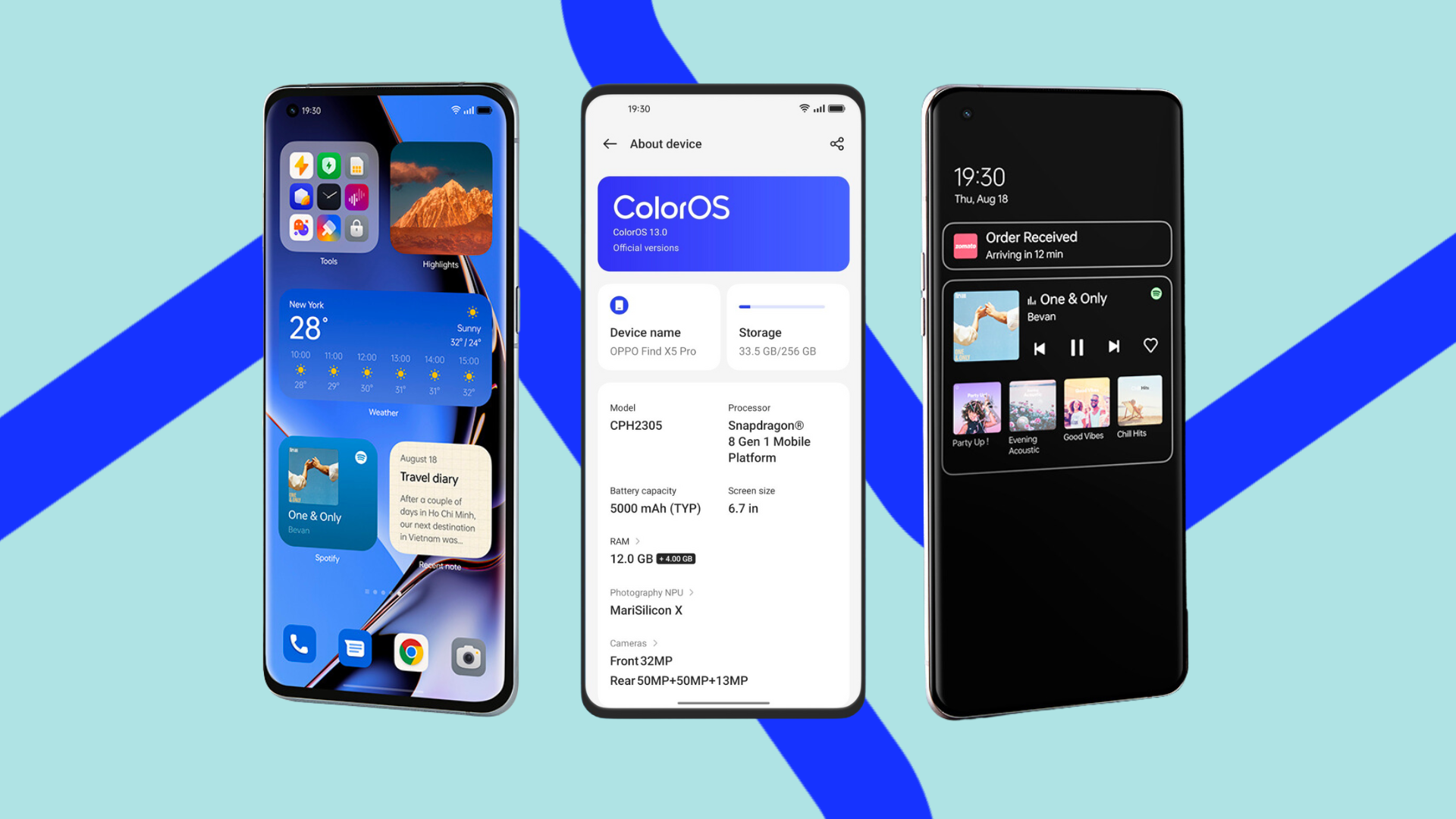
When it comes to look and feel, OPPO phones with ColorOS look distinctly different compared to phones running on Android OS.
Aesthetics aside, ColorOS also offers additional features and functions beyond what you’ll find on a regular Android device.
OPPO ColorOS 14 features
Upgraded Aquamorphic Design
Built upon the foundation of ColorOS 13, ColorOS 14 boasts an upgraded design with new adaptive colours, vibrant sounds, and lively animations.
Let’s look at them in more detail.
Aqua Dynamics
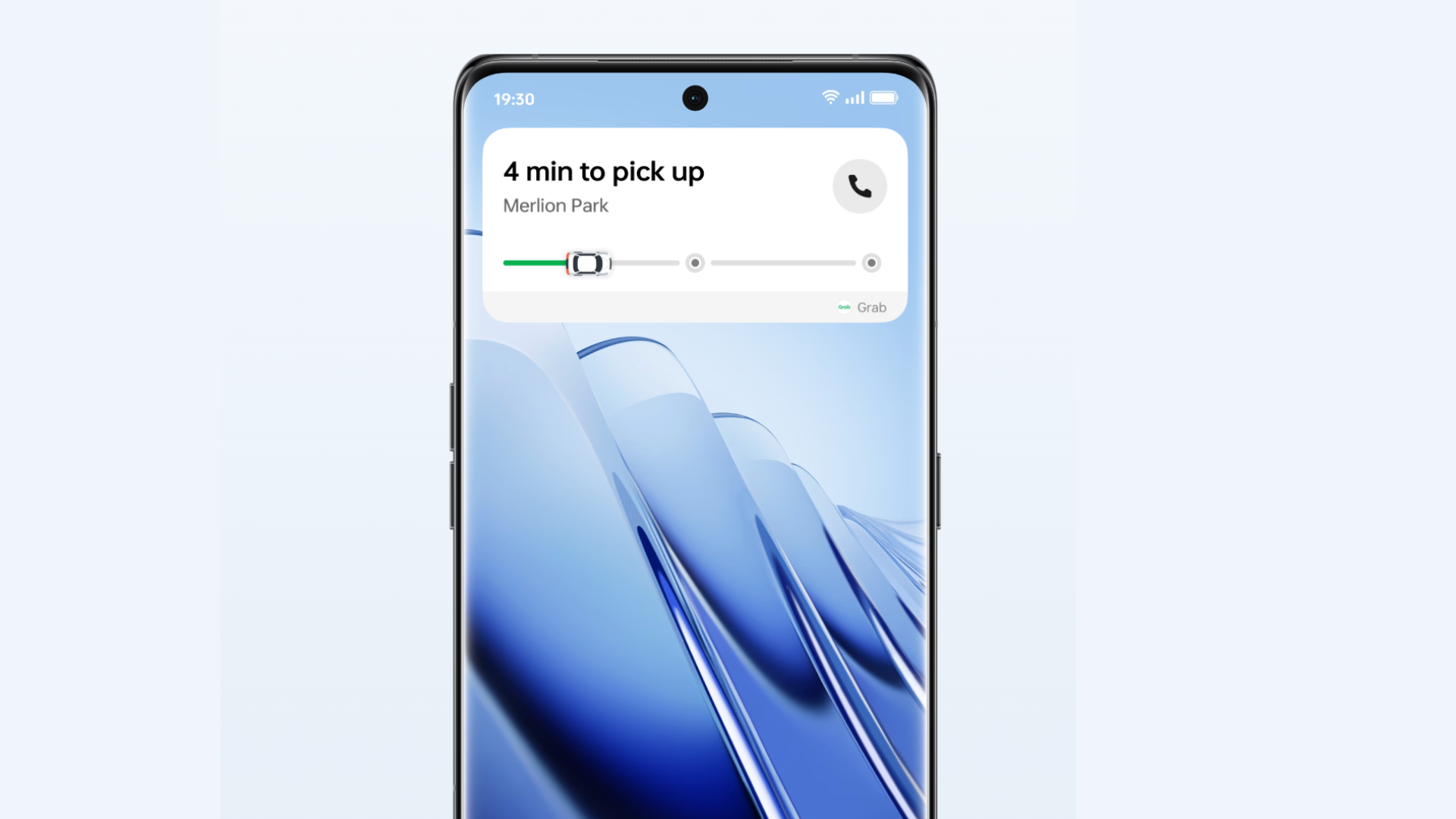
olorOS 14 introduces a dynamic visual language, employing bubbles, capsules, and panels to elegantly convey activity statuses and system notifications on your phone.
Whether you're setting a timer, recording a voice memo, or booking a Grab, Aqua Dynamics ensures that your actions flow smoothly from one task to another, providing a seamless experience on your device.
Aquamorphic Colour
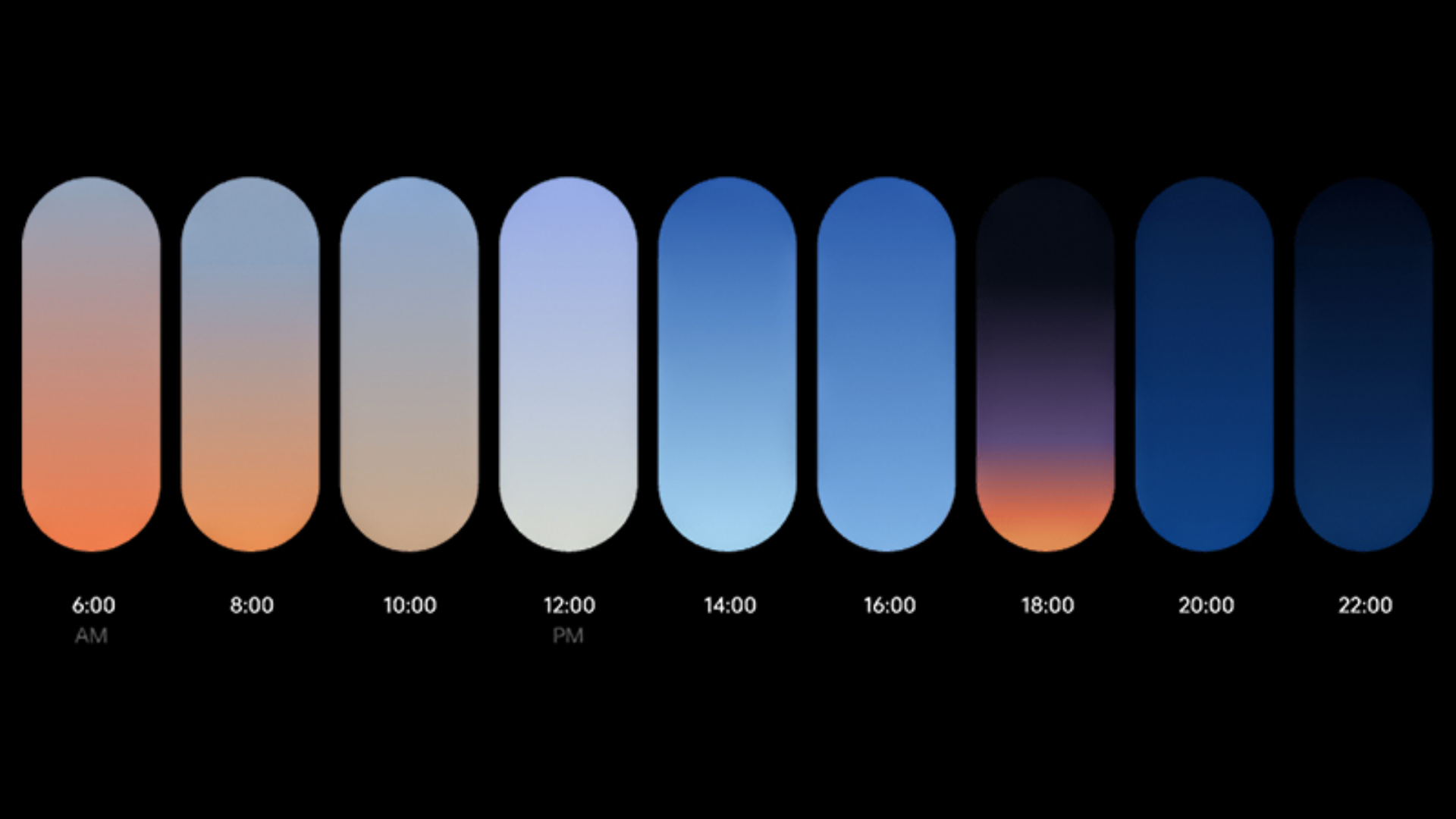
ColorOS 14’s Aquamorphic Colour showcases colours that adapt to your phone’s status, time, and on-screen content.
You can observe the gradients shifting in real-time, mirroring the natural transitions of the sea's hues throughout the day.
Aquamorphic Sound Effects
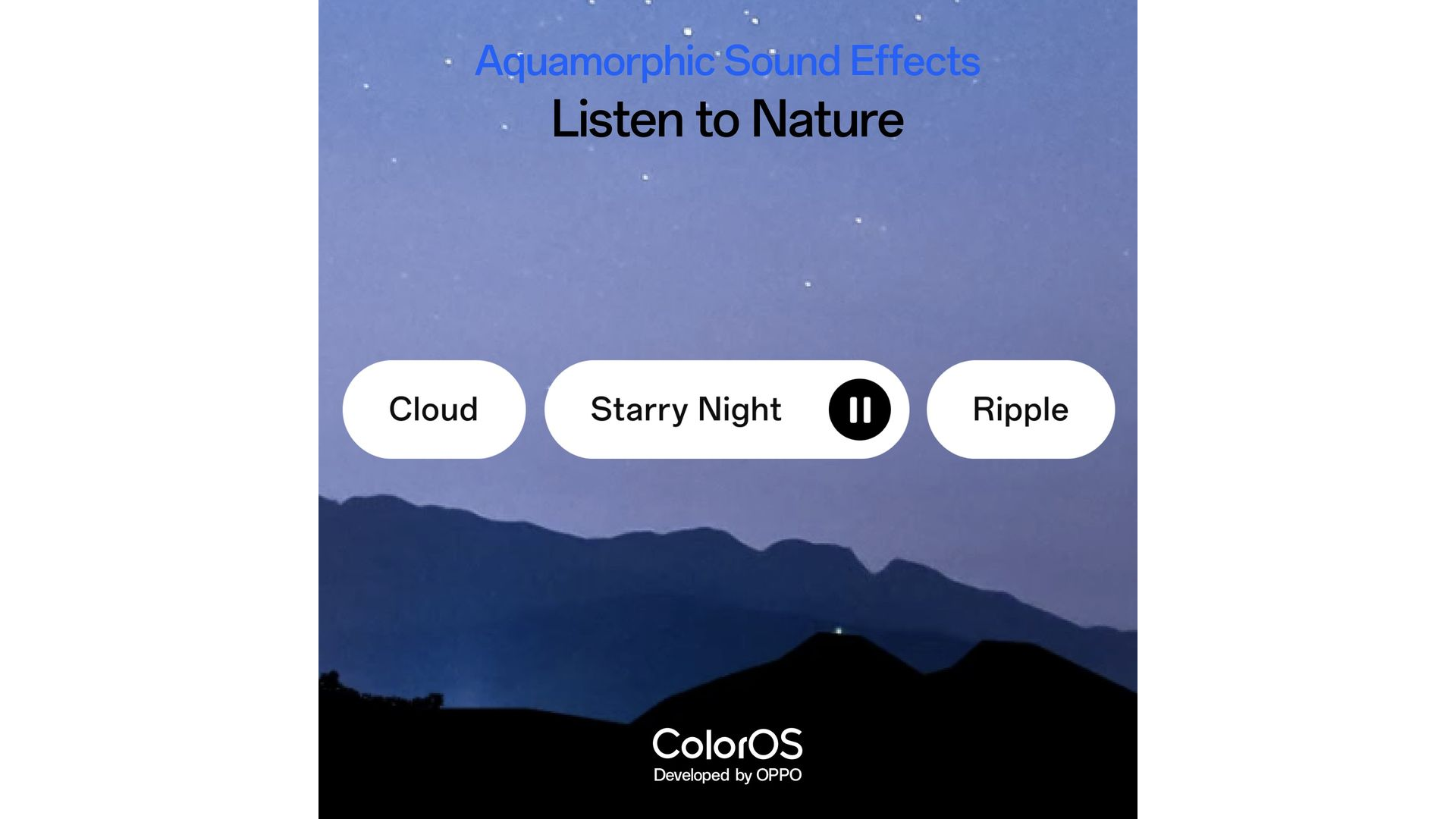
ColorOS 14’s Aquamorphic Sound Effects allow you to incorporate soothing, nature-inspired sounds into your calls, alarms, and notifications.
For example, imagine waking up to the gentle rustle of leaves or the soft buzz of insects. Talk about relaxing!
How do I use Singtel CAST?
Don’t let the wide variety of entertainment options overwhelm you when it comes to Singtel CAST.
Using Singtel CAST is pretty straightforward.
First, download the Singtel CAST app on your phone.
Go Green Always On Display (AoD)
Most flagship Android phones come with Always-On display (AoD), so you can see important notifications with a locked phone.
The same goes with the latest version of ColorOS, which has an AoD as well.
The AoD showcases changing Earth landscapes that evolve based on the user's step count and eco-friendly transportation choices.
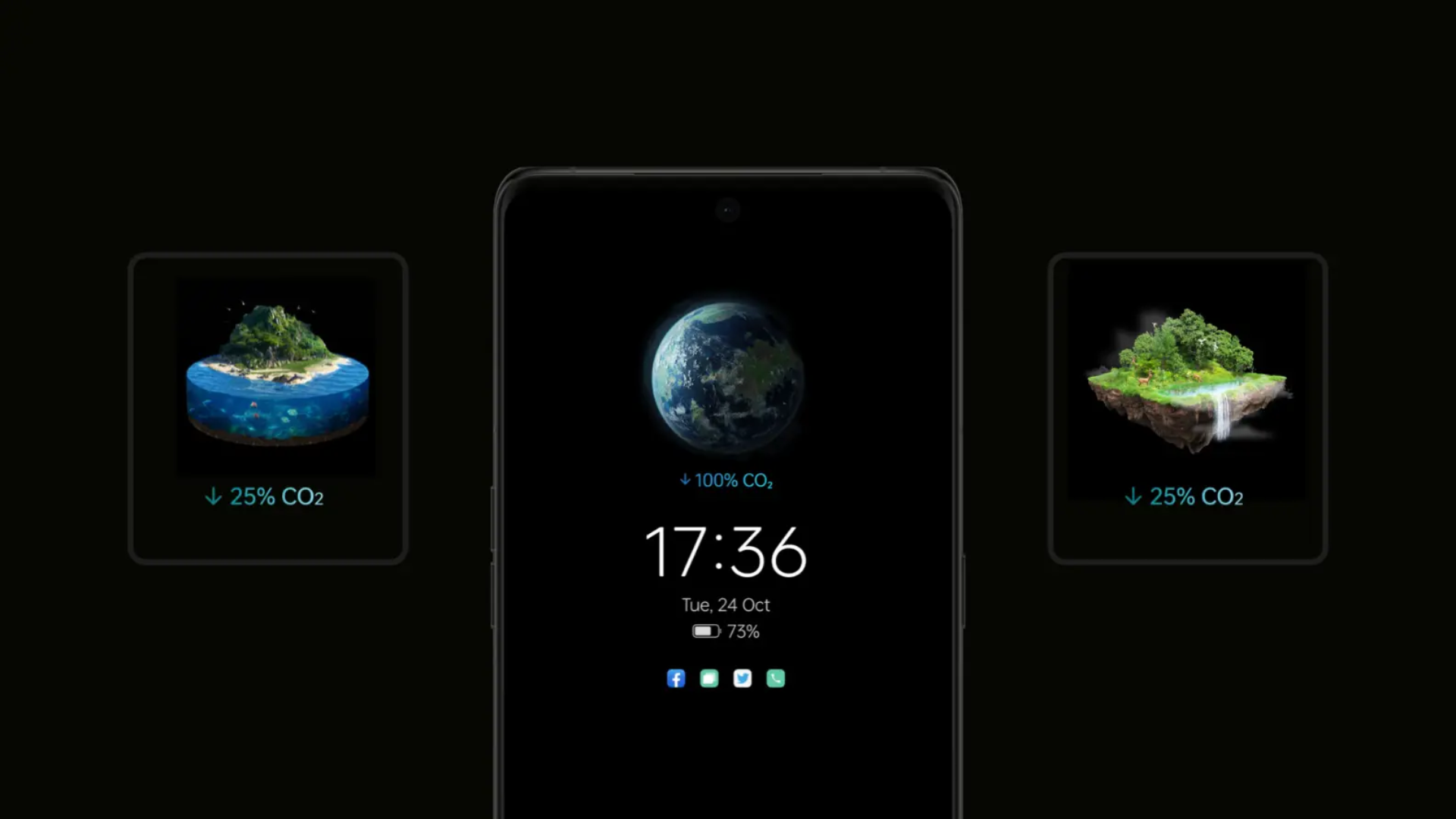
When your step count is low, the displayed landscape will be bare and lifeless.
When your step count increases, the displayed landscape will start to thrive with different living organisms like plants and animals!
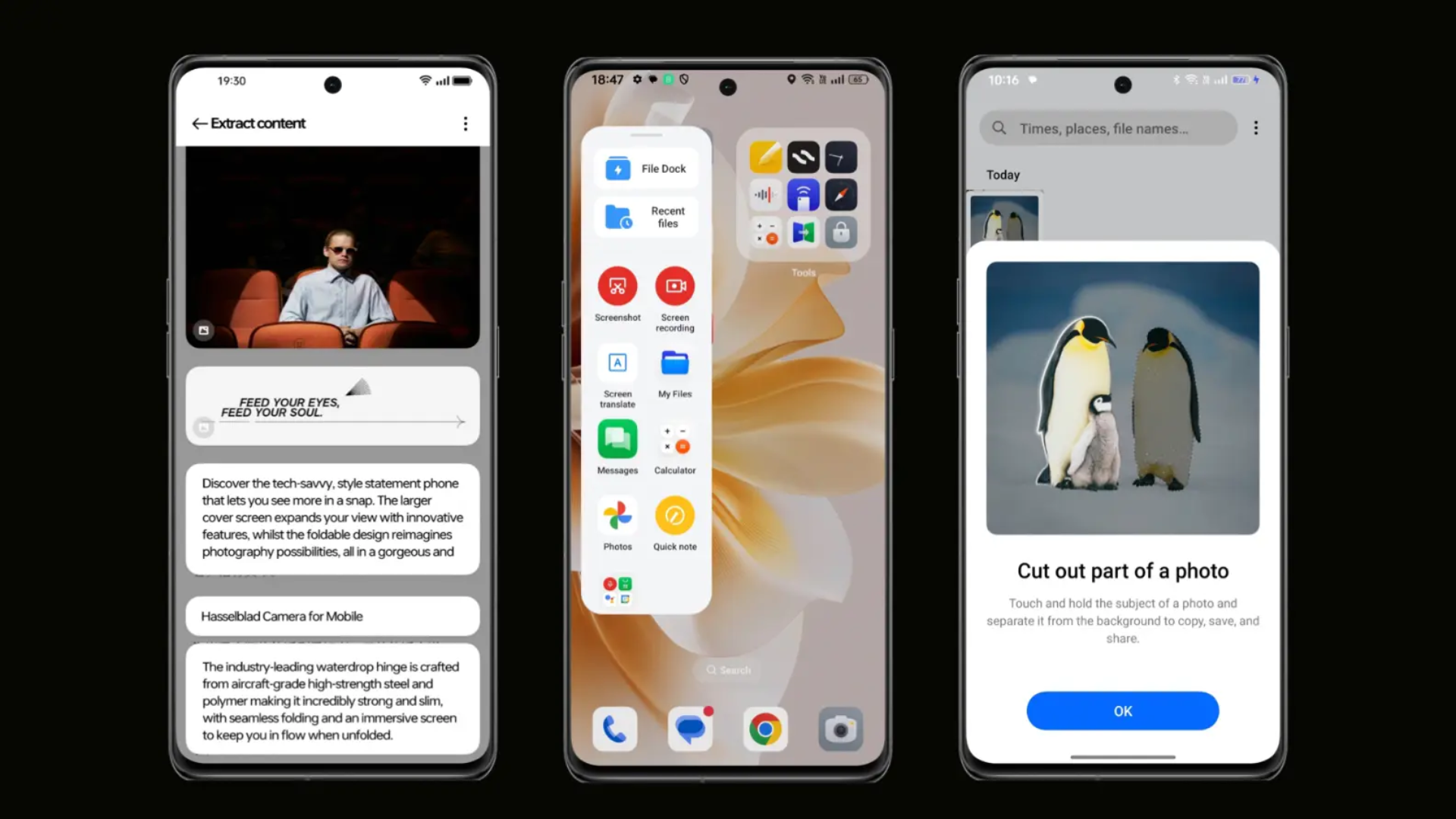
Smart Touch and File Dock
Intrigued and thinking about signing up for Singtel CAST?
Here’s how you can do it.
First, create a Singtel CAST account.
You’ll then be able to select and buy your preferred TV channel packs and apps.
The activation process will differ based on what Singtel service you use.
If you’re a Postpaid Mobile subscriber, it’ll take up to 10 minutes to activate.
For Fibre Broadband and TV subscribers, it’ll take up to 2 working days.
OPPO ColorOS vs Android OS: What’s the difference?
Now that you’re familiar with ColorOS, let’s talk about what sets it apart from the standard Android OS.
Here are some key differences:
OPPO ColorOS’ exclusive features: As mentioned earlier, ColorOS comes with exclusive features you won't find on an Android phone. This includes Aquamorphic Sound Effects or Aqua Dynamics.
Larger folders: ColorOS allows you to create larger folders on your phone screen. This lets you directly access the apps housed within the folder without opening the folder itself.
Convenient features: ColorOS comes with several features that bring about more convenience and productivity. This includes:
OPPO ColorOS FAQ
Still have some burning questions about ColorOS? Keep reading to get them answered.
Q: How do I get ColorOS on my OPPO phone?
A: ColorOS comes preinstalled in your OPPO phone.
However, if you need to update to the latest version, here’s how to do it:
Q: Can I use ColorOS on my OnePlus phone?
A: Yes, you can use ColorOS on your OnePlus phone.
You’ll need to download an external folder for the ColorOS installation.
There are online tutorials available to help you through the installation process.
The process differs based on your specific OnePlus phone model, so make sure you're looking at the right tutorial for your phone model.
Q: What devices are eligible to support ColorOS 14?
A: Currently, ColorOS 14 can be installed and supported on the following devices:
A final word on OPPO ColorOS
From its slick interface to its smart features, ColorOS lets you play around, customise, and make your phone truly feel like an extension of yourself.
*Note that feature availability and functionality may vary by phone model.
If you're eager to experience ColorOS first-hand, take a look at the range of OPPO phones we offer: