5 easy things to do to achieve smart home living
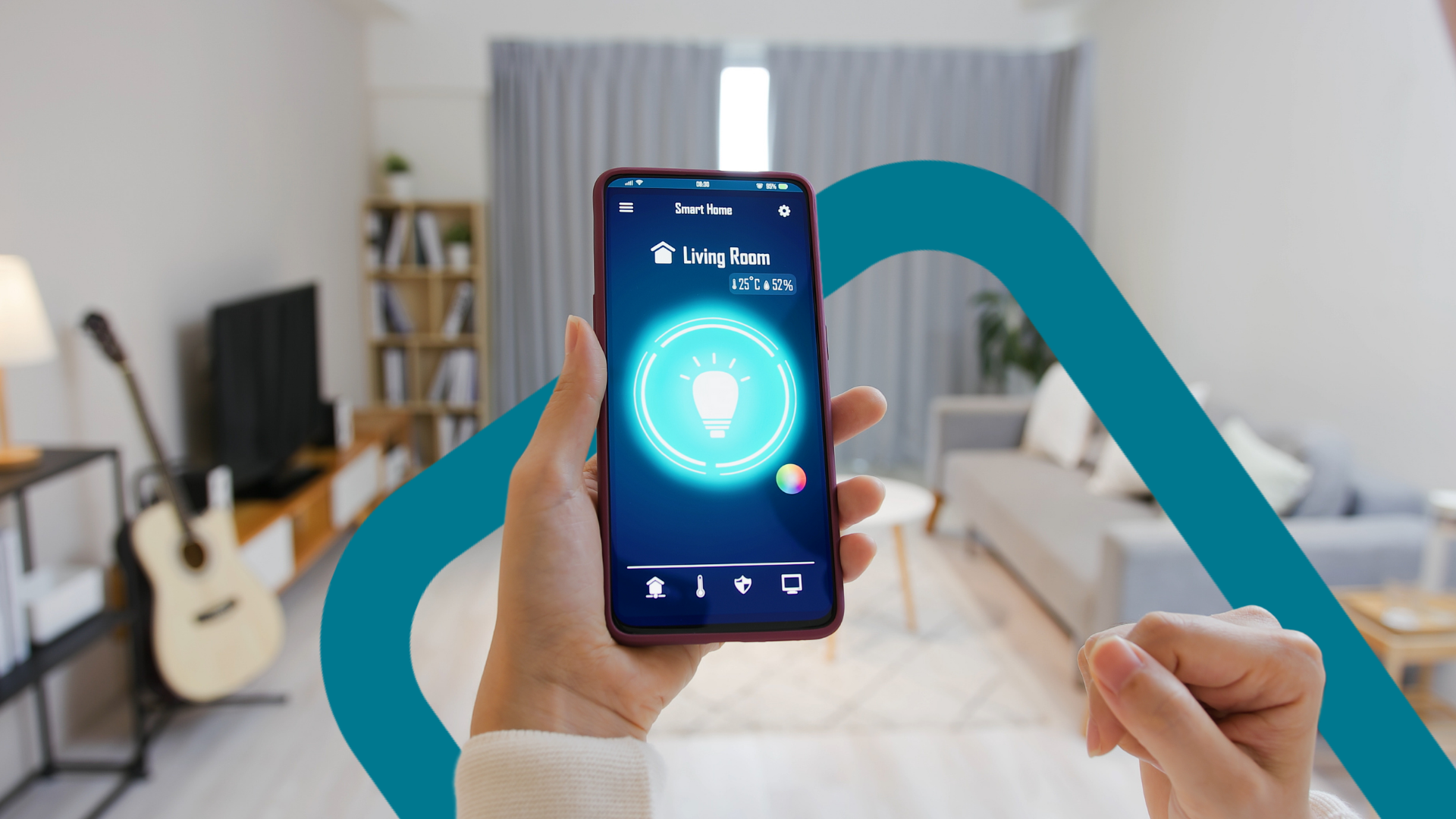
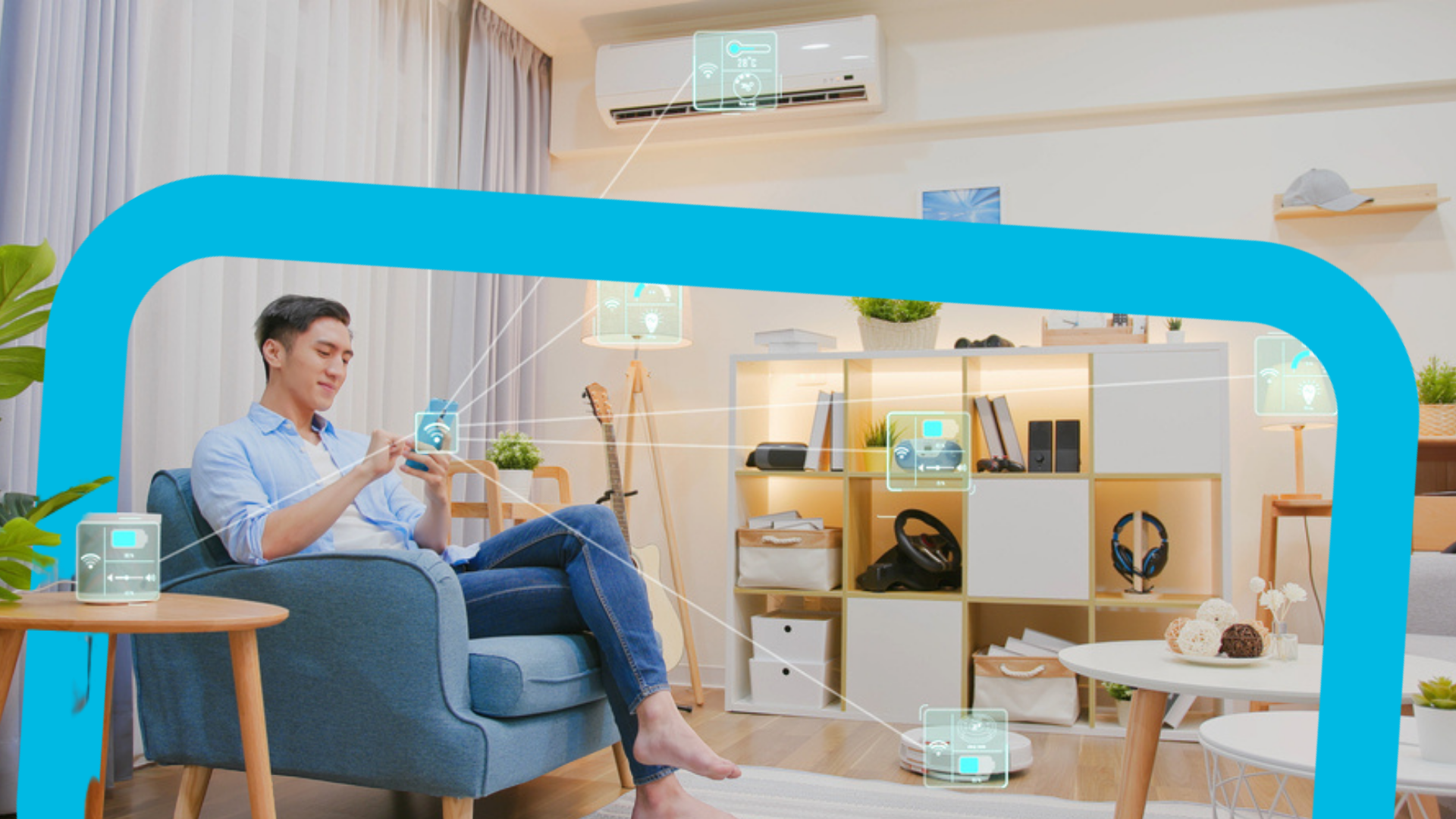
If you’re someone who watches home tour videos on YouTube, you’ll find that many home tour videos feature some form of smart home living.
Maybe you see the homeowner turning on their lights via their phone or using a voice command to turn on their air conditioning.
Now, you might be thinking – how do I reach that level of smart home living?
Well, smart home living can be as simple or as complicated as you desire.
On one end of the spectrum, you can set up a comprehensive smart home hub, integrate all your smart home devices, and set up automations and scenes so that you never have to lift a finger.
And on the other end of the spectrum, you can just configure some basic elements and go from there.
While these adjustments may sound simple, they’ll make a huge difference in your life.
In this blogpost, we teach you how to go about the second approach.
We’ll share 5 easy, super simple things you can do to get started on your smart home journey.
Did we mention that these things are also budget-friendly? 😉
In this article:
#1: Installing smart switches
The first thing you’ll probably need to do is to install a smart switch.
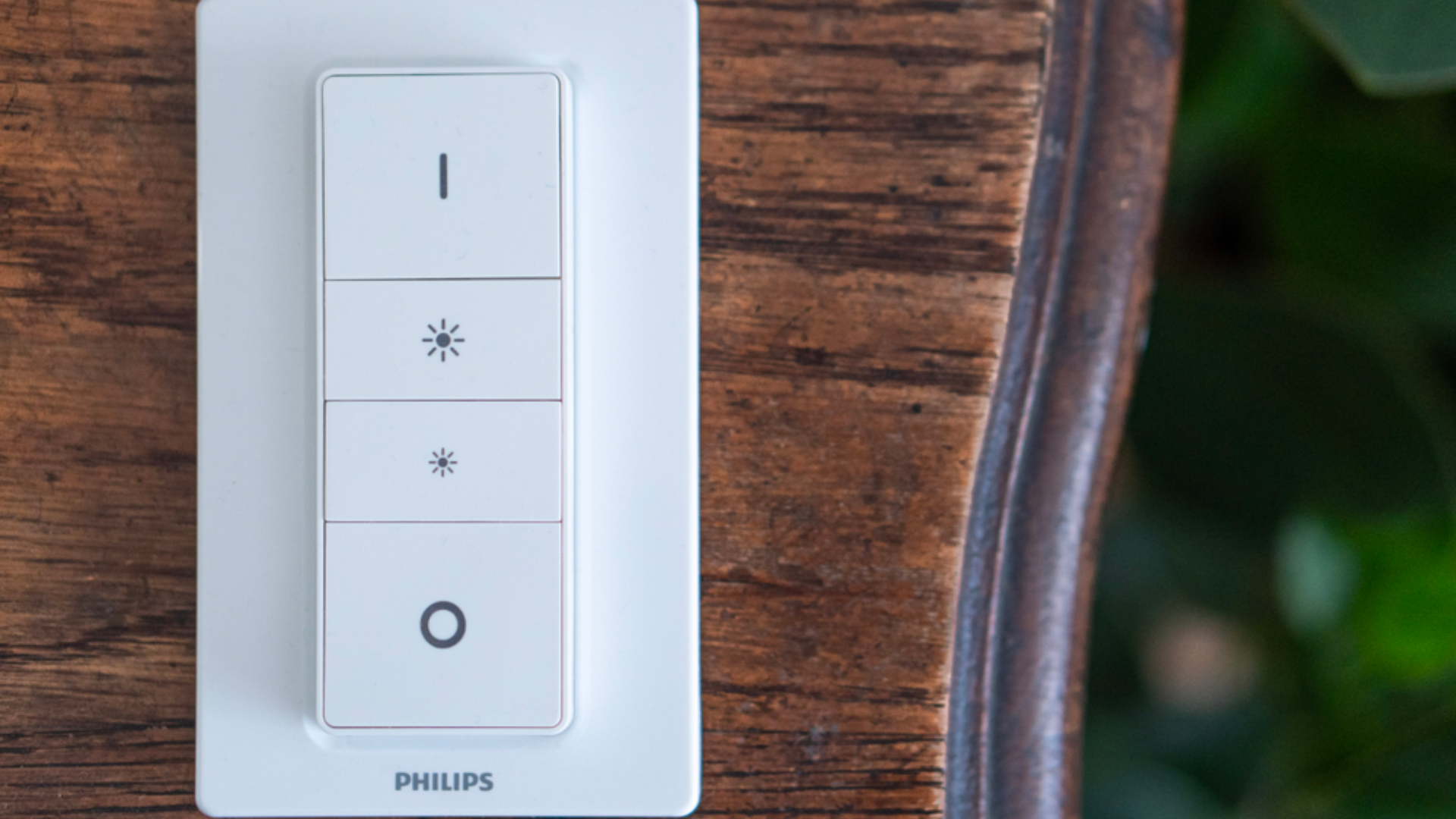
Say you’re getting ready for a cozy movie night.
With the smart switch, you can activate a pre-configured “scene”, such as a movie night scene.
Once you activate the scene, everything will automatically click into action – your lights will turn themselves off, your curtains will draw themselves, and the air conditioner will turn on.
If you’re looking for an easy-to-install smart switch, we recommend the Aqara Wireless Mini Switch.
Other than activating a scene consisting of multiple actions, the single button on the Aqara Smart Switch can also:
Turn the light on and off
Control the air conditioner
Function as a substitute doorbell button
Activate/deactivate the security system
What’s cool is you can also assign different actions to different press settings on the switch, whether it’s by a single press, a double press, or a long press.
Shop the Aqara Wireless Mini Switch on Singtel.
#2: Installing smart light bulbs
#2: Installing smart light bulbs
Have you ever seen those movies where people clap their hands to turn off the lights?
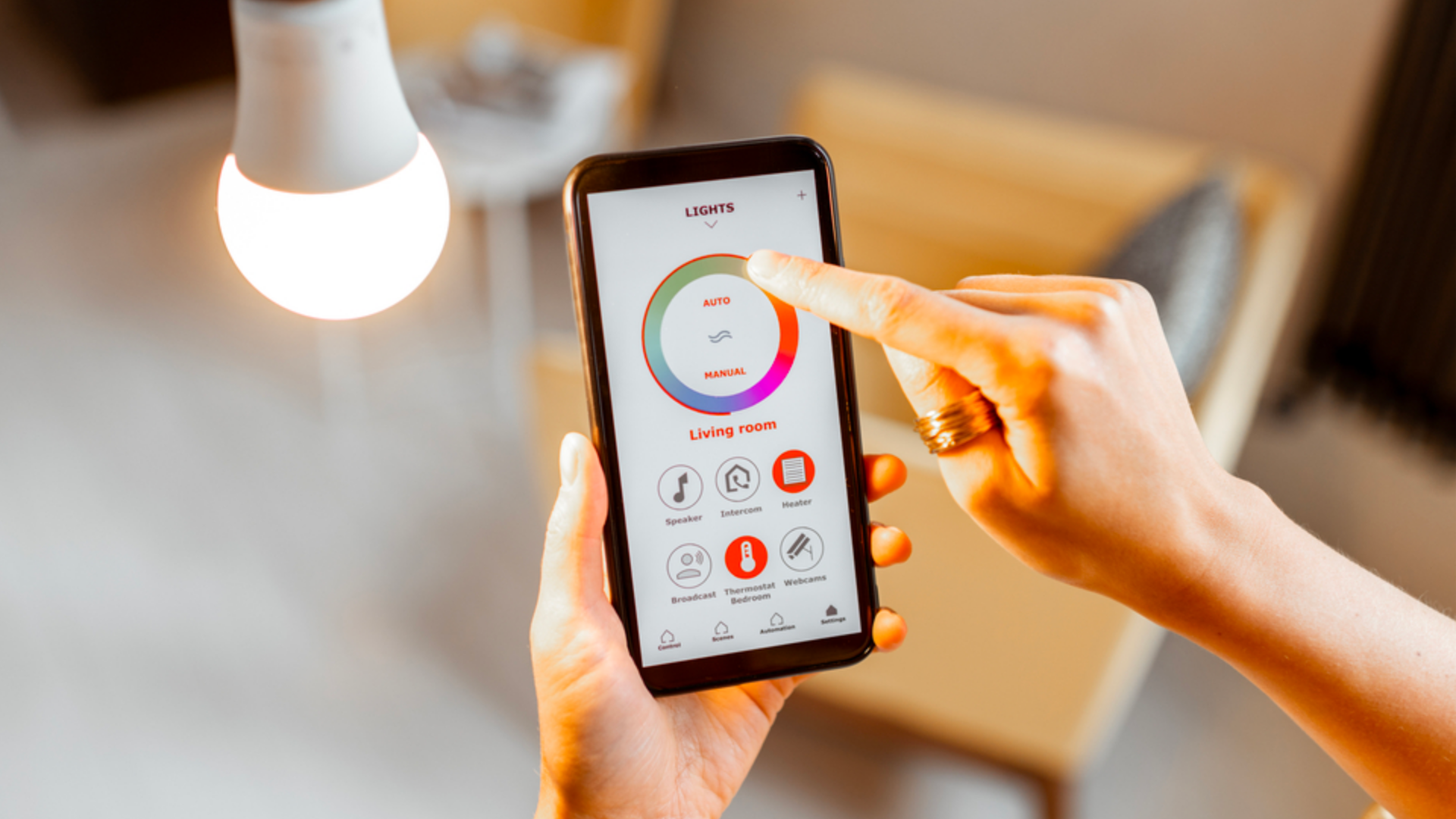
Smart lighting is similar – it’s just that you use a smart light switch or mobile app to control your smart lights (instead of clapping your hands).
The cool thing about smart lights is that you can achieve different types of lighting, depending on what you want.
For instance, you can have bright white lighting in the afternoon, and switch to warm lighting in the evening.
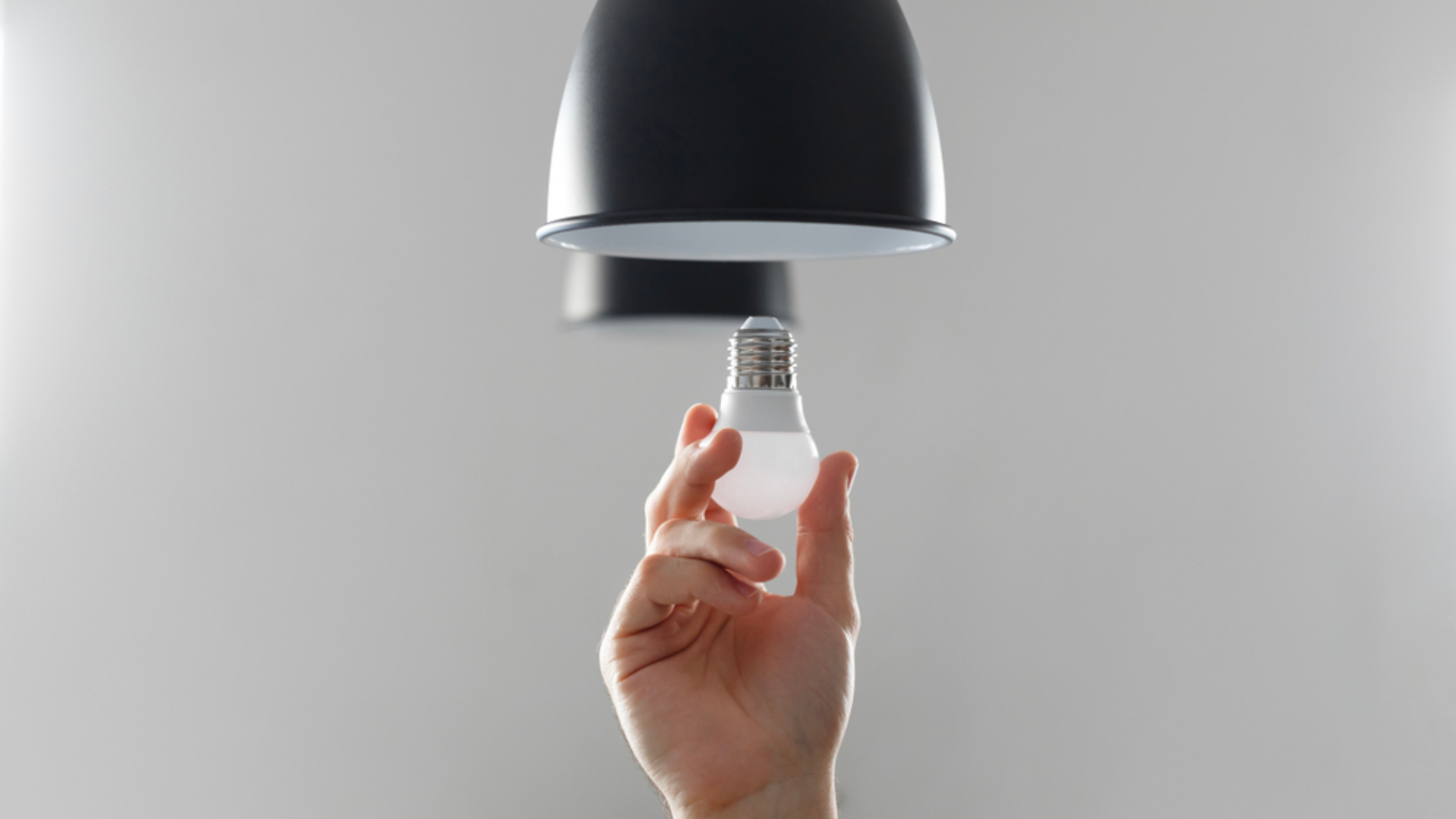
They’re also pretty easy to install – just unscrew the old bulb and screw in the new one.
So, where do you buy smart light bulbs?
You can find them from IKEA or your local lighting appliance store.
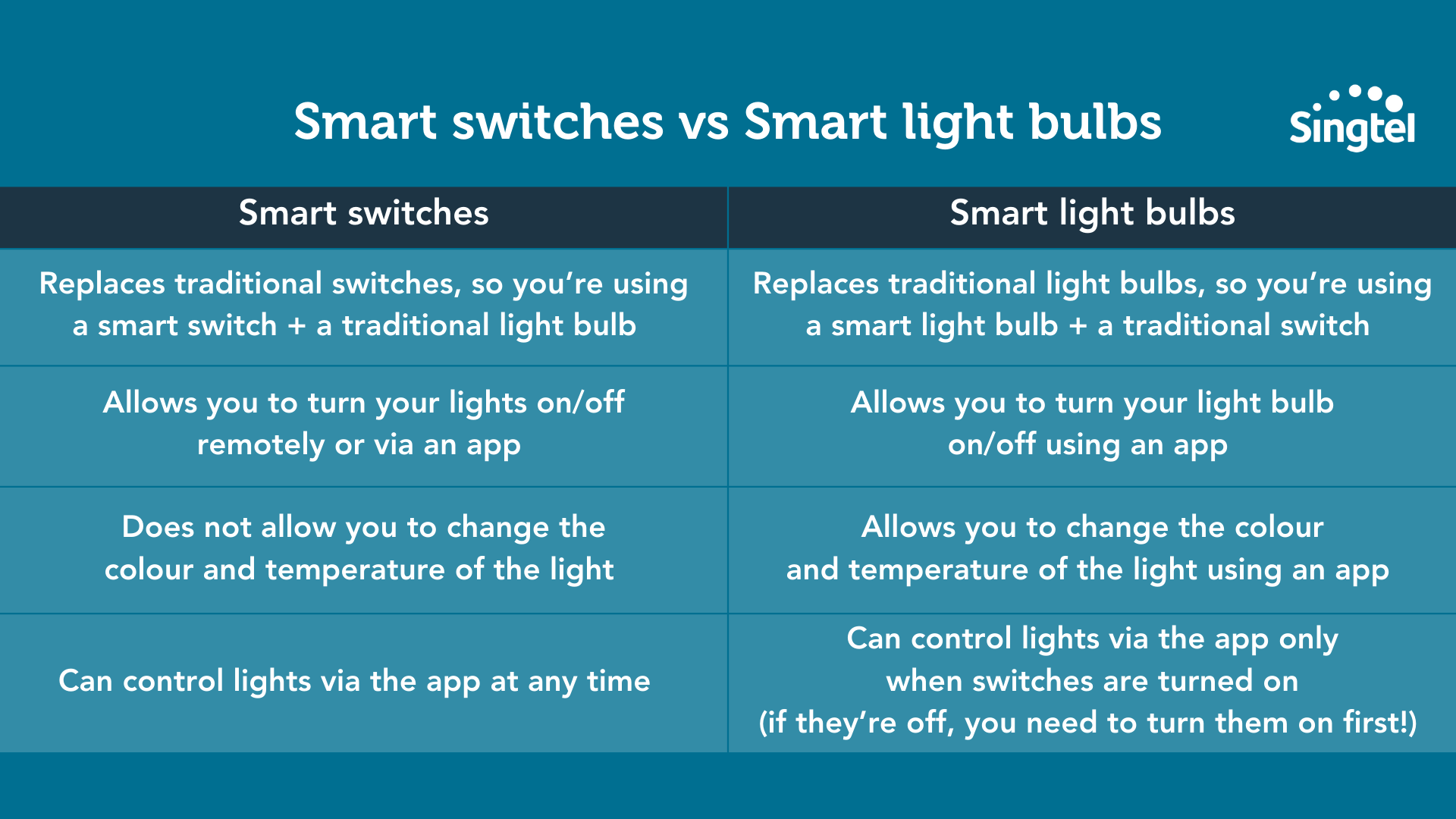
PS: Wondering what’s the difference between smart switches and smart light bulbs?
With smart switches, you’re controlling the switch, and with smart light bulbs, you’re controlling the bulb.
Note that when you use smart light bulbs + traditional switches, you can’t override your switches using your mobile app.
This means you can only turn your bulbs on/off via the app, assuming the switch is switched on.
If the switch is turned off, you’ll need to turn it on before you can use your app to remotely control your lights.
Here’s a quick comparison between smart switches and smart light bulbs:
#3: Getting a smart “speaker” to help with your daily tasks
How do smart speakers work?
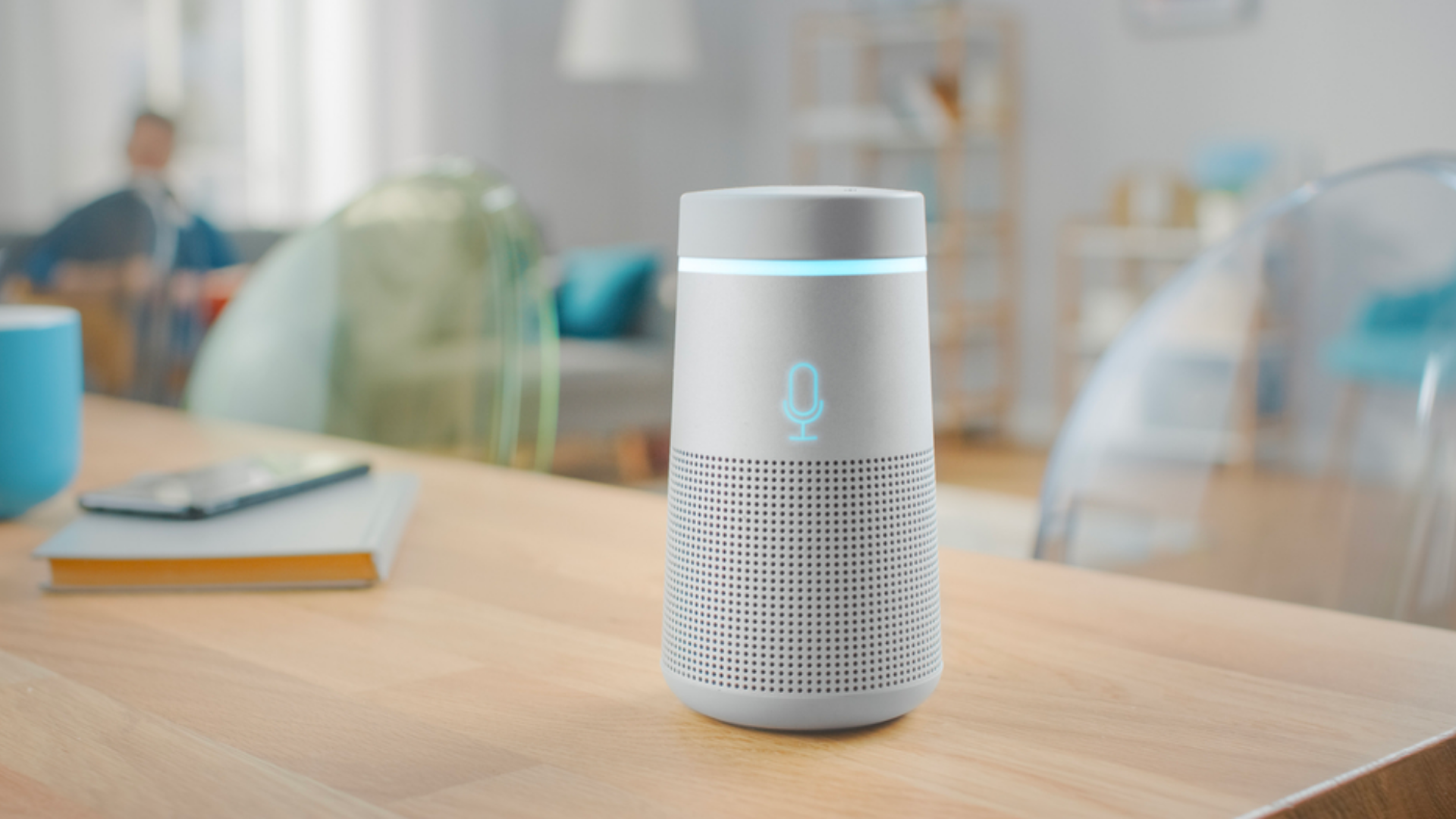
They’re equipped with voice assistants that can help you with your daily tasks.
Want to set a timer for your pizza heating in the oven?
Need to set an alarm for tomorrow at 7AM?
Want to turn on the TV from your kitchen?
You can get all that done by issuing voice commands to your smart home speakers.
Here are some popular smart speakers to check out:
#4: Using smart sensors to save on electricity and water bills
Smart sensors for the home have a ton of uses and purposes.
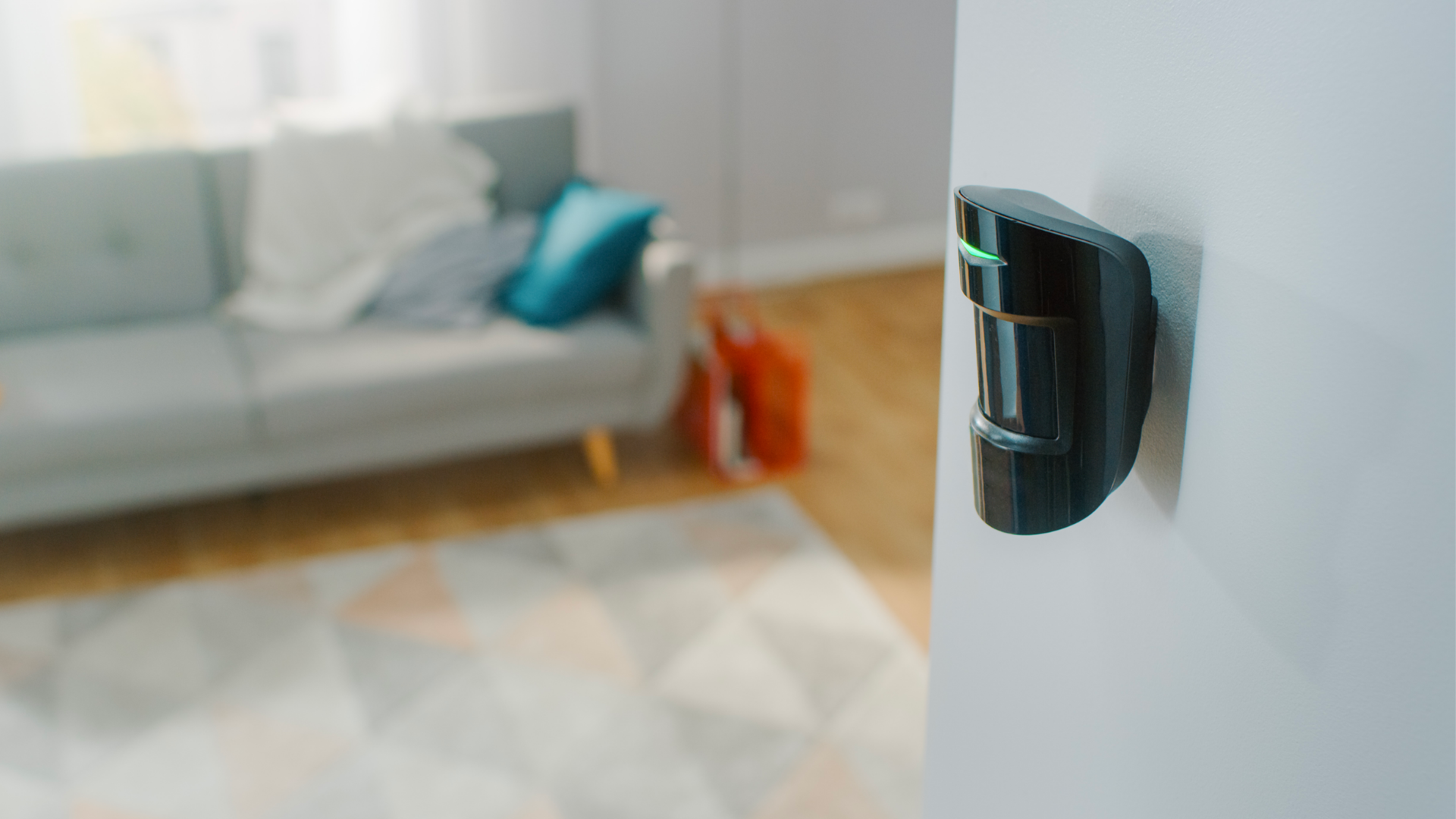
For example, you can use smart sensors (together with other smart home devices) to:
Turn off the light switch when you don’t remember to
Notify you if there’s movement in the home for security reasons
Measure the temperature in your home and turn the air-conditioning on or off accordingly
Detect water leaks in vulnerable areas
The first two items are fairly straightforward, so let’s discuss the last two items on the list.
Firstly, you can use a smart sensor to measure the temperature in your home and turn the AC on and off accordingly.
Let’s face it – if you’re in Singapore, you’ll need air-conditioning to combat the heat.
If you have a smart temperature sensor and a smart AC in your home, you can program it such that whenever the temperature rises above a certain level (say, 30°C), your air-conditioning automatically turns on.
You can do the reverse too – that is, program your AC to turn off when the temperature falls below a certain level.
If you’re interested in getting a smart temperature sensor, check out the Aqara Temperature, Humidity, and Pressure Sensor.
Temperature sensors aside, there are also water leak sensors that you can use to detect water leaks.
You might be wondering… water leak sensors? Are those really necessary?
Well, according to the Housing Development Board (HDB), there were about 21 reported cases of water leakage cases per 1,000 units from 2014 - 2021.
This adds up to 105,000 cases of water leakage each year – which is not insignificant!
Also, a water leak sensor costs just $20+, and it can save you a LOT of headache if it does detect a leak.
Why do we say this? If neglected, water leakage may lead up to more serious issues like rusting and molding.
If you’re keen to get a water leak sensor, check out the Aqara Water Leak Sensor.*
This handy device detects leaks and floods – when the water level hits the 0.5mm mark, it’ll trigger an alarm and send a notification to your phone.
It’s also small in size, so it’s easy for you to place anywhere – such as behind your toilet, under the sink, or even on the floor beneath your air-conditioner.
*Note that you need to use this together with the Aqara Hub, which is a smart home hub.
#5: Upgrading your safety and security with smart doorbells
What does a smart doorbell do?
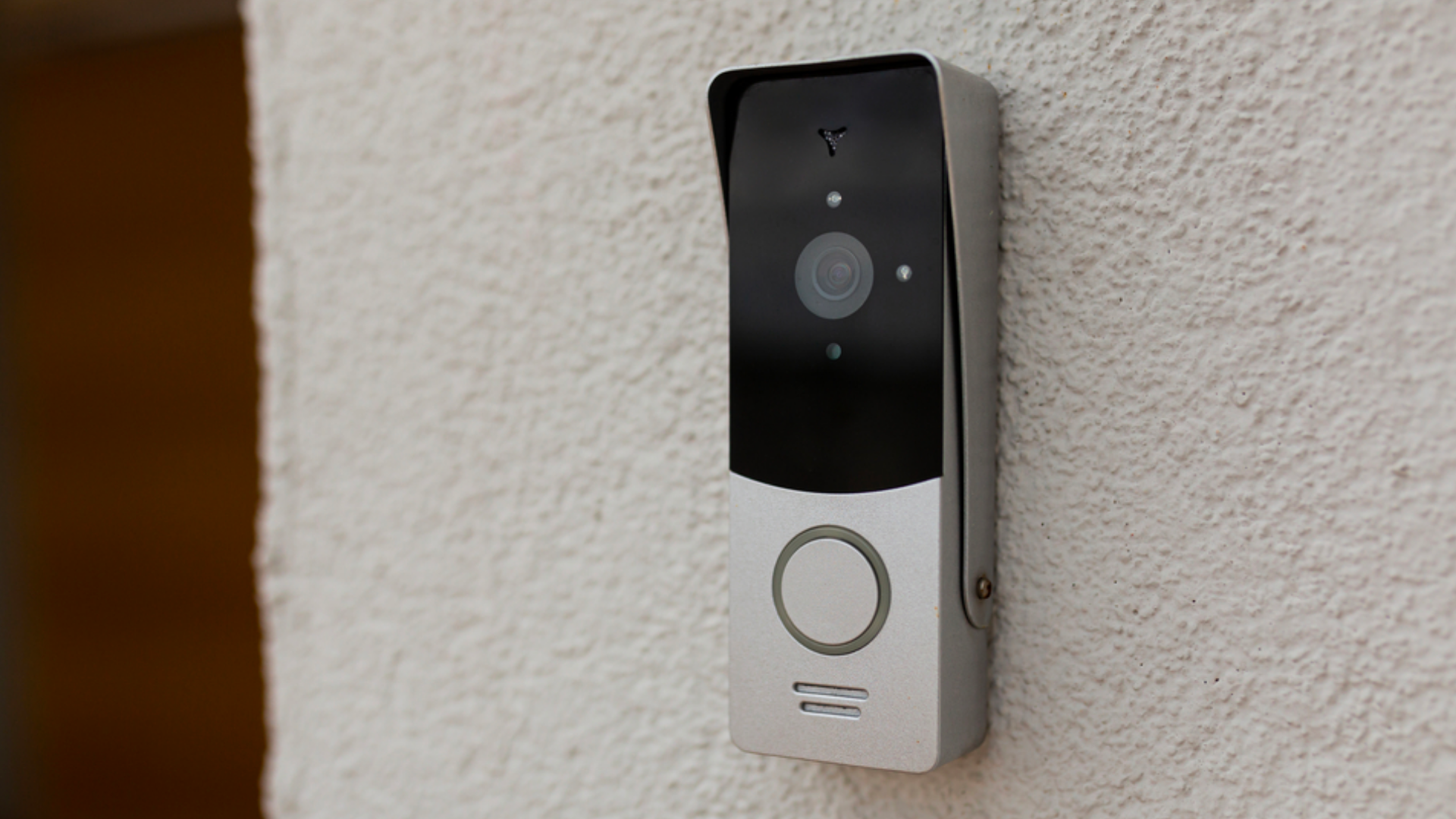
Think of it this way: Smart doorbells are just like your regular doorbell, only fancier, smarter, and way cooler.
Features include:
Motion sensors that detect movement
Cameras that provide real-time video surveillance
Built-in microphones and speakers
Visitor log history
It’s like having a mini bodyguard for your front door!
If you’re looking for a smart doorbell, we recommend the Aqara G4 Smart Video Doorbell.
This comes with a two-way audio feature, so you can even speak to the delivery person at your door (while you’re out and at another location).
If you’re away on a long trip, you can also use this smart doorbell to monitor any suspicious activities.
And here’s the best part: this is one of the most affordable smart doorbells out there.
Most smart doorbells cost $300 – $600, but the Aqara G4 Smart Video Doorbell costs just a fraction of the price.
BONUS: Other items that you can consider for smart home living
So those are the 5 easiest and simplest ways you can get started on smart home living.
If you want more, here are additional smart home appliances you use to zhng (read: upgrade) your smart home:
Smart fridges that can help you plan recipes and meals and curate shopping lists
Smart door locks that unlock your home with a fingerprint touch
Smart thermostats that help you adjust temperature settings in your home
Smart TVs that help you stream shows from many different platforms
Smart robot vacuum cleaners that help you clean your home at scheduled intervals
The list can be exhaustive, but it all boils down to your budget and compatibility of your entire smart home system as well.
If you want to learn all about smart home systems, check out this article - Smart home systems: Aqara home, Smart Life & more.
A final word on achieving smart home living
If you’re looking for the best ways to get started with home automation, check out the ideas we listed above.
Want to know other products or ways to pull off smart home living?
Browse our selection of smart home gadgets from Singtel to jump on the smart home bandwagon today!