Smart home systems: Aqara home, Smart Life & more
If you’re new to the world of smart homes, smart home systems can be confusing.
What smart home devices work with which systems?
What are the different types of systems?
And what’s the difference between open and closed systems?
In this article, we’ll unpack all that you need to know about smart home systems, and (hopefully!) demystify them for you.
We'll cover:
PS - You can shop smart home products on Singtel and pay in 12, 24 or 36 months installments:
What are smart home systems?
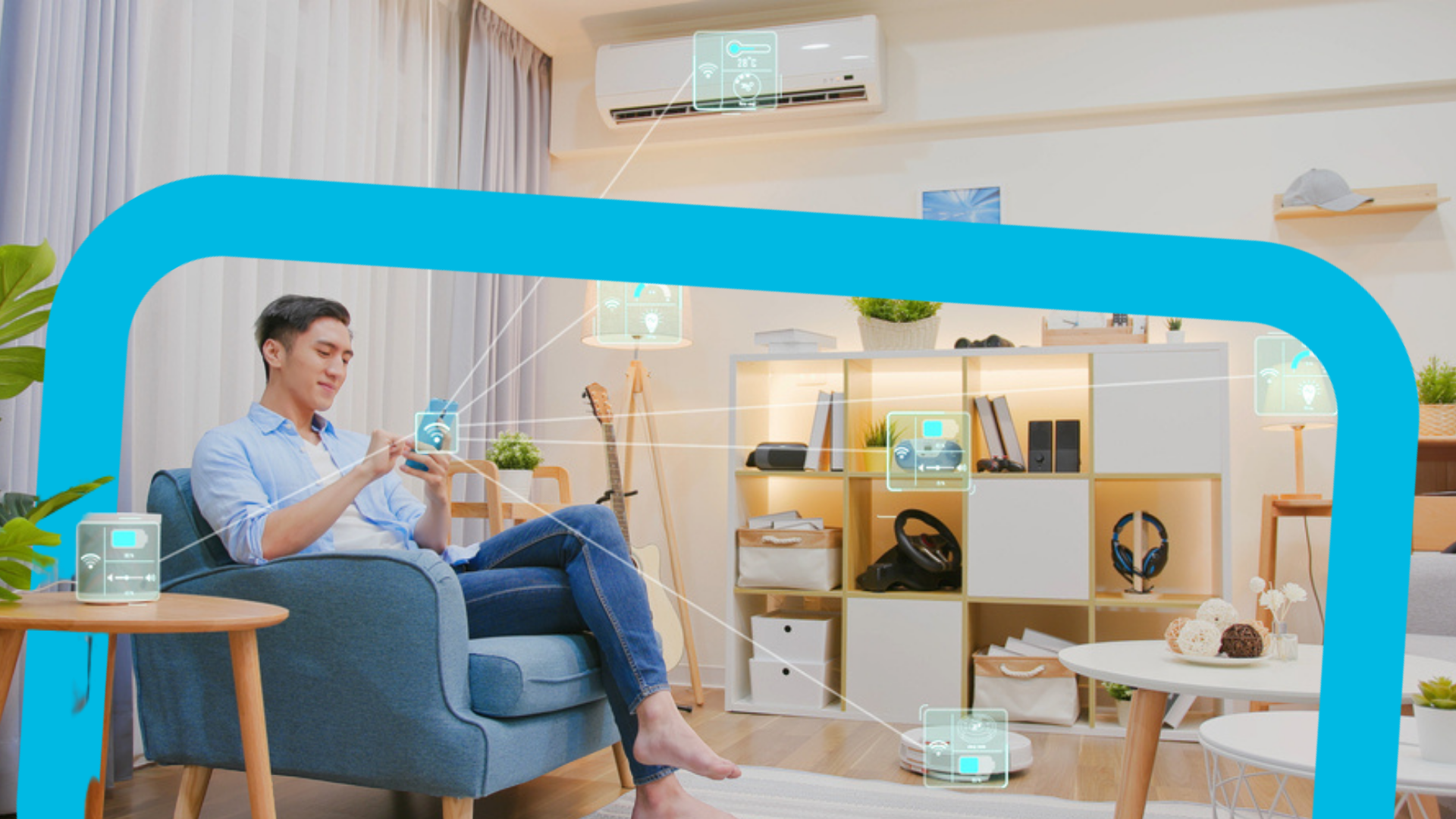
Smart home systems are systems that connect and automate various devices in a home.
With a smart home system, you can control and monitor their homes remotely, either through a smartphone app or a central hub.
Why do you need to connect your devices?
Simply put, this allows you to unlock the potential of your smart home, and use it more effectively.
For example, say you want to set a “good night” scene that you’ll activate whenever you’re ready to go to bed.
This scene may consist of actions such as:
Turning off the lights
Lowering the blinds
Locking the door
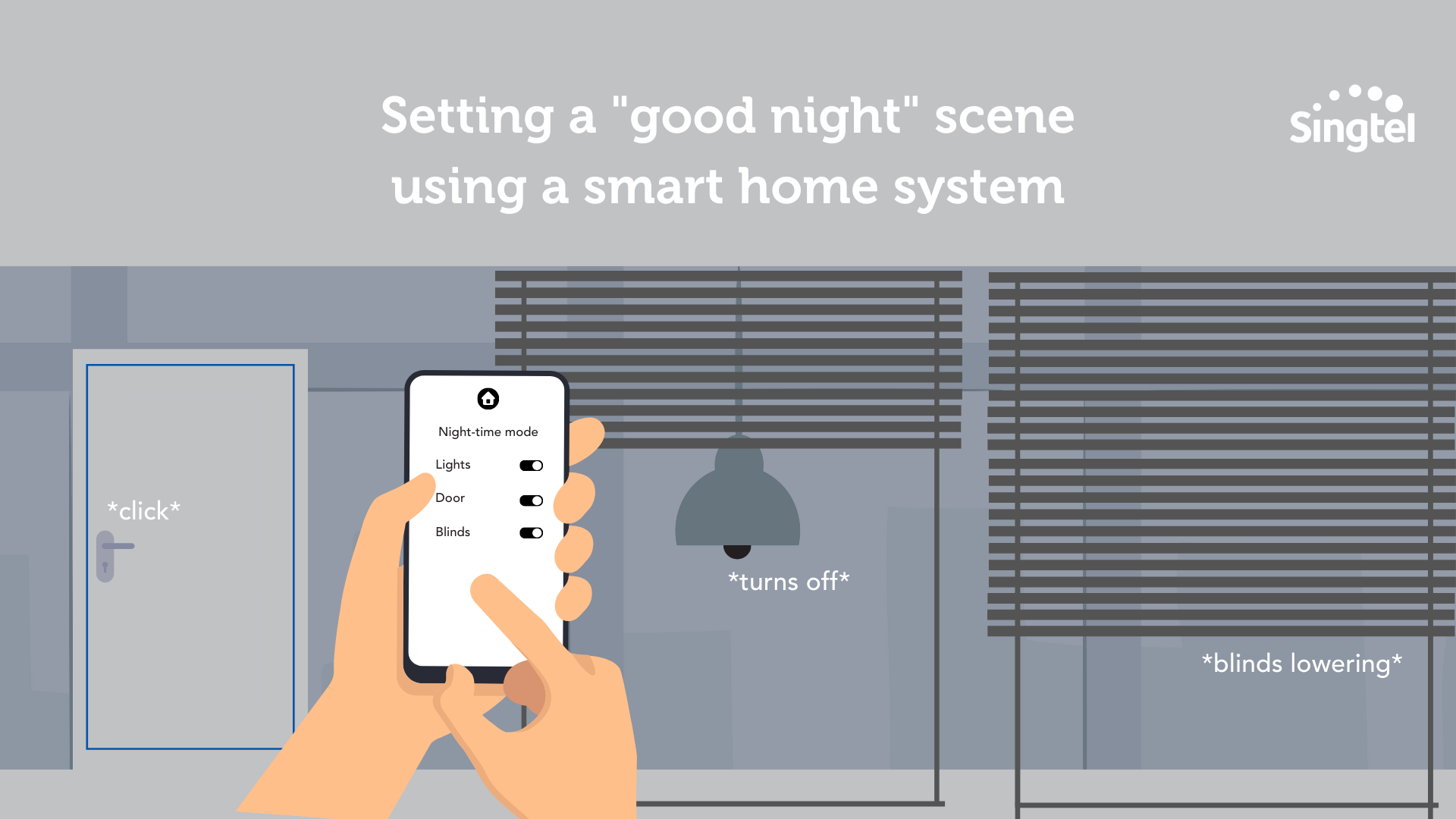
With your smart home system connecting your lights, blinds, and digital lock, you can easily create this scene to use every night.
The other alternative is to do these actions individually.
You can log into each app to remotely turn off your lights, then lower your blinds, then lock your door.
Or you can use voice commands to do the same thing, but again, you need one command for each action.
But why do that, when you can simply activate your “good night” scene and trigger all these actions at once?
This isn’t laziness – you're just working smart 😉
The different types of smart home systems
There are two different types of smart home systems, including:
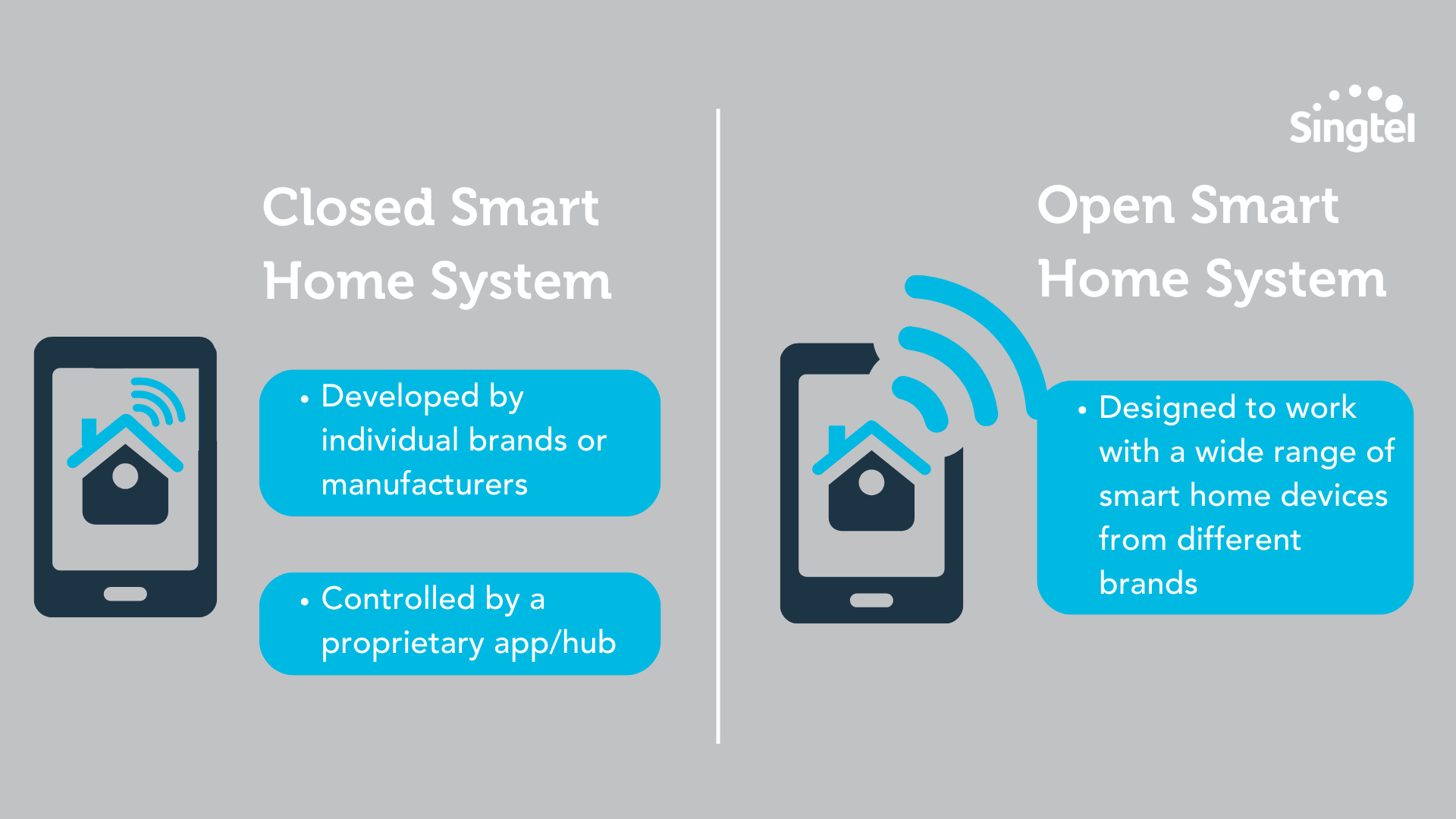
Closed / proprietary smart home systems (by an individual brand)
Open smart home systems (designed to work with devices from different brands)
Closed smart home systems
These include: Aqara, Smart Life, Philips Hue, Nest.
These smart home systems are developed by individual brands or manufacturers. They typically offer a range of smart home devices that can be controlled through a proprietary app or hub.
Open smart home systems
These include: Samsung SmartThings, Apple HomeKit.
These are smart home systems that are designed to work with a wide range of smart home devices from different brands.
For example, say you have smart devices from different brands (eg: a smart thermostat from Google, smart lights from Philips Hue, and a smart lock from Aqara).
You can still use open smart home systems to connect and control the different devices through a single hub.
How do you choose between closed and open smart home systems?
So, are closed or open smart home systems better?
Here are some factors to keep in mind:
Choice:
Simplicity:
Security:
To summarise:
Closed system
Choice
Limited device choices, but designed to work well
Simplicity
Simpler to set up and use
Security
More secure due to fewer potential vulnerabilities
|
Open system
Choice
Greater device choices, but may not work well
Simplicity
More complex to set up and use
Security
More vulnerable to security threats
|
When choosing between open and closed smart home systems, it ultimately comes down to personal preference, and which “camp” you fall in.
The way we see it, most homeowners fall into 2 camps.
First, there are the practical homeowners.
If you fall into this category, you don’t really need the newest or most cutting-edge tech – you just want something that’s easy to set up, and works well.
Then, there are the techie homeowners.
These are the folks who are low-key obsessed with constantly upgrading and improving their smart home systems.
If you fall into this category, chances are, you’ll never be 100% satisfied with what you have.
You’ll always be on the lookout for new smart home deals in Singapore, and you’ll continuously try to upgrade your system.
Now that we’ve identified these two camps of homeowners, the decision of open vs closed system should be easy.
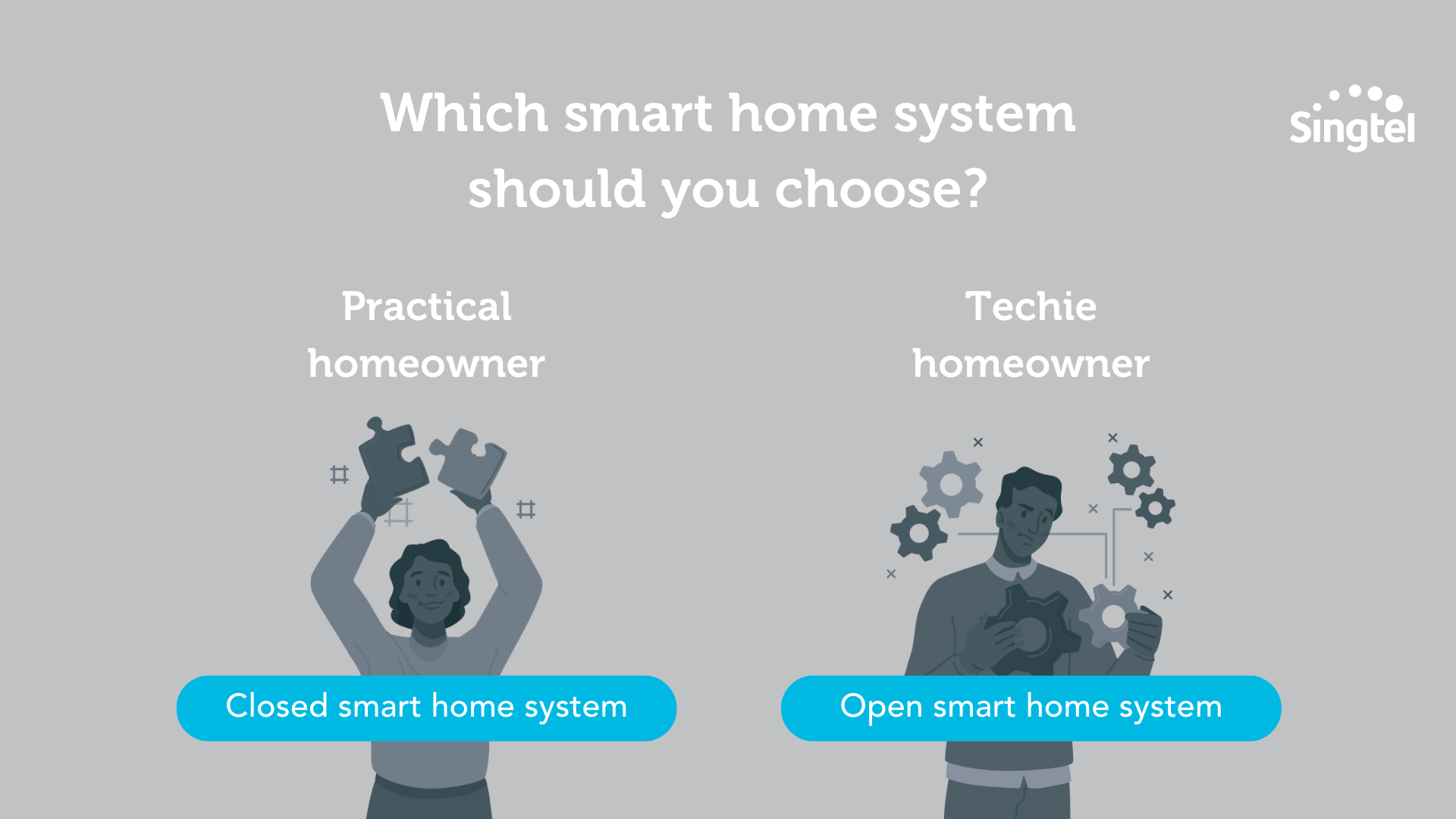
If you’re a practical homeowner, go for a closed system – you'll be able to get it up and running in no time.
If you’re a techie homeowner, go for an open system, which won’t pigeonhole you and give you FOMO 😉
Can you use Samsung devices with Google Home?
Surprisingly, the answer is yes!
Here’s how you would use your Samsung devices with Google Home:
Connect your Samsung devices to the Samsung SmartThings app.
Link your SmartThings app to your Google Home account.
Use your Google Home app to add the Samsung devices you want to control.
Can you use Google devices with SmartThings?
On the flip side, is it possible to use Google devices (such as Google Nest Mini, Google Chromecast) with SmartThings?
Unfortunately, no – it's not possible to do that.
What’s the best smart home hub or system for different devices?
Let’s say you have both Samsung and Google smart devices, and you want to be able to control them from a central location or hub.
Here are your options:
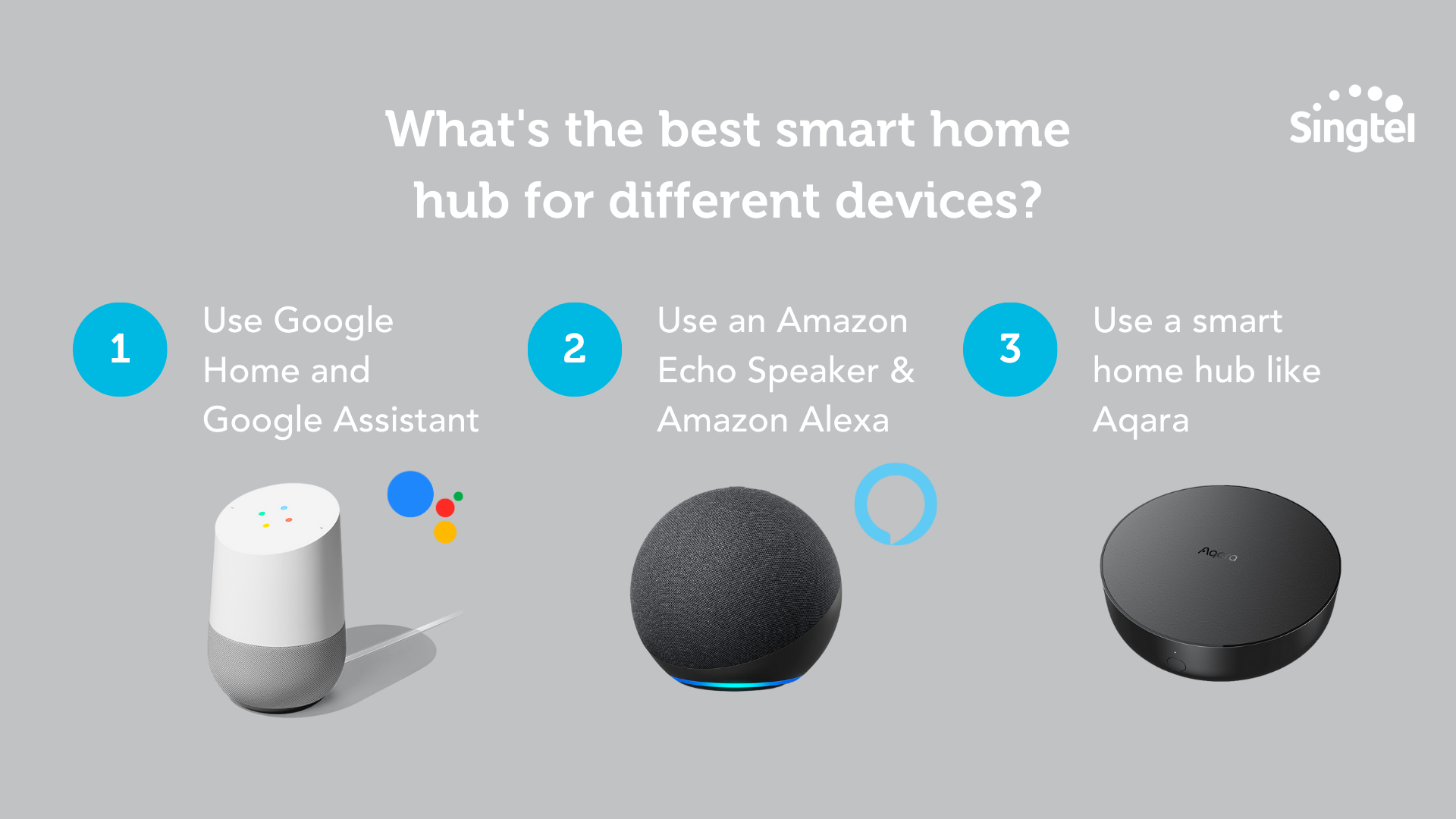
1. Use Google Home and Google Assistant
2. Use an Amazon Echo speaker and Amazon Alexa voice assistant
3. Use a smart home hub like the Aqara G3 Camera Hub. Aqara is compatible with most Samsung and Google smart devices, but not all, so make sure you check the compatibility of the specific devices before you decide on this option.
Whew – that's a LOT of different options. Which is the best?
If your goal is to be able to customise automations, smart home hubs tend to be better at that.
Of course, you can also create automations with Google Home and Amazon Echo, but these tend to be more basic automations.
For example:
Google Home: Automations are based on simple triggers and actions.
Eg: You can create an automation that will turn on your lights and air-conditioning when you say “Hey Google, I’m home”.
Smart home hubs: Automations are based on more complex triggers, including time-based triggers, temperature or humidity thresholds, and more.
Eg: You can create an automation that turns on your air-conditioning when the temperature in the room rises above 25°C, and turns it off when the temperature falls below 22°C.
What if you don’t require complex automations, and you don’t want the hassle of setting up an additional smart hub system or device?
In that case, it’s perfectly fine to use Google Assistant (or a similar voice assistant) to control your smart home devices.
Smart home hubs in Singapore: Aqara Home and Smart Life
Google Home and Samsung SmartThings aside, two of the more popular smart home hubs in Singapore are Aqara Home and Smart Life.
What’s the difference between these two systems, and which works better?
We’ll explain each smart home system first, before comparing the two.
Aqara Home and Aqara Hubs
Aqara has a wide range of smart devices, including different hubs that you can use to control your other smart home devices.
Here are some examples:
You’ll notice that these hubs are called “camera hubs” - so they're all security camera hubs with additional smart home control capabilities.
Both camera hubs come with built-in cameras for video monitoring, and they serve as central control hubs for smart devices.
In terms of functionality, the G2H Pro is the most advanced version.
This supports Apple HomeKit and be controlled through Siri voice commands. It also supports local video storage on an SD card, giving you another option for storing recorded footage.
How the Aqara setup works:
Connect your Aqara devices to the Aqara hub
Connect the Aqara Hub to your home WiFi network
You will be able to control your Aqara devices using the Aqara app, or other compatible apps such as Apple HomeKit
Smart Life
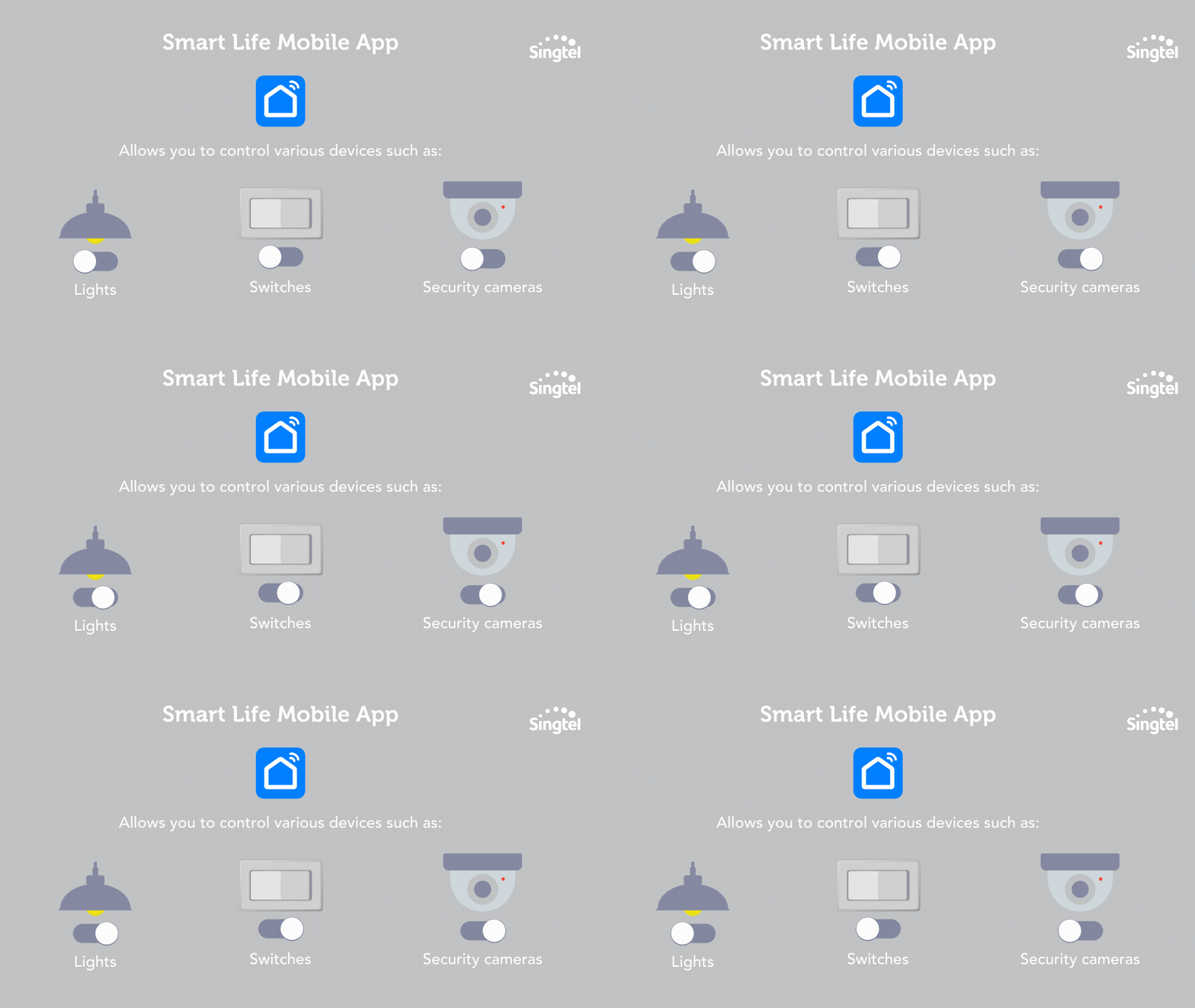
Smart Life is a mobile app that allows you to control various smart home devices such as lights, switches, and security cameras.
How to use the Smart Life app:
Connect your smart devices to your home WiFi network
Add the devices to Smart Life using their unique identification codes
Unlike the Aqara Hub M2, the Smart Life app is compatible with smart devices from different manufacturers, including those that use WiFi, Zigbee, and Bluetooth protocols.
Aqara Home vs Smart Life
Now that you understand the basics of Aqara and Smart Life, let’s discuss their pros and cons.
With the Smart Life app, the one biggest benefit is that it’s a generic platform that supports a range of smart home devices (not just ones that are on the Zigbee protocol).
But on the flip side, since Smart Life is a generic platform, it may be less secure than Aqara, which is designed specifically for the Zigbee protocol.
Now, on to Aqara.
The biggest benefit that Aqara offers is that its devices come with local control, meaning that they can continue to function even if the internet connection is lost.
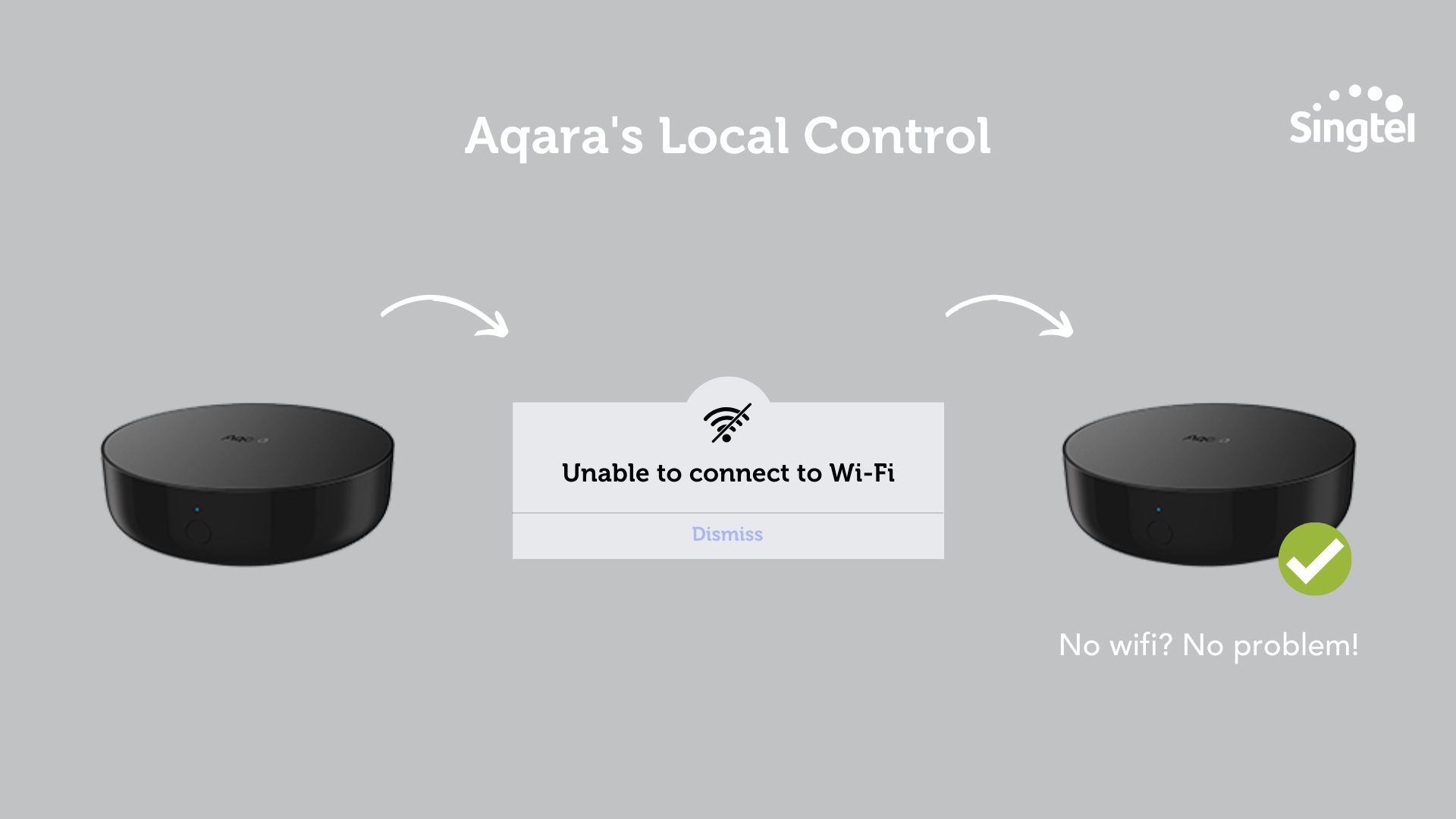
So if your internet is buggy and you lose your connection, your Aqara devices can continue functioning, as long as they’re connected to the Aqara hub.
That aside, local control also gives you more customisation and control over your smart home devices.
If your devices are using cloud-based services instead of a local connection, you'll probably be limited to the automation rules provided by the manufacturer or third-party services.
Granted, these automation rules should be pretty comprehensive, but there’s always the possibility that they won’t meet your specific needs.
With local control, you can create an automation rule that’s as specific as you want.
For example, you can specify that you want to turn on the living room light when the motion sensor detects movement in the room, but ONLY between certain hours.
So that’s the main draw of Aqara – local control.
When it comes to Aqara’s disadvantages, we’ve already talked about it – there’s the fact that you can only use devices on the Zigbee protocol with the Aqara Camera Hub.
That aside, since Zigbee devices tend to have a shorter range compared to WiFi devices, Aqara devices may not work as well in larger homes.
(To get around this, some homeowners install one Aqara hub in each room they have – but as you can imagine, this means you’ll be spending more on the hubs).
So, Aqara vs Smart Life – which should you choose?
Here's a quick TLDR:
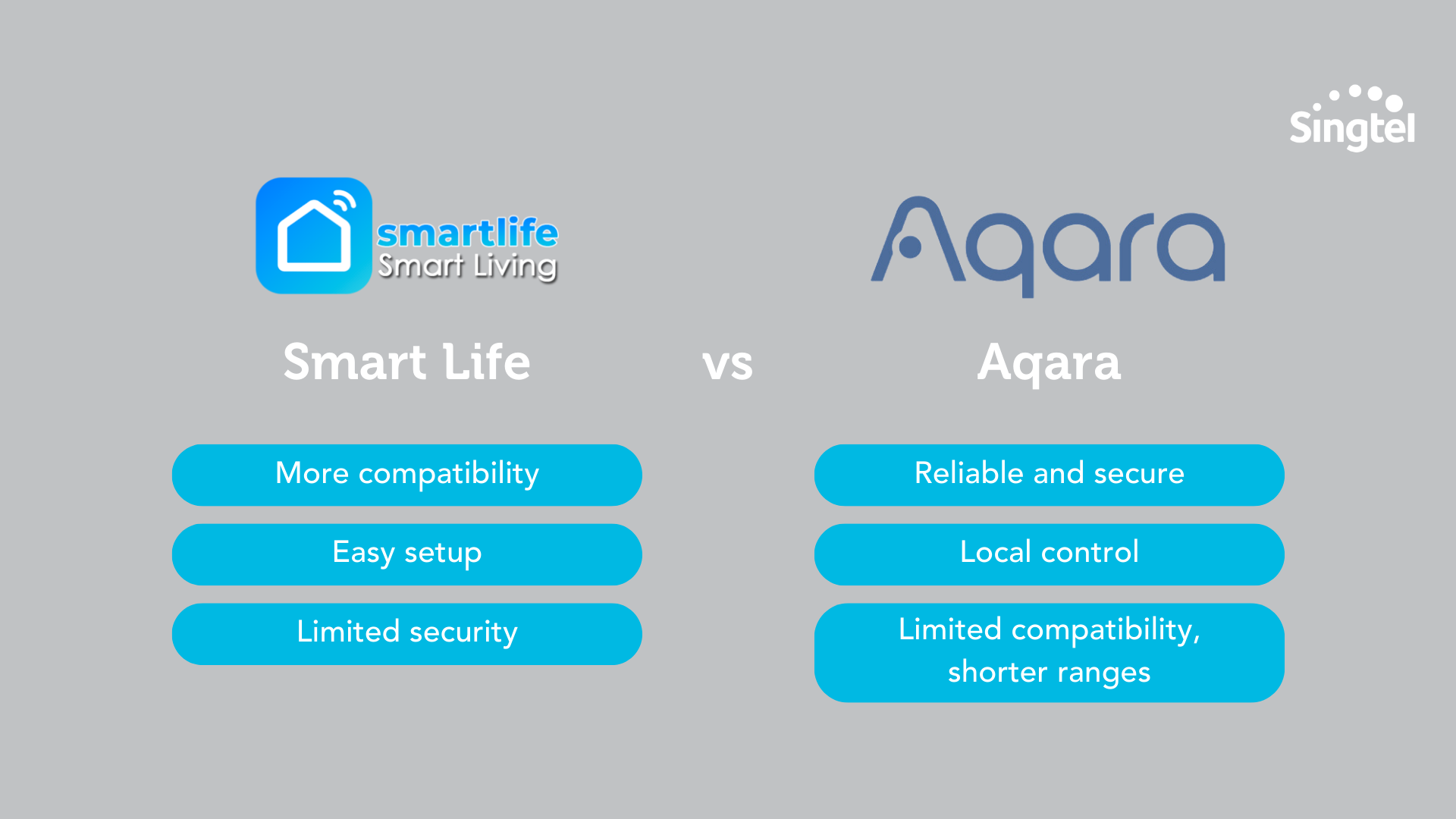
It really depends on your situation, and what you want to prioritise.
If that’s compatibility, go with Smart Life.
If it’s local control (and the ability to customise automations and rules exactly the way you want), go with Aqara.
A final word on choosing a smart home system in Singapore
Think of smart home living as a puzzle – and out of the entire puzzle, choosing your smart home system is the trickiest piece to figure out.
There’s a lot to consider, including what devices you use, whether you prioritise ease of set up or the ability to customise, and more.
But once you’ve got this piece figured out, then comes the fun part!
You can then go shopping and think about what gadgets you want to buy.
Finally, get everything set up in your home, and make your smart home vision come to life 😎
PS: Want to make your smart home devices more affordable?
With Singtel PayLater, you can pay for your smart home devices in instalments of between 12 to 36 months.
Shop smart home products on Singtel: